

TL;DR
The line between no-code app builders and AI app builders is blurring fast, but the deciding factor isn’t the category label. It’s what each tool actually outputs. Most AI builders generate web apps only, which means no App Store listing. Traditional no-code platforms give you more control but demand more time. If you need a native iOS app, most tools in both categories won’t get you there. This guide compares 7 tools across both categories so you can pick the right one for what you’re actually building.
Direct Answer: No-Code App Builder vs AI App Builder (2026)
No-code app builders let you visually build apps using drag-and-drop components, while AI app builders generate apps from natural language prompts.
The key difference is not the category but the output:
- No-code tools give you more control and stability but require manual setup
- AI app builders are faster but often produce web-only apps with limited App Store support
- Most AI builders cannot ship true native iOS or Android apps
- No-code platforms are more reliable for long-term production apps
Bottom line:
If you want a real production app (especially mobile), choose based on output type—not whether the tool is “AI” or “no-code.”
The Real Question Behind No-Code App Builder vs AI App Builder
According to Gartner, 75% of new applications will be built using low-code or no-code tools by the end of 2026, up from less than 25% in 2020. The Stack Overflow Developer Survey 2025 shows that 23% of professional no-code users now rely on AI-assisted generation as a primary workflow.
So the market isn’t small, and it isn’t slowing down. But when you search “no-code app builder vs AI app builder,” you’re not looking for market stats. You want to know which tool will actually ship the thing you’re imagining.
Here’s the uncomfortable truth most comparison articles skip: the category matters less than the output. A no-code builder that produces native mobile apps solves a different problem than an AI builder that generates a React web app. A tool that gets you 80% of the way there and then stalls is worse than a tool that takes longer but actually crosses the finish line.
This article compares 7 tools across both categories, organized by what they ship, what they cost, and where they break. If you’re trying to turn your app idea into something real, the right choice depends on your destination, not the vehicle’s marketing copy.
What’s Actually Different Between No-Code and AI Builders?
Before comparing individual tools, the distinction between these two categories needs to be clear.
No-code app builders are visual platforms where you assemble pre-built components using drag-and-drop editors. You design screens, wire up logic through workflows, connect databases, and publish. Think of them as building with Lego bricks: structured, predictable, and manual. Examples include Bubble, FlutterFlow, and Adalo. These platforms are designed for building and operating apps over months and years, with structured back-offices for content management and ongoing maintenance.
AI app builders are prompt-to-app platforms. You describe what you want in plain English, and an LLM generates the working application, often with exportable code. Iterations happen through conversation rather than visual manipulation. Examples include Lovable, Bolt.new, and Replit Agent.
The distinction gets murkier every month. Bubble recently added AI features for page generation and workflow suggestions. Lovable added visual editing. Bolt.new launched cloud deployment infrastructure. The two categories are converging, and understanding different types of AI app builders helps clarify where any given tool sits on the spectrum.
But one gap remains wide: native mobile output. Most AI builders produce web apps that look decent on a phone but can’t be submitted to the Apple App Store or Google Play Store. This is the single biggest frustration point in practitioner communities, and it’s the detail most marketing pages gloss over.
Why the No-Code vs AI App Builder Categories Are Blurring
The line between no-code and AI app builders is disappearing.
Modern tools now combine:
AI generation (prompt-to-app)
Visual editing (drag-and-drop)
Code export (React, Flutter, Swift)
Backend integrations (Supabase, Firebase)
This creates a hybrid category:
“AI-assisted no-code development platforms”
Because of this, many tools no longer fit cleanly into one category.
For example:
Bubble now includes AI page generation
FlutterFlow generates real code but feels visual
Lovable mixes AI generation with editable UI
Quick-Glance Comparison Table
Tool | Category | Starting Price | Native Mobile? | App Store Path | Code Export | Best For |
|---|---|---|---|---|---|---|
x1 | AI Studio | $99/mo ($66/mo yearly) | ✅ Native iOS (Swift) | Yes (built-in) | Swift/Xcode project | Native iOS apps |
Bubble | No-Code | $29/mo | ❌ Web only | Indirect | No | Complex web SaaS |
FlutterFlow | Low-Code | $39/mo | ✅ Flutter (cross-platform) | Yes (manual) | Flutter/Dart | Cross-platform MVPs |
Adalo | No-Code | $36/mo | ✅ iOS + Android + Web | Yes (built-in) | No | Simple native mobile apps |
Lovable | AI Builder | $25/mo | ❌ Web only | No | React export | Web-based MVPs |
Bolt.new | AI Builder | $20/mo | ❌ Web only | No | React export | Quick prototypes |
Replit Agent | AI IDE | $20-25/mo | ❌ Web only | No | Full code access | Server-side technical apps |
For deeper breakdowns across more tools, see our full AI app builder comparisons.
Real Monthly Cost (What You Actually Pay)
Tool | Sticker Price | Realistic Production Cost |
|---|---|---|
Bubble | $29–$349/mo | $1,000–$3,500+/mo |
FlutterFlow | $39/mo | $60–$200+/mo |
Adalo | $36–$200/mo | $50–$300/mo |
Lovable | $25/mo | $50–$500/mo (credits + backend) |
$20/mo | $100–$1,000+/mo (tokens) | |
Replit Agent | $20–$25/mo | $100–$300/mo |
x1 | $99–$299/mo | Predictable (fixed tier) |
How to Choose the Right App Builder (Decision Tree)
Instead of comparing tools directly, start with your output goal:
If you want a native mobile app (iOS / Android)
FlutterFlow (cross-platform with code export)
Adalo (simple native apps)
x1 (native iOS AI-first builder)
If you want a web SaaS or marketplace
Bubble (most powerful no-code web builder)
Lovable (AI-generated React apps)
If you want a fast prototype or MVP
Bolt.new (instant web apps)
Lovable (AI-generated MVPs)
If you need backend-heavy or technical apps
Replit Agent (full-stack + server-side logic)
7 Tools Compared: No-Code App Builder vs AI App Builder
1. x1
Best for: Non-technical founders who need a real native iOS app in the App Store
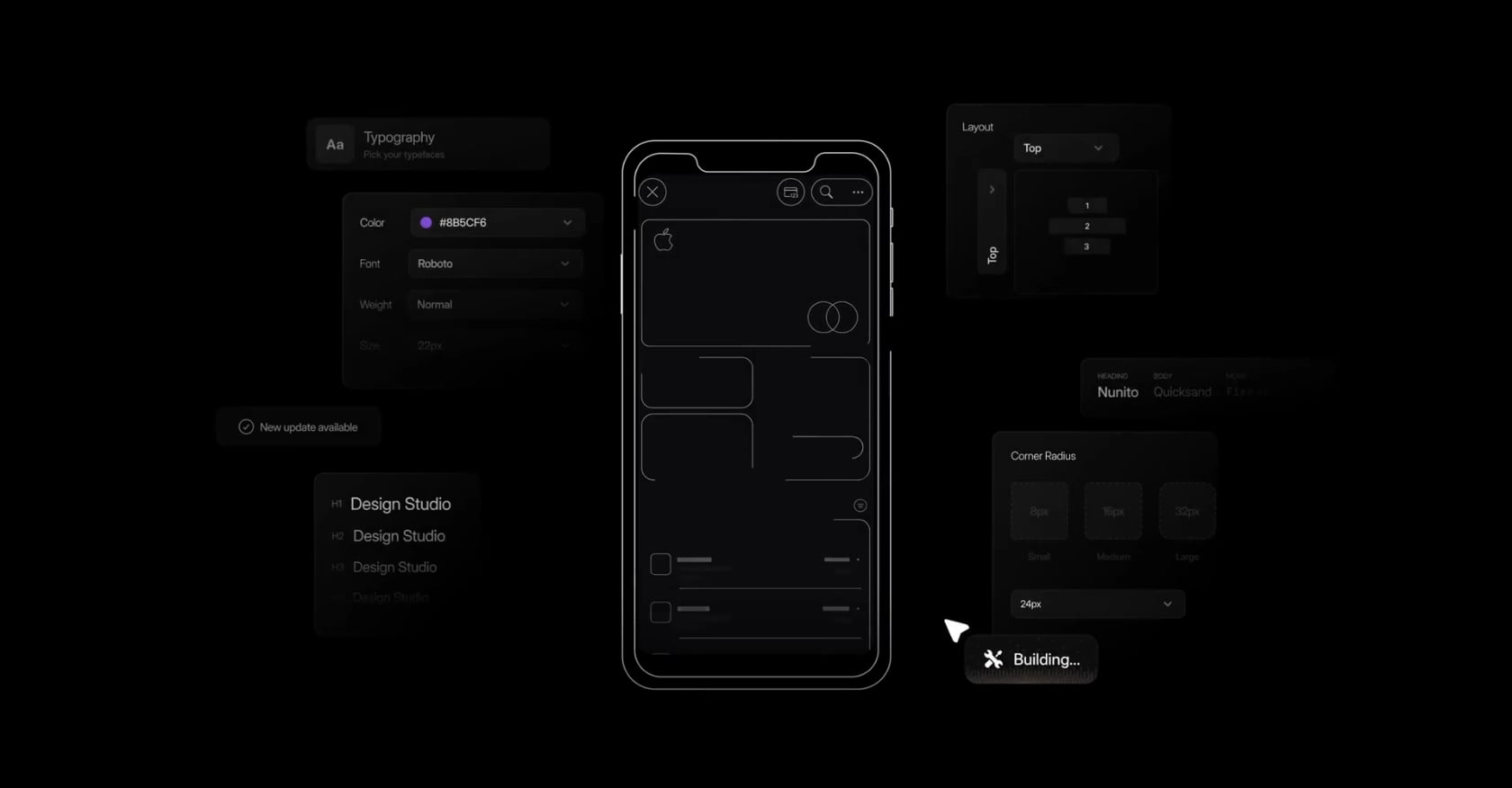
x1 is an AI app studio built specifically for native iPhone apps. Instead of generating a web app and hoping you can figure out the App Store on your own, x1 walks you through a five-stage workflow: Plan, Design, Build, Launch, and Iterate. Each stage is its own focused environment (called “studios”) rather than a single prompt window where everything happens at once.
The output is a real native iOS app in Swift and Xcode, not a web wrapper, not a Progressive Web App.
Pricing:
Builder: $99/mo ($66/mo billed yearly)
Pro: $199/mo ($133/mo yearly)
Max: $299/mo ($200/mo yearly)
Roughly 100 free credits to try the product
Key features:
Plain-English input generates screen maps, features, and user flows
Visual design canvas for brand, layout, and screen editing before code generation
Generates native Swift/Xcode projects
Built-in App Store screenshot creation and ASO metadata drafting
End-to-end submission workflow covering App Review preparation
Tradeoffs:
iOS only. No Android, no cross-platform, no web output.
Higher starting price than web-focused AI builders.
Early-stage product with a smaller ecosystem compared to incumbents.
Who should care: If you’ve been researching no-code app builder vs AI app builder options and your actual goal is the App Store, x1 is the only AI builder in this list that outputs native iOS code with a built-in launch pipeline. The tradeoff is clear: you pay more and you get one platform (iOS) done right rather than multiple platforms done loosely.
Learn more about how x1 takes you from idea to the App Store.
2. Bubble
Best for: Complex web applications, SaaS products, and marketplaces
Bubble is the most established no-code builder for web apps. It gives you a full-stack visual editor with database, workflows, API integrations, and deployment. For complex web applications where you need conditional logic, user roles, and intricate data relationships, Bubble offers depth that most competitors can’t match.
Pricing:
Free: 3 trial apps, no publishing
Starter: $29/mo (175K workload units, custom domain)
Growth: $119/mo (250K WUs)
Team: $349/mo (500K WUs)
Enterprise: custom
Key features:
Full visual programming environment for complex logic
Built-in database and API connector
Large plugin marketplace
Recently added AI features for page generation and workflow suggestions
Tradeoffs:
Web apps and Progressive Web Apps only. No native mobile output.
Steep learning curve. Plan to spend weeks, not hours, getting comfortable.
Workload unit-based pricing creates cost unpredictability. Practitioners report that most production Bubble apps cost $1,500 to $3,500/month when you factor in plugins, optimization, and workload buffers.
Poor optimization can increase costs 2 to 5x at the same user volume.
No code export. You’re locked into Bubble’s infrastructure.
What users say: On Capterra, users call it a “fantastic no-code tool” with “a simple and user-friendly design,” but multiple reviewers note that “larger projects are apt to have performance problems now and then.”
3. FlutterFlow
Best for: Cross-platform mobile MVPs with code ownership
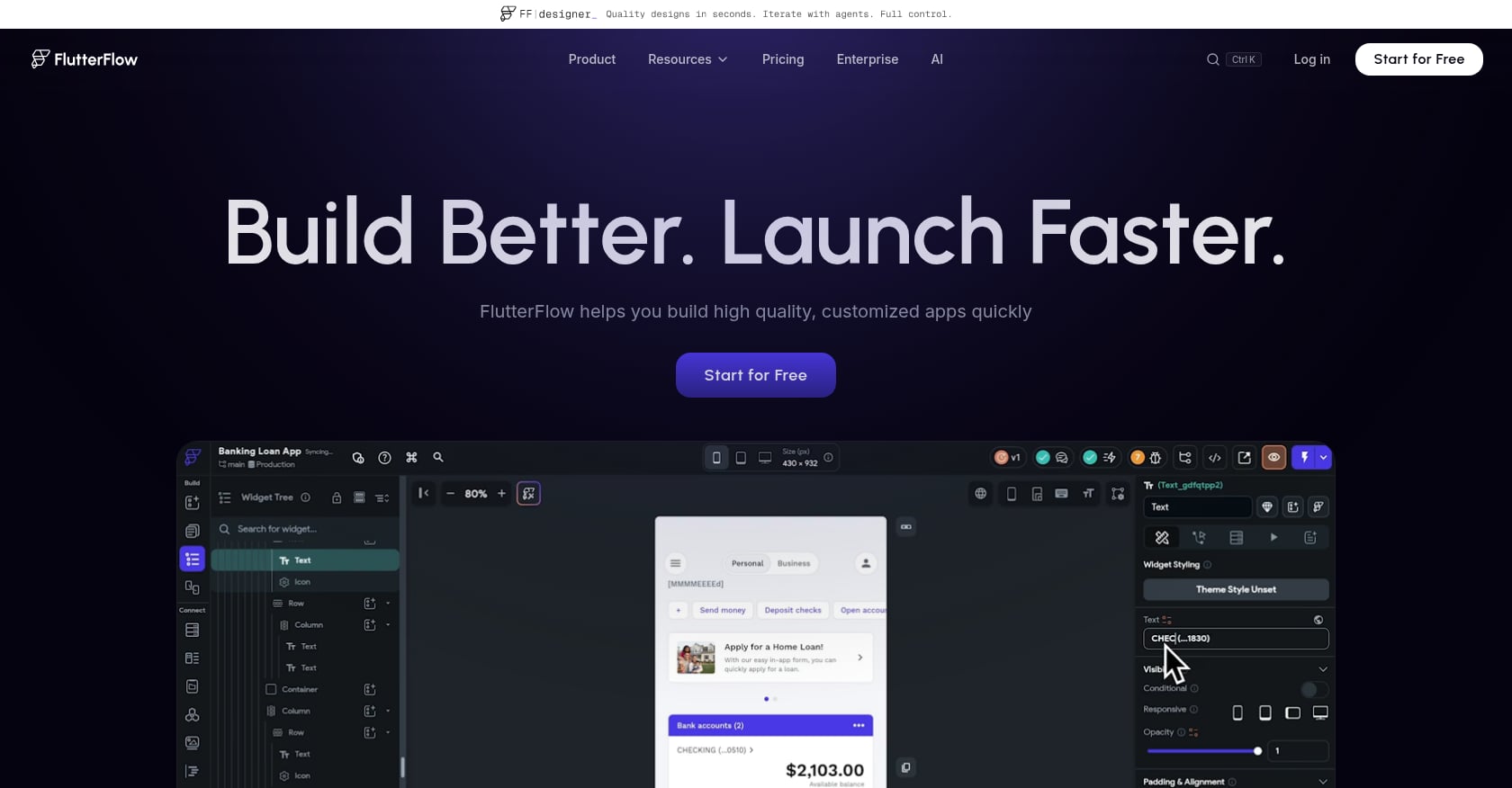
FlutterFlow sits between no-code and traditional development. It’s a visual builder that generates native Flutter (Dart) code, meaning you get cross-platform mobile and web output from a single project, and you can export the code to continue development outside the platform.
Pricing:
Basic: $39/mo
Growth: $80/mo first seat, $55/mo additional seats
Key features:
Visual builder generating real Flutter/Dart code
Cross-platform output (iOS, Android, web)
Full code export at any time
Integration with Firebase and Supabase backends
Custom widget support
Tradeoffs:
This is a low-code builder, not a no-code one. You’ll need technical comfort, especially for custom widgets and backend configuration.
Database is external. Firebase or Supabase usage adds $25 to $100+ per month.
Apple Developer account ($99/year) and Google Play ($25 one-time) fees are separate.
App Store submission is manual. You handle provisioning, builds, and review yourself.
What users say: One Capterra reviewer writes, “Who needs a technical co-founder when you have FlutterFlow?” but notes limitations around custom widget handling. The enthusiasm is real, but so is the learning curve.
4. Adalo
Best for: Non-technical founders who need simple native mobile apps on a budget
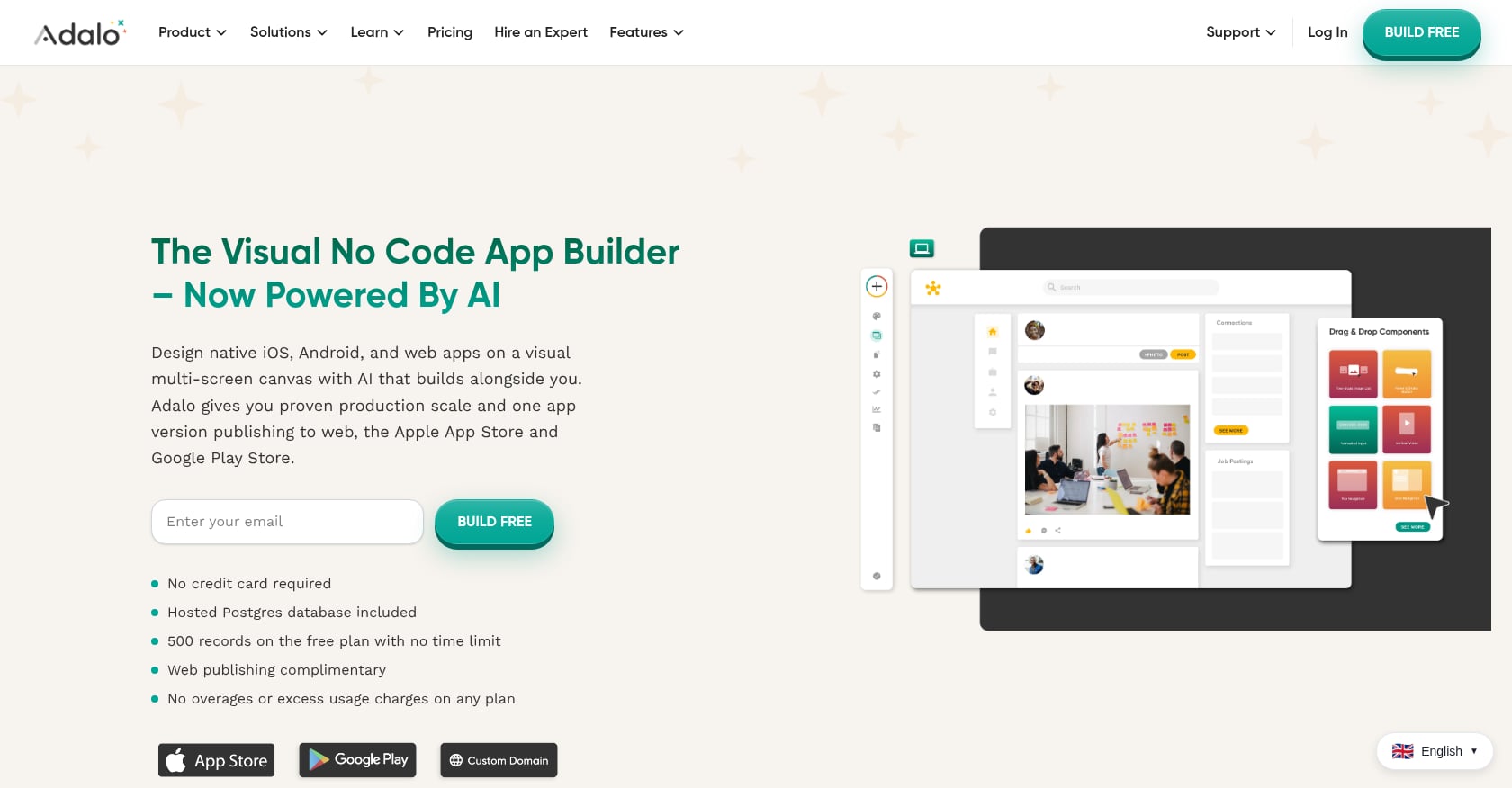
Adalo is a true no-code builder that publishes native iOS, Android, and web apps from a single project. Its drag-and-drop editor is approachable enough that multiple reviewers compare it to PowerPoint. Over 3 million apps have been created on the platform.
Pricing:
Free tier available
Starter: $36/mo
Professional: $65/mo
Team: $200/mo
Key features:
Native iOS and Android publishing from one project
Drag-and-drop visual editor with low learning curve
Built-in database
App Store submission support
Tradeoffs:
Performance caps at roughly 10,000 active users before degradation becomes noticeable.
Payment processing features require the Team tier ($200/mo), which is a steep jump.
Design polish requires more effort than template-driven tools.
No code export. You stay on Adalo’s infrastructure.
Independent reviewers caution that Adalo is “still worth it for prototyping, but not for production apps.”
When comparing no-code app builder vs AI app builder options for mobile specifically, Adalo occupies a useful middle ground: real native output, low learning curve, but with clear scaling limits. For founders exploring the full landscape of options, the guide on building a mobile app without coding covers additional paths.
5. Lovable
Best for: Non-technical founders building web-based SaaS MVPs
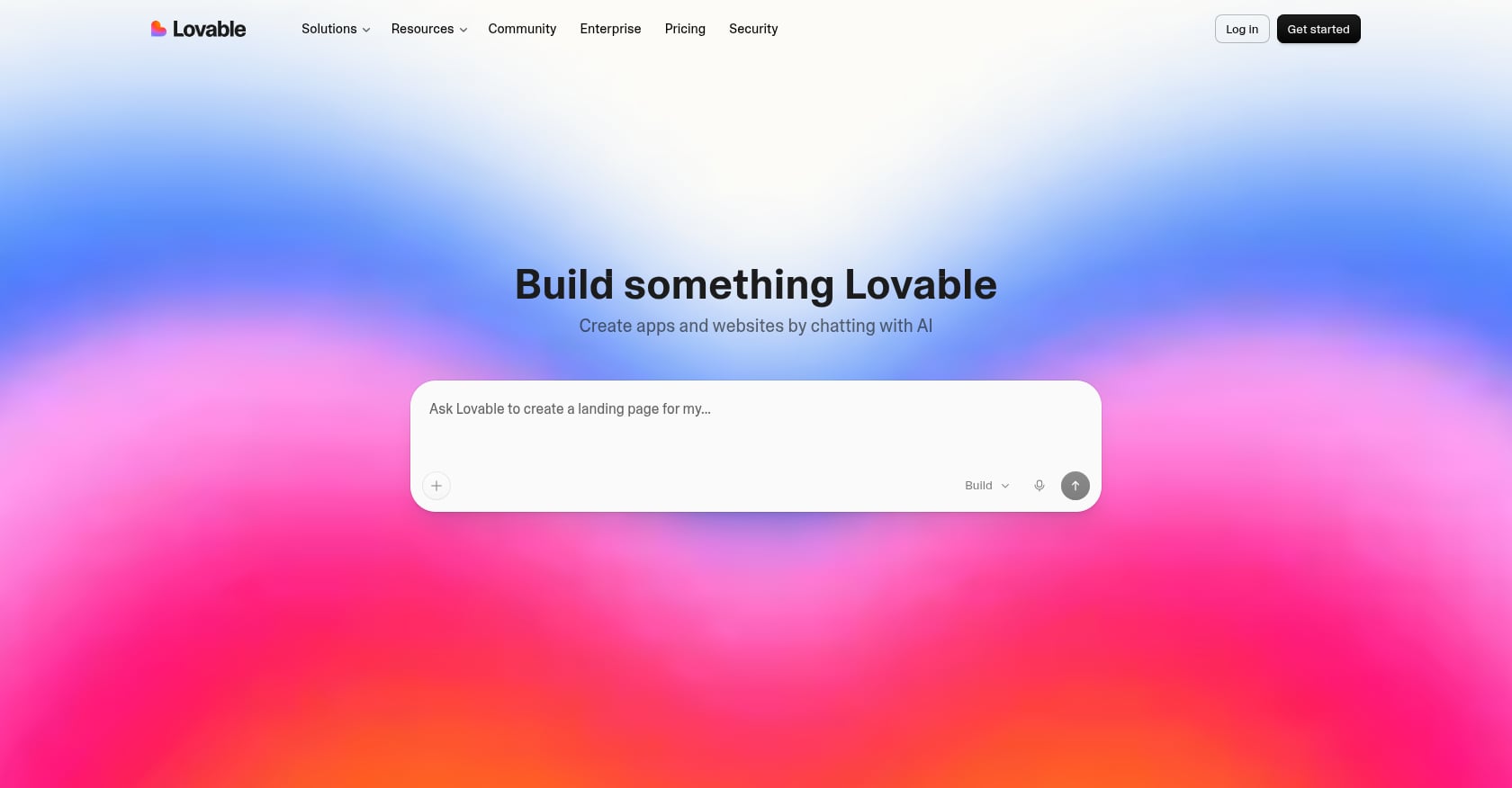
Lovable is the breakout AI app builder of 2025. You describe your app in plain English, and it generates a React-based application with built-in Supabase backend, authentication, and GitHub sync. The growth speaks for itself: Lovable reached $200 million in annual recurring revenue by late 2025.
Pricing:
Free: 5 credits/day (30 credits/month cap)
Starter: $25/mo for 250 credits
Key features:
Natural language to working React app
Built-in Supabase backend and auth
GitHub sync for code access
Visual editing mode (recently added)
Agent Mode for multi-step tasks
Tradeoffs:
Web-only output. No native mobile apps, no App Store path.
Agent Mode is credit-hungry. A single debugging session can consume 5 to 10 credits.
Backend scaling costs through Supabase can become unpredictable.
The React code it generates is exportable but may need significant hardening for production use.
For a detailed breakdown, see x1 vs Lovable for iOS vs web apps.
6. Bolt.new
Best for: Quick prototypes and proof-of-concept apps
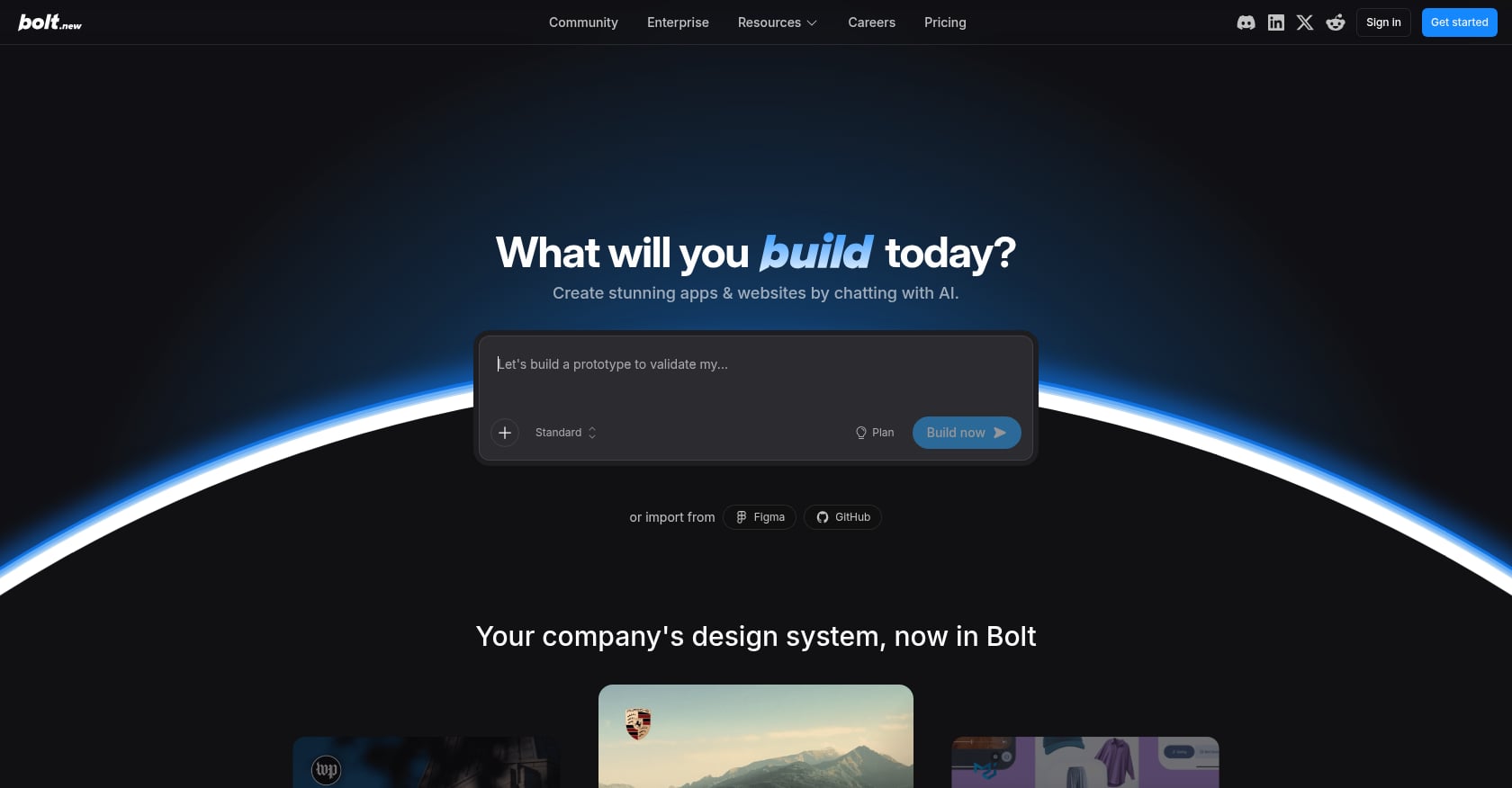
Bolt.new takes the “describe it and ship it” approach to its logical extreme. You type what you want, and it generates, runs, and deploys the app directly in your browser. No local setup, no configuration. It hit $40M ARR in its first six months, which tells you how much demand exists for this kind of speed.
Pricing:
Pro: $20/mo (10 million tokens, Git integration, Supabase support)
Key features:
Zero-setup browser-based development
Instant deployment
Git integration for code export
Supabase backend support
Tradeoffs:
Web-only output. No native mobile path.
Token costs spike hard on complex projects. Practitioners on forums report spending “over $1,000 on tokens just to fix issues” when projects grow beyond simple prototypes.
Best suited for throwaway validation, not production apps you plan to maintain.
Limited debugging tools compared to full development environments.
For more context on how Bolt compares for mobile use cases, see x1 vs Bolt for native iOS vs web apps.
7. Replit Agent
Best for: Technical builders who need server-side logic and real backend capabilities
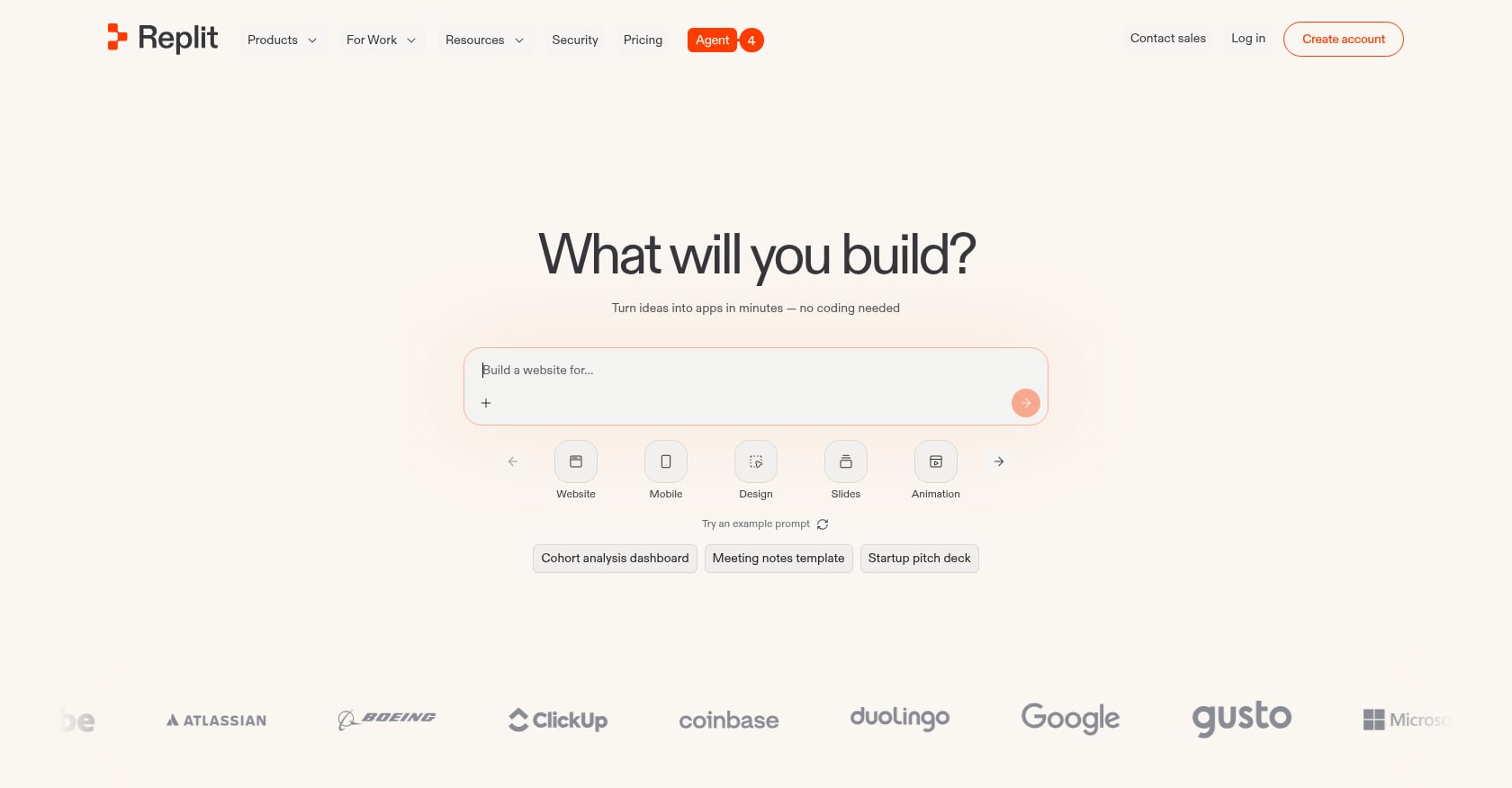
Replit started as a browser-based coding environment and added AI agent capabilities on top. With 35 million users, it’s the largest platform on this list by user base. Replit Agent handles full-stack generation but shines when the project needs real server-side work: Slack bots, webhook processors, Python-based data tools.
Pricing:
Core: $20-25/mo (full Agent access, $25 in usage credits, private apps)
Key features:
Full development environment in the browser
AI agent that can write, test, and deploy code
Multi-language support (Python, Node.js, etc.)
Deployment infrastructure built in
Full code ownership
Tradeoffs:
Web-only output. No native mobile apps.
Assumes technical comfort that non-technical founders may not have.
Effort-based pricing means heavy users report spending $100 to $300/month on top of the base plan.
More of a developer tool with AI assistance than a true “builder for non-developers.”
The comparison between x1 and Replit for native iOS vs cross-platform goes deeper on when each tool makes sense.
The Native Mobile Gap: Why It Matters More Than You Think
This is the elephant in the room of every no-code app builder vs AI app builder comparison. Most AI app builders, and several no-code ones, produce web apps only. They look fine on a phone screen. They might even feel responsive. But they are not native apps, and they cannot be submitted to the Apple App Store or Google Play Store.
A LinkedIn post that currently ranks on page one for this keyword opens bluntly: “Did you know most AI ‘no-code’ tools don’t actually build mobile apps?”
This matters for several reasons. Native apps access device features (push notifications, cameras, sensors, offline storage) that web apps handle inconsistently or not at all. Users expect App Store apps to feel like App Store apps. And if your business model depends on App Store distribution or in-app purchases, a web app simply doesn’t work.
The last-mile launch problem makes things worse. Even if a tool could theoretically output something App Store-compatible, the submission process involves its own hurdles: App Review compliance, privacy policies, proper metadata, icon specifications, screenshot requirements, and provisioning profiles. Most AI builders and many no-code tools offload all of this to the user, who may have no idea where to start.
This gap is exactly why iOS-focused tools exist. If a native app in the App Store is the goal, filtering your options through that lens eliminates most of the list immediately.
Try building a native iOS app with x1
How to Choose: A Decision Framework by Output Type
Stop choosing between no-code app builder vs AI app builder as abstract categories. Choose based on what you need to ship.
Building a complex web SaaS with intricate logic? Bubble gives you the deepest visual programming environment for web apps, but expect a steep learning curve and variable costs at scale.
Need cross-platform mobile with code ownership? FlutterFlow generates real Flutter code for iOS, Android, and web. You’ll need some technical comfort, and the backend costs are separate.
Want a simple native mobile app on a tight budget? Adalo handles iOS, Android, and web from one project with a low learning curve, but don’t plan to scale past 10,000 users.
Non-technical and need a web MVP fast? Lovable turns plain English into working React apps. Great for validation, but web-only.
Just need a quick prototype to test an idea? Bolt.new gets you from description to deployed web app in minutes. Don’t plan to maintain the code long-term.
Need real server-side logic and are comfortable with code? Replit Agent is a full development environment with AI assistance. Powerful but not for non-technical users.
Need a real native iOS app in the App Store? x1 is the only AI builder in this comparison that outputs native Swift/Xcode projects with a built-in launch pipeline.
For founders still figuring out which category fits their skill level, the guide on best app builder for non-technical founders offers additional context.
The cost question deserves honest treatment too. Sticker prices are misleading. Bubble’s $29/mo starter plan becomes $1,500+/mo in production. FlutterFlow’s $39/mo requires $25 to $100+/mo in backend fees. Bolt.new’s $20/mo can balloon past $1,000 in tokens for complex projects. Replit’s $20/mo often becomes $100 to $300 for heavy users. Compare total cost of ownership, not landing page prices.
What Practitioners Actually Say
The most useful insights about these tools don’t come from marketing pages. They come from people who’ve spent real hours trying to ship something.
The 80% completion problem is universal. One tester who evaluated multiple platforms noted that “the first 30 minutes on each platform felt like magic. It’s what happened in the next 30 hours that nobody talks about.” Every tool in both categories hits a ceiling around 80% completion. The last 20%, the part that handles edge cases, errors, permissions, and polish, is where projects stall or costs explode.
AI-generated code has a production gap. Practitioners consistently report that most AI-generated code works fine in testing but breaks in subtle ways once real users interact with it. Generated apps often lack accessibility features, edge-case handling, and proper testing hooks. If you’re shipping to real users, budget time and money for hardening.
The “vibe coding” trend highlights the gap. Tools that let you describe apps in natural language feel incredible at first. But community discussions on Reddit and LinkedIn repeatedly surface the same pattern: the generated output looks impressive but falls apart during real use. This pattern applies to both vibe coding tools tested for mobile and web-only generators.
Pricing models punish success. Workload units, tokens, credits, and effort-based pricing all have one thing in common: they cost more as your app gets more usage. This is the opposite of what founders want. Fixed-tier pricing (like Adalo’s or x1’s) provides cost predictability, which matters when you’re trying to build a business.
Best App Builders by Use Case (2026)
Best for native iOS apps
x1
FlutterFlow (low-code alternative)
Best for web SaaS
Bubble
Lovable
Best for fast MVPs
Lovable
Best for beginners
Adalo
Lovable
Best for technical flexibility
Replit Agent
FAQ
What is the main difference between a no-code app builder and an AI app builder?
No-code app builders are visual drag-and-drop platforms where you manually assemble components, design screens, and wire up logic. AI app builders generate working applications from natural language prompts. The core difference is the input method: visual assembly vs. conversational generation. Both can produce functional apps, but they differ significantly in output type, learning curve, and long-term maintainability.
Can AI app builders create native mobile apps?
Most cannot. The majority of AI app builders (Lovable, Bolt.new, Replit Agent) generate web applications that run in a browser. They may look fine on a phone screen, but they cannot be submitted to the Apple App Store or Google Play Store. x1 is a notable exception, generating native iOS apps in Swift and Xcode. FlutterFlow (a low-code builder) also outputs native mobile apps via Flutter.
Which is cheaper: no-code or AI app builders?
AI builders tend to have lower sticker prices ($20 to $25/mo) compared to no-code builders ($29 to $99/mo), but total cost of ownership tells a different story. Token-based and credit-based pricing in AI builders can spike dramatically on complex projects. No-code builders like Bubble can cost $1,500+/mo in production once you account for plugins and workload units. Fixed-tier pricing models offer the most predictability.
Is the code from AI app builders production-ready?
Generally, no. AI-generated code works in testing environments but often lacks edge-case handling, accessibility features, and proper error management that production apps require. Plan to spend additional time and potentially money hardening any AI-generated output before shipping to real users.
What is the “80% completion problem”?
It’s the pattern where every builder (no-code and AI alike) gets you roughly 80% of the way to a finished app quickly, but the remaining 20%, covering error handling, permissions, polish, App Store compliance, and edge cases, takes disproportionately more time and effort. This last stretch is where many projects stall or costs escalate.
Do I need coding skills to use these tools?
It depends on the tool. Adalo, Lovable, and x1 are designed for non-technical users. Bubble has a steep learning curve despite being “no-code.” FlutterFlow requires technical comfort and is better described as low-code. Replit Agent assumes you’re comfortable reading and editing code. Match the tool to your actual skill level, not the category label.
Can I switch from an AI builder to a no-code builder later?
Switching platforms usually means starting over. Code exported from AI builders (React from Lovable or Bolt, Swift from x1) can be continued in traditional development environments, but it won’t import into a no-code platform. No-code platforms like Bubble and Adalo generally don’t offer code export at all, making migration even harder. Choose with the long term in mind.
Which tool should I pick if I want an app in the App Store?
Your realistic options are limited. For native iOS, x1 generates Swift/Xcode projects with built-in App Store submission support. For cross-platform (iOS and Android), FlutterFlow exports Flutter code but requires manual submission. Adalo handles both platforms with built-in publishing but has performance limits. Most AI builders are entirely web-only and offer no App Store path whatsoever.