

Turning an app idea into a real app means working through six stages: validation, planning, design, building, launching, and growing. This glossary breaks down every term you'll run into along the way, organized by when it actually comes up, not alphabetically. It includes current cost data, App Store rejection numbers, and the difference between a demo and a product that can actually survive contact with real users, which most “how to build an app” guides skip entirely.
You have an app idea. You Google “how to build an app.” Five minutes later you're drowning in acronyms: MVP, PoC, PWA, ASO, IAP, SDK. Every guide assumes you already know what these mean, or worse, uses them interchangeably when they're not the same thing at all.
This glossary exists to fix that. It walks through every term you'll encounter while trying to turn an app idea into a real app, organized by the stage where each one actually matters. Think of it as the decoder ring for every tutorial, Reddit thread, and YouTube walkthrough about app building you've half-understood this year.
The timing matters too. Low-code and no-code approaches to building software have become the default rather than the exception, and AI has accelerated that shift even further over the past two years. The tools have changed faster than the terminology around them, which is exactly why so many builders get tripped up mixing up a prototype with an MVP, or a demo with a real, submittable product.
Whether you plan to code it yourself, hire a developer, or use a guided AI app studio like x1 to move from a written idea to a structured build, this guide gives you the vocabulary to make better decisions at every step.
What It Really Takes to Turn an App Idea Into a Real App (Quick Answer)
Turning an app idea into a real, App Store–ready product means moving through six stages: idea validation, planning, design, development, launch, and post-launch iteration.
Most ideas fail before development because builders skip validation. Most apps get rejected because builders ignore App Store requirements like complete metadata, privacy disclosures, and finished functionality.
A “real app” is not a prototype or a demo. It's a fully functional product that:
– Has a defined core user flow
– Stores or processes real user data
– Passes App Store review requirements
– Can support ongoing updates and real users
The 6 Stages of Turning an App Idea Into a Real App
This guide organizes app-building into six phases so you always know what comes next:
Stage | Goal | Output |
Idea & Validation | Confirm real demand | Problem-solution fit |
Planning | Define structure | Scope, flows, architecture |
Design | Create UX/UI | Wireframes, mockups |
Development | Build the app | A real, working MVP |
Launch | Publish the app | App Store listing + approval |
Growth | Improve and scale | Retention + monetization |
Stage 1: Idea and Validation Terms
This is where most people start, and where the most expensive mistakes happen. The terms in this stage help you figure out whether your idea is worth building before you spend a dollar on development.
App Idea
An app idea is not a feature list. It's not “like Uber but for dog walkers.” A good app idea starts with a specific problem experienced by a specific group of people. A useful forcing function: “My app helps [specific person] do [specific thing] more easily.” If “specific person” is “everyone” or “anyone with a phone,” keep refining. The tighter your target, the easier everything that follows becomes.
Idea Validation
Testing whether your concept solves a real problem before you build anything. This is the single most skipped step, and skipping it is the most expensive mistake you can make.
A first-time app builder documented their experience on Substack, describing seven months spent building an app they no longer use. Their diagnosis: “I didn't validate the idea. I assumed ‘this will solve my problem’ instead of asking ‘is this a real pain point for others?’ and skipped product-market fit entirely.”
The math is brutal. Founders who validate properly tend to spend under $500 and four to eight weeks on the process. The alternative is spending tens of thousands of dollars and six to twelve months building something that fails anyway. The most common validation mistake is starting with the solution instead of the problem, focusing on features instead of user pain points.
Target Audience
The specific group of people your app serves. Not a demographic profile on a slide deck, but the actual humans who will open your app repeatedly because it solves something real for them. If you can't name five people who fit your target audience and would respond to a message about your app, your audience definition needs work.
Competitive Analysis
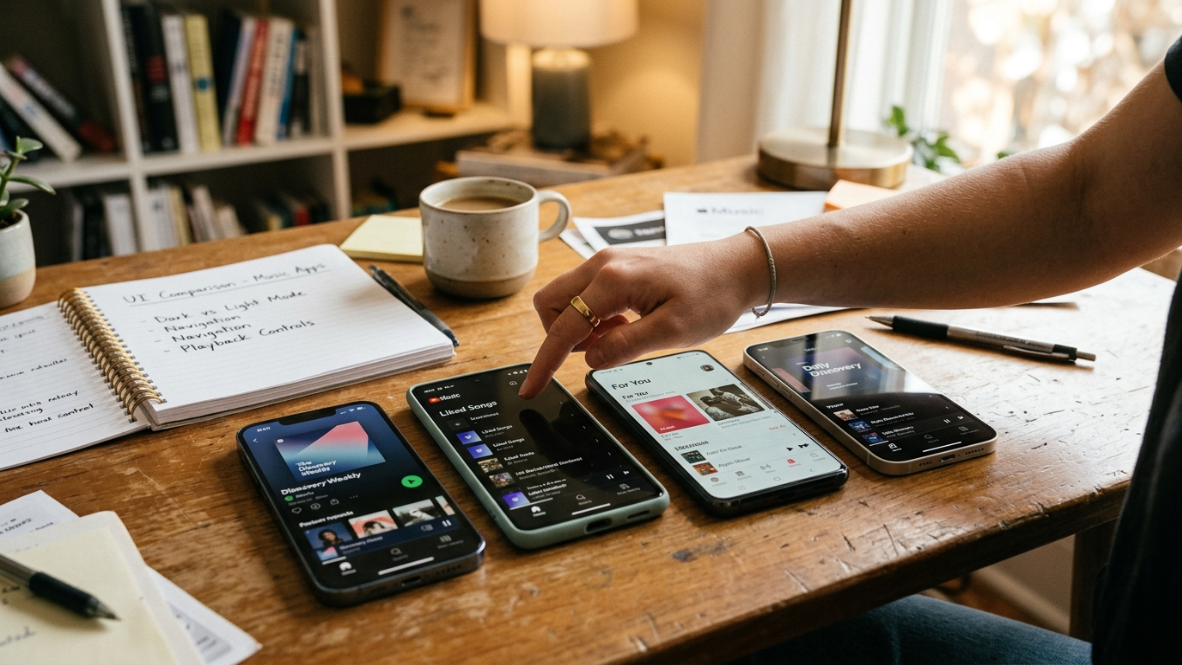
Studying existing apps to find gaps, opportunities, and proof that demand exists. Most successful apps aren't inventions. They're improvements: a better version of something that already exists, built for a more specific audience.
There are millions of apps on the Apple App Store today. Your idea doesn't need to be unique. It needs to be better for someone specific.
Core Loop
The repeating user action that makes your app sticky: open, do the thing, get value, return. Instagram's core loop is open, scroll, engage, return. A budgeting app's core loop is open, log expense, see progress, return. If you can't describe your core loop in one sentence, your app concept is too vague.
One-Sentence Promise
A forcing function to clarify what your app does and who it's for. Not a marketing tagline, but an internal tool for decision-making. Every feature you consider adding should serve this promise. Every feature that doesn't should be cut.
A solo founder taking an idea all the way to the App Store is more realistic than ever, especially with AI handling more of the heavy lifting on planning and build. But that only works if the idea itself is sharp enough to survive contact with real users.
Stage 2: Planning and Architecture Terms
Once you've validated your idea, planning is where you define what gets built and in what order. These terms separate the people who ship from the people who spiral in endless prompt loops.
Proof of Concept (PoC)
A small-scale experiment used to confirm something is technically or commercially feasible. A PoC answers one question: “Can we build this?” It doesn't need to look good, and it doesn't need to be usable by anyone except the person testing the hypothesis. A PoC validates feasibility, a prototype validates the approach, and an MVP validates the market. These three terms get confused constantly. They shouldn't be.
Prototype
A non-functional or semi-functional model used to test design ideas and gather feedback. A prototype answers: “Should we build it this way?” It might be clickable screens in a design tool, a paper sketch sequence, or an interactive mockup. Prototypes test design. They don't test product-market fit. That's the MVP's job.
Wireframe
A bare-bones sketch of your app's screens showing layout and spatial relationships, with no visual polish. Think blueprint, not painting. Wireframes use boxes, lines, and placeholder text to answer “where does everything go?” before anyone worries about colors or fonts.
User Flow
The path a user takes through your app from entry to completing a task. Sign up, land on the home screen, tap a button, see results, take action. Mapping user flows before building prevents the most common design problem: screens that look great individually but create a confusing journey once connected.
Feature Scope
The bounded list of features your app will include at launch. “Bounded” is the operative word. Every app idea starts with an infinite wish list. Feature scope is the discipline of choosing the smallest set of features that delivers your one-sentence promise.
Scope Creep
When features keep expanding beyond the original plan, killing timelines and budgets. Scope creep is the number one reason app projects go over budget and over time. It usually sounds reasonable in the moment (“while we're at it, let's also add…”) and compounds silently until the project is unrecognizable.
Information Architecture
How content and features are organized and labeled within your app. Good information architecture means a user can find what they need without thinking. Bad information architecture means they tap around confused, then delete the app.
This is also where a lot of builders get stuck switching between tools to plan, sketch, and decide scope. A guided AI app studio handles this differently: instead of jumping straight from idea to screens, the planning stage turns your rough concept into a structured plan, complete with a screen map, core flow, and build milestones, before any building starts.
Stage 3: Design Terms
Design is where your app starts looking like an app. These terms cover the visual and experiential layer that sits between planning and code.
UI (User Interface)
What the app looks like: buttons, colors, typography, icons, spacing, layout. UI is the surface layer, the pixels a user actually sees. Good UI makes an app feel professional and trustworthy. Bad UI makes users assume the whole product is low quality, even when the functionality underneath is solid.
UX (User Experience)
How the app feels to use. Navigation flow, load times, friction points, moments of delight or frustration. UX is invisible when it's done well. You only notice it when something feels off: a button too small to tap, a flow that requires too many steps, a screen that doesn't acknowledge an action.
Design System
A set of reusable design components and guidelines that keep every screen visually consistent. For a solo builder or small team, a design system means you decide your colors, fonts, button styles, and spacing rules once, then apply them everywhere. Without one, each new screen risks looking like it belongs to a different app.
Screen Map
A visual diagram of every screen in your app and how they connect. Think of it as the blueprint for your app's entire interface. A screen map reveals dead ends, redundant screens, and missing paths before a single line of code is written.
Mockup
A high-fidelity static image of what a finished screen will look like. More polished than a wireframe but not interactive. Mockups are the “this is what you'll get” artifact, useful for getting alignment with collaborators, testers, or stakeholders before investing in development.
This is also where the difference between a one-shot AI builder and a structured studio shows up clearly. Most one-prompt tools generate screens before there's any real structure behind them, which is part of why early demos look great but fall apart the moment you ask for a meaningful change. A studio-style approach reviews and approves the design for each piece of the app before it gets built, so design decisions happen on purpose instead of getting baked in by accident.
Stage 4: Build and Technology Terms
This is the stage where most of the confusion and anxiety lives. The number of paths from “design” to “working app” has exploded over the past two years, and the terminology hasn't kept pace.
Native App
An app built specifically for one operating system using that platform's own programming language and frameworks. Native apps have full access to device hardware (camera, sensors, notifications), and historically deliver strong performance and meet Apple's quality bar cleanly. The native-vs-cross-platform decision used to be treated as the single most important technical choice in mobile app building. In practice, it matters less than most guides suggest: what determines whether an app passes App Store review and holds up over time is the structure, completeness, and quality of the build process behind it, not the specific framework.
Cross-Platform App
A single codebase that can run on more than one operating system, commonly built with frameworks like React Native or Flutter. The trade-off used to be framed as reach versus polish. That gap has narrowed significantly. Modern frameworks like React Native now produce mobile apps that look, feel, and perform close to native, while letting a small team move much faster and iterate more easily than a fully native build typically allows. This is part of why more AI app builders, including x1, have shifted toward React Native as their primary output.
Web App / PWA (Progressive Web App)
An application that runs in a mobile browser rather than being installed from an app store. PWAs can look and feel like native apps, but they lack access to many device features and can't be discovered through App Store search. When someone says they “built an app” using a website builder, this is usually what they mean. It's functional, but it's not what most people picture when they say “real app.”
React Native
A framework, originally built by Meta, that lets developers write one codebase and ship it as a real mobile app on iOS (and Android, if needed) using JavaScript and native UI components under the hood. React Native apps are not web wrappers; they compile down to genuinely native interface elements, which is why frameworks like it have become the default choice for AI app builders that need to move fast without sacrificing app quality. If your app is being built with x1, this is the technology stack doing the work behind the scenes.
MVP (Minimum Viable Product)
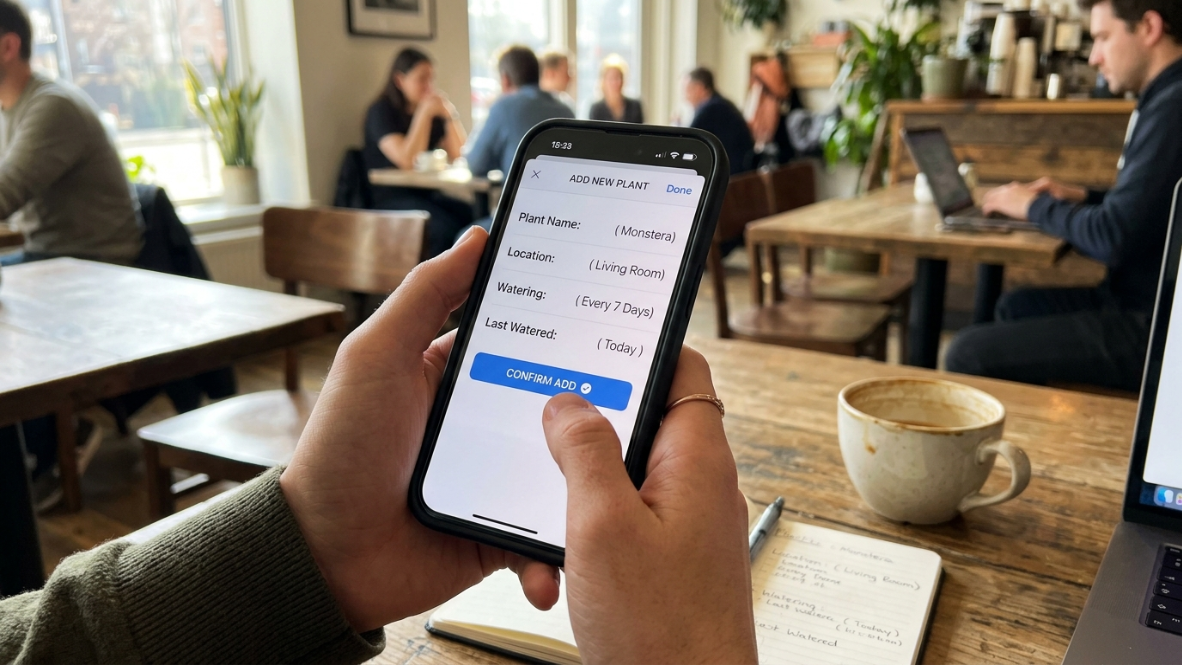
A functional app with just enough features to solve the primary problem and gather actionable feedback from real users. The MVP is not a prototype and not a demo. It's a real product with real users doing real things. It answers one question: “Will people want this?”
The MVP is where you turn your app idea into a real app for the first time. Everything before this stage is preparation. Everything after is iteration.
No-Code Platform
A tool that lets you build apps without writing code, using visual editors and drag-and-drop interfaces. No-code platforms like Adalo, Glide, and Bubble have made simple apps accessible to non-technical builders. The limitations show up at scale: custom logic, complex data relationships, and native device features often require workarounds, or aren't possible at all.
Low-Code Platform
Similar to no-code, but it allows adding custom code for advanced functionality. Low-code sits between no-code and full custom development. It's a good fit when you need most of the speed benefits of no-code but have a developer available for the parts that need custom logic.
Vibe Coding
A term coined by AI researcher Andrej Karpathy in early 2025 for building software by describing what you want in natural language and letting AI generate the code. The defining characteristic is accepting AI output without reading every line, focusing on results rather than implementation details.
The developer community generally treats vibe coding as a serious starting point but not a finish line. The consensus: it excels at prototypes, MVPs, landing pages, internal tools, and personal projects. On its own, it tends to struggle producing apps that hold up once real users and real edge cases show up. That gap is exactly what separates a one-prompt app builder from a guided AI app studio.
AI App Builder vs. AI App Studio
These terms sound interchangeable. They're not. An AI app builder typically generates an app from a single prompt or a short series of prompts, handling both UI arrangement and code generation in one pass. An AI app studio takes a more structured, multi-stage approach, guiding you through planning, design, building, QA, and launch as separate phases with dedicated tools for each.
The distinction matters because one-shot generation, producing an entire app from a single prompt, tends to create technical debt: shortcuts and messy logic that work initially but compound into problems the moment you try to iterate. x1 takes the studio approach specifically because it treats app creation the way a product team would: capture intent through guided questions, plan the structure, design before building, build in milestones rather than one giant pass, QA each milestone, and prepare the app for App Store submission.
If your goal is to turn an app idea into a real, maintainable app, understanding this difference can save you from a common trap: an impressive demo that falls apart the moment you try to change something. You can see how this plays out in practice on the x1 AI App Studio page, or compare it directly against one-prompt tools on the x1 App Builder page.
Technical Debt
Shortcuts or messy code that work now but create problems later. Every software project accumulates some technical debt; the question is how much and how fast. One-shot AI generators are particularly prone to producing brittle, tangled logic because they optimize for “looks right” in the first thirty seconds over “works right” six months later.
Stage 5: Launch and App Store Terms
Building the app is only half the work. Getting it into the App Store, and keeping it there, requires its own vocabulary.
App Store Connect
Apple's portal where developers manage app submissions, metadata, pricing, analytics, and user feedback. It's the control panel for everything related to your app's presence on the App Store.
Apple Developer Program
The paid annual account required to publish apps to the App Store. You need this before submitting anything, and you also need it to access TestFlight for beta testing. There's no free alternative for publishing to the App Store.
App Store Review
Apple's quality gate for every app and update submitted. This is where first-time builders get blindsided. Apple reviews millions of app submissions each year and rejects a substantial share of them for failing to meet quality, safety, or design requirements, with first-time submissions facing meaningfully higher rejection rates than updates from established apps.
The good news: most rejections are predictable and avoidable. Placeholder content like “Lorem Ipsum” text, temporary images, or “coming soon” messages accounts for a large share of preventable rejections. Developers consistently report that rejection is usually a sign the submission process wasn't ready, not that the app itself is bad.
One agency developer shared on a forum that the pattern they see most often is “clients have great apps but rushed submissions, losing weeks in rejection-and-resubmission loops.” This is exactly the gap automated submission support is designed to close: x1 can help automate parts of the App Store submission process itself, reducing how often builders lose time to avoidable rejection loops.
TestFlight
Apple's beta testing platform, letting you distribute pre-release versions of your app to up to 10,000 testers. TestFlight is free and built into App Store Connect. Using it before submitting for review catches bugs, gathers feedback, and reduces the chance of rejection.
App Store Optimization (ASO)
Optimizing your app listing's title, keywords, description, and screenshots to rank higher in App Store search. ASO is the SEO of the App Store. Most organic app discovery happens through search, so your listing's text and visuals directly affect how many people find and download your app.
App Store Screenshots
The visual previews shown on your app's listing page, often the single biggest conversion lever in your entire listing. Users scroll through screenshots before reading a single word of your description. Poorly designed screenshots, or worse, raw device screenshots without context, kill conversion rates.
Metadata
Title, subtitle, description, keywords, category, and other text fields in your App Store listing. Incomplete metadata is one of the most common rejection reasons. Missing demo credentials, so Apple's reviewers can actually test your app, is another frequent and entirely avoidable failure.
In-App Purchase (IAP)
Apple's required payment system for digital goods and subscriptions sold within apps. If you sell digital content or services inside your app, you must use Apple's system and pay its commission. There's no opt-out for digital goods. Physical goods and services (like ride-hailing or food delivery) are exempt.
Privacy Manifest
A requirement that still trips up experienced developers. Every third-party library bundled in your app needs a privacy manifest declaring what data it collects and why. Miss one, and your app can get rejected before a human even looks at it. Apps using external AI services also need to disclose the AI provider and data types involved before sharing any personal data, a requirement that's become non-negotiable for AI-powered apps specifically.
Stage 6: Post-Launch and Growth Terms
Launching is not the finish line. It's the starting line. The terms in this stage cover what happens after your app is live.
Iteration
The cycle of releasing, measuring, learning, and improving. This is where real apps are made. Your first version will be imperfect. The apps that succeed are usually the ones that ship, learn from user behavior, and improve quickly. The vast majority of startups fail, and the survivors are almost always the ones that iterated fastest.
Retention Rate
The percentage of users who return to your app after their first use. Retention is the most honest metric in app development. Downloads measure curiosity. Retention measures value. If people come back, your app solves a real problem. If they don't, no amount of marketing will fix it.
Churn
Users who stop using or unsubscribe from your app. Churn is the inverse of retention. High churn in the first week usually means onboarding is broken. High churn after a month usually means the core loop isn't compelling enough.
Monetization Model
How your app makes money. The main options: freemium (free with premium upgrades), subscription (recurring payment for ongoing access), one-time purchase (pay once, own forever), and ad-supported (free for users, revenue from advertisers). Subscriptions dominate iOS revenue because Apple's ecosystem and payment infrastructure make recurring billing frictionless. This is also a decision worth making early rather than late; thinking through your monetization approach during planning, not after launch, tends to produce a cleaner paywall and fewer review headaches.
Subscription Paywall
A screen that gates premium content or features behind a recurring payment. Paywalls are subject to specific App Store guidelines around transparency, free trial disclosures, and cancellation access. Getting this wrong is a common rejection trigger.
Post-Launch Maintenance
The ongoing cost of keeping your app running, updated, and compatible with new OS versions. This typically adds a meaningful percentage of your original development cost annually. Budget for it from the start. Apps that stop getting updates lose rankings, accumulate bugs, and eventually get removed from the App Store.
What Does “Real App” Actually Mean?
This is the most important distinction in the entire process of turning an app idea into a real app. “Real” is a spectrum, and where your app falls on it determines whether people can actually use it, whether Apple will approve it, and whether it can generate revenue.
Demo or throwaway prototype. Looks like an app in a screen recording. Has no real backend, can't handle real users, won't pass App Store review. This is what most one-shot AI generators produce on the first try. Impressive for a screen recording, useless for a business.
Web wrapper or PWA. A website packaged in an app shell. Functional, but not native. Limited access to device features, often sluggish, and increasingly flagged by Apple's review team. Some make it through. Many don't.
Cross-platform app. A real app with a shared codebase, commonly built with React Native or Flutter. Legitimate, functional, distributable through app stores, and, with a modern framework, capable of feeling genuinely native to the people using it.
Native app. Built specifically for one platform using its own language and frameworks. Full access to device capabilities and a long track record with App Store approval. Still a strong option, particularly for apps that lean heavily on platform-specific hardware features, though for most builders the gap with well-built cross-platform apps has narrowed considerably.
The “real app” distinction matters because the gap between a demo and a production-ready app is where most first-time builders get stuck. They see an AI tool produce something that looks finished, assume the hard part is done, and then spend weeks discovering everything that isn't actually working. Understanding this spectrum from the start saves enormous time and frustration. You can browse what finished, structured builds look like in practice on the x1 examples page.
Cost and Timeline Reality Check
The cost to turn an app idea into a real app depends entirely on which path you choose.
Path | Typical Cost | Timeline | Output Quality |
Hire an agency | $40K to $500K+ | 3 to 12 months | High (if good agency) |
Freelancer | $10K to $100K | 2 to 6 months | Variable |
Learn to code yourself | $0 to $200 (courses) | 6 to 18 months | Depends on dedication |
No-code builder | $25 to $500/month | Days to weeks | Limited functionality |
Guided AI app studio | Low monthly cost, often with free credits to start | Days to weeks | Aims for a real, structured, launch-ready build, not just a demo |
Custom mobile app development through a traditional agency or freelance route still commonly runs well into the tens of thousands of dollars on average, with simple apps starting around $40,000 and complex, feature-rich platforms running considerably higher.
On the other end of the spectrum, AI-powered tools now produce working applications from a written idea for a fraction of that cost. The gap keeps widening. x1, for example, starts at a low monthly price with free credits for new users to test the workflow before paying anything, a meaningfully different starting point than older premium AI app builders that required checkout before you could see how the product worked.
A simple app built with AI tools can move from idea to working build in a matter of days; medium-complexity apps typically take a few weeks. These timelines assume the idea is validated and the scope is defined. Skip those steps, and you add months of circling. You can see exactly what's included at each plan on the x1 pricing page.
Why iOS First?
When trying to turn an app idea into a real app, one of the first decisions is which platform to target. For most indie builders and small teams, the practitioner consensus still points in the same direction: start with iOS.
iOS commands a substantial majority of the U.S. smartphone market, and the App Store has historically had a stronger track record for paid apps and subscriptions than Google Play. Most indie developers and startups that monetized early launched on iOS first, then expanded to Android once revenue justified the investment.
This isn't about iOS being objectively “better.” It's about focus. Building for one platform first means one codebase, one design system, one set of guidelines, one submission process. That focus translates directly into faster iteration and higher quality, both of which matter more in the early stages than platform coverage. x1 is currently built around this exact focus, helping builders go from idea to a working iPhone app without splitting attention across two platforms on day one.
Why Most App Ideas Fail Before Launch
Most app ideas fail not because of coding problems, but because of predictable, avoidable mistakes:
1. Skipping idea validation
Building before confirming demand.
2. Overbuilding the MVP
Trying to launch a “full product” instead of a testable version.
3. Confusing a prototype with a real app
A working demo is not App Store–ready.
4. Ignoring App Store requirements
Metadata, privacy disclosures, and review rules cause a large share of first-time rejections.
5. No retention strategy
Focusing on downloads instead of repeat usage.
Frequently Asked Questions
How much does it cost to turn an app idea into a real app?
It depends on your path. Hiring an agency typically costs $40,000 to $500,000 or more. Going the freelancer route runs $10,000 to $100,000. A guided AI app studio like x1 can cost as little as the price of a low monthly plan, with free credits available to test the workflow before you pay anything. The most important cost-saving move, regardless of path, is validating your idea before building, which typically costs under $500 and takes four to eight weeks.
Can I build a real app without coding?
Yes, though “real” depends on your definition. No-code platforms can produce functional apps with real limitations at scale. AI app studios like x1 can take a written idea through planning, design, milestone-based building, and QA, producing apps built on modern frameworks like React Native that are meaningfully closer to what a structured development team would ship than a quick demo. The key is choosing a tool that produces output suitable for actual App Store submission, not just a screen recording.
What's the difference between a prototype and an MVP?
A prototype is a non-functional or semi-functional model used to test design ideas and gather feedback. It answers “Should we build it this way?” An MVP is a fully functional product with the minimum features needed to solve the primary problem and attract real users. It answers “Will people want this?” Prototypes test design. MVPs test product-market fit.
Why do so many apps get rejected from the App Store?
Apple rejects a substantial share of the millions of app submissions it reviews each year, and first-time submissions face notably higher rejection rates than updates. The most common reasons are placeholder content, incomplete metadata, missing privacy disclosures, and unclear app functionality. Most rejections are avoidable with a pre-submission checklist, and some platforms, including x1, can help automate parts of the submission process to reduce these avoidable losses.
What is vibe coding, and can it build a real app?
Vibe coding is a workflow where you describe what you want in natural language and let AI generate the code. It was coined by Andrej Karpathy in early 2025. The developer community consensus is that vibe coding works well for prototypes, MVPs, and internal tools, but on its own tends to struggle producing apps that hold up once real users show up. Combining a natural-language workflow with a structured, multi-stage process, the kind a guided AI app studio provides, produces better and more durable results than relying on a single prompt.
Should I build for iOS or Android first?
For most indie builders and startups targeting the U.S. market, iOS first remains the stronger default. iOS holds a clear majority of U.S. smartphone share and has a stronger ecosystem for paid apps and subscriptions. Building for one platform first also means faster iteration, fewer variables, and a tighter feedback loop.
How long does it take to go from app idea to App Store?
With a validated idea and a clear scope, a guided AI app studio can produce a launchable app in days to weeks. Traditional custom development takes 3 to 12 months. The biggest variable isn't the building itself, it's the validation and planning that should happen before any building starts.
What does post-launch maintenance cost?
Expect to spend a meaningful percentage of your original development cost annually on maintenance: bug fixes, OS compatibility updates, feature improvements, and server costs. Apps that stop receiving updates lose App Store rankings and eventually get removed.
Turning an app idea into a real app is not a single leap. It's a sequence of knowable, manageable stages, each with its own vocabulary. Understanding these terms won't just help you follow guides and tutorials. It will help you make better decisions about what to build, how to build it, and which tools to trust with the work.
If you want to see the full process end to end, from submitting an idea to entering a studio workspace to publishing, the how it works page walks through every step. And if you're ready to see where your idea fits, you can start building with a free batch of credits to try the workflow before committing to a plan.