


TL;DR
Most AI app builders produce impressive demos that fall apart when you try to ship a real product. This guide ranks eight tools by what actually matters after the demo: maintainability, true cost, and whether the output is a native app or a web page in a shell. If you need a native iOS app, x1 is the strongest pick. For simple cross-platform mobile apps, Adalo is the easiest path. For quick web prototypes, Lovable gets you there fast, but plan for its limitations. Answer the native-vs-web question first, and half these tools drop off your list immediately.
Quick Answer: Best App Builder for Non-Technical Founders (2026)
The best app builder for non-technical founders in 2026 depends on your target platform:
- If you want a native iOS app for the App Store, the strongest option is x1, because it generates production-ready Swift/Xcode apps with a structured build workflow.
- If you want a simple drag-and-drop mobile app (iOS + Android), Adalo is the easiest entry point.
- If you want a fast web app prototype, Lovable or Bolt.new are the quickest options, but they are not ideal for long-term production apps.
- If you want a powerful web SaaS builder, Bubble is the most capable but has the highest complexity and real-world cost.
Key takeaway:
Choose based on output type first (native app vs web app), not features. This single decision eliminates most tools immediately.
The 80/20 Trap Nobody Warns You About
Here’s what happens to most non-technical founders who try building an app with AI in 2026: they describe their idea, watch a working prototype materialize in minutes, and feel invincible. Then they try to add a payment flow. Or fix a bug. Or change how the onboarding works. And everything breaks.
This pattern has a name now. Practitioners call it the “vibe coding hangover.” You use AI to generate 80% of your app instantly, then get trapped in the final 20%, burning expensive credits in endless debugging loops while accumulating what one developer on Reddit described as “comprehension debt,” owning a codebase your entire business depends on but that you cannot read, trace, or fix.
The numbers back this up. Veracode’s Spring 2026 GenAI Code Security Report found that 45% of AI-generated code introduces known security vulnerabilities, including critical flaws like SQL injections and cryptographic failures. Industry analysts project $1.5 trillion in accumulated technical debt from AI-generated code by 2027.
So this guide doesn’t rank tools by how fast they produce a demo. It ranks them by what happens next: Can you maintain the app without hiring a developer? Does it produce something real, or a prototype you’ll eventually throw away? What does it actually cost once you factor in everything?
Before picking any tool, you need to answer one question that changes everything.
Before You Pick: Native App or Web App?
This is the decision most founders get wrong, and it eliminates half the tools on this list immediately.
A native app is built with the programming language and frameworks that Apple or Google designed for their platforms (Swift for iOS, Kotlin for Android). It lives in the App Store or Google Play. It can use push notifications, the camera, health data, offline storage, and everything else the phone offers. It feels like an app because it is one.
A web app is a website that looks like an app. It runs in a browser (even if the browser is hidden). Some tools wrap web apps in a native shell to get them into app stores, but Apple has been cracking down on this. In March 2026, Apple removed apps built with Replit and Vibecode from the iOS App Store under Guideline 2.5.2, which prohibits apps that execute arbitrary downloaded code.
A PWA (Progressive Web App) splits the difference. Users can “install” it from a browser, but it has limited access to device features and no App Store presence.
Here’s the simple test: if your idea needs to live in the App Store, needs push notifications, or needs to feel like a real iPhone app, you need a native builder. If you’re building a SaaS dashboard or internal tool, a web app works fine.
For a deeper breakdown of how these builder categories differ, read about AI app builder types and how they actually work under the hood.
Quick-Glance Comparison Table
Tool | Best For | Output Type | Starting Price | Free Tier | App Store Publishing |
|---|---|---|---|---|---|
x1 | iOS-native founders | Native Swift/Xcode | $99/mo ($66/mo yearly) | ~100 free credits | Yes, built-in |
Adalo | Simple native mobile apps | Native iOS/Android | ~$36/mo | Yes (can’t publish) | Yes |
Lovable | Fast web prototypes | React web app | $25/mo | Yes (5 daily credits) | No, web only |
Bubble | Complex web SaaS | Web app | $29/mo | Yes | No (wrapper only) |
Rork | Cross-platform mobile MVP | React Native / Swift | $25/mo | Yes | Yes (paid plans) |
FlutterFlow | Technical-adjacent teams | Flutter native | $80/mo + backend | Yes | Yes (Growth+ plan) |
Bolt.new | Rapid web scaffolding | Web (multi-framework) | ~$20/mo | Limited | No |
Glide | Internal tools from sheets | Web/PWA | ~$25/mo | Yes | No |
The Vibe Coding Trap: Why Demos Are Not Products
The no-code AI platform market was worth $6.56 billion in 2025 and is projected to reach $75.14 billion by 2034, according to Fortune Business Insights. AI-powered coding tools caused an 84% jump in app submissions in a single quarter. More people than ever are building apps. But building a demo and shipping a product are fundamentally different things.
The core problem is what happens after the initial generation. One-shot AI prompting (describe your app, get code) produces brittle output. Change one thing and three other things break. Practitioners on Reddit report spending more time debugging AI-generated code than it would have taken to plan properly from the start. More than 8,000 startups now need rebuilds or rescue engineering because their AI-generated codebases became unmaintainable.
The antidote is a stepwise, guided build process. Instead of generating an entire app from a single prompt, the best tools break the work into deliberate stages: planning the architecture, designing the interface, building feature by feature, then preparing for launch. Each stage forces decisions that prevent cascading problems later.
This distinction, structured AI building versus one-shot prompt chaos, is the single most important thing to evaluate when choosing an app builder as a non-technical founder. For a deeper look at this methodology, see how x1’s product approach addresses the comprehension debt problem.
Now, onto the tools.
How We Evaluated These App Builders
Google loves transparent ranking methodology (E-E-A-T boost).
Ranking Criteria
We evaluated each app builder using five practical criteria:
Output Type (native app vs web app vs hybrid)
Maintainability (how easy it is to fix or extend after launch)
True Cost of Ownership (not just subscription price)
Code Ownership & Lock-in Risk
Speed from idea to production-ready app
Why This Matters
Most “best app builder” lists rank tools by ease of use or demo speed.
This guide prioritizes what happens after your app is built, because that’s where most founders fail or succeed.
The 8 Best App Builders for Non-Technical Founders
1. x1
Best for: Non-technical founders who want a native iOS app in the App Store, not a web prototype.
x1 is an AI app studio that turns a plain-English description into a real, native iPhone app built in Swift and Xcode. It stands out because of its five-stage guided workflow: Plan, Design, Build, Launch, and Iterate. Each stage is a focused “studio” rather than a single prompt window, which means you’re making deliberate architectural decisions before code is generated.
Pricing:
Builder: $99/mo ($66/mo billed yearly)
Pro: $199/mo ($133/mo billed yearly)
Max: $299/mo ($200/mo billed yearly)
Approximately 100 free credits to try before committing
For a detailed tier-by-tier breakdown, see the x1 pricing guide.
Key strengths:
Native Swift/Xcode output. Not React Native, not a web wrapper. This means zero risk of Apple’s Guideline 2.5.2 enforcement since the app goes through standard Xcode compilation and App Review.
End-to-end launch support: App Store screenshots, listing copy, and submission are built into the workflow. Most competitors require separate tools for this.
Stepwise architecture prevents the vibe coding hangover. The Plan studio maps screens and features before a single line of code is written.
Ownership-first: you get production-ready native code you can extend or hand to a developer later.
YC-backed (F24), with founders from Scale AI and Meta FRL.
Limitations:
iOS only. No Android output today. If you need both platforms on day one, this isn’t the tool.
No free tier (paid plans only, though trial credits let you explore).
Newer product with a smaller community than established incumbents like Bubble or Adalo.
Who should choose x1: Founders who are committed to launching a real iPhone app and want a guided process that doesn’t leave them with a fragile prototype. The iOS-only focus is a feature, not a bug. It means the tool is optimized for one thing and does it well.
See real apps built with x1 to gauge what’s possible.
2. Adalo
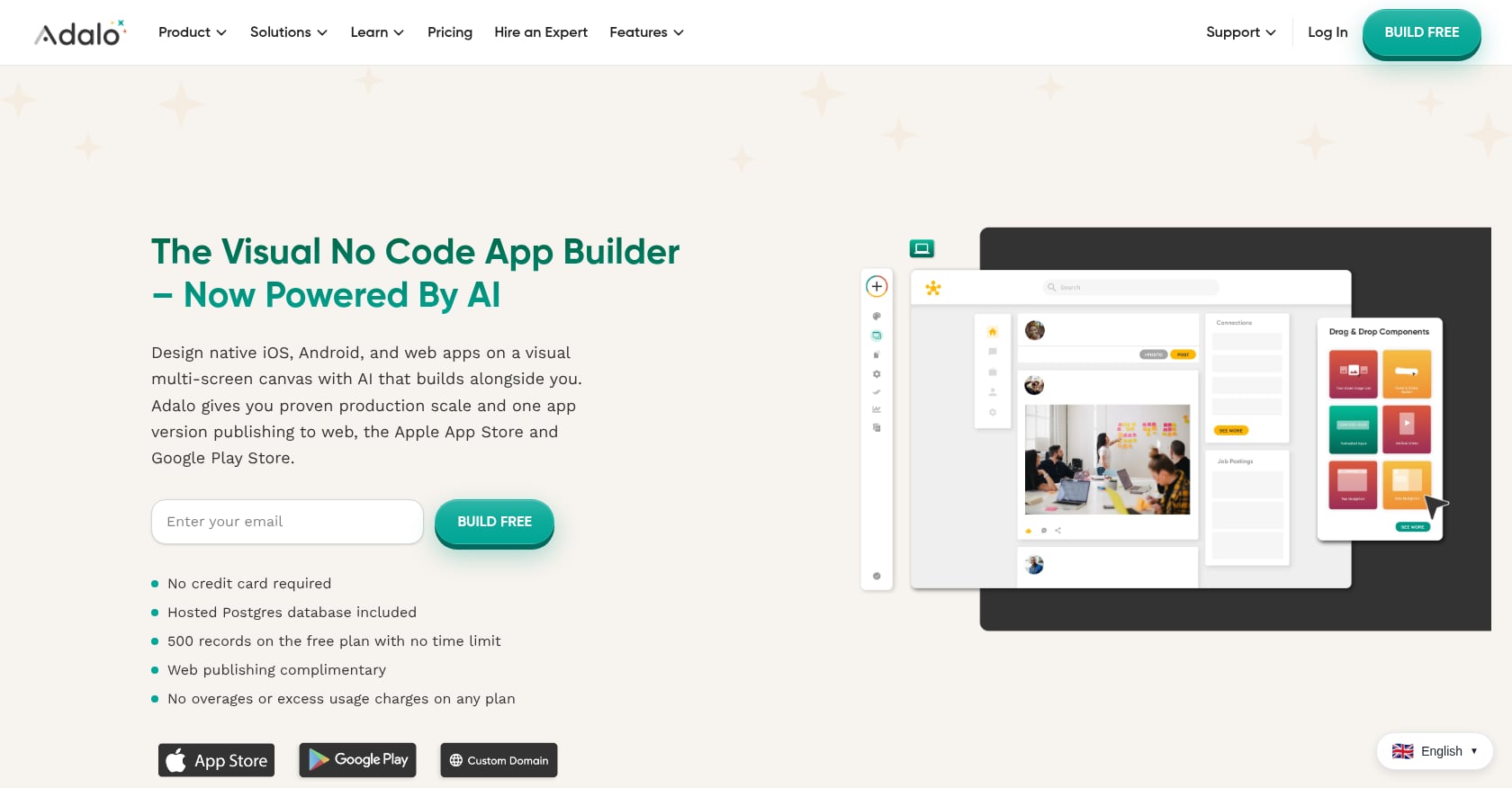
Best for: Non-technical founders who want the easiest drag-and-drop path to native iOS and Android apps.
Adalo is one of the most accessible visual app builders on the market, with over three million apps created on the platform. It pairs a drag-and-drop interface with a built-in database, native authentication, and an AI-assisted feature called Magic Start that scaffolds an app from a description.
Pricing:
Free plan available (can’t publish to app stores)
Paid plans start at approximately $36/mo, which includes app store publishing
No usage-based charges on paid tiers, and unlimited database records
Key strengths:
Genuinely native output for both iOS and Android
Among the most beginner-friendly builders. Practitioners report reaching a working functional app within hours, with no backend account setup, no widget-tree mental model, and no programming concepts needed.
In head-to-head comparisons, Adalo wins on ease of use (4.5 vs. 4.0) over FlutterFlow
Ranked first among visual builders for non-developers in the State of App Building report with a score of 5.94/10
No usage-based billing surprises
Limitations:
Built for simpler apps. Complex backend operations or advanced customization push against the platform’s limits, requiring deeper technical knowledge to work around.
No first-party expert support team when you get stuck. You’re relying on community forums and third-party developers.
No built-in user engagement features (push notification campaigns, analytics dashboards, etc.)
Real user perspective: Most non-technical founders on forums describe Adalo as the fastest path to “something real on their phone.” The tradeoff is that you’ll feel the ceiling sooner than with more powerful (and more complex) tools.
3. Lovable
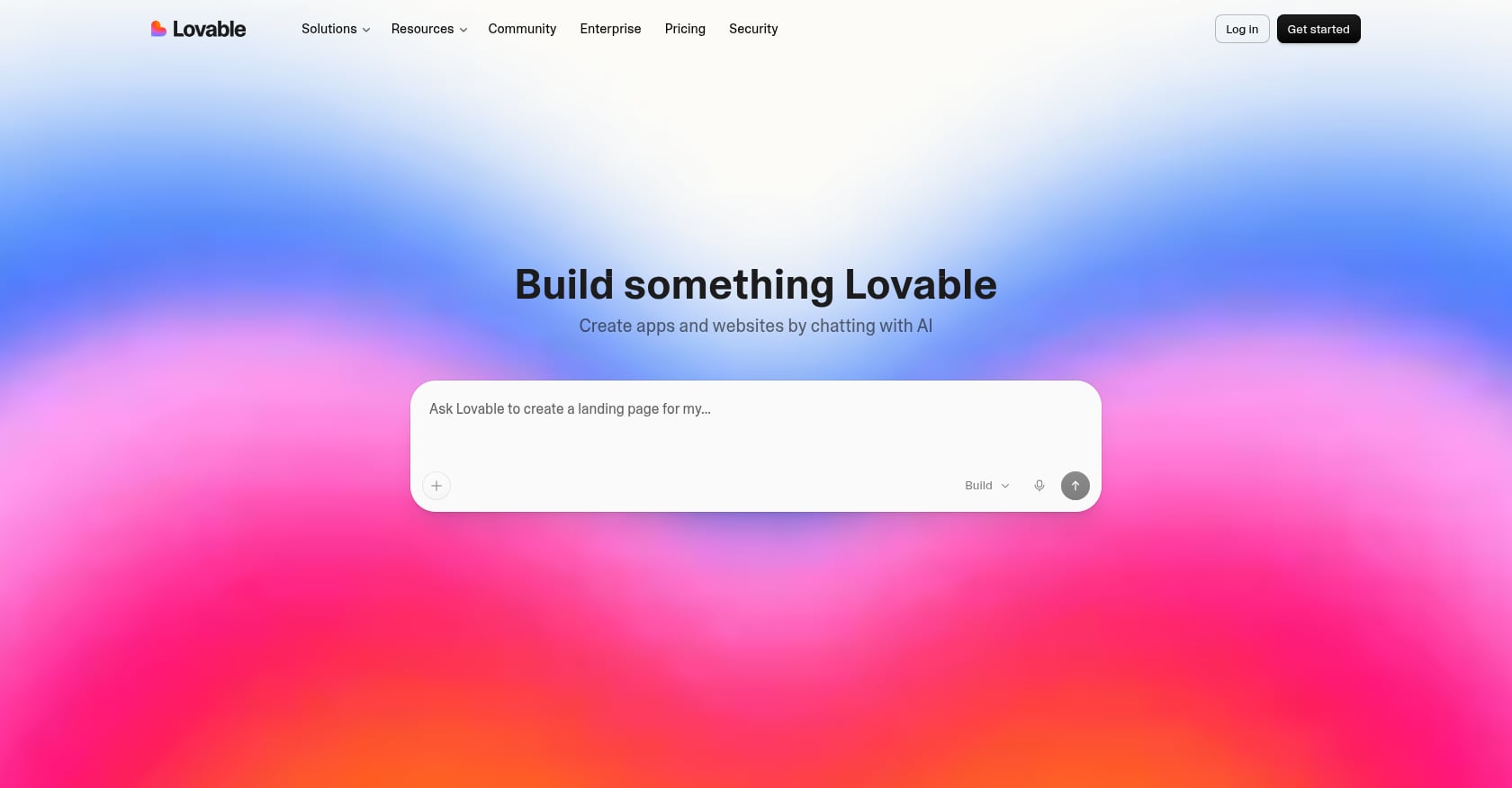
Best for: Founders who need a fast web-app prototype to show investors or test with early users.
Lovable has grown explosively, reaching over 8 million registered users and a $6.6 billion valuation by mid-2026. It was named one of TIME’s most influential companies. You describe what you want in plain language, and Lovable generates a working React app with a Supabase backend, authentication, database schema, and deployment in minutes.
Pricing:
Free plan: 5 daily credits
Pro: $25/mo
Business: $50/mo
Credit-based model with top-ups available
Key strengths:
Extremely fast from prompt to working web app
Includes backend (Supabase), authentication, and database out of the box
Large community and extensive documentation
Low entry price for casual experimentation
Limitations:
Web only. No native mobile apps. If your idea needs to be in the App Store, Lovable won’t get you there.
Credit consumption is a real problem. Reddit threads titled “Credit consumption is getting out of hand” and “Lovable is robbing me” describe how a CRUD app with auth burns 30 to 60 credits just for the initial build. Two rounds of revisions and a payment integration, and you’re at 100 credits before week one ends.
Visual editing is very limited. Post-launch changes mean re-prompting the AI, which can introduce new bugs.
Long-term, most non-technical founders who build serious products on Lovable eventually hire a developer for ongoing maintenance.
Total cost reality: Heavy Pro users typically pay $30 to $50/month once they factor in credit top-ups and debugging sessions. That $25 sticker price is misleading.
For a direct comparison of Lovable’s web output versus native iOS building, see x1 vs. Lovable.
4. Bubble
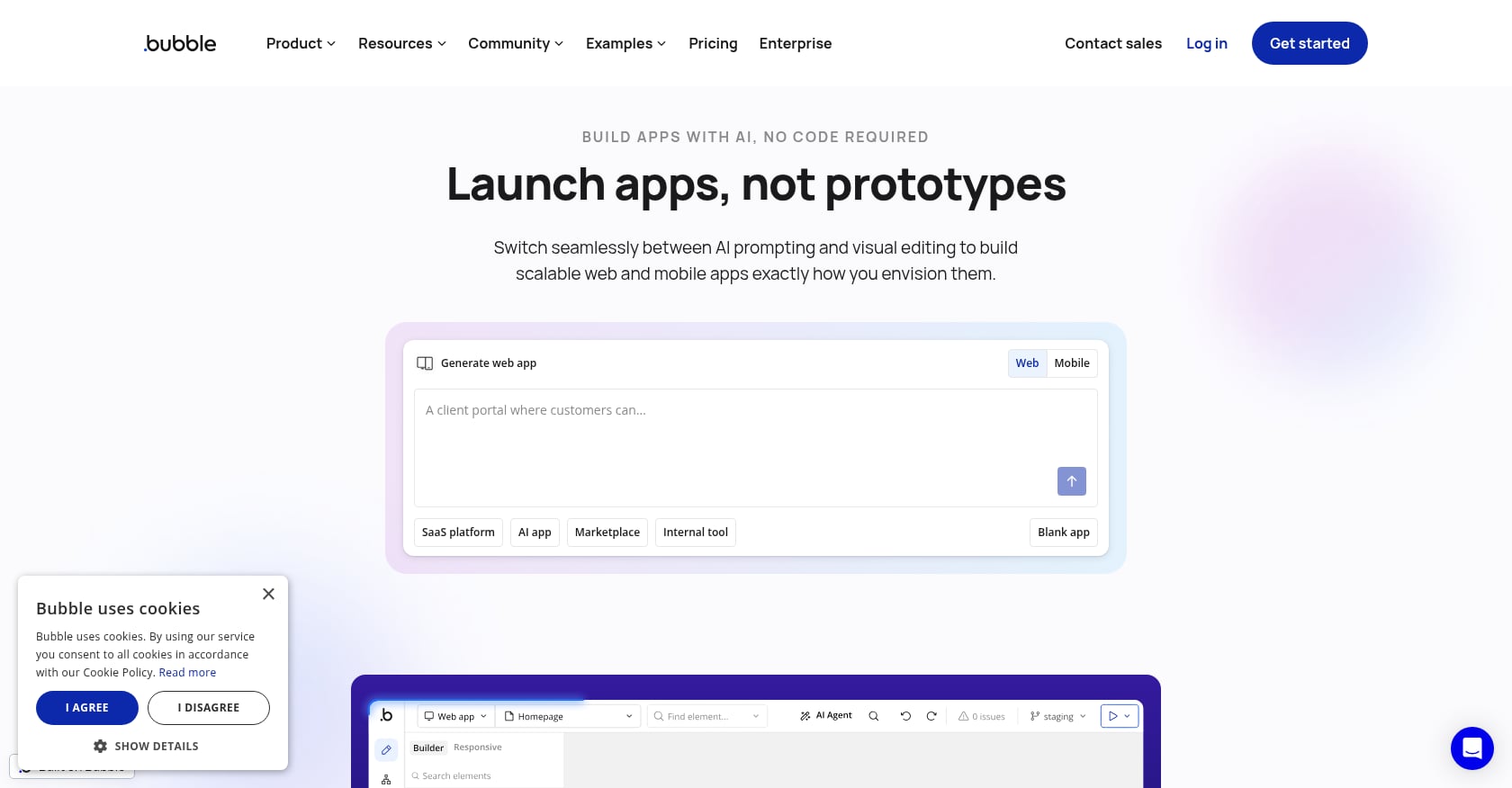
Best for: Complex web applications (marketplaces, SaaS dashboards, internal tools) where sophisticated backend logic matters more than native mobile.
Bubble is the heavyweight of visual web app builders. Its plugin ecosystem exceeds 5,300 plugins, and it handles intricate workflow automation, custom API integrations, and complex data relationships better than any other no-code tool.
Pricing:
Free: 3 trial apps, can’t publish
Starter: $29/mo (175K Workload Units, custom domain)
Growth: $119/mo (250K WUs, recurring workflows)
Team: $349/mo (500K WUs, team roles)
Workload Units are the real cost driver, and they’re hard to predict before you build.
Key strengths:
The most powerful visual backend logic of any no-code platform
Massive plugin ecosystem for almost any integration
Large freelancer/agency ecosystem if you need help
Strong for web-first SaaS and marketplace applications
Limitations:
Web only. Bubble’s mobile wrapper solution starts at $69/month on top of your plan, but it introduces performance constraints, separate maintenance requirements, and republishing limits.
Steep learning curve. Most teams end up hiring Bubble consultants at $40 to $125/hour.
No code export. Full vendor lock-in. If you leave Bubble, you rebuild from scratch.
Production costs are much higher than sticker prices suggest. Practitioners report that most production Bubble applications cost $1,500 to $3,500/month when you factor in plugins, optimization, and workload buffers.
Real user perspective: Forum discussions consistently note the gap between Bubble’s $29 entry price and what it actually costs to run a production app. The platform is powerful but not cheap, and definitely not simple for a true beginner.
5. Rork
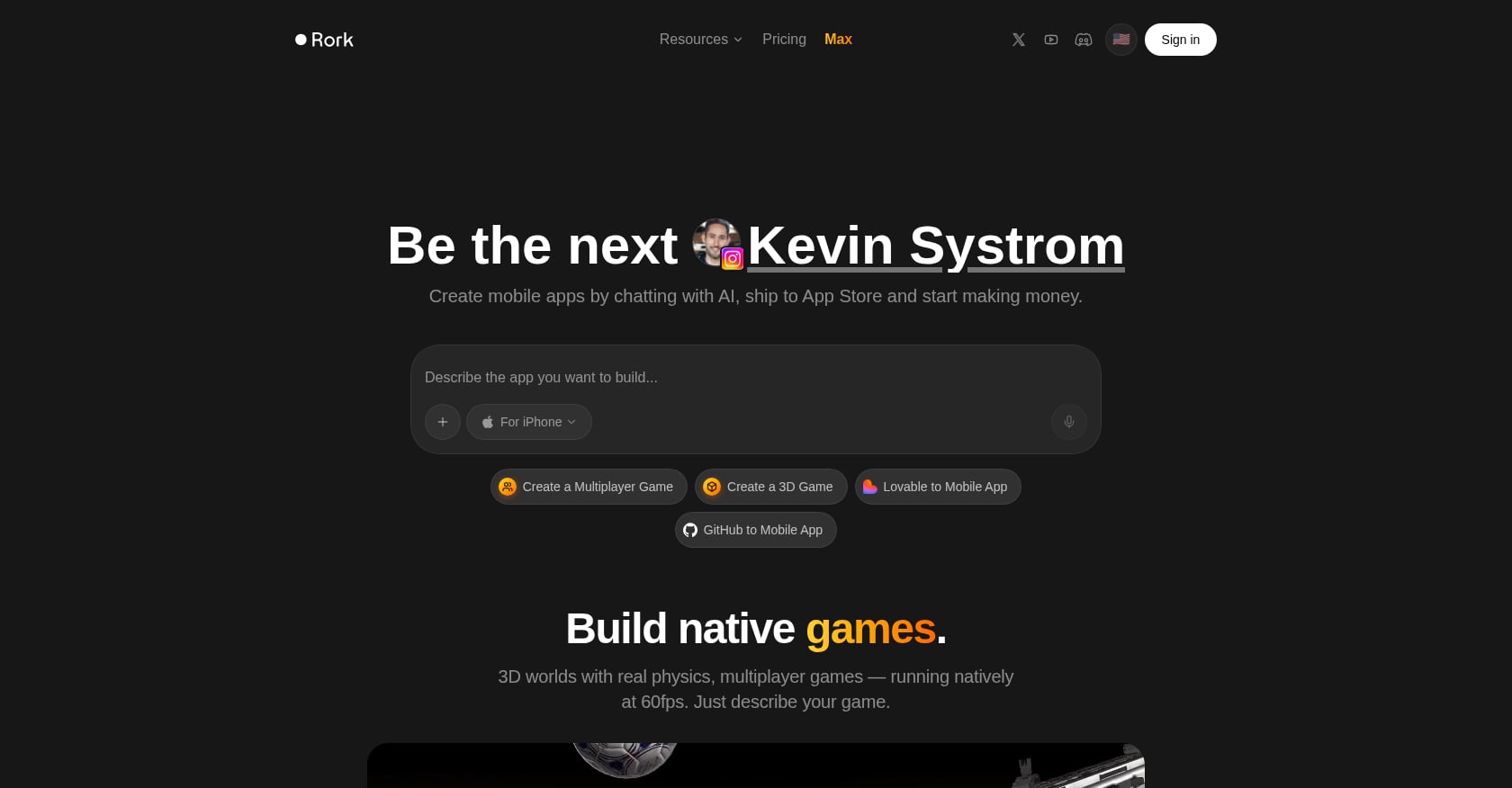
Best for: Founders who need a cross-platform mobile MVP (iOS and Android) quickly using React Native.
Rork is an AI-powered mobile app builder that creates native iOS and Android apps using React Native with Expo. Unlike web-focused tools, Rork specializes exclusively in mobile. Its separate product, Rork Max, builds native Swift apps for Apple platforms including iPhone, iPad, Apple Watch, Apple TV, and Vision Pro.
Pricing:
Free tier available
Junior: $25/mo (100 AI messages)
Scale 1K: $200/mo (1,000 messages)
Rork Max (native Swift): $200/mo separately
Key strengths:
Mobile-first focus, unlike most competitors
Cross-platform output from a single project
Rork Max offers native Swift output with 2-click App Store publishing
Support for Apple’s full device ecosystem (Watch, TV, Vision Pro) through Rork Max
Limitations:
Chat-only interface with limited visual editing. You’re describing changes in text, not dragging and dropping.
Credit consumption and occasional instability are common complaints.
Users report that the free plan doesn’t always work as advertised. One user shared that despite seeing 5 credits/month listed for the free tier, they never received them and were pushed to upgrade immediately.
Complex applications and deeply customized UIs still need a human developer for polish. Most teams use Rork Max as a starting accelerator, then bring in a Swift engineer.
6. FlutterFlow
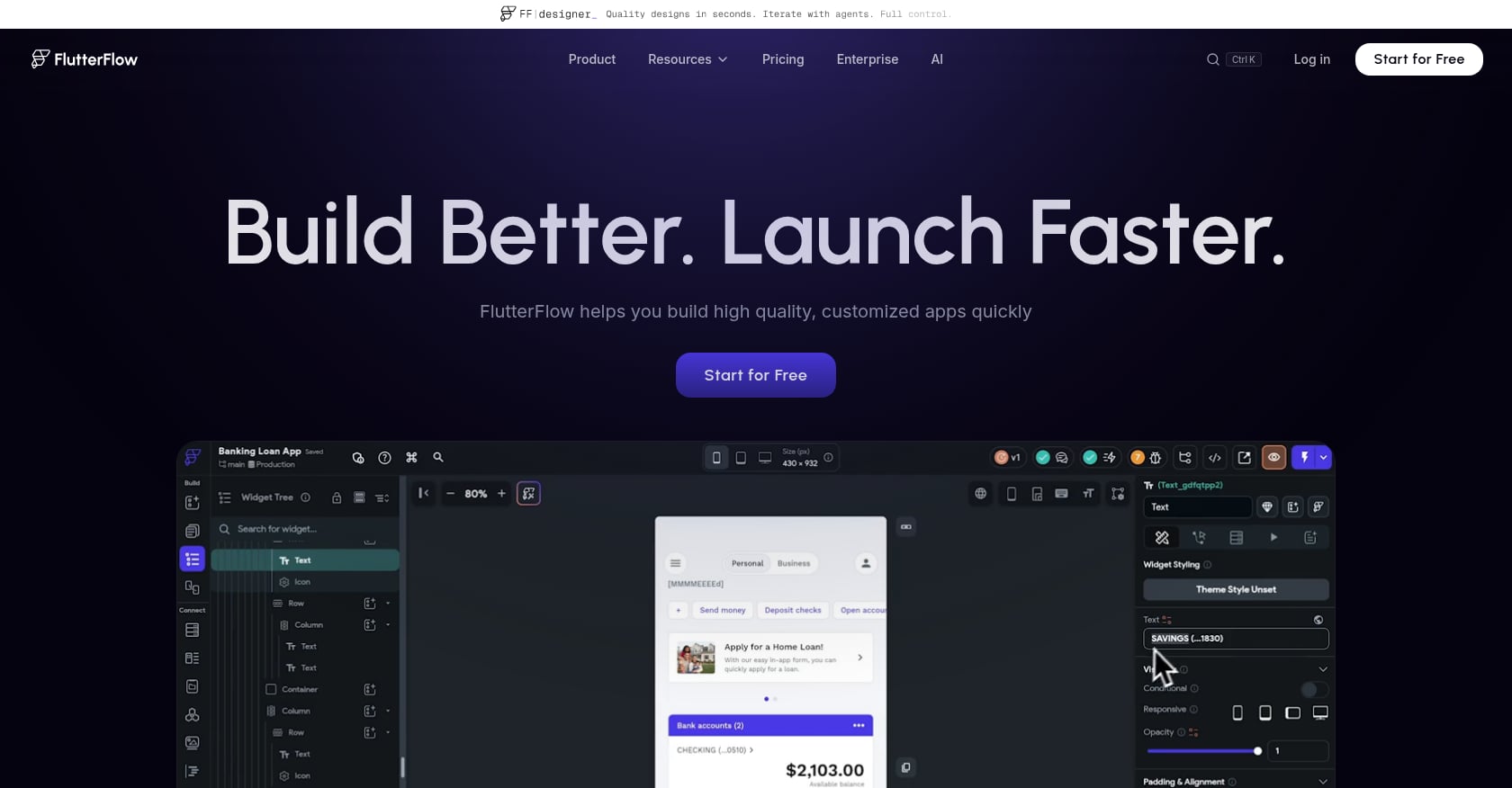
Best for: Technical-adjacent founders who want native performance across platforms and full code ownership.
FlutterFlow lets you build Flutter applications visually. Since Flutter compiles to native iOS, Android, and web, the apps get genuinely native performance. The output is real Flutter/Dart code that you can export and continue developing in a standard editor.
Pricing:
Free plan available (limited features)
Growth plan for app store publishing: $80/mo
Backend service (Firebase or Supabase) adds $25 to $100/mo on top
Minimum realistic cost: $105/mo before you’ve published anything. Expert rates for FlutterFlow run $50 to $250/hour, with typical app builds taking 40 to 100 hours ($2,000 to $25,000).
Key strengths:
Full code export. No vendor lock-in. You own your Flutter/Dart codebase.
Genuinely native performance on iOS, Android, and web from one project
Strong for teams that plan to eventually hire Flutter developers
Active community and growing template marketplace
Limitations:
FlutterFlow was formally reclassified as a Developer Tool in February 2026 because effective use requires understanding Flutter widget trees, Dart for custom functions, backend configuration, and state management.
Reddit users estimate a 200+ hour learning curve to become proficient.
No built-in database. You must set up and manage Firebase or Supabase separately.
Pure non-technical users will hit walls faster than with Adalo or Glide.
Real user perspective: FlutterFlow sits in an awkward middle ground. It’s too complex for most non-technical founders, but experienced developers often find the visual builder constraining. It works best for the narrow band of founders who are willing to invest significant learning time and plan to hire developers later.
7. Bolt.new
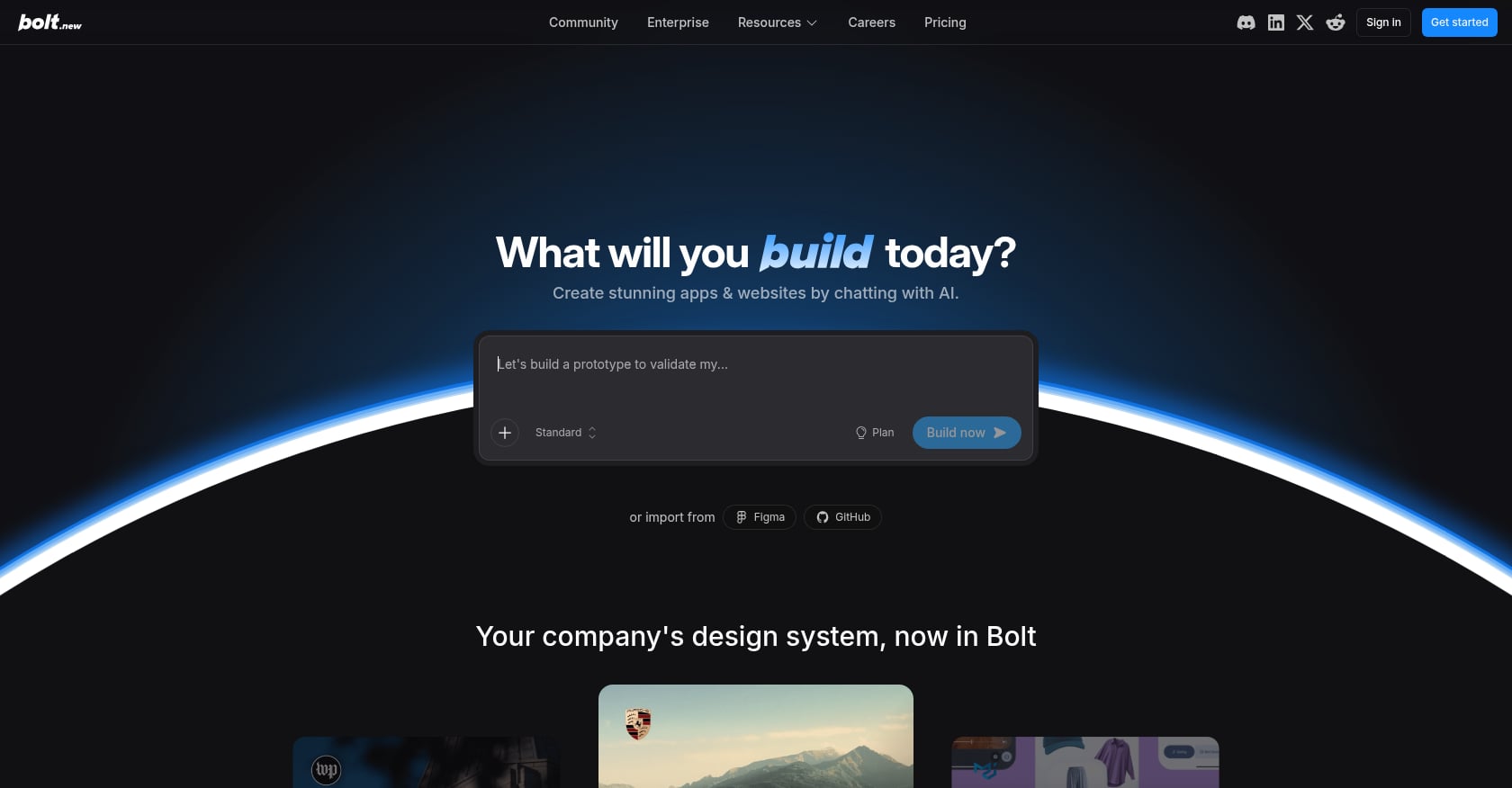
Best for: The fastest possible path from a text prompt to a working web prototype.
Bolt.new is praised for speed. It supports React, Vue, Svelte, and other frameworks, and can generate a functioning web interface from a prompt in under an hour. Reddit users consistently highlight its flat pricing (around $20/month) as a plus compared to the credit-anxiety of tools like Lovable.
Pricing:
Approximately $20/mo with token-based usage
Flat pricing structure (no surprise overages)
Key strengths:
Fastest prompt-to-prototype speed for web apps
Multi-framework support
Transparent pricing without credit-based billing stress
Limitations:
Web only. No mobile app output of any kind.
No visual editor. The interface is a code editor alongside a preview. Making changes means editing code or re-prompting the AI.
No backend included. You need to set up your own database, authentication, and server logic.
For non-technical founders, this is the fundamental problem: Bolt outputs code. If you can’t read or modify code, you can’t maintain what it generates.
Real user perspective: Practitioners on forums describe Bolt as useful for generating UI mockups and rapid scaffolding, but not as a platform for building and maintaining a production application. It’s a starting point, not a destination.
For a head-to-head comparison, see x1 vs. Bolt on native iOS versus web app building.
8. Glide
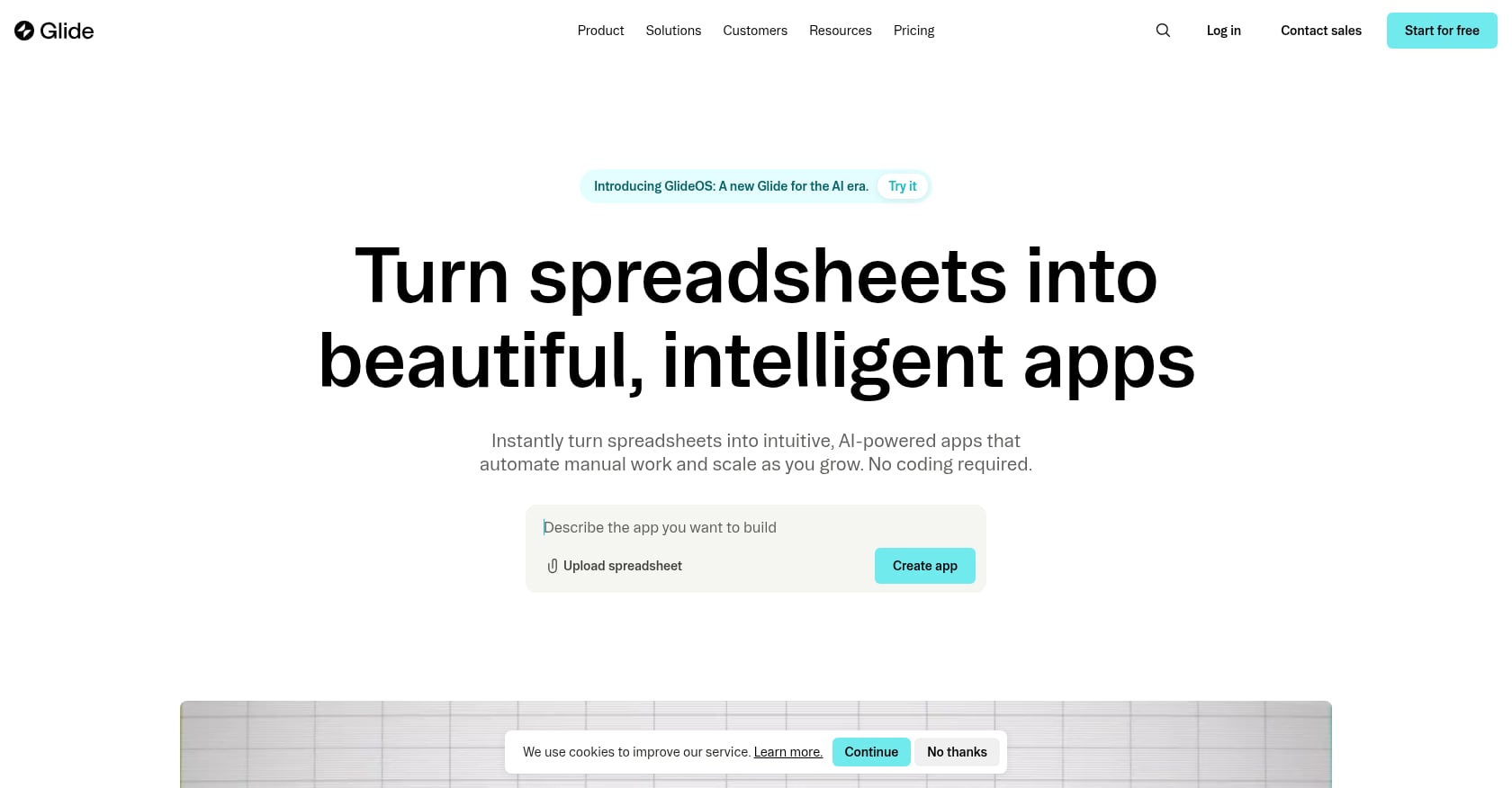
Best for: Internal tools, simple data-driven apps, and anything that already lives in a spreadsheet.
Glide turns Google Sheets into functional web apps with minimal setup. If you have a spreadsheet that tracks inventory, manages client information, or organizes workflows, Glide can put an app interface on top of it in minutes.
Pricing:
Free tier available
Paid plans start around $25/mo with per-user charges
Key strengths:
The easiest learning curve of any tool on this list. Genuinely zero technical knowledge required.
Perfect for internal business tools, dashboards, and simple data apps
Google Sheets as a database means your data is always accessible and familiar
Point-and-click interface that’s simpler than even Adalo
Limitations:
No App Store or Google Play publishing at all. Glide only creates web apps.
Template-constrained customization. You’re working within Glide’s design system, not creating your own.
Per-user pricing adds up quickly for apps with many users.
Not suited for consumer-facing mobile apps. This is an internal tools platform.
App Builder Decision Matrix (2026)
Goal | Best Tool | Why |
|---|---|---|
Native iOS App | x1 | Produces Swift/Xcode, App Store ready |
Native iOS + Android | Adalo / Rork / FlutterFlow | Cross-platform mobile output |
Fast Web Prototype | Lovable / Bolt.new | Fastest prompt-to-app generation |
Full SaaS Product | Bubble | Deep backend logic + plugins |
Internal Business Tools | Glide | Spreadsheet-based simplicity |
Code Ownership Priority | FlutterFlow / x1 | Exportable production code |
Lowest Learning Curve | Adalo | True drag-and-drop simplicity |
How to Choose: Your Decision Checklist
After reviewing all eight tools, the best app builder for non-technical founders depends entirely on what you’re building. Run through these five questions:
1. Does my app need to be in the App Store?
If yes, eliminate Lovable, Bubble, Bolt.new, and Glide immediately. You need x1 (iOS), Adalo (iOS + Android), Rork (iOS + Android), or FlutterFlow (iOS + Android + web).
2. Do I need both iOS and Android on day one?
If yes, your options are Adalo, Rork, or FlutterFlow. If iOS-first is fine (and for many startups, it should be), x1 is the strongest native option.
3. Can I read or modify code?
If no, avoid Bolt.new and FlutterFlow. Stick with guided, visual builders like x1, Adalo, or Glide.
4. What’s my real budget?
Don’t compare sticker prices. Compare total cost of ownership including the subscription, backend services, App Store developer fees ($99/year for Apple), potential expert help, and credit overages. At $36/month versus the $25,000 to $100,000+ cost of custom development, even the pricier tools on this list represent dramatic savings.
5. Am I building a prototype or a product?
For a prototype to test an idea or impress investors, Lovable or Bolt.new work. For a product you plan to charge money for and maintain over months, you need something with a guided build process and maintainable output. That’s the gap x1’s five-studio workflow was designed to fill.
For a more thorough comparison framework, the AI app studio buyer’s guide walks through additional criteria like scalability, vendor lock-in risk, and long-term maintainability.
Who Should NOT Use AI App Builders
Not every founder should use these tools.
Avoid AI app builders if:
You need enterprise-grade architecture from day one
These tools are optimized for MVPs and early-stage products, not large-scale distributed systems.
You require full backend control from the start
Tools like Bubble or Lovable abstract backend systems, which limits deep infrastructure control.
You are building high-security financial or regulated systems
You may need traditional engineering workflows for compliance-heavy environments.
The Total Cost of Ownership Nobody Talks About
Every comparison article shows monthly subscription prices. None of them show what founders actually pay. Here’s the honest math:
Tool | Sticker Price | Realistic Monthly Cost | What’s Missing from Sticker |
|---|---|---|---|
x1 | $99/mo | $99 to $299/mo | Apple Developer fee ($99/yr) |
Adalo | $36/mo | $36 to $50/mo | Apple Developer fee |
Lovable | $25/mo | $30 to $50/mo | Credit overages, top-ups |
Bubble | $29/mo | $1,500 to $3,500/mo at production scale | Plugins, WU overages, consultants |
Rork | $25/mo | $25 to $200/mo | Message limits, potential Rork Max upgrade |
FlutterFlow | $80/mo | $105 to $180/mo minimum | Backend ($25-100/mo), often expert help |
Bolt.new | $20/mo | $20/mo + your time maintaining code | Backend, hosting, and your own technical skill |
Glide | $25/mo | $25+/mo (scales with users) | Per-user charges |
The gap between sticker price and real cost is widest for Bubble. It’s narrowest for x1 and Adalo, where the subscription covers the full toolchain.
Ready to Start Building?
If you’ve read this far, you know which category you fall into: native mobile app or web app, iOS-first or cross-platform, prototype or product. The best app builder for a non-technical founder is the one that matches all three of those answers.
For founders committed to shipping a real native iOS app, x1’s guided workflow from idea to App Store is the most complete path available without writing code.
Start building your iOS app with x1
FAQ
Can a non-technical founder really build an app with AI?
Yes, but with important caveats. AI app builders have made it possible to go from idea to working software without coding knowledge. Gartner projects that low-code development tools will account for 75% of new application development by 2026, and 84% of enterprises have already adopted these tools. The catch is that “build” and “ship a maintainable product” are different things. Tools with guided, stepwise processes produce more reliable results than one-shot prompt generators.
What’s the cheapest way to build an iOS app without coding?
Adalo’s paid plan at approximately $36/month is the lowest-cost path to both iOS and Android app store publishing. x1 starts at $99/month ($66 billed yearly) but includes App Store launch assets that you’d otherwise need separate tools for. Both are dramatically cheaper than custom development, which runs $25,000 to $100,000+. For more options, see this guide on how to build a mobile app without coding.
Native app vs. web app: which should a startup build first?
It depends on where your users are. If your product is a consumer app (fitness, social, finance, productivity), your users expect something from the App Store with push notifications and native performance. If you’re building a B2B SaaS tool, internal dashboard, or marketplace, a web app is usually the right first step. The mistake most founders make is building a web app because it’s easier, then discovering their idea actually needed to be native. Answer this question before you pick a tool, not after.
Will Apple reject my AI-built app?
It depends on how the app is built. In March 2026, Apple removed apps from Replit and Vibecode under Guideline 2.5.2, which prohibits apps that execute arbitrary downloaded code. Apps built as web wrappers or that dynamically load code face rejection risk. Apps built with tools that compile to standard native binaries through Xcode (like x1 or FlutterFlow) go through the same review process as any developer-built app, with no additional risk from the AI tooling used to create them.
What is the “vibe coding hangover” and should I worry about it?
The vibe coding hangover describes the pattern where founders use AI to build 80% of an app quickly, then get stuck in the remaining 20%, burning credits on debugging loops and accumulating “comprehension debt.” It’s a real risk with one-shot prompt tools. The way to avoid it is to choose a builder with a structured workflow that makes architectural decisions explicit before code generation begins. If you’re interested in how this plays out across different tools, read about vibe coding apps tested and compared.
Do I own the code these tools generate?
It varies. x1 and FlutterFlow both provide full code export, meaning you own your codebase and can continue development independently. Bubble has no code export whatsoever, creating full vendor lock-in. Lovable and Bolt.new output code you can access, but maintaining it requires technical knowledge. Adalo and Glide don’t export usable code. If long-term ownership and portability matter (and they should), prioritize tools that give you production-ready source code.
How long does it take a non-technical founder to build an app?
With guided AI tools, a simple app can go from idea to working prototype in a day. Getting that prototype to production quality, with proper error handling, user authentication, payment processing, and App Store readiness, typically takes two to six weeks of part-time work. The timeline depends more on the complexity of your idea than on the tool you choose, though tools with built-in launch assets (screenshots, listing copy, submission workflows) cut significant time from the last mile.
Should I learn to code instead of using an app builder?
For most non-technical founders, no. The opportunity cost of spending months learning Swift or JavaScript is too high when your goal is validating a product idea. Use an app builder to ship version one, learn from real users, and then decide whether to invest in technical skills or hire a developer for version two. The builders that export real code (x1, FlutterFlow) give you the best bridge between these two phases, since a developer can pick up and extend what you’ve already built.