

TL;DR
You can build a mobile app without coding using three distinct methods: AI app studios that turn plain-English descriptions into native apps, visual no-code builders with drag-and-drop interfaces, or vibe-coding tools that generate code from prompts. This guide covers seven tools across those categories, with real pricing, honest tradeoffs, and community feedback. If you want a native iPhone app shipped to the App Store, x1 is the strongest option. For cross-platform MVPs, Adalo and FlutterFlow lead. For internal tools, Glide wins.
Quick Answer: What Is the Best Way to Build a Mobile App Without Coding?
For most non-technical founders, AI app studios are now the fastest path because they combine planning, design, development, and app store publishing into a single workflow. Traditional drag-and-drop builders remain useful for MVPs, while AI coding tools are best suited for users willing to manage generated code.
If you want to build a mobile app without coding in 2026, the best option depends on your goal:
Goal | Best Tool |
|---|---|
Native iPhone app | x1 |
iOS + Android app | Adalo |
Full code ownership | FlutterFlow |
Internal business tools | Glide |
Learning app development | Thunkable |
Complex web applications | Bubble |
Budget-friendly templates | Appy Pie |
The Three Ways to Build a Mobile App Without Coding in 2026
Hiring developers to build an app in 2026 costs anywhere from $12,000 to over $300,000. That price tag kills most ideas before they start. But the alternatives have matured fast. Gartner forecasts that by 2026, 70% of new enterprise applications will use low-code or no-code technologies, and the global no-code market is projected to hit $21.2 billion this year.
The problem with most “build an app without coding” guides is that they lump fundamentally different tools into one list. A drag-and-drop web app builder and a native iOS code generator are solving different problems for different people. So before jumping into tools, here are the three paths available right now:
AI app studios take a plain-English description of your idea and produce a real, working app through a guided workflow. The best ones handle everything from planning through App Store submission. x1 is the clearest example, producing native iOS apps in Swift and Xcode.
Visual no-code builders give you a drag-and-drop canvas where you wire up screens, databases, and logic blocks. Think Adalo, Bubble, and Thunkable. These have been around longest and offer the most template variety.
Vibe-coding tools (Lovable, Bolt.new, Cursor) let you describe features in natural language and generate code. They’re powerful but produce web applications, not native mobile apps, and require technical review. The term itself was coined by Andrej Karpathy in February 2025, and Collins Dictionary named it Word of the Year.
Why More People Are Building Apps Without Developers
The rise of AI app builders and no-code platforms has fundamentally changed software creation. Five years ago, launching a mobile app usually required hiring developers, designers, and project managers. Today, a solo founder can generate screens, workflows, databases, and app store assets using AI.
The biggest reasons people choose no-code app development include:
Lower startup costs
Faster time to market
Reduced technical complexity
Easier product validation
Ability to iterate without developers
For entrepreneurs testing a new idea, speed is often more important than perfect architecture. Building an MVP in days instead of months can dramatically improve product validation and customer feedback cycles.
Each method has real strengths and real limits. The comparison table below breaks it down.
At-a-Glance Comparison
Tool | Starting Price (Publish-Ready) | Native Mobile or Web Wrapper | Code Export | AI Generation Method | iOS + Android | Best For |
|---|---|---|---|---|---|---|
x1 | $99/mo ($66/mo yearly) | Native iOS (Swift/Xcode) | Yes, you own the code | Studio workflow (Plan → Build → Launch) | iOS only | Native iPhone apps, idea to App Store |
Adalo | $36/mo | Hybrid (iOS + Android + web) | No | Visual canvas + AI assist | Both | Cross-platform MVPs without payments |
Bubble | $29/mo (web), $209/mo (mobile) | Web app / PWA wrapper | No | Visual logic + AI workflows | Web only (mobile beta) | Complex web apps, marketplaces |
Thunkable | $59/mo | Native (iOS + Android) | No | Block-based logic + AI prompt | Both | Education, learning app development |
Appy Pie | $99/mo (iOS) | Hybrid wrapper | No | Template + AI assist | Android at entry; iOS at $99/mo | Budget Android-first apps |
FlutterFlow | $39/mo (no database) | Native via Flutter | Yes (Flutter code) | Visual + AI assist | Both | Developers wanting code export |
Glide | $25/mo per user | Web app (no app store) | No | Spreadsheet sync | Web only | Internal tools from spreadsheets |
Now, the detailed breakdown of each tool.
Native Apps vs Web Apps vs Web Wrappers
Feature | Native Apps | Web Apps | Web Wrappers |
|---|---|---|---|
App Store Publishing | Yes | No | Yes |
Performance | Excellent | Moderate | Moderate |
Push Notifications | Full Support | Limited | Limited |
Offline Functionality | Excellent | Limited | Limited |
Access to Device Features | Full | Limited | Partial |
User Experience | Best | Good | Variable |
Development Speed | Slower | Faster | Faster |
Most beginners don't realize that many "app builders" create web apps rather than true native applications. Understanding this distinction can prevent costly platform mistakes.
AI App Studios: From Idea to Published App
1. x1
Best for: Non-technical founders who want a native iPhone app from idea to App Store
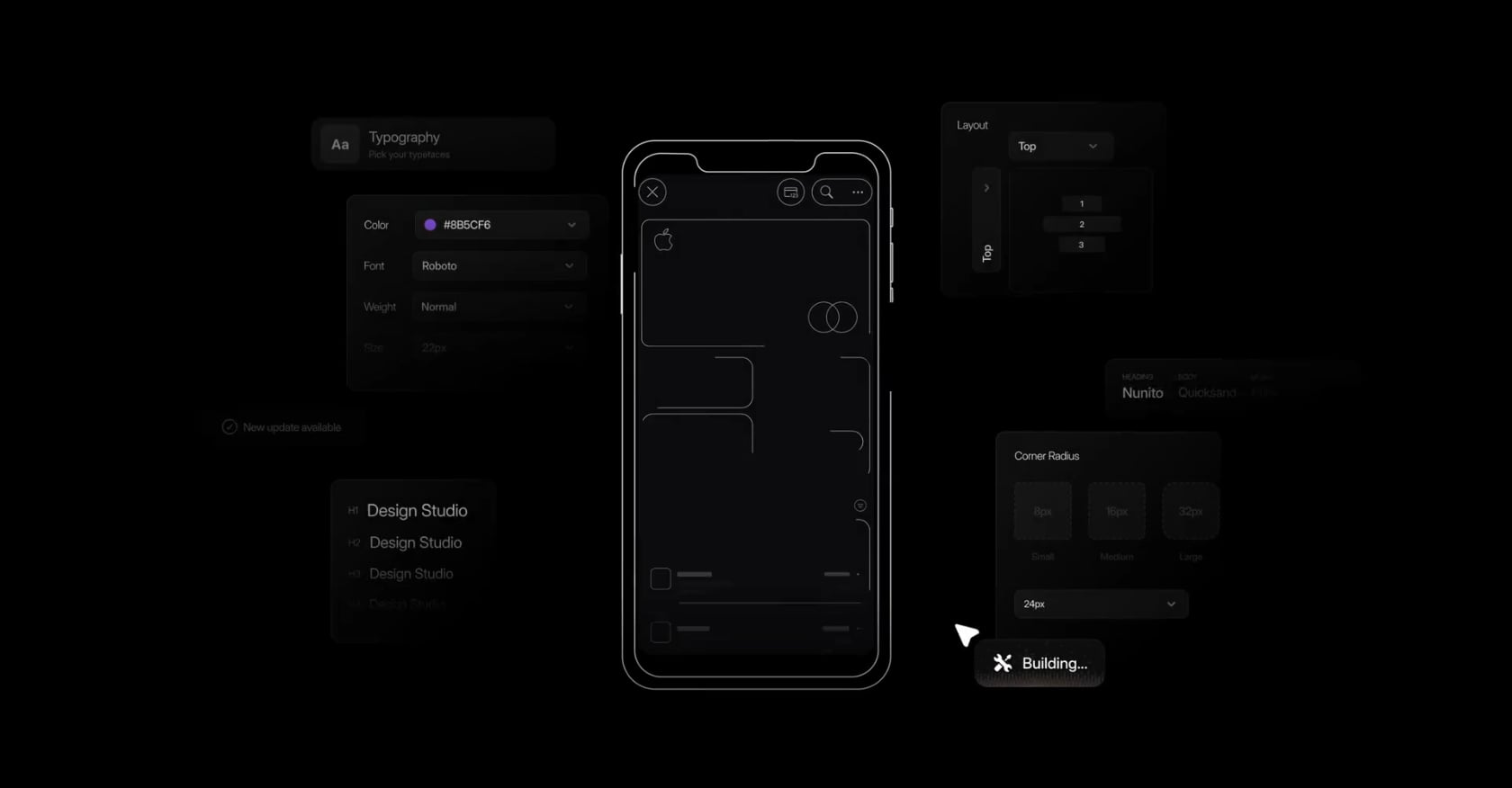
Most tools that promise to build a mobile app without coding produce web wrappers or fragile demos. x1 takes a different approach. It’s an AI app studio with a five-stage workflow (called “studios”) that walks you from describing your idea in plain English to a production-ready native iOS app in Swift and Xcode.
The distinction matters. The output isn’t a prototype trapped in someone else’s platform. It’s real Swift code you own, compiled in Xcode, ready for App Store submission.
Pricing:
Builder: $99/mo ($66/mo billed yearly) — full workflow, native iPhone app creation, all core studios
Pro: $199/mo ($133/mo yearly) — increased build capacity, faster iteration, higher priority
Max: $299/mo ($200/mo yearly) — highest capacity, fastest speeds, top priority access
Around 100 free credits to try the product
See the full pricing breakdown →
Key features:
Plan Studio: Answer questions, and x1 maps out screens, features, and user flows. Covers sign-up through core functionality, including auth, data models, and subscriptions.
Design Studio: Visual canvas for brand identity, icon, colors, fonts, and screen layouts before any code is generated.
Build Studio: Generates the actual iPhone app screen by screen, then preps it for launch.
Launch Studio: Creates App Store screenshots and listings inside the tool. Handles provisioning, metadata, and submission flow.
Iteration Studio: Refine and polish after the initial build.
Tradeoffs:
iOS only. No Android output today.
Early-stage product with fewer public case studies than established platforms.
Paid-only starting at $99/mo, though around 100 free credits let you test the workflow.
Why it stands out: The modular studio approach avoids what practitioners call “one-shot generation” fragility, where a single prompt produces an app that breaks the moment you change something. x1 maintains coherent architecture across planning, design, and build stages. It’s also one of the only tools that bakes launch assets (screenshots, ASO metadata) directly into the workflow, instead of forcing you into separate tools for the last mile. The product is YC-backed (F24 batch), with founders from Scale AI and Meta.
For a deeper look at how x1 works, the walkthrough covers the full idea-to-App Store journey.
Visual No-Code Builders: Drag-and-Drop Construction
1. Adalo
Best for: Cross-platform visual app building (iOS + Android + web) without payments
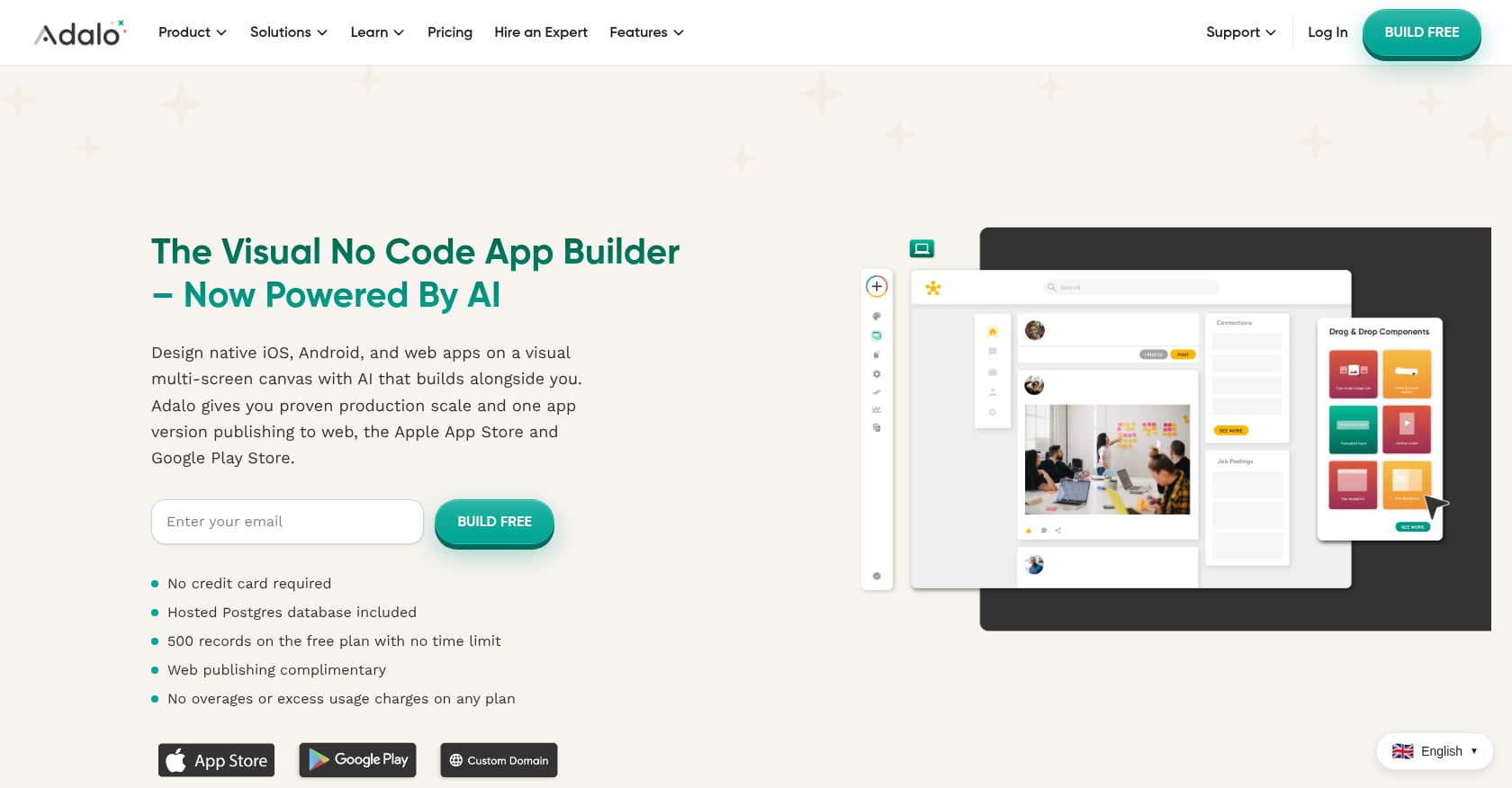
Adalo combines AI-powered generation with a visual multi-screen canvas. You design database-driven apps for iOS, Android, and web from a single project. For founders who want to build a mobile app without coding and need to hit all three platforms, it’s a strong starting point.
Pricing:
Free plan available (limited)
Starter: $36/mo
Professional: $65/mo
Team: $200/mo
Key features:
Cross-platform output from one project (iOS, Android, web)
Visual database builder with relational data
Component marketplace for extending functionality
AI-assisted app generation
Tradeoffs:
No code export. If you stop paying, you lose access to your app entirely. You don’t own the underlying code.
Payment processing requires the Team tier at $200/mo. The jump from $65 to $200 hits founders planning monetized apps hard.
Database reliability concerns. One Capterra reviewer reported that “around 70% of my database suddenly disappeared, making my apps completely useless.”
User perspective: On the positive side, a Capterra reviewer noted: “I love the speed at which I can build something and get a working version on web, iPhone, and Android.” The speed-to-prototype is genuinely impressive for cross-platform MVPs.
2. Bubble
Best for: Complex web applications with deep logic (limited mobile support)
Bubble is the heavyweight for building complex web apps without code. Its workflow engine handles conditional logic, API integrations, and database operations that simpler tools can’t touch. But calling it a mobile app builder requires an asterisk.
Pricing:
Free plan with Bubble branding
Starter: $29/mo
Growth: $209/mo (web + mobile, billed annually)
Mobile wrapper add-on starts at $69/mo
Key features:
Full-stack web application builder
Deep conditional logic and workflow engine
Large plugin ecosystem
AI-assisted workflow creation
Tradeoffs:
Bubble only creates web apps and progressive web apps. The mobile wrapper solution introduces performance constraints. Research from App Builder Guides found Bubble apps typically load in 5 to 10 seconds on desktop and 8 to 14 seconds in mobile beta. That’s slow.
Workload unit pricing adds unpredictability. Your costs can spike as traffic grows.
Review scores tell a split story: 1.7 on Trustpilot (133 reviews) versus 4.4 to 4.6 on G2 and Capterra. The gap suggests happy builders but frustrated end users.
User perspective: Practitioners on Reddit frequently recommend Bubble for SaaS dashboards and marketplaces but warn against using it for consumer mobile apps where performance matters.
3. Thunkable
Best for: Students and educators learning mobile development
Thunkable takes a block-based programming approach, similar to Scratch, that makes it genuinely accessible for people who have never touched code. Its AI feature lets you describe an app idea in plain language and get a working native app for iOS and Android.
Pricing:
Free plan (no publishing)
Builder: $59/mo (50,000 AI tokens, 1 live published app)
Advanced: $189/mo (100,000 AI tokens, unlimited published apps)
Key features:
Block-based logic system for adding functionality without writing code
AI prompt-to-app generation
Native iOS and Android output
Educational community and resources
Tradeoffs:
No code export, which creates vendor lock-in. A Capterra reviewer noted: “The biggest gripe is that it does not allow you to export raw code.”
The token-based AI model adds cost unpredictability. Heavy iteration burns through tokens fast.
Publishing requires at minimum the Builder plan ($59/mo), so the effective yearly cost for a shipped app is $708 on monthly billing.
User perspective: Thunkable’s real strength is education. Using Thunkable, a non-technical founder reportedly saved over $65,000 in development costs and launched Sound AiSleep on the App Store, which demonstrates it can produce real, shipping apps for motivated builders.
4. Appy Pie
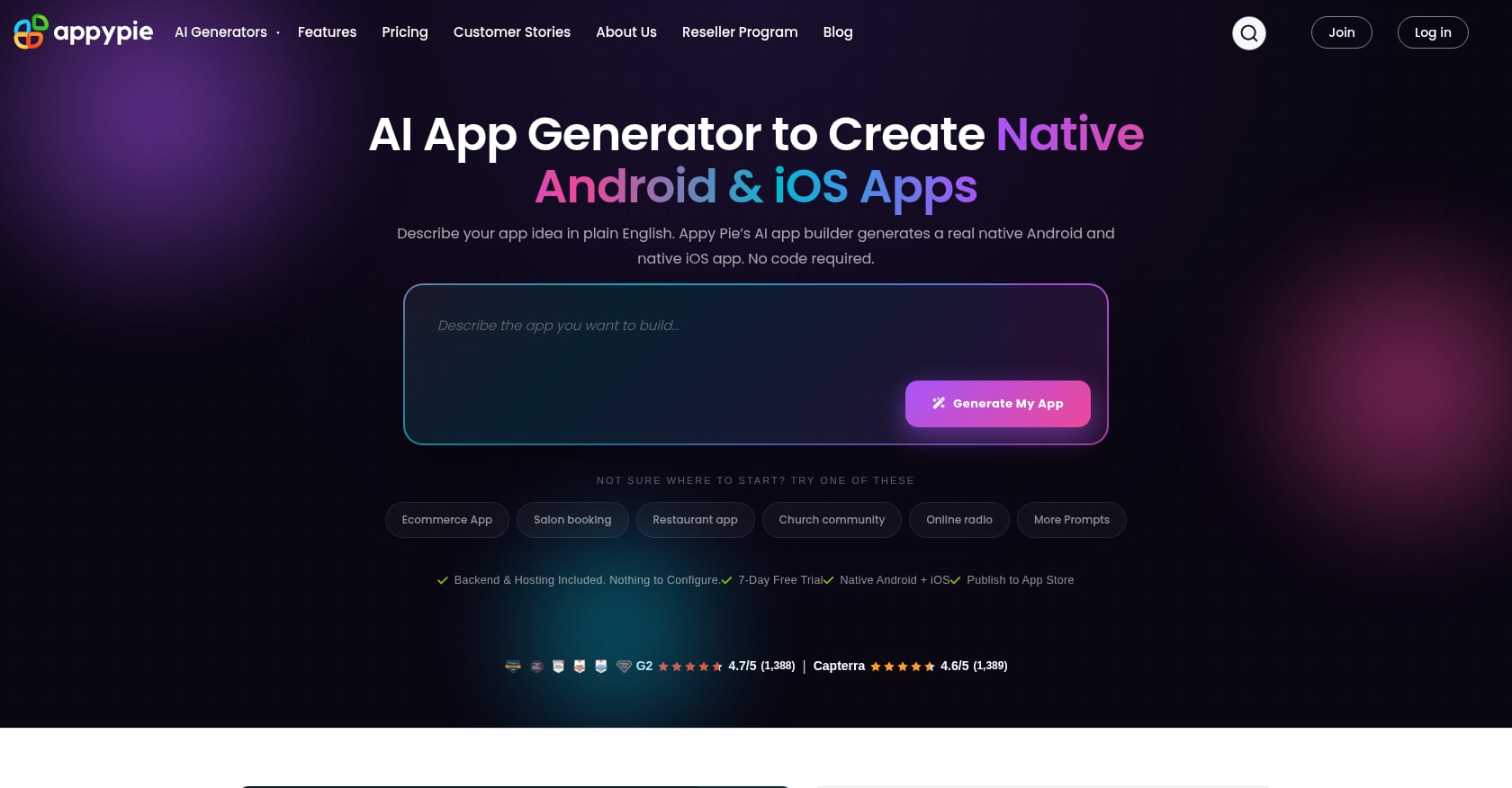
Best for: Small businesses wanting a simple Android-first app on a budget
Appy Pie positions itself as the budget-friendly option, and it has the largest verified review base of any tool on this list (over 7,000 reviews across Capterra, G2, and other platforms) with consistent 4.6 to 4.7 scores.
Pricing:
Entry-level tier: Android publishing only
iOS publishing: Requires higher tiers starting at $99/mo
Key features:
AI app builder that generates structure from a text description
Template library for common app types (restaurant, church, fitness, etc.)
Push notifications and basic analytics
Heavy customer support focus
Tradeoffs:
Limited design flexibility. You’re often stuck with stiff templates.
Reddit paints a much rougher picture than review sites. Comments like “Appy Pie is absolute garbage” and “I’m out over $3,000 and no app” appear in community threads.
Capterra reviewers note menus are “confusing and poorly executed, and many locked behind paywalls.”
User perspective: The gap between official review scores and Reddit sentiment is the widest of any tool on this list. If your needs are simple (a basic Android informational app), it can work. For anything more complex, the template constraints become a ceiling.
Low-Code and Code-Export Builders
1. FlutterFlow
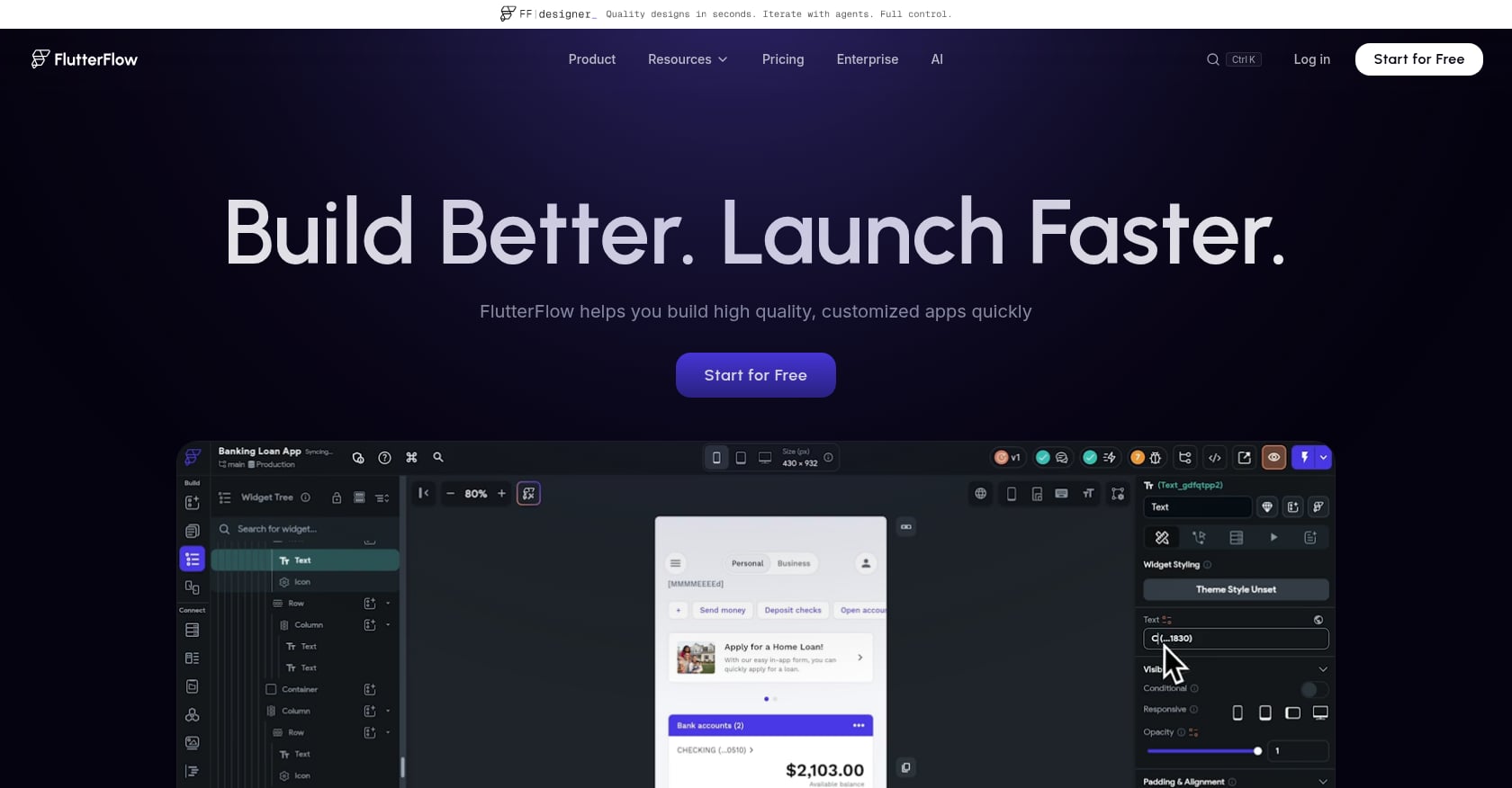
Best for: Developers who want visual building with Flutter code export
FlutterFlow is the tool of choice for technically comfortable founders who want the speed of visual building without the lock-in. It outputs real Flutter code, which means you can eject from the platform and continue development independently.
Pricing:
Basic: $39/mo (no database included)
Growth: $80/mo
Business: $150/mo
Key features:
Native Flutter code export (true ownership)
Visual builder with component library
App store deployment for iOS and Android
AI-assisted layout and logic generation
Tradeoffs:
The $39/mo starting price doesn’t include a database. You’ll source, set up, and pay for hosting separately, pushing the real cost to $80 to $180/mo.
This is low-code, not no-code. Non-developers typically spend 40 to 100+ hours learning the platform before producing a quality app.
A March 2026 Reddit user posted after switching away: “FF killed me. Unintuitive and no AI help, even Claude can’t see the new interface of FF!” The learning curve is real.
User perspective: FlutterFlow is the right choice if you’re a developer (or willing to become one) who wants to build a mobile app without coding from scratch but still wants production code you can modify. For true non-technical founders, the gap between marketing and reality is wide.
For readers weighing tools that offer code ownership, this comparison of app builders breaks down the differences in output quality.
2. Glide
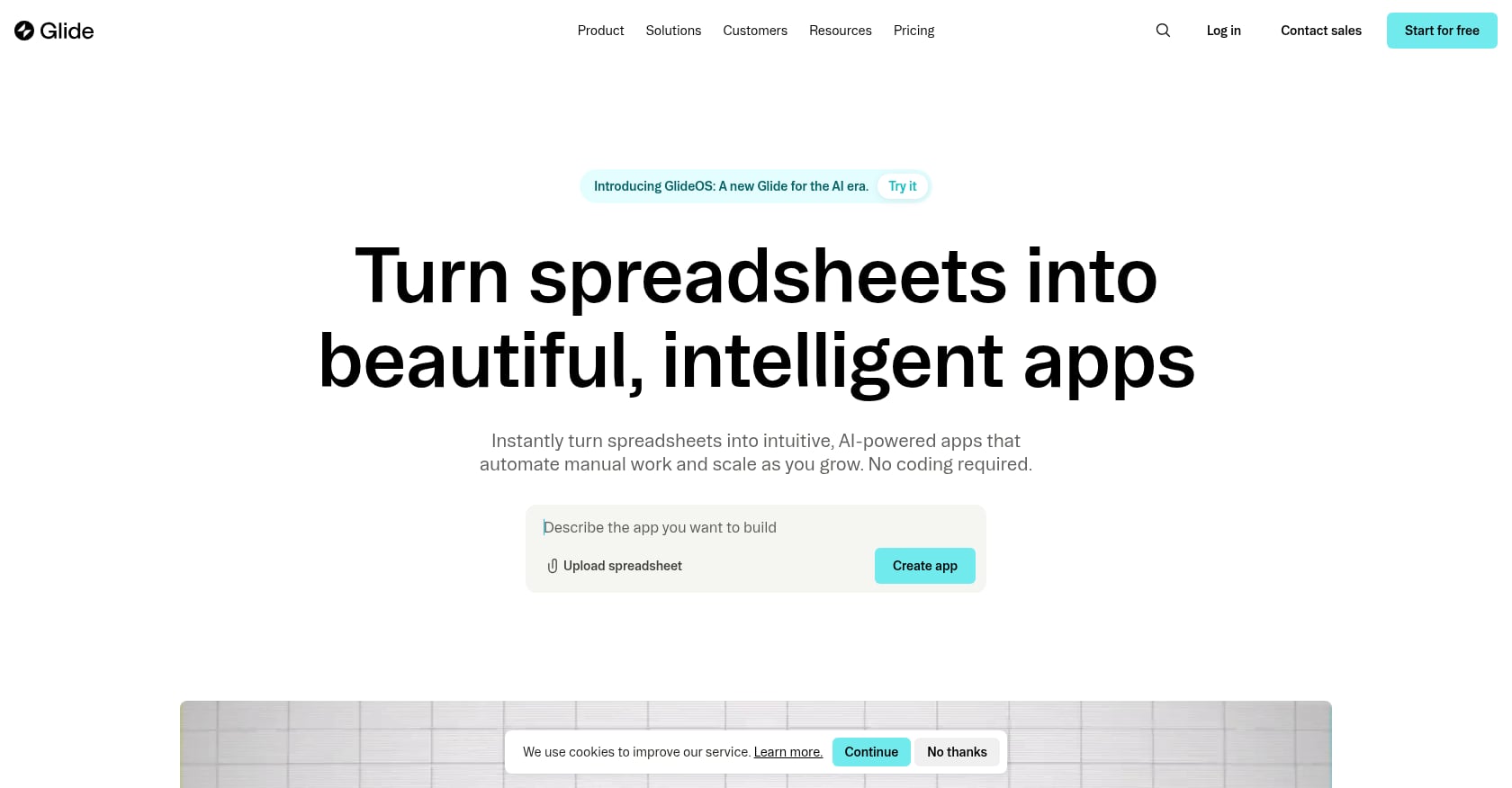
Best for: Business teams building internal tools from existing spreadsheets
Glide is the most opinionated tool on this list. It does one thing well: turns spreadsheet data into functional apps. If your use case is an internal dashboard, a field operations tool, or a CRM built on Google Sheets, Glide is fast and polished.
Pricing:
Per-user pricing starting at $25/mo
Scales based on team size
Key features:
Syncs data from Google Sheets, SQL databases, and other sources
Familiar spreadsheet-like interface for data management
Clean, professional UI templates for internal tools
Quick deployment without app store processes
Tradeoffs:
No app store publishing. These are web apps, full stop.
Per-user pricing adds up quickly. A 20-person team is $500/mo minimum.
An official 25,000-row performance ceiling limits data-heavy applications.
User perspective: Community feedback consistently praises Glide’s build quality as the best among no-code tools for internal use. The constraint is clear: if you need a consumer-facing mobile app, this isn’t the tool.
Hidden Costs of No-Code App Development
Many platforms advertise low monthly prices, but the total cost of ownership can be significantly higher.
Common Additional Expenses
Cost Category | Typical Monthly Cost |
|---|---|
Database Hosting | $10-$100+ |
App Store Fees | $8-$25 |
Payment Processing | Variable |
Premium Integrations | $10-$100+ |
Analytics Tools | $10-$50+ |
AI Credits | Variable |
Before selecting a platform, calculate:
Publishing costs
Hosting costs
User growth costs
Third-party integrations
AI usage fees
A platform that starts at $39/month can easily exceed $150/month once production requirements are added.
What About Vibe Coding?
Tools like Lovable, Bolt.new, and Cursor have exploded in popularity. The Stack Overflow Developer Survey 2025 shows 23% of professional no-code users now use AI-assisted generation as a primary workflow. And the results can be dramatic: game developer Pieter Levels launched a functioning game using AI coding tools that reached $1M in annual revenue within 17 days.
But vibe coding has hard limits for mobile app builders. These tools produce web applications, not native iOS or Android apps. There’s no App Store submission, no compiled Swift or Kotlin binary, no built-in push notification infrastructure.
The risks are real too. Research found that 16 out of 18 CTOs reported production disasters from AI-generated code. And practitioners on Reddit report that token limits cutting off mid-project is the number one complaint across r/vibecoding and r/SaaS.
The most common workflow that surfaces in community discussions: prototype fast in Lovable or Bolt, then graduate to Cursor or Claude Code for production, or move to a purpose-built tool like an AI app studio for native mobile output.
Community advice that appears consistently on Reddit: write a detailed spec before opening any tool, use Git from day one, and choose a tool based on your project’s eventual complexity rather than what’s fastest for the first hour. As one r/nocode moderator pinned: “The question is not which AI app builder is best. The question is whether you are building to impress or building to ship.”
Cost escalation also surprises people. One r/indiehackers thread calculated a typical vibe-coding setup at $70/month before writing a line of business logic.
How to Choose: A Decision Framework
The right tool depends on four questions.
What platform do you need? If you need a native iPhone app with App Store distribution, x1 is the clearest path for non-technical founders. If you need both iOS and Android, look at Adalo or FlutterFlow. If you’re building a web app, Bubble has the deepest logic engine.
What’s your technical skill level? True zero-code users should stick with AI app studios (x1) or visual builders (Adalo, Thunkable). FlutterFlow requires meaningful technical investment despite the visual interface. Vibe coding tools assume you can review and debug generated code.
What’s your budget? At the low end, Appy Pie and Thunkable offer Android or learning-focused options under $60/mo. For production-ready native iOS apps, x1 starts at $99/mo (or $66/mo yearly). Watch for hidden costs: FlutterFlow needs a separate database, Bubble’s workload units can spike, and Adalo locks payments behind its $200/mo tier.
How complex is your app? Simple utility or content apps work in nearly any tool. Apps with payments, user authentication, real-time data, and native device features (camera, push notifications) narrow your options to tools that produce genuinely native output.
For indie makers building one-person app companies, the trend is clear: pick a tool that gives you ownership of the output and handles the full journey from idea through launch. The era of cobbling together five different tools is ending.
Key Takeaways
Building a mobile app without coding is now practical for most founders.
AI app studios, no-code builders, and vibe-coding tools serve different use cases.
Native app generation and code ownership are becoming major differentiators.
Publishing costs and platform lock-in matter more than advertised pricing.
The best tool depends on platform requirements, technical ability, and long-term goals.
Frequently Asked Questions
Can I really build a mobile app without coding?
Yes. In 2026, multiple tools produce functional, publishable mobile apps from visual interfaces or natural language descriptions. The quality ranges from basic template apps to native iOS apps with full Swift/Xcode projects. The key is matching the tool to your specific needs, because “mobile app” means very different things depending on whether you need a native iPhone app or a web-based progressive web app.
How much does it cost to build an app without coding in 2026?
Expect to pay $36 to $300/mo depending on the tool and tier. But sticker price is misleading. Many tools require upgrades to publish (Thunkable charges $59/mo minimum), separate database costs (FlutterFlow), or premium tiers for basic features like payments (Adalo at $200/mo). The real monthly cost is often 1.5x to 2.5x the advertised starting price. Compare that to $12,000 to $300,000+ for traditional development and the value is obvious.
What’s the difference between no-code and vibe coding?
No-code tools use visual interfaces (drag-and-drop, block logic, or guided studios) to build apps without writing or seeing code. Vibe coding uses AI to generate actual code from natural language prompts, but you’re expected to review, debug, and manage that code. Vibe coding is faster for prototypes but produces web apps and carries higher technical risk. No-code (and AI app studios like x1) is more structured and accessible for non-technical builders.
Can I publish a no-code app to the App Store?
It depends entirely on the tool. Some (x1, Thunkable, Adalo, FlutterFlow) support App Store publishing. Others (Bubble, Glide, most vibe-coding tools) produce web apps that can’t be submitted to Apple or Google’s stores without a wrapper, which introduces performance problems. If App Store presence is your goal, confirm the tool produces native or genuinely compiled output before committing. x1’s workflow includes App Store submission and review preparation as a built-in stage.
Do I own the code from no-code app builders?
Most visual no-code builders do not export code. If you stop paying, you lose your app. FlutterFlow is the notable exception with Flutter code export. x1 produces native Swift/Xcode projects you own and can extend independently. This is a critical consideration: vendor lock-in is the top complaint across no-code communities on Reddit.
Is a web wrapper the same as a native app?
No. A web wrapper packages a website inside a shell that looks like an app but runs in a browser engine (WebView). It can’t access native device features reliably, loads slower, and often feels different from apps built in Swift or Kotlin. At $200/month or more, some tools charge native-app prices for web-wrapper output. Always ask whether the tool generates compiled native code or an embedded web page.
Which tool is best for someone with zero technical background?
For iPhone apps, x1’s guided studio workflow is designed specifically for non-technical founders, walking you through planning, design, building, and launch without requiring you to understand code, Xcode, or provisioning profiles. For cross-platform needs with a simple app, Adalo’s visual canvas is the most approachable. Avoid FlutterFlow and vibe-coding tools unless you’re prepared for a significant learning curve.
How long does it take to build an app without coding?
Simple apps can be created in a few hours. Most MVPs require between one and four weeks, depending on complexity, integrations, and testing requirements.
Can AI build an entire mobile app by itself?
AI can generate screens, workflows, logic, and code, but human review is still necessary for product decisions, testing, security, and app store compliance.
Are no-code apps scalable?
Some are. Platforms like FlutterFlow and Bubble can support significant user growth, while simpler builders may struggle with large databases or complex workflows.
Can I make money from a no-code app?
Yes. Thousands of founders monetize no-code apps through subscriptions, advertising, marketplaces, lead generation, and digital products.