


TL;DR
Choosing the wrong app builder costs 3 to 10 times more to fix than getting it right the first time. This checklist covers 15 criteria organized into three phases (before you build, while you build, before you launch) that separate tools capable of shipping production apps from tools that only produce impressive demos. The criteria are tool-agnostic, but if you’re building for iOS specifically, x1 is designed to pass every item on this list with native Swift output and end-to-end App Store support.
Quick Answer: How Do You Choose the Right App Builder?
The best app builder is not necessarily the one with the most AI features—it is the one that can reliably take your project from idea to production.
When comparing app builders, evaluate these five areas first:
1. Output type (native, cross-platform, or web)
2. Code ownership and export
3. Vendor lock-in risk
4. Total cost over time
5. App Store submission support
A builder that scores well across all five areas is far more likely to produce a maintainable production app than one focused only on rapid prototype generation.
Rule of thumb: Never choose an app builder based only on demo quality. Evaluate how it performs during planning, development, launch, and long-term maintenance.
Why You Need a Selection Checklist (Not Another Comparison Article)
Gartner forecasts the low-code development market will hit $44.5 billion by 2026, with 75% of new applications built using low-code platforms. The U.S. faces a 1.2 million developer shortage by 2026. Naturally, the number of app builder tools has exploded.
The problem isn’t a lack of options. It’s that most “best app builder” articles are published by the builders themselves, subtly steering you toward their product. None of the top-ranking pages for this keyword deliver an actual checklist, a reusable framework you can apply to any tool. They all deliver tool comparisons dressed in checklist clothing.
This article is different. These 15 criteria come from patterns that show up repeatedly in practitioner communities, App Store rejection data, and the hard lessons of founders who chose wrong. Run every builder you’re evaluating against this list. Print it. Share it with your co-founder. The goal is to prevent the kind of mistake that compounds for months.
If you’re exploring this space for the first time, our buyer’s guide to AI app studios provides helpful background on how these tools work.
At-a-Glance Comparison Table
Before we walk through each criterion, here’s a quick reference showing what to look for and what to watch out for across six key dimensions.
Criterion | Why It Matters | Green Flag | Red Flag |
|---|---|---|---|
Output Type | Determines whether you can actually ship to app stores | Native binaries (Swift, Kotlin) or true cross-platform (Flutter, React Native) | Web-only output marketed as “mobile apps” |
Code Ownership | Affects fundraising, hiring, and survival if the platform disappears | Full export of buildable source code | Code only runs inside the platform’s environment |
App Store Support | 40% of first-time submissions get rejected | Built-in submission workflow, compliance guardrails, launch assets | “Export your code and figure it out” |
Pricing Model | Usage-based pricing can spike unpredictably at scale | Flat or tiered pricing with clear capacity definitions | Per-action or per-user billing with no spend caps |
Lock-In Risk | Rebuilding from scratch costs 3-10x your original investment | Passes the “export, build locally, deploy elsewhere” test | Proprietary runtime, no data export, platform-only hosting |
Post-Launch Path | V1 is just the beginning; you need to iterate | Built-in update and iteration workflow | Tool considers itself “done” after first code generation |
Now let’s work through each criterion in detail, organized by the phase of your project where it matters most.
The 15 Criteria at a Glance
Phase | Focus | Goal |
|---|---|---|
Before You Build | Platform evaluation | Avoid choosing the wrong builder |
While You Build | Workflow quality | Ensure maintainable development |
Before You Launch | Production readiness | Successfully publish and maintain the app |
Industry Snapshot (2026)
Metric | Value |
|---|---|
Low-code market | $44.5B |
Developer shortage | 1.2M |
First App Store rejection rate | ~40% |
New apps submitted annually | 557,000+ |
Rebuild cost after lock-in | 3–10× |
Recommended evaluation period | 2–4 weeks |
Phase 1: Before You Build (Criteria 1 through 5)
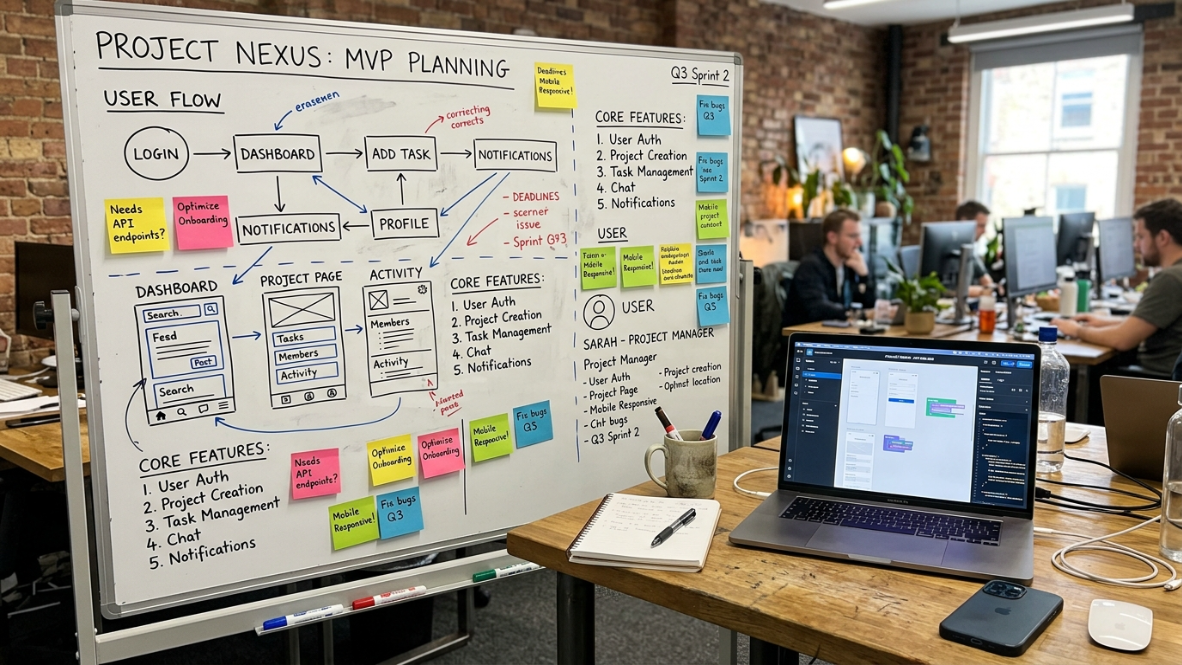
These five items should be resolved before you write a single prompt or drag a single element. Getting them wrong means building on a foundation that won’t hold.
1. Output Type: Native, Cross-Platform, Web, or Wrapper?
Best for: The single most important filter in your entire evaluation.
This is where the majority of app builder mistakes happen. Most AI app builders, including Lovable, Bolt.new, Base44, Replit, and v0, generate web apps only. They run in a browser, look good on phones, but cannot be submitted to the Apple App Store or Google Play without wrapping them in a native container.
Why does that matter? Apple enforces Guideline 4.2 against apps that provide “minimum functionality” and Guideline 2.5.2 against apps running dynamically generated code. In March 2026, Apple applied enforcement actions that resulted in apps generated by Replit and Vibecode being removed from the App Store.
There’s a practical reason almost everyone takes the web route: it’s far easier to generate. Web technologies are forgiving, run anywhere, and don’t require Apple’s signing, provisioning, and submission process. Generating real Swift and handling the entire native build-and-ship pipeline is genuinely hard. That difficulty is exactly why the distinction matters.
What to verify:
Does the tool generate native code (Swift for iOS, Kotlin for Android)?
Or does it output a web app wrapped in a WebView container?
Can the output pass Apple’s Guideline 4.2 review without additional native functionality?
For a deeper breakdown of how different tools handle this, see how AI app builders actually work.
2. Code Ownership and Export
Best for: Protecting your investment, your fundraising prospects, and your survival if a platform shuts down.
The collapse of Builder.ai in 2025, once valued at $1.3 billion, proved this isn’t a theoretical risk. The platform’s clients found themselves locked out of their applications, their data trapped or lost. Rebuilding from scratch on a new platform can cost 3 to 10 times your original investment.
Beyond disaster scenarios, code ownership affects your company’s value. Serious investors and technical acquirers review the technical stack of products they fund or acquire. An app that runs only inside a proprietary no-code runtime is not a standard software asset. It’s a subscription to a platform. This affects valuation and fundability.
What to verify:
Can you download the full source code?
Can you open it in a standard IDE (Xcode, Android Studio, VS Code) and build it without the platform?
Do you own the intellectual property, or does the platform’s terms of service grant them a license?
3. Vendor Lock-In Risk Assessment
Best for: Identifying hidden dependencies that make migration painful or impossible.
Most people think of lock-in as a binary question: can I export my code? In reality, lock-in operates across five vectors, a framework outlined by MindStudio that most builder comparisons ignore entirely.
Code lock-in: Generated code only compiles or runs inside the platform’s environment.
Data lock-in: No path to export your database, user records, or content.
Deployment lock-in: Apps can only be hosted on the platform’s infrastructure.
Workflow lock-in: Your development process depends entirely on the platform’s interface.
Behavioral lock-in: The platform’s abstractions shape your product decisions in ways that are hard to reverse.
The practical test: Export the code. Try to build it locally. Deploy it to a different host. If you can’t complete all three steps, you’re locked in, regardless of what the marketing page says.
For side-by-side comparisons of how specific tools handle lock-in, see how top AI app builders compare.
4. Pricing Transparency and Total Cost of Ownership
Best for: Preventing bill shock and making informed budget decisions.
Ask one question before you commit to any builder: “What happens to my bill when usage doubles?”
If the sales rep can’t give you a clear answer, that’s your answer. Microsoft Power Apps discontinued its $5/app plan and doubled its entry price. Bubble’s workload-unit pricing model has been a recurring source of frustration in practitioner communities, with costs spiking unpredictably as apps scale.
What to verify:
Is pricing flat/tiered or usage-based?
Are there per-user, per-action, or per-API-call charges?
What’s the cost at 2x, 5x, and 10x your current projected usage?
Are App Store submission features included, or do they require a higher tier?
For an example of transparent tier-based pricing, see the x1 pricing breakdown, which shows Builder at $99/mo, Pro at $199/mo, and Max at $299/mo with yearly savings up to 33%.
5. Who Is This Tool Actually Built For?
Best for: Matching the tool to your technical level and avoiding frustration.
Practitioners on Reddit consistently point out that context drives everything. In threads asking “what’s the best AI app builder you’ve actually used?”, the answers vary wildly because a senior developer evaluating an AI builder judges it completely differently from a non-technical founder or marketer. A tool that’s perfect for one is frustrating for the other.
The broad categories:
UI-first drag-and-drop builders (Adalo, Glide): Good for simple internal tools, limited for complex logic.
Prompt-to-app generators (Bolt.new, Lovable): Fast first drafts, but output is typically web-only and brittle.
AI code assistants (Cursor, Claude Code): Powerful for developers, overwhelming for non-coders.
End-to-end studios (x1): Guided workflows from idea through launch, designed for non-technical founders.
What to verify:
Can a non-technical person complete the full workflow without hiring a developer?
Does the tool provide guardrails and guidance, or just a blank canvas?
Is there a clear path from “I have an idea” to “my app is in the store”?
If you’re a non-technical founder specifically, this guide breaks down which tools actually work for people who don’t code.
App Builder Deal Breakers
Common deal breakers include:
no source code export
proprietary runtime only
unclear pricing
missing App Store workflow
web wrapper marketed as native
no migration path
poor documentation
inactive development
If two or more deal breakers apply, remove the platform from your shortlist before continuing your evaluation.
Phase 2: While You Build (Criteria 1 through 5)
You’ve narrowed your shortlist. Now evaluate how each tool handles the actual building process. This is where the gap between demo-quality and production-quality becomes visible.
1. Workflow Structure: Single Prompt vs. Guided Steps
Best for: Determining whether the tool produces coherent, maintainable apps or brittle one-shot outputs.
“One-shot” generation, where you describe your entire app in a single prompt and the AI produces everything at once, is the fastest path to a demo. It’s also the fastest path to unmaintainable code. One project manager shared in a YouTube walkthrough that changing a single screen in a one-shot app often broke three other screens because the AI had no structured understanding of how features related to each other.
The alternative is a multi-stage workflow that sequences decisions: first the plan, then the design, then the build, then the launch. This mirrors how professional software is actually made.
What to verify:
Does the tool separate planning, design, and build into distinct stages?
Can you review and approve decisions at each stage before moving forward?
Does changing something in the design stage automatically update the build, or does it require a full regeneration?
x1’s approach uses five dedicated studios (Plan, Design, Build, Launch, Iterate) rather than a single prompt window. Each stage has its own focused interface.
2. Design-to-Build Continuity
Best for: Avoiding the expensive “it looked right in the mockup but broke in the build” problem.
Changing layouts after code generation introduces refactor churn. In many tools, visual design and code generation are disconnected: you design in one tool, then the AI interprets your design with varying accuracy. Every mismatch requires manual correction.
What to verify:
Does the tool let you design visually before generating code?
Can you iterate on the design (colors, layouts, spacing, copy) without triggering a full rebuild?
Is the design output directly tied to the code output, or is there an interpretation gap?
3. Architecture Decisions: Auth, Data, and Subscriptions
Best for: Getting the hard decisions right before they’re baked into your codebase.
Authentication flows, data models, and subscription/paywall architecture are the three hardest decisions for non-technical founders. Many builders skip them entirely, assuming you’ll figure it out later. But “later” means refactoring your entire app after it’s already built.
What to verify:
Does the tool help you plan authentication (sign-up, login, password reset)?
Can you define your data model (what gets saved, where, how it relates) before code generation?
Does it handle subscription and paywall architecture, especially Apple’s StoreKit requirements?
Are permissions and user roles part of the planning stage?
4. Iteration Without Regression
Best for: Ensuring your app stays coherent as you refine it over multiple rounds of changes.
Refining one feature shouldn’t break three others. Many AI builders lose context during long conversations, meaning your tenth change might undo decisions you made in your second change. Practitioners on Reddit frequently mention this as a major frustration, particularly with tools that use a chat-based interface for iteration.
What to verify:
Make five or more sequential changes during your evaluation. Do earlier decisions hold?
Does the tool maintain a version history or offer rollback?
Can you target a specific screen or feature for changes without affecting the rest of the app?
This is one area where vibe coding tools for mobile often fall short compared to structured app studios.
5. AI Quality vs. AI Marketing
Best for: Separating genuine AI generation from sophisticated template systems.
Some tools market “AI-powered app building” when what they actually offer is template selection with AI-assisted customization. That’s not necessarily bad, but it’s a different product category with different limitations.
What to verify:
Does the AI generate unique code based on your specific requirements?
Or does it select from pre-built templates and modify parameters?
Can the AI handle non-standard features that don’t map to existing templates?
Ask it to build something unusual. If it can’t, you’re working with templates, not generation.
Common Mistakes When Choosing an App Builder
The most common selection mistakes include:
choosing based on AI marketing
ignoring App Store requirements
focusing only on first build speed
underestimating vendor lock-in
ignoring pricing after launch
selecting web apps for native projects
failing to verify code ownership
assuming every builder supports production deployment
Many of these mistakes are only discovered after weeks or months of development.
Phase 3: Before You Launch (Criteria 1 through 5)
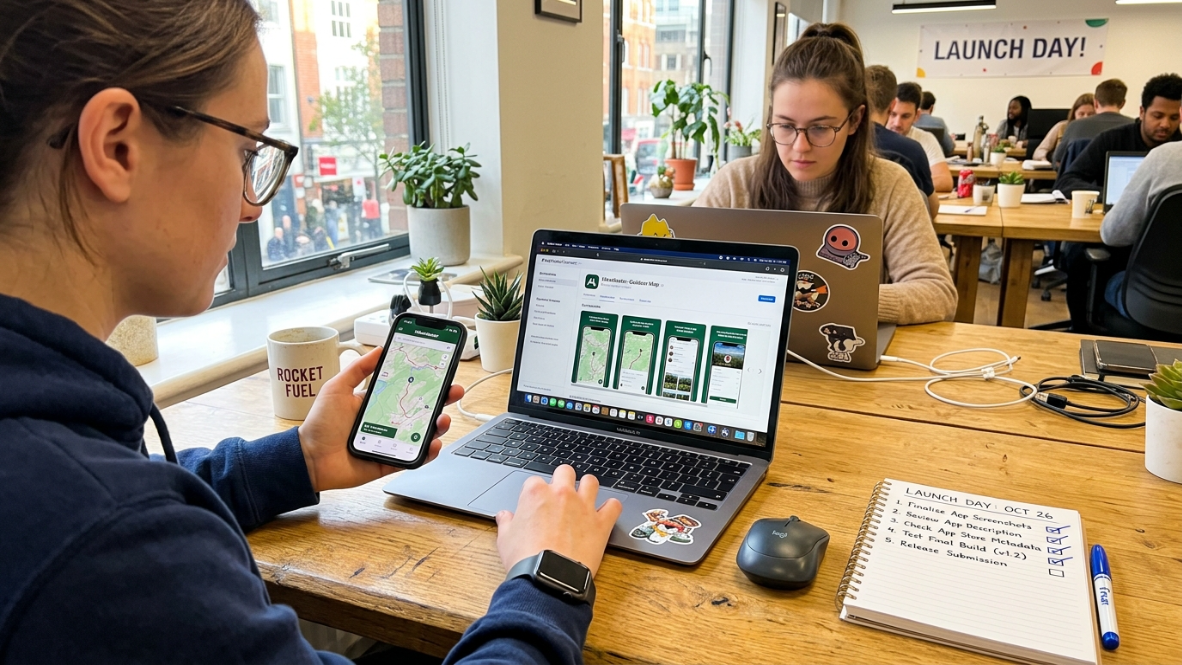
This is where most tools fail. Building a working app is one thing. Getting it into the App Store is something entirely different.
The practitioner insight that captures this perfectly: “Demo-ready is not review-ready.” Most builder comparisons evaluate how fast you can generate a first demo, but that’s the wrong metric for anyone planning to ship. The right question is: does the tool carry you past the demo to actual App Store approval?
1. App Store Submission Support
Best for: Clearing the last-mile hurdle that kills more app projects than bad code does.
Apple reviewed 7.77 million app submissions in 2024 and rejected 1.93 million of them, roughly 1 in 4. The rejection rate for first-time submissions is even worse: approximately 40% get bounced, often for issues as simple as a broken link or a misleading screenshot.
Starting April 28, 2026, all apps submitted to App Store Connect must be built with Xcode 26 and the iOS 26 SDK. This isn’t optional.
What to verify:
Does the tool handle App Store screenshots, ASO metadata, and privacy disclosures?
Does it manage the actual submission workflow, or does it hand you a code bundle and wish you luck?
Does the output comply with the latest SDK requirements?
For a complete walkthrough of what App Store submission involves, see the App Store launch checklist.
Explore x1’s end-to-end launch workflow, which includes a dedicated Launch studio for screenshots, listings, and submission.
2. App Store Compliance Guardrails
Best for: Avoiding the specific rejection reasons that disproportionately affect AI-generated apps.
Apple has been escalating enforcement against AI-generated apps throughout 2025 and 2026. The primary guidelines catching these apps are:
Guideline 4.2 (Minimum Functionality): Apps that are essentially web wrappers or lack native iOS design patterns.
Guideline 2.5.2 (Code Execution): Apps that download and execute dynamic code.
Privacy Manifest Requirements: Apps that fail to include a PrivacyInfo.xcprivacy file or proper consent screens.
In 2025, developers submitted 557,000 new apps to Apple’s App Store, a 24% jump from 2024. Many of these were AI-generated, and many were rejected. The biggest risk with AI-built apps isn’t bad code. It’s false confidence. Reviewers aren’t testing your demo; they’re testing what breaks.
What to verify:
Does the output inherit native iOS design patterns (or Android Material Design for Google Play)?
Does the tool generate PrivacyInfo.xcprivacy and appropriate consent screens?
Has the builder been specifically flagged by Apple enforcement actions? Check before you build.
For a thorough QA process before submission, the iOS App Store review QA checklist covers what to test.
3. Launch Asset Generation
Best for: Eliminating the last-mile friction that delays launches by weeks.
App Store screenshots, ASO metadata, and listing copy are the unglamorous work that sits between “my app is built” and “my app is live.” Most builders ignore this entirely, leaving you to open Figma, hire a designer, or fumble through screenshot generators.
What to verify:
Are App Store screenshots generated inside the tool?
Does it write or draft ASO-optimized metadata (title, subtitle, keywords, description)?
Can you preview how your listing will look before submission?
Does it handle different screenshot sizes for different iPhone models?
4. Post-Launch Iteration Path
Best for: Ensuring V1 isn’t V-final.
Your first version will have bugs. Users will request features you didn’t anticipate. App Store reviewers may ask for changes. If your builder considers itself “done” after the first build, you’ll be stuck making changes in raw code, assuming you even have access to it.
What to verify:
Can you make changes and push updates through the same tool you used to build?
Is there a clear workflow for bug fixes, feature additions, and App Store update submissions?
Does the tool maintain project context between sessions, or do you start fresh each time?
5. Exit Strategy and Long-Term Viability
Best for: Protecting yourself against the scenario nobody wants to plan for but everyone should.
Builder.ai collapsed. Pricing terms change. Features get removed. Platforms get acquired and sunsetted. Your app builder selection checklist needs to include the uncomfortable question: what is your plan if this platform doubles its price, removes a key feature, or shuts down?
If the answer is “start over,” that’s a risk worth pricing into your decision.
What to verify:
How old is the company? What’s their funding situation?
Can you export everything (code, data, assets) and continue without them?
Are there documented migration paths?
Does the platform have a track record of maintaining backward compatibility?
For what it’s worth, x1 is YC-backed (F24), based in San Francisco, with founder backgrounds at Scale AI and Meta. That doesn’t guarantee permanence, but it’s the kind of backing you want to see on this checklist item.
App Builder Evaluation Scorecard
Score | Recommendation |
|---|---|
65-75 | Excellent choice |
50-64 | Good with minor concerns |
35-49 | High risk |
Under 35 | Avoid |
Then explain:
Rate every criterion from 1–5.
Maximum score = 75.
How to Use This App Builder Selection Checklist
Print it. Put it in a spreadsheet. Score each tool you’re evaluating from 1 to 5 on each criterion. The tools that score well across all three phases (before you build, while you build, before you launch) are the ones worth committing to.
Pay special attention to the criteria where you have the least expertise. If you’re non-technical, weight Phase 2 criterion 3 (architecture decisions) and Phase 3 criteria 1-2 (App Store compliance) heavily, because those are the areas where the wrong tool will cost you the most time and money.
If you’re building for iOS specifically, the checklist tilts toward native output, App Store compliance, and launch asset generation as the highest-weighted criteria. x1 is purpose-built for this exact use case: native Swift/Xcode output, a five-stage guided workflow, and a dedicated Launch studio that handles screenshots, listings, and submission.
Try x1 with free credits and run it against this checklist yourself.
Frequently Asked Questions
What’s the difference between an app builder selection checklist and a comparison article?
A comparison article tells you which tools exist. A selection checklist gives you the criteria to evaluate any tool, including ones that haven’t been reviewed yet. The checklist is reusable and tool-agnostic. You apply it to your specific situation rather than relying on someone else’s ranking.
How many app builders should I evaluate before choosing one?
Three to five is the practical range. Fewer than three means you’re not seeing enough variety in approaches. More than five creates analysis paralysis. Use this checklist to eliminate tools quickly on the Phase 1 criteria (output type, code ownership, lock-in) before investing time in hands-on testing.
Why does output type matter so much in an app builder selection checklist?
Because it determines what you can actually do with the result. Web apps cannot be submitted to the Apple App Store or Google Play as native apps. Wrappers face increasing rejection rates. If your goal is a real App Store listing, native or true cross-platform output isn’t optional. It’s the foundation everything else depends on.
Can I use this checklist for Android app builders too?
Yes. The criteria are platform-agnostic except for the iOS-specific details in Phase 3 criteria 1 and 2 (App Store submission and compliance). For Android, substitute Google Play’s review policies, which are less strict but still enforce quality standards around functionality and performance.
What’s the biggest mistake founders make when choosing an app builder?
Optimizing for speed to first demo instead of speed to production launch. A tool that generates a working prototype in 10 minutes but can’t get through App Store review is slower than a tool that takes 2 days but ships a production-ready app. The “demo-ready is not review-ready” distinction is the single most expensive lesson in this space.
How do I test for vendor lock-in before I commit?
Run the five-vector test during your free trial or evaluation period. Export the code and try to build it in a standard IDE. Export your data. Try deploying to your own hosting. If any of these steps fail, you have lock-in on that vector, regardless of what the platform’s marketing claims.
Should code ownership be a dealbreaker?
For any project you plan to fundraise on, sell, or operate as a real business, yes. Investors and acquirers evaluate the technical stack. An app that only runs inside a proprietary platform runtime is a subscription dependency, not a software asset. For hobby projects or internal tools, this criterion matters less.
How often should I revisit my app builder selection checklist?
Revisit it whenever you’re starting a new project, when your current tool raises its prices, or when Apple or Google makes significant policy changes. The low-code market is moving fast enough that a tool that was the right choice 12 months ago may not be the right choice today.