

TL;DR
An AI app studio is a tool that guides you through the entire app lifecycle in one place, from a plain-English idea to planning, design, native code generation, testing, and App Store submission. Unlike an AI code editor, which only speeds up writing code, an app studio handles the product decisions around the code, so non-technical founders can ship a real app without hiring a developer.
They’re distinct from AI code editors, which only help with the coding step. This guide ranks the 8 best options in 2026 across iOS, Android, and cross-platform, with real pricing breakdowns, hidden costs, and honest trade-offs. If you’re building for iPhone, x1 is the top pick for its structured, end-to-end native iOS workflow. If you want Android, Google AI Studio is the free starting point. If you already know how to code, Cursor or Claude Code will accelerate your existing skills.
Quick Answer: What Is the Best AI App Studio in 2026?
If you want to build a real App Store–ready app in 2026, the best AI app studio depends on your goal:
- Best for iOS (no-code founders): x1 — end-to-end native Swift + App Store workflow
- Best for cross-platform MVPs: Rork — fast React Native + Apple ecosystem expansion
- Best free Android prototyping: Google AI Studio — zero-cost Kotlin generation
- Best for experienced developers: Cursor — AI code editor for full-stack control
- Best visual no-code builder: Adalo — drag-and-drop cross-platform apps
Bottom line: AI app studios are no longer just builders — they are full product pipelines. The winner is the one that matches your platform + skill level + shipping intent.
AI App Studio vs App Builder vs Code Editor
Type | What it does | App Store ready | Example |
|---|---|---|---|
AI app studio | Guides the full app lifecycle from idea to App Store | Yes | x1 |
AI app builder | Generates an app from prompts, one screen or feature at a time | Sometimes | Adalo, Bilt |
AI code editor | Speeds up writing code inside an existing dev workflow | Manual | Cursor, Claude Code |
What Is an AI App Studio, and Why Does the Category Matter Now?
The term “AI app studio” describes something specific: a platform that handles the entire journey from idea to published app, not just the code generation step. That distinction matters because most tools people lump together under “AI app builder” actually do very different things. An AI code editor like Cursor makes developers faster. An AI app studio takes someone with an idea and walks them through planning, designing, building, and launching a finished product.
The timing is right. Gartner projects that 70% of new applications will use low-code or no-code technologies by 2026. AI app revenues grew 180% in 2025 alone. And the community consensus is shifting. Practitioners on Reddit’s r/vibecoding (89,000+ members), r/nocode, and r/indiehackers have moved past the “which AI builder is best?” debate toward a more useful question: which tool fits your specific project?
That’s the framework this guide uses. The right choice depends on three things: what platform you’re targeting (iOS, Android, or web), how technical you are, and whether you need to actually ship to an app store or just prototype.
Explore x1’s modular studios to see what end-to-end looks like for iOS.
AI App Studio vs AI Code Editor vs No-Code Builder
Most confusion in this category comes from mixing three different tool types. Here’s how they differ:
Category | What It Does | Example Tools | Best For |
|---|---|---|---|
AI App Studio | Full app lifecycle (idea → design → build → publish) | x1, Rork, Adalo | Non-technical founders |
AI Code Editor | Speeds up coding inside IDE | Cursor, Claude Code | Developers |
No-Code Builder | Visual drag-and-drop apps | Adalo, FlutterFlow | MVP validation |
At-a-Glance Comparison Table
Tool | Starting Price | Output Type | Free Tier | Best For | End-to-End? | Code Ownership |
|---|---|---|---|---|---|---|
x1 | $99/mo ($66/mo yearly) | Native Swift + Xcode | ~100 free credits | iOS-native apps, idea to App Store | Yes | Full export |
Rork / Rork Max | $25/mo (base) / $200/mo (Max) | React Native or Native Swift | 35 credits/mo (base) | Cross-platform MVPs or Apple ecosystem | Partial | Full export |
Google AI Studio | Free | Kotlin (Android) | Yes, generous | Android prototyping | No (personal use only) | Limited |
Cursor | $20/mo (Pro) | Any language | Yes (Hobby tier) | Developers who code | No (editor only) | Full |
Claude Code | $20/mo | Any language | No | Terminal-native devs, architecture work | No (terminal tool) | Full |
iSwift.dev | $20/mo | SwiftUI | Yes (5 projects) | SwiftUI code generation | No (code gen only) | Full export |
Adalo | Free to build, $36/mo to publish | Cross-platform (web + iOS + Android) | Yes | Non-technical founders, visual building | Partial | Limited |
FlutterFlow | $80/mo/seat | Flutter/Dart | No | Developer-adjacent teams | No (BYO backend + Mac) | Full export |
How to Choose the Right AI App Studio
Use this decision framework:
Choose based on your goal:
If your goal is launching a real App Store product → choose x1 or Rork Max
If your goal is learning or prototyping → choose Google AI Studio
If your goal is building as a developer → choose Cursor or Claude Code
If your goal is visual MVP without coding → choose Adalo or FlutterFlow
Choose based on skill level:
Beginner → x1, Adalo
Intermediate → Rork, FlutterFlow
Advanced → Cursor, Claude Code
Choose based on platform:
iOS only → x1, Rork Max, iSwift.dev
Android only → Google AI Studio
Cross-platform → Rork, Adalo, FlutterFlow
How We Evaluated
Each tool was assessed on output quality, end-to-end coverage (idea through App Store), pricing transparency (including hidden costs), code ownership and export options, community sentiment from Reddit and review platforms, and real-world App Store readiness. We weighted iOS capability heavily because the SERP data shows most searchers for “AI app studio” are building for iPhone.
1. x1
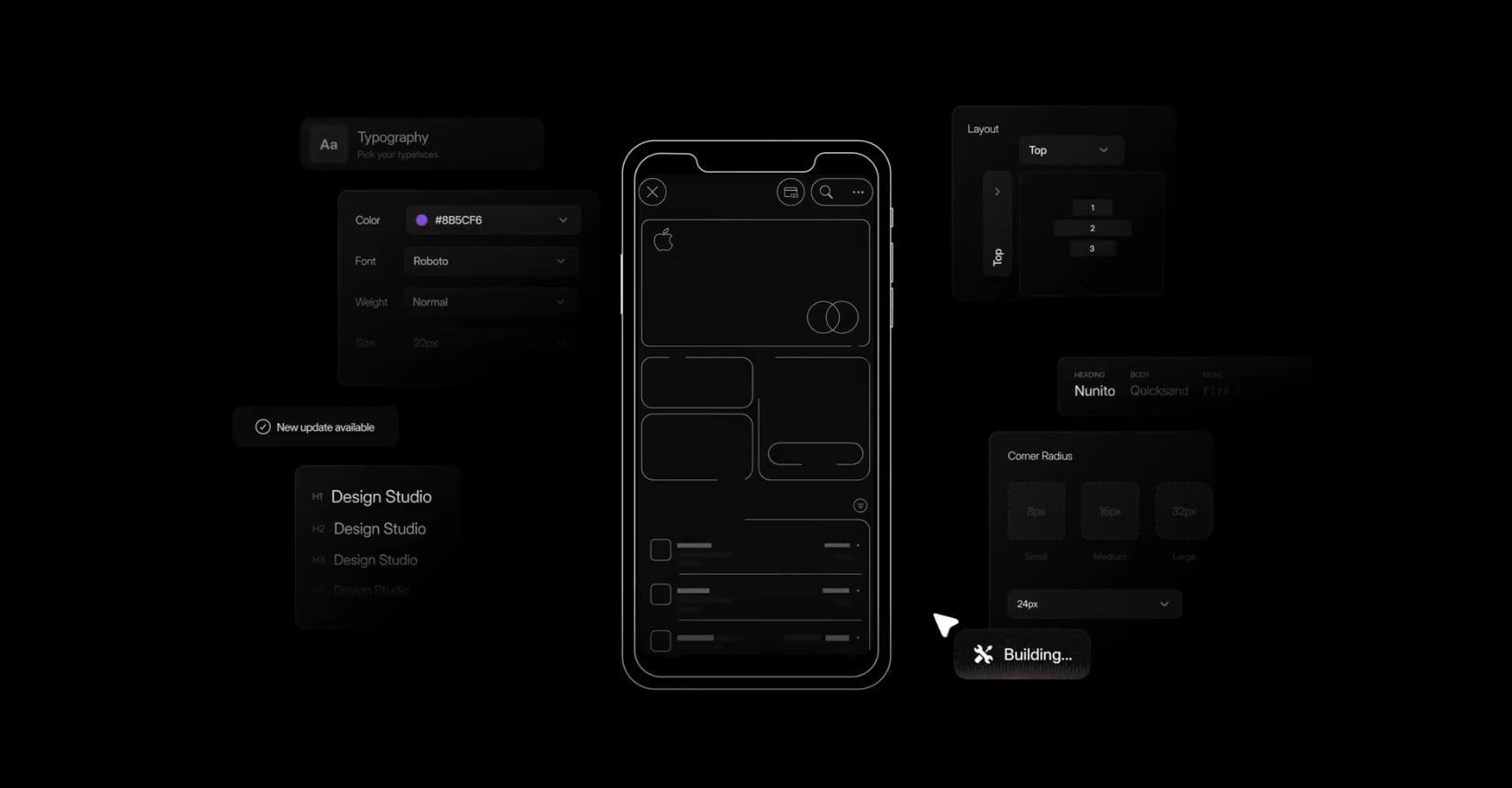
Best for: Non-technical founders and indie makers shipping native iOS apps to the App Store.
x1 is an AI app studio built specifically for native iPhone apps. It’s YC-backed (F24 batch), founded by alumni of Scale AI and Meta FRL, and takes a fundamentally different approach from most AI builders: instead of one prompt window that tries to do everything, x1 breaks the process into five purpose-built studios.
How it works:
Plan — Describe your idea in plain English. x1 maps out screens, features, and user flows. You choose how things work: taps, saves, payments, return states. Learn more about screen mapping and flow planning.
Design — A visual canvas where you shape your brand, colors, fonts, icon, and screen layouts before any code is generated. This visual design canvas approach prevents the design-to-build mismatch that plagues one-shot generators.
Build — x1 generates the actual iPhone app in native Swift + Xcode, working through each screen and feature in order.
Launch — Create App Store screenshots, write your listing, and submit for review, all inside the same tool.
Iterate — Refine and polish after launch.
Pricing:
Builder: $99/mo ($66/mo billed yearly)
Pro: $199/mo ($133/mo billed yearly)
Max: $299/mo ($200/mo billed yearly)
~100 free credits to try the product
All tiers include the full workflow and native iPhone app creation. Higher tiers increase build capacity, speed, and priority access. See detailed pricing.
Key strengths:
Outputs real Swift + Xcode projects, not web wrappers or React Native bundles
Built-in launch assets (screenshots, ASO metadata) reduce tool sprawl
Flat-tier pricing eliminates the credit anxiety that plagues competitors
Structured workflow prevents the “one-shot generation” fragility problem
Trade-offs:
iOS only. No Android or web output today.
Early-stage product with a smaller community than established incumbents.
No true free tier. The paid commitment signals it’s targeting serious builders, not hobbyists.
No public case studies as of mid-2026, though YC backing and founder backgrounds provide credibility.
Why the structured approach matters: A recurring complaint across Reddit’s r/nocode and r/SideProject is that AI builders generate an app in one shot, but the result falls apart when you try to change anything. As one r/nocode moderator put it: “The question is not which AI app builder is best. The question is whether you are building to impress or building to ship.” x1’s modular studios are a direct response to that structural problem. You plan before you design, design before you build, and build before you launch. Each stage creates a foundation the next stage relies on.
For a deeper look at how the full workflow operates, see how x1 works from idea to App Store.
2. Rork / Rork Max
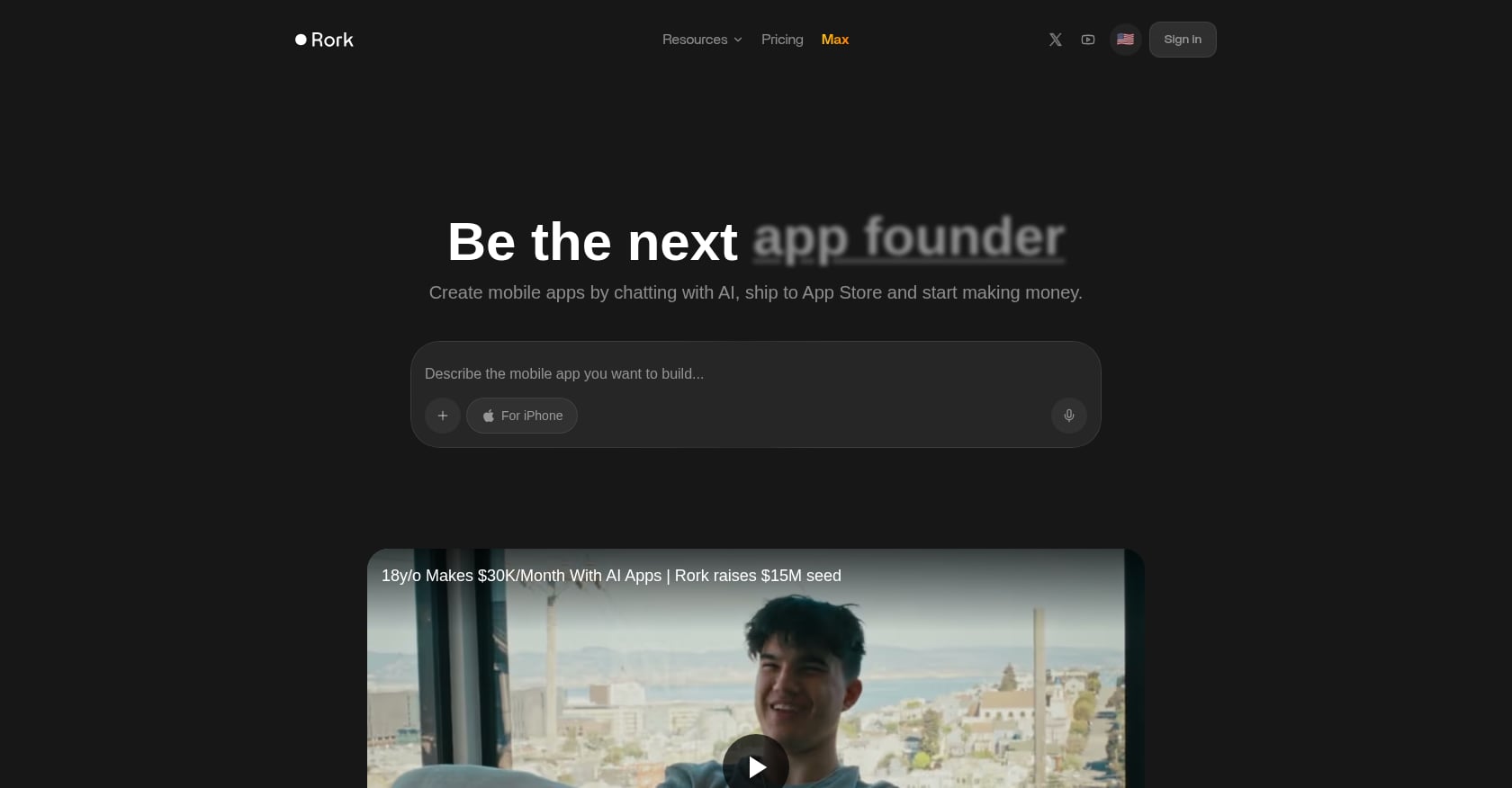
Best for: Cross-platform mobile MVPs (base Rork) or Apple ecosystem native apps (Rork Max).
Rork is actually two products. The base version turns plain-English prompts into functional iOS and Android apps using React Native. Rork Max, launched in February 2026, builds native Swift apps for the full Apple ecosystem: iPhone, iPad, Apple Watch, Apple TV, Vision Pro, and iMessage extensions.
Pricing:
Free: 35 credits/month, 5 per day
Junior: $25/mo
Senior: $100/mo (sweet spot for full MVP building)
Max: $200/mo (required for native Swift output)
Rork raised roughly $15 million in total funding and reportedly hit $1.5 million in annual recurring revenue within three days of the Max launch.
Key strengths:
Two output paths: React Native for cross-platform speed, native Swift for Apple polish
Strong validation tool at the Junior tier price point
Handles roughly 70% of bugs automatically, per reviewer testing
Active development pace with frequent updates
Trade-offs:
Credit consumption is the biggest pain point. Multiple online customer reviews describe Rork as “a credit-guzzling no-code app builder.” It’s free to try, not free to build seriously.
Chat-only interface limits design control. No visual canvas.
The remaining 30% of bugs require manual edits in the exported codebase.
UI iteration can be slow and occasionally unstable.
Community perspective: Practitioners on Reddit note that Rork works best for developers who want iOS-first development and don’t mind paying premium prices for quality. The chat interface is fast for getting a first version but frustrating when you need precise visual adjustments.
For a side-by-side breakdown, see how x1 compares to Rork.
3. Google AI Studio
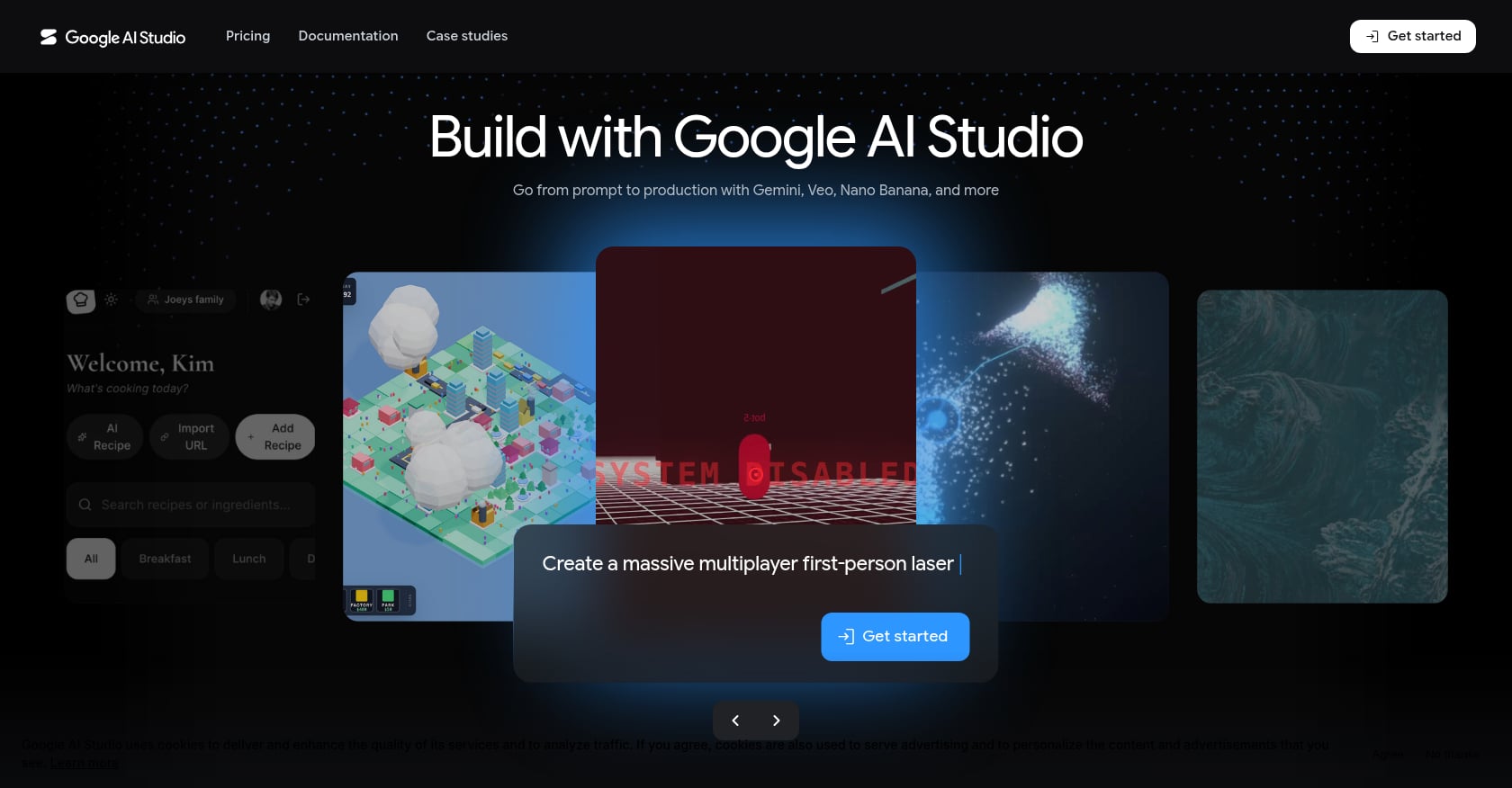
Best for: Free Android prototyping within the Google ecosystem.
Google AI Studio got massive attention at I/O 2026 with its announcement of native Android “vibe coding,” letting users go from a single prompt to a Kotlin-based Android app. No software installation required, no library configuration. The pitch is compelling, and the price is right: free.
Pricing:
Free tier supports enough usage for many developers, startups, and creators
Multiple paid tiers available for heavier use
Key features (announced at I/O 2026):
Native Android app generation from text prompts
Google Workspace integrations
AI Studio mobile app
Single-click publishing to Google Play’s Internal Test Track
Trade-offs:
Android only. Zero iOS support.
The resulting apps are currently meant for personal use only. Publishing for family and friends is still on the roadmap.
Locked into Google’s AI models. No GPT-5 or Claude 4 access.
Not a path to a production App Store listing on either platform.
Google AI Studio is excellent for experimentation and Android prototyping. But if you’re building for iPhone, it simply doesn’t apply. And even for Android, the “personal use only” limitation means it’s a learning tool, not a shipping tool, at least for now.
4. Cursor
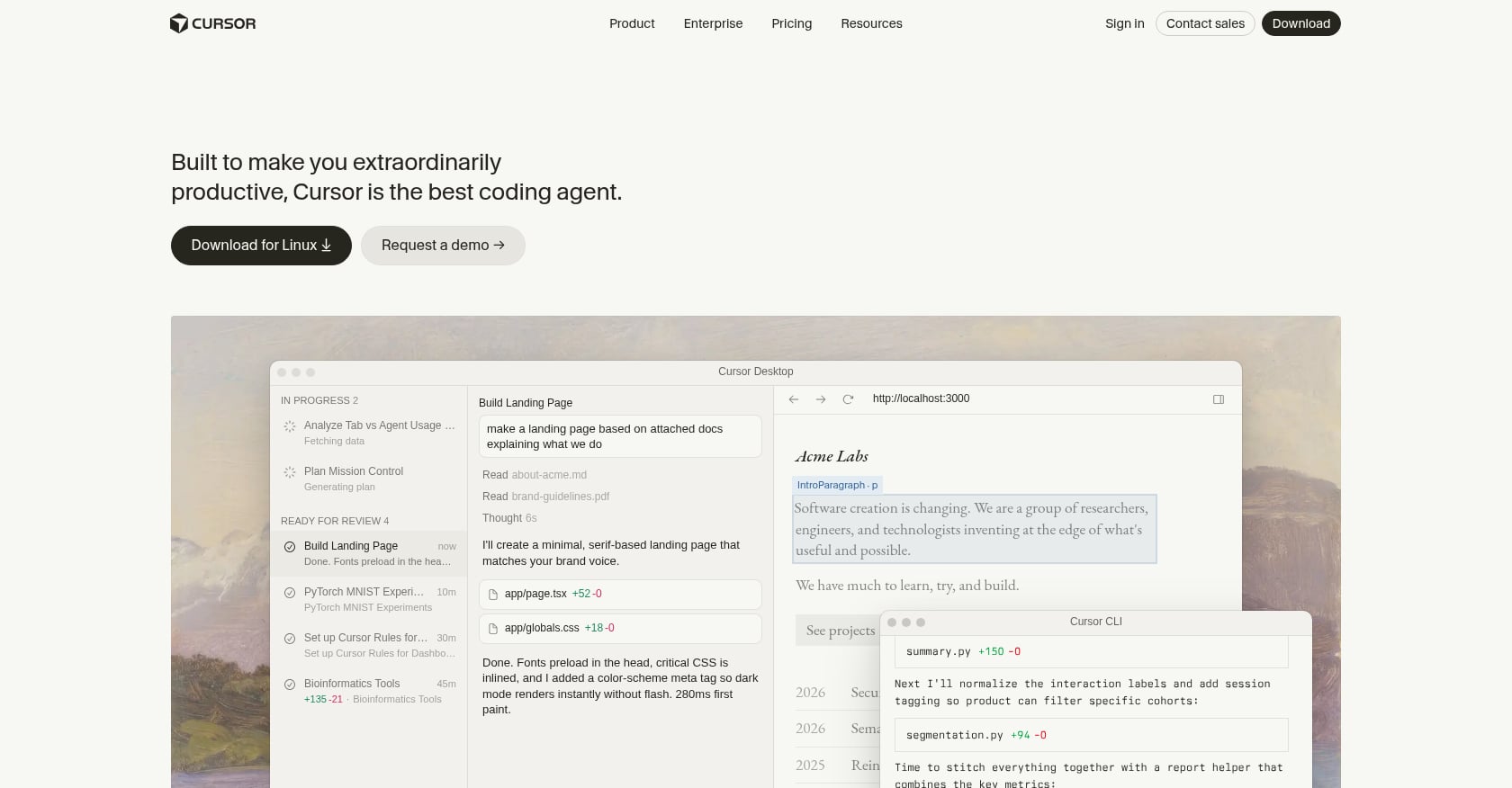
Best for: Experienced developers who already know how to code and want AI acceleration.
Cursor is an AI-native code editor built on VS Code, used by over 500,000 developers. It provides inline code generation, multi-file editing, and codebase-aware AI that understands your full project context. It’s now valued at $29.3 billion and has crossed $2 billion in annual recurring revenue in under 18 months.
Pricing (2026):
Hobby: Free
Pro: $20/mo
Pro+: $60/mo
Ultra: $200/mo
Teams: $40/user/mo
Key strengths:
Understands your entire codebase, not just the file you’re editing
Multi-file editing and refactoring
Works with any language, framework, or platform
VS Code foundation means familiar UX for most developers
Trade-offs:
If you cannot code, Cursor will not help you build apps. It’s a professional tool for professional developers.
No built-in design tools, app preview, publishing pipeline, or launch assets.
The June 2025 credit change caused real friction. The shift from a fixed 500-request model to credits effectively cut monthly requests from roughly 500 to roughly 225.
The core Reddit debate in r/cursor and r/webdev: does Cursor Pro at $20/month justify double the price of GitHub Copilot at $10/month?
Cursor is not an AI app studio. It’s an AI code editor. That’s an important distinction. It makes developers faster but doesn’t help someone without coding skills get from idea to app. For a detailed comparison of these two approaches, read how x1 compares to Cursor.
5. Claude Code
Best for: Terminal-native developers tackling complex architectural work and large refactoring tasks.
Claude Code takes a different approach entirely. It runs in the terminal rather than an IDE, billed through an Anthropic Claude Pro subscription. It excels at codebase-wide analysis, reasoning through complex problems, and handling large refactoring jobs that span many files.
Pricing:
$20/month through Claude Pro
Pay-per-token on API for heavier usage
Key strengths:
Deep reasoning capabilities for architectural decisions
Codebase-wide analysis without file-by-file context limits
Many developers use both Cursor for daily coding and Claude Code for complex architectural work
Excellent for reviewing and refactoring existing projects
Trade-offs:
Terminal only. No visual interface at all.
Requires coding expertise and an existing Xcode setup for any iOS work.
No app preview, design tools, or publishing pipeline.
Not an app builder in any sense. It’s a thinking partner for experienced engineers.
6. iSwift.dev
Best for: Budget-friendly SwiftUI code generation and rapid prototyping.
iSwift.dev is an AI-powered web platform that translates natural language descriptions into production-ready SwiftUI code. It creates complete, structured Xcode projects for iOS, iPadOS, macOS, and watchOS.
Pricing:
Free tier: 5 projects, 200 AI chat prompts per billing period
Paid plans start at $20/month
Key strengths:
Genuine SwiftUI output, not React Native or Flutter
Clean code generation that exports directly to Xcode
Budget-friendly entry point for native iOS prototyping
Covers multiple Apple platforms (iOS, iPadOS, macOS, watchOS)
Trade-offs:
Code generation only. No built-in launch assets, App Store submission tools, or monetization features.
There’s a natural lag between Apple’s new feature announcements and reliable AI implementation. For cutting-edge SwiftUI features, manual implementation will always be faster.
No visual design canvas. You describe, it generates.
Smaller community and less name recognition than bigger platforms.
iSwift.dev is a solid tool for developers who want AI-generated SwiftUI as a starting point and are comfortable handling everything else (design, testing, submission) on their own.
7. Adalo
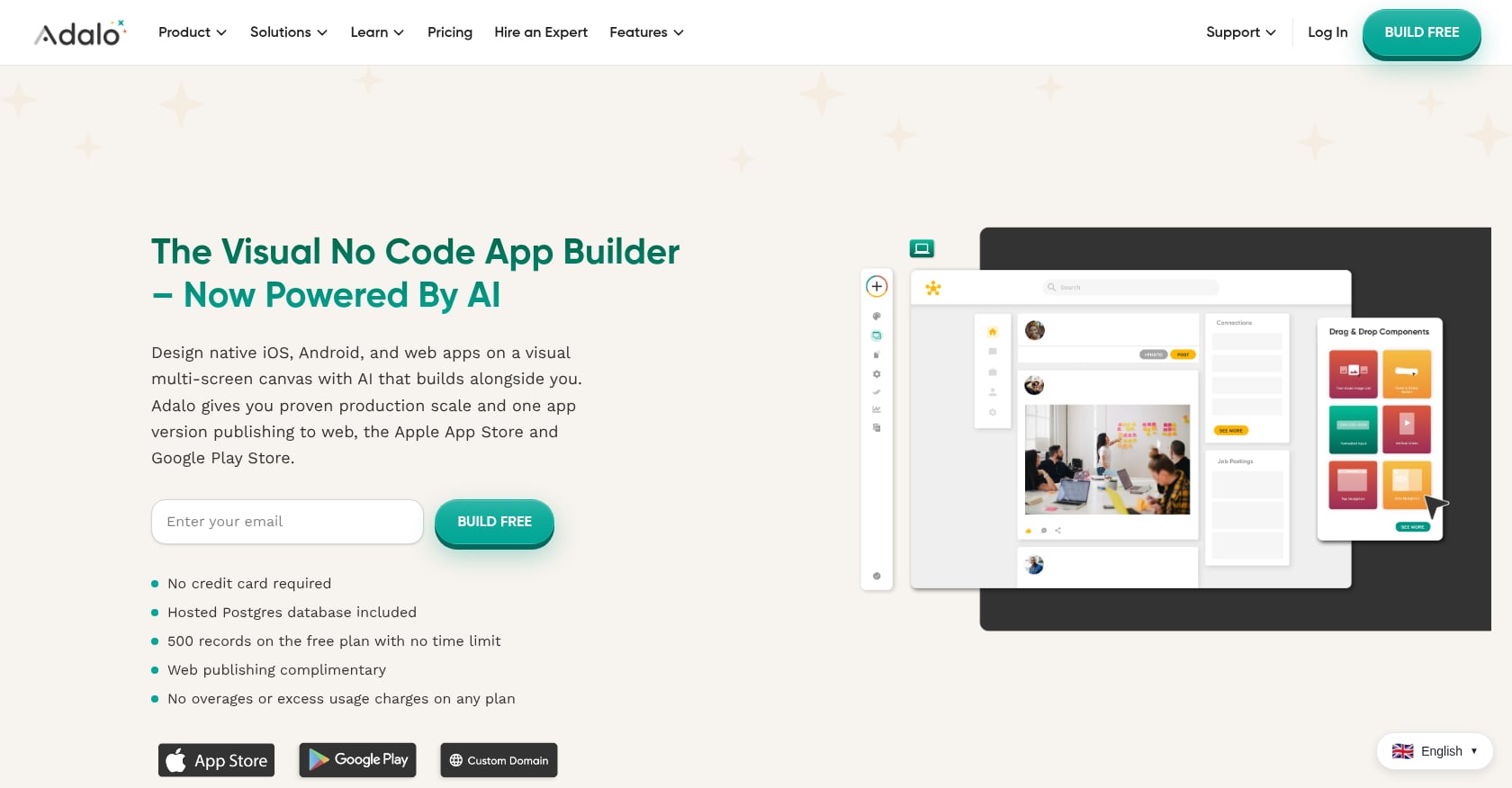
Best for: Non-technical founders wanting cross-platform apps (web + iOS + Android) from a visual canvas.
Adalo is a visual AI app builder with a built-in database. You see every screen on one canvas, preview on any device, and visually direct the AI to refine your app before publishing. It’s one of the few platforms that handles web, iOS, and Android from a single project.
Pricing:
Free: Build and test
Starter: $36/mo (web publishing)
Professional: $65/mo annually (iOS/Android publishing)
Team: $160/mo annually (Stripe payment processing)
Key strengths:
Visual canvas that shows all screens simultaneously
Built-in database (most competitors require BYO backend)
Cross-platform output from one project
One Capterra reviewer noted: “Pricing wise, nothing else comes close. $36/mo gets you the builder with unlimited usage.”
Trade-offs:
You can publish mobile apps on Professional, but you cannot accept payments until the $160/mo Team tier. This tier-gating is a significant hidden cost.
Heavy-functionality apps hit storage and feature walls quickly.
Output is not native code. You’re locked into Adalo’s runtime environment.
Limited code export means limited extensibility.
8. FlutterFlow
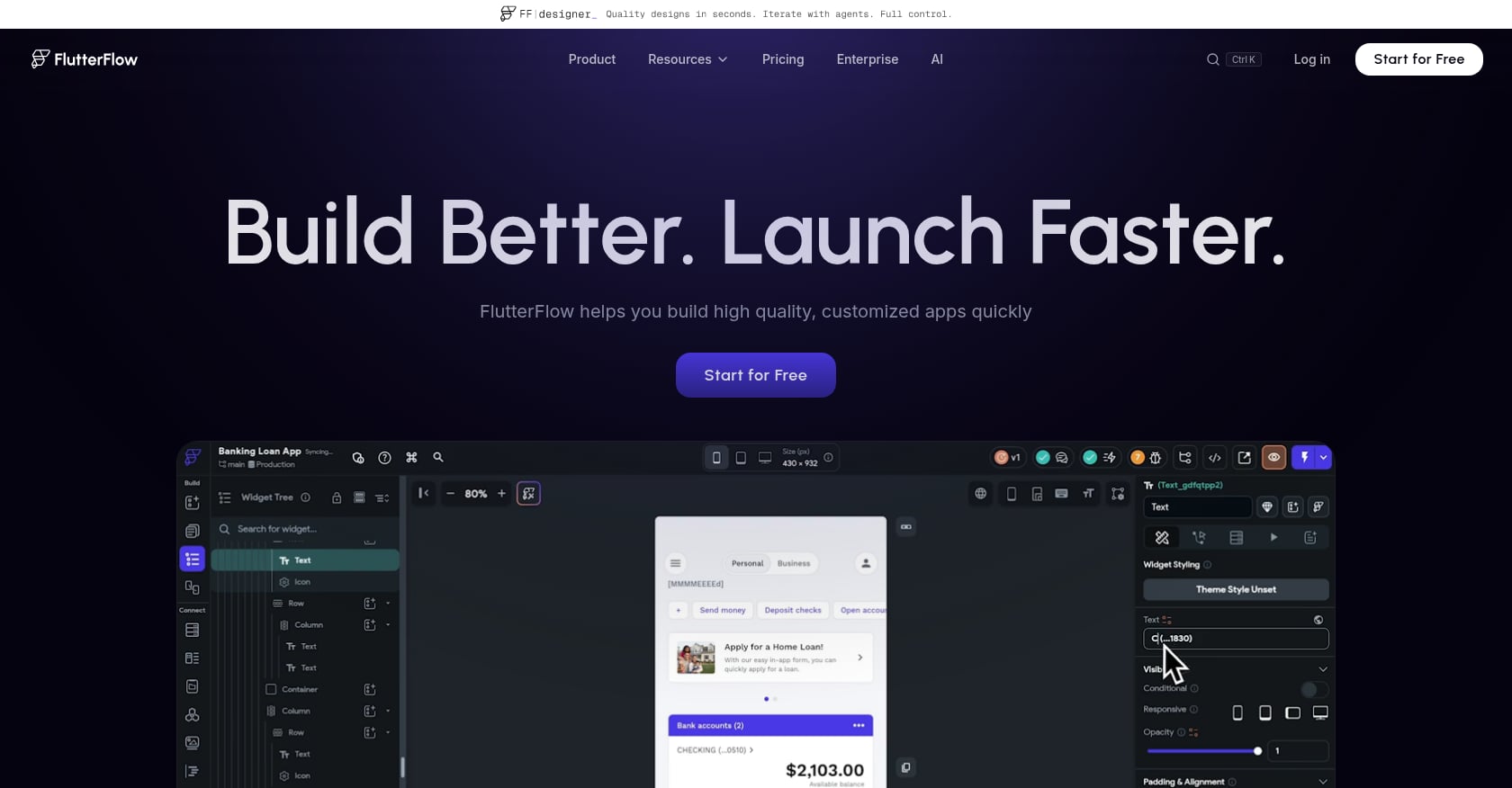
Best for: Developer-adjacent teams who want visual building speed with Flutter code export.
FlutterFlow is a low-code AI mobile app builder that generates native mobile apps via Flutter/Dart. It appeals to teams that want visual drag-and-drop building but also want to export clean, extensible code.
Pricing:
$80/mo per seat, no database included
Key strengths:
Flutter output means true cross-platform native performance
Full code export for customization
Visual builder reduces development time compared to writing Flutter by hand
Active community and extensive template library
Trade-offs:
No database included. You must bring Firebase, Supabase, or another backend, and manage it yourself.
Per-seat pricing scales up fast for teams. Three people means $240/mo before you’ve added hosting or a database.
Steeper learning curve than true no-code platforms.
Local iOS builds require Xcode and a Mac. There’s no way around Apple’s toolchain requirement.
Buyer’s Guide: How to Choose Your AI App Studio
The community consensus from Reddit and practitioner blogs points to one thing: category matters more than any single “best” tool. Here’s a simple decision framework.
If you’re building a native iOS app and you don’t code, x1 is the clear starting point. Its structured workflow (plan, design, build, launch) prevents the fragile one-shot problem, and the built-in launch assets save you from juggling three or four additional tools for screenshots, ASO metadata, and App Store submission. It’s purpose-built for non-technical founders who want to ship real products.
If you’re building cross-platform and need both iOS and Android, look at Rork (for React Native speed) or Adalo (for a visual canvas with a built-in database). Budget accordingly for Rork’s credit consumption or Adalo’s tier-gating.
If you’re prototyping for Android only, Google AI Studio is free and fast. Just know you can’t ship to the Play Store for public use yet.
If you already code and want AI to make you faster, Cursor and Claude Code are the right tools, but they’re code editors, not app studios. You’ll still handle design, architecture planning, and launch yourself.
The Apple Guideline 2.5.2 Factor
This is underreported but important. In March 2026, Apple blocked Replit and Vibecode from distributing app-building tools on iOS, citing Guideline 2.5.2’s prohibition on code execution environments. That enforcement action drew a sharp line: builders that generate native code (Swift, Kotlin) are architecturally safer than those relying on code-execution wrappers. If you’re choosing an AI app studio for iOS, ask whether the output is native Swift that compiles in Xcode, or a runtime wrapper that could face App Store scrutiny.
Watch for Hidden Costs
Most AI app studios don’t mention these upfront:
Apple Developer Program: $99/year, required for any App Store submission
Cloud hosting and databases: Many tools generate apps but don’t host them. Production hosting, databases, and CDN costs add up.
Credit burnthrough: Tools with credit-based pricing (like Rork) can cost 2x what you expect when you’re iterating heavily
Launch assets: App Store screenshots, preview videos, and ASO metadata are separate costs and tools on most platforms
Hidden costs can push the final price of an AI-built app to double the expected spend. This is one reason x1’s flat-tier pricing and built-in App Store publishing tools stand out. You know what you’re paying, and the launch overhead is handled inside the same product.
Final Verdict: Which AI App Studio Should You Choose?
There is no single best AI app studio in 2026 — only the best fit for your workflow.
If you want a real App Store business: choose x1
If you want fast cross-platform MVPs: choose Rork
If you want free experimentation: choose Google AI Studio
If you are a developer scaling productivity: choose Cursor
If you want visual no-code apps: choose Adalo or FlutterFlow
The biggest shift in 2026:
AI app studios are no longer about generating code — they are about replacing entire product teams.
Frequently Asked Questions
Can I really build an App Store-ready app with AI?
Yes, but “App Store-ready” means different things on different platforms. Tools that output native Swift/Xcode projects (like x1, Rork Max, or iSwift.dev) produce code Apple’s review process recognizes as legitimate. Tools that rely on code-execution wrappers face more scrutiny, especially after Apple’s March 2026 enforcement action. The bigger question is whether you can handle the last mile: screenshots, metadata, privacy labels, and compliance. Some AI app studios bake this in, most don’t.
What are the hidden costs of AI app builders?
Beyond the subscription, expect to pay $99/year for an Apple Developer Program membership, variable costs for cloud hosting and databases (if your builder doesn’t include them), credit overage charges on usage-based platforms, and potentially separate tools for App Store assets. A realistic budget adds 50-100% on top of the sticker price for a production app.
Do I need to know how to code?
It depends on the tool. x1, Adalo, and Rork’s base product are designed for people who don’t code. Cursor and Claude Code absolutely require programming skills. FlutterFlow sits in the middle, calling itself low-code but assuming comfort with technical concepts like APIs, database schemas, and version control.
What’s the difference between an AI app studio and an AI code editor?
An AI app studio covers the full lifecycle: planning, design, code generation, testing, and publishing. An AI code editor (Cursor, Claude Code, GitHub Copilot) accelerates the writing of code inside an existing development workflow. The editor assumes you already know what you’re building and how to ship it. The studio guides you through those decisions. For a broader breakdown, see AI app builder comparisons.
Is Google AI Studio good for building iOS apps?
No. Google AI Studio generates Kotlin-based Android apps only. There is no iOS support. If someone directed you here looking for Google AI Studio specifically, it’s worth knowing that the apps it creates are currently limited to personal use, and publishing even for friends and family is still on the roadmap.
Which AI app studio is best for solo founders?
For iOS, x1 is built around the solo founder use case, indie makers who want to go from idea to revenue without hiring a development team. Its five-studio workflow replaces the need for separate planning, design, development, and launch tools. For cross-platform, Adalo’s free-to-build model lets you validate before committing budget. The era of the one-person app company is here, and the right AI app studio is what makes it practical.
What is the difference between an AI app studio and an AI app builder?
An AI app builder generates an app from a prompt, usually one screen or feature at a time. An AI app studio goes further and guides the full workflow a product team would use, including planning, design review, milestone-based building, QA, and App Store submission. x1 is an app studio, so you get structure and native output instead of a one-shot generated screen.
How do credit-based pricing models actually work?
Most AI builders give you a monthly credit allotment. Each generation, iteration, or chat message consumes credits. The problem, widely discussed on Reddit, is that iteration (the thing you do most when building a real app) burns credits fastest. A “free tier” that gives you 35 credits per month might cover one generation and a few tweaks. Flat-tier pricing models, where you pay a fixed monthly rate for a defined capacity level, remove this anxiety. Check what counts as a “credit” before committing.
Start building with x1 and see what a structured AI app studio feels like.