


TL;DR
Rork is fast for first prototypes but burns credits unpredictably, loses context after a few iterations, and frustrates users with publishing failures. The best alternative depends on your goal. If you’re committed to shipping a native iOS app, x1 offers a guided studio workflow that produces real Swift/Xcode projects. For cross-platform needs, CatDoes and Rocket.new cover mobile and web from a single prompt. Visual builders like FlutterFlow and Adalo work for drag-and-drop control, while Cursor and Claude Code serve developers who want AI assistance without giving up their editor.
Quick Answer: What Is the Best Rork Alternative in 2026?
The best Rork alternative depends on what you want to build. x1 is the strongest choice for founders who want a production-ready native iOS app with Swift/Xcode output. CatDoes is better for builders needing mobile and web apps with backend included. FlutterFlow is ideal for developers who want visual control and exportable code, while Cursor and Claude Code are better for developers who prefer AI-assisted coding instead of AI-generated apps.
Goal | Best Rork Alternative |
|---|---|
Ship a native iOS app | x1 |
Build mobile + web together | CatDoes |
Build full-stack apps quickly | |
Avoid unpredictable AI credits | Adalo |
Visual app building with code ownership | FlutterFlow |
AI coding assistance | Cursor |
Advanced developer workflows | Claude Code |
Why People Search for Rork Alternatives
Rork has earned its place in the AI app builder conversation. The platform has powered over 500,000 projects, with 2,000+ apps published to the App Store. It reportedly hit $1.5 million in annual recurring revenue within three days of launching Rork Max in February 2026. That’s genuine traction.
But traction doesn’t mean satisfaction. The general sentiment in subreddits like r/nocode, r/iOSProgramming, and r/SaaS is cautiously positive but brutally honest. Users praise the speed of going from idea to working app in a single afternoon, then describe the wheels falling off when they try to iterate or publish.
Three groups of people tend to search for Rork alternatives:
Those hitting credit walls. A simple MVP with 5 to 8 screens typically uses 20 to 40 credits. Complex apps with heavy iteration can burn through 100 to 200 credits. At $25/month for 100 credits, the real cost of shipping an app on Rork often lands between $100 and $300+, before you even pay Apple’s $99/year developer fee. Our guide to AI builder credit systems breaks this down further.
Those frustrated by instability. Crashes, black screens, features vanishing mid-build, and publishing buttons that do nothing. One Product Hunt reviewer put it bluntly: “The product is horrible at its best. I have never seen an app builder where I can tell it to add or remove content from the screen and it just doesn’t do it.”
Those who realized they might not need a native mobile app at all, and want a web-first or cross-platform path instead.
This guide covers all three groups. For a broader look at how different categories of AI app builders work, see this overview of AI builder types.
Who Should Probably Avoid Rork?
Rork is not the best choice for every builder.
You should consider alternatives if:
You Need Native iOS Features
Apps requiring:
HealthKit
ARKit
advanced camera functionality
Apple-specific integrations
may benefit from native Swift output instead.
You Are Building a Long-Term Product
If your app requires months of iteration, code ownership and maintainability become more important than fast generation.
You Need Predictable Costs
Credit-based systems can become expensive when repeatedly modifying complex applications.
Quick Comparison Table
Tool | Starting Price | Output | Free Tier | Backend Included | App Store Support | Best For |
|---|---|---|---|---|---|---|
x1 | $99/mo ($66/mo yearly) | Native Swift/Xcode (iOS) | ~100 credits | Yes (in studios) | Built-in (screenshots + ASO) | iOS-committed founders wanting polished apps |
Rork | $25/mo | React Native (Swift via Max at $200/mo) | 35 credits/mo | No | Supported but buggy | Quick mobile prototypes |
CatDoes | $42/mo (for mobile) | React Native Expo + web | 25 credits | Supabase included | Built-in | Mobile + web from one prompt |
Rocket.new | $25/mo | Flutter/Dart + Next.js | 20 one-time credits | Yes | Limited | Full-stack web + mobile |
VibeCode | Free | Web + mobile | Yes | Varies | Varies | Transparent AI pricing |
FlutterFlow | $39/mo | Flutter/Dart | Yes (no export) | No | On paid plans | Visual builders wanting code export |
Adalo | $36/mo | Native (proprietary) | Yes (500 records) | Yes | On paid plans | Non-technical founders, simple MVPs |
Cursor | ~$20/mo | Whatever you code | Limited | N/A | N/A | Developers with existing codebases |
Claude Code | ~$20/mo | Whatever you code | Limited | N/A | N/A | Terminal-savvy technical founders |
Rork Alternatives by Use Case
Choosing the right Rork alternative depends less on the tool itself and more on your development goal.
If You Want To… | Choose | Why |
|---|---|---|
Launch a serious iOS app | x1 | Native Swift/Xcode output and App Store workflow |
Build iOS + Android + web | CatDoes | React Native plus web support |
Create SaaS products | Full-stack generation with backend setup | |
Validate an MVP cheaply | Adalo | Predictable pricing and simple workflows |
Own your code completely | FlutterFlow | Exportable Flutter projects |
Replace some developer work | Cursor | AI inside a professional coding environment |
Solve complex coding problems | Claude Code | Advanced reasoning and Git workflows |
What to Look for in a Rork Alternative
Before diving into specific tools, it helps to know what actually matters when choosing an AI app builder. These are the dimensions where Rork falls short for many users, and where alternatives need to prove themselves.
Output quality: native vs. cross-platform vs. web wrapper. Rork’s standard output is React Native. Its newer Max tier produces native Swift, but costs $200/month. If you’re building for iOS and care about performance, App Review compliance, and access to native APIs like HealthKit or ARKit, the underlying technology matters. A web wrapper dressed up as a mobile app and a native Swift project are fundamentally different products.
Pricing predictability. Credit-based and token-based models are the norm in AI builders, but they create anxiety. You never quite know what an iteration will cost until you’ve spent the credits. Flat-tier pricing (like Adalo’s) or transparent pass-through models (like VibeCode’s) remove that uncertainty.
Iteration stability. This is Rork’s biggest weakness according to practitioners. After 3 to 4 rounds of changes, the AI loses track of your app’s state. Each edit risks breaking something that was already working. Any good alternative needs a strategy for maintaining context across multiple rounds of changes.
App Store launch support. Generating code is only half the battle. Screenshots, ASO metadata, app signing, certificates, and the submission process itself represent massive friction for non-developers. Tools that stop at code generation leave the hardest part to you.
Code ownership. Some builders lock you in. If you stop paying, you lose your app. Others export clean, standard code you can take to any developer. This matters more than most people realize when they’re starting out. For a full walkthrough of selection criteria, the app builder selection checklist covers each factor in detail.
Rork vs Alternatives: What Actually Changes?
The biggest differences between Rork and its alternatives come down to four factors:
Factor | Rork | Better Alternative |
|---|---|---|
Native iOS output | React Native by default | x1 |
Backend included | Limited | CatDoes / Rocket.new |
Visual control | Limited | FlutterFlow / Adalo |
Code ownership | Depends on workflow | FlutterFlow / Cursor |
App Store launch help | Basic | x1 |
Developer flexibility | Limited | Cursor / Claude Code |
How We Evaluated Rork Alternatives
Each tool was evaluated across six factors that determine whether an AI app builder can move beyond prototypes and support real products:
1. App Output Quality
We looked at whether each platform produces:
Native applications
Cross-platform applications
Web applications
Exportable source code
2. Iteration Reliability
AI builders often perform well during the first generation but struggle during repeated modifications. We evaluated how each platform handles:
Feature changes
Debugging
Maintaining previous decisions
Large projects
3. Pricing Predictability
AI app builders increasingly use credits and tokens. We compared:
Monthly subscription cost
Credit limitations
Hidden usage costs
Long-term production costs
4. Publishing Workflow
Building an app is only part of the process. We considered:
App Store preparation
Screenshots
Metadata generation
Deployment support
5. Code Ownership
We evaluated whether users can:
Export source code
Hire developers later
Move away from the platform
6. Best User Type
Each platform was matched to:
Non-technical founders
Designers
Developers
Indie hackers
Startup teams
The 8 Best Rork Alternatives in 2026
1. x1
Best for: iOS founders who want a production-ready native app, not a demo
x1 is an AI app studio that takes an idea described in plain English and produces a real, native iPhone app ready for the App Store. Where Rork gives you a single chat window and hopes for the best, x1 breaks the process into five modular studios: Plan, Design, Build, Launch, and Iterate.
Pricing:
Builder: $99/mo ($66/mo billed yearly)
Pro: $199/mo ($133/mo yearly)
Max: $299/mo ($200/mo yearly)
Roughly 100 free credits to try the product
Compare x1 plan tiers and pricing →
Key features:
Produces native Swift + Xcode projects at every tier, not React Native
Plan studio maps screens, features, and flow before any code is generated
Design studio lets you shape brand, layouts, and UI details visually before building
Launch studio creates App Store screenshots, drafts ASO listings, and guides the submission process
Ownership-first: you get a real Xcode project you can extend with any developer
Why it matters for Rork switchers: The biggest complaint about Rork is context loss after iteration. x1’s studio-by-studio approach is specifically designed to prevent this. Instead of throwing everything at a single prompt and hoping the AI remembers what you said four messages ago, each studio focuses on one phase of the build. Architecture decisions made in Plan carry through to Design and Build.
The Swift vs. React Native distinction is worth spelling out. Rork’s standard output is React Native, a cross-platform framework that works on both iOS and Android but doesn’t have native access to every iOS API. Rork Max does produce Swift, but at $200/month. x1 produces native Swift/Xcode output on its $99/month Builder plan. For founders who specifically want iOS polish and native performance, that’s a meaningful cost difference.
Trade-offs:
iOS only. No Android output.
No free tier (paid plans only, with ~100 trial credits)
Higher starting price than Rork’s $25/mo entry plan
Early-stage product with a small team
Who should pick x1: Solo founders and indie makers committed to iOS who need their app to actually ship, not just look good in a demo. Non-technical founders who want guided structure instead of open-ended prompting. Designers who care about SwiftUI-native output. To see how x1’s workflow operates from idea to App Store submission, the product walkthrough covers each studio step by step.
2. CatDoes
Best for: Builders who want mobile + web from a single prompt with backend included
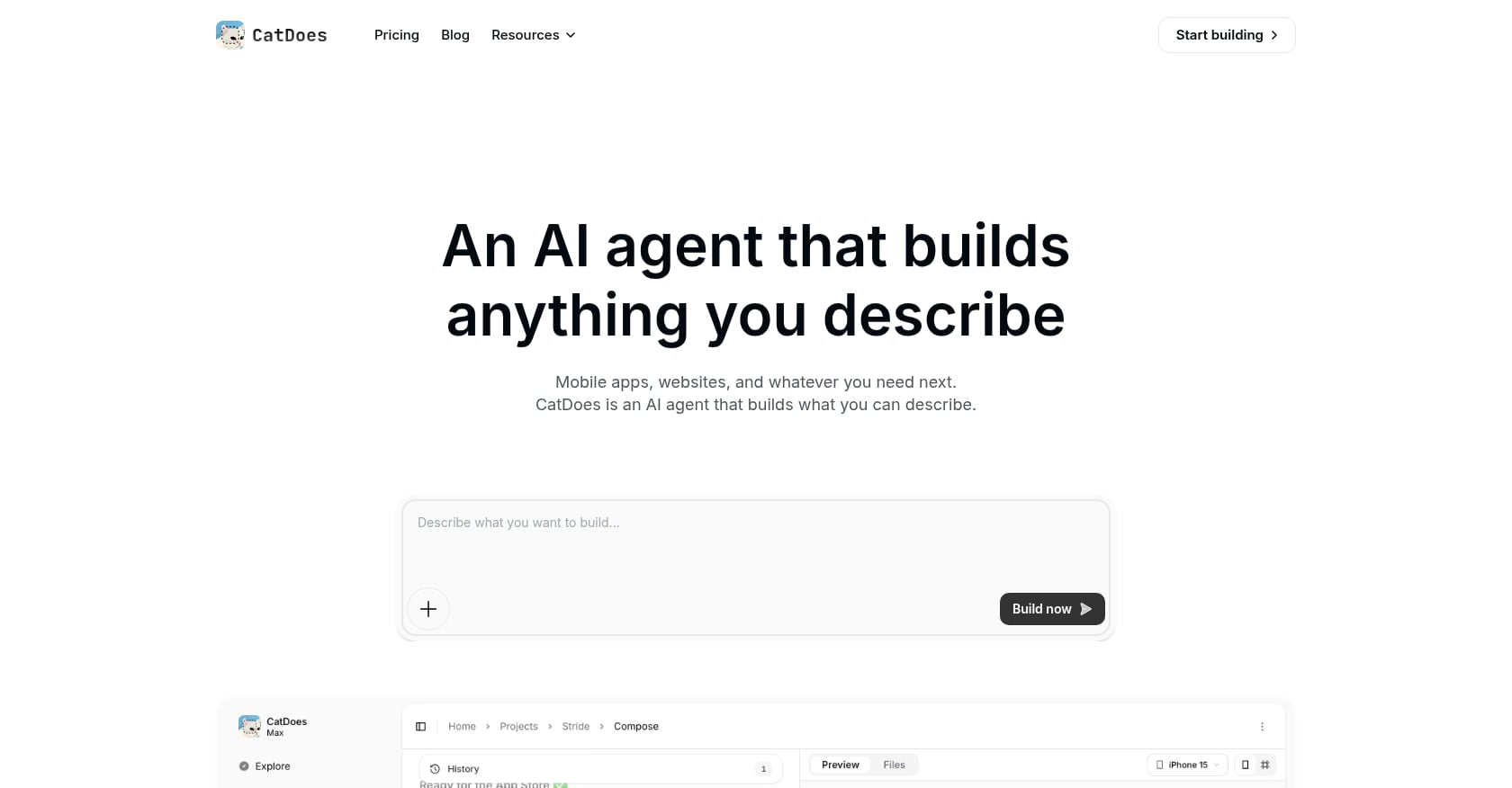
CatDoes is an AI agent that generates mobile apps and websites from natural language descriptions. Its output is React Native Expo for iOS and Android, plus Vite or Next.js for web apps. Every plan includes a Supabase backend with authentication, database, storage, edge functions, and real-time events.
Pricing:
Free: $0
Core: $17/mo
Starter: $42/mo
Pro: $168/mo
Max: $399/mo
Key features:
One-prompt generation for both mobile and web
Supabase backend automatically configured on all plans (including free)
Built-in deployment for iOS, Android, and web
Skip the backend setup entirely: describe what you need and the AI handles auth, storage, and database
Trade-offs:
Complex native integrations require manual work. Features needing ARKit, advanced camera APIs, or deep iOS/Android frameworks go beyond what the AI generates.
React Native Expo output, not native Swift, so iOS-specific polish has limits
Higher tiers get expensive ($168 to $399/mo)
Who should pick CatDoes: Founders who need both a mobile app and a web presence from day one, and don’t want to set up their own backend infrastructure.
3. Rocket.new
Best for: Full-stack web apps with optional mobile output
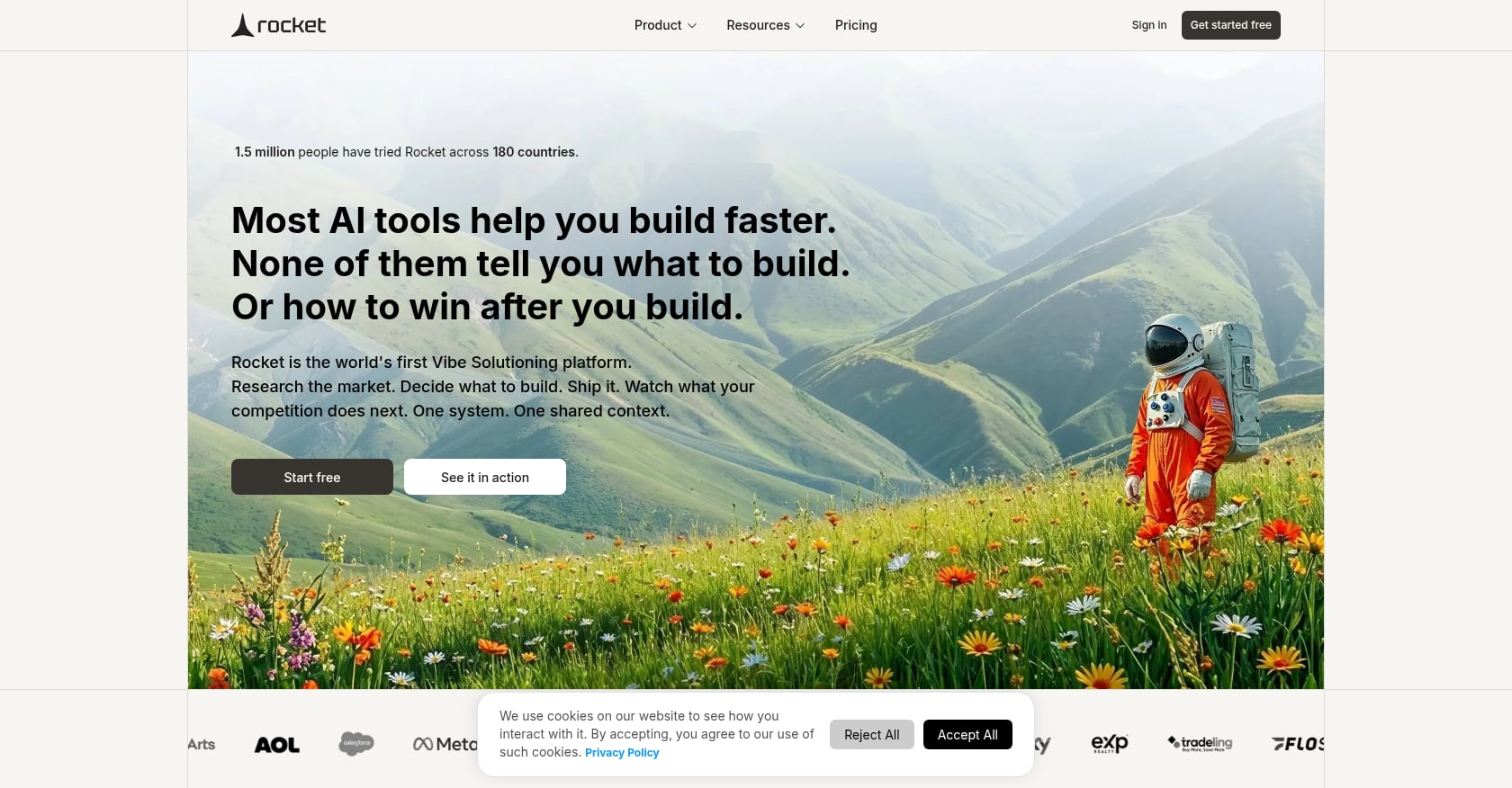
Rocket.new has grown to 400,000 users across 180 countries, backed by Salesforce Ventures and Accel. It generates both web applications (Next.js) and native mobile apps (Flutter/Dart) from natural language prompts, with automated backend setup included.
Pricing:
$25/mo (or $20/mo annually): solo creators, landing pages, personal tools
$50/mo: professionals building weekly
$100/mo: high-volume users
Key features:
Full-stack generation for web and mobile from one workflow
Next.js for web, Flutter/Dart for mobile
Automated backend configuration
Strong web output quality
Trade-offs:
Mobile is clearly secondary to web. The platform excels at structured web applications but is less suited for custom, design-first mobile experiences.
Token burn unpredictability mirrors Rork’s credit problem. Complex or iterative builds chew through free tokens faster than expected.
Custom domains require a paid plan
Practitioners report a familiar issue: “You fix one feature, and another part of the app may stop working”
Who should pick Rocket.new: Builders whose primary product is a web app but who also want a mobile companion, especially at the $25/month entry price.
4. VibeCode
Best for: Cost-transparent AI-powered builds with cross-platform testing
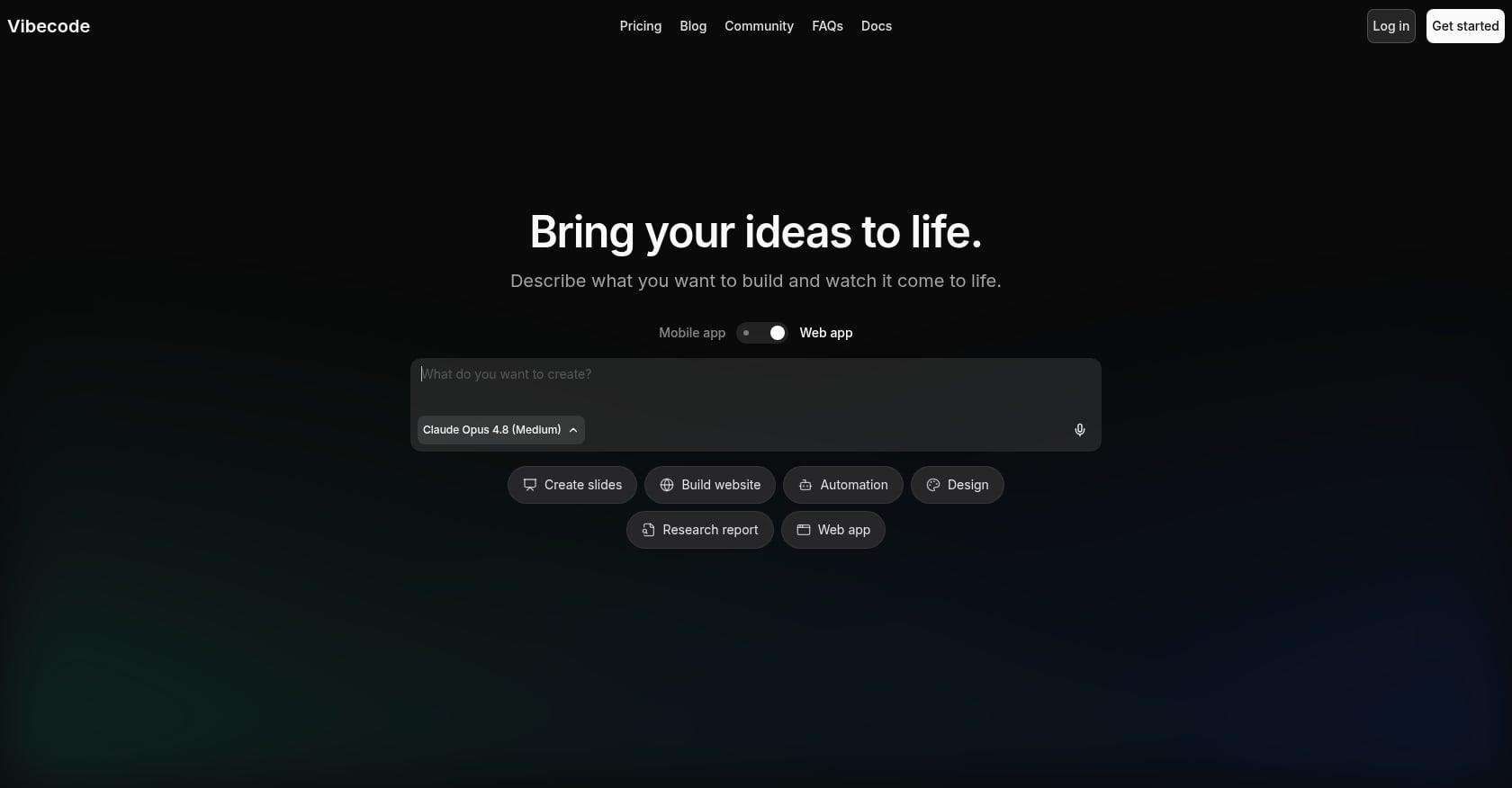
VibeCode takes a different approach to pricing. One dollar in VibeCode credits equals one dollar in actual AI usage on Anthropic, OpenAI, and other providers. No markup. Credits roll over each billing cycle and never expire.
Pricing:
Free tier available
Paid plans up to $200/mo
Pass-through pricing: you pay exactly what the underlying AI models cost
Key features:
Cross-platform testing environment that shows how apps perform across different devices before launch
Transparent, pass-through AI pricing with no hidden fees
Credits that roll over and don’t expire
One App Store reviewer shared: “It really is a cool app and I’ve had a lot of fun building my Complete Camping App with it. If you run into any issues, the team is responsive and very supportive.” But others noted instability: “They charged $20/month during its beta phase, where the app was very unstable and some days usable other days not at all.”
Trade-offs:
Still early-stage with experimental pricing tiers that may change
Pass-through costs can surprise users on complex builds (the AI models themselves aren’t cheap)
Feature set is less mature than established alternatives
Who should pick VibeCode: Builders who value pricing transparency above all else and want to see exactly what they’re paying for, with no platform markup.
5. FlutterFlow
Best for: Visual builders who want exportable Flutter code
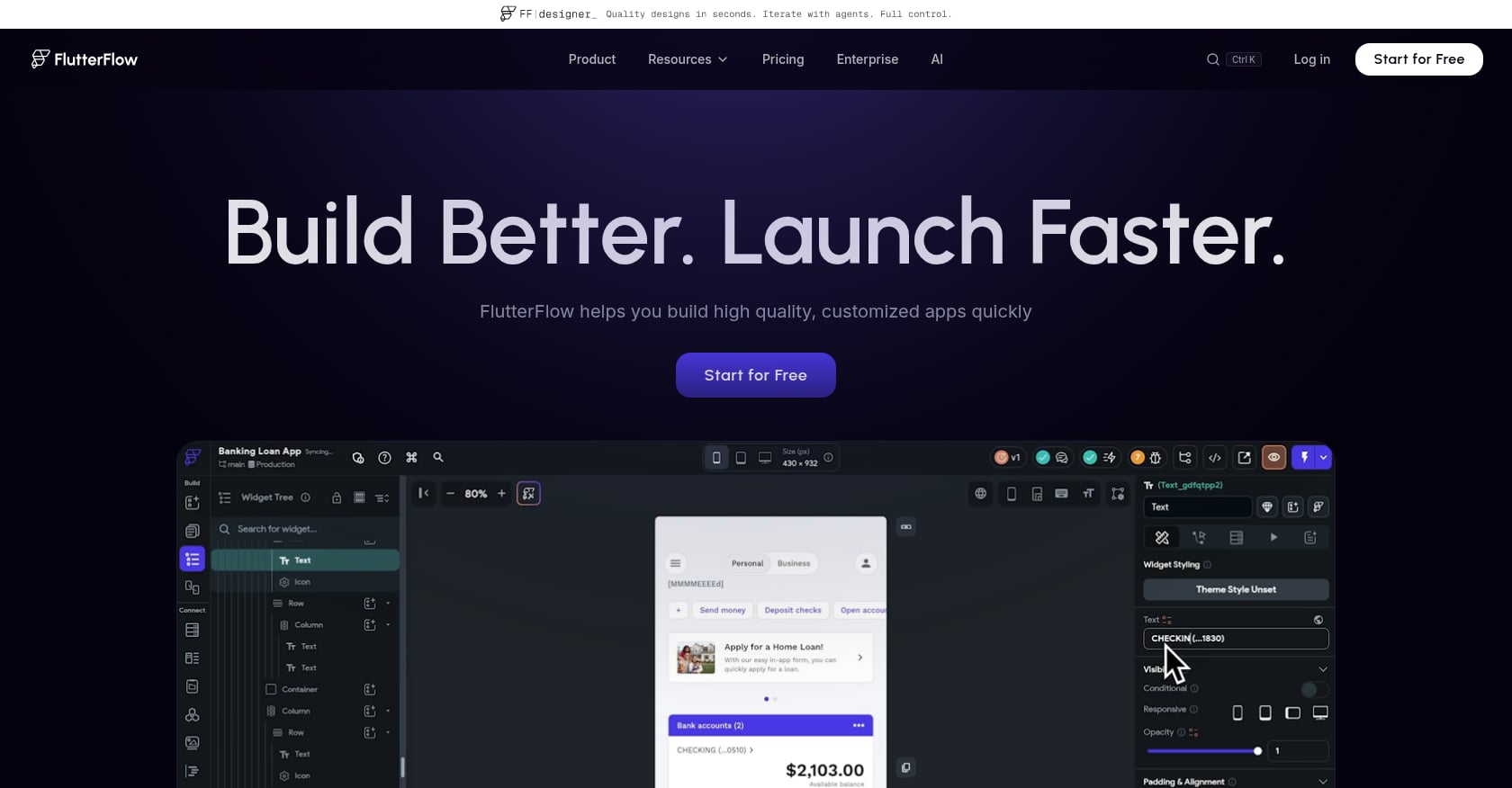
FlutterFlow is the most established visual app builder on this list. Built on Google’s Flutter framework, it offers drag-and-drop design with AI generation layered on top. The key selling point: you can export clean Flutter and Dart code that you own outright.
Pricing:
Free: $0 (no code export)
Basic: $39/mo
Growth: starting $80/mo
Business: starting $150/mo
Key features:
Visual drag-and-drop builder with AI assistance
Exportable Flutter/Dart code you fully own
Cross-platform output (iOS, Android, web)
Large community and extensive documentation
Trade-offs:
Significant learning curve. Non-developers typically spend 40 to 100+ hours learning the platform before producing a quality app. This is not a “describe your app and get it built” tool.
No database included. You need Firebase or Supabase configured separately.
Per-seat pricing adds up quickly for teams
Free tier doesn’t include code export
For a detailed head-to-head comparison, see our x1 vs. FlutterFlow breakdown covering native iOS versus cross-platform trade-offs.
Who should pick FlutterFlow: Developers or technical founders who already know Flutter (or are willing to invest weeks learning it) and want visual control over their app’s design while retaining full code ownership.
6. Adalo
Best for: Simple MVPs with predictable flat-tier pricing
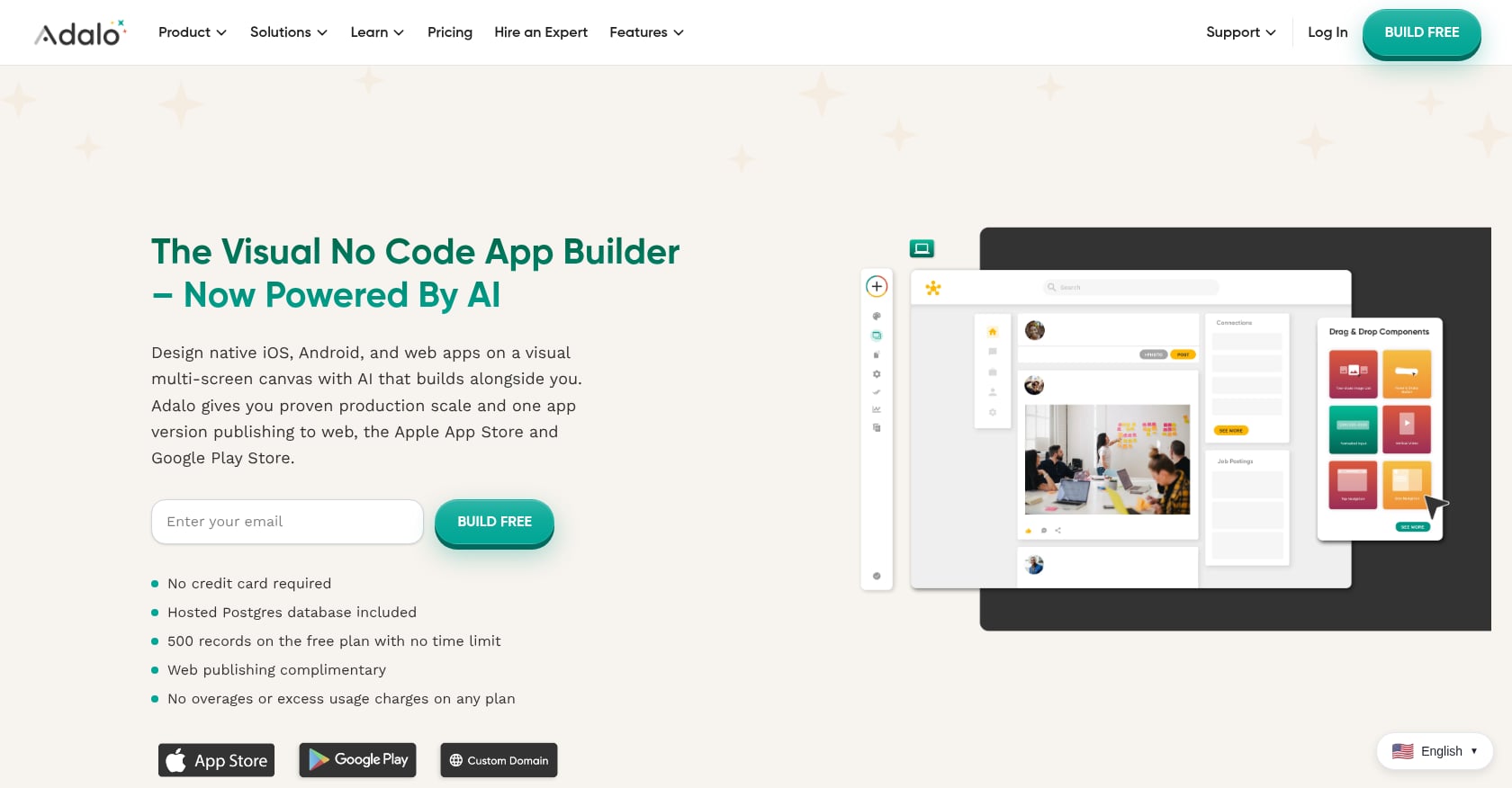
Adalo’s pricing model stands out in a market obsessed with credits and tokens. It uses flat-tier pricing, so you don’t pay based on end users, app actions, AI prompts, or workload units. One Capterra reviewer summed it up: “Pricing wise, nothing else comes close. $36/mo gets you the builder with unlimited usage. You can also publish to the app stores.”
Pricing:
Free: $0 (build and test, 500 records)
Starter: $36/mo (App Store publishing included)
Higher tiers available for teams
Key features:
Drag-and-drop builder requiring zero coding knowledge
Flat pricing with no per-action or per-user charges
Built-in database and backend
Direct App Store and Google Play publishing on paid plans
Trade-offs:
No code export. If you stop paying, you lose access to your app entirely. You do not own the underlying code. This is the most significant lock-in risk on the list.
Limited to relatively simple applications
Not AI-prompt-driven like Rork or x1; it’s a traditional no-code builder with manual configuration
Adalo is a solid choice for validating simple ideas cheaply, but the lock-in issue is real. For more on this distinction, the comparison between no-code and AI app builders explains when each approach makes sense.
Who should pick Adalo: Non-technical founders building straightforward apps (directories, booking tools, internal business apps) who prioritize predictable monthly costs over long-term code ownership.
7. Cursor
Best for: Developers who want AI-assisted coding, not app generation
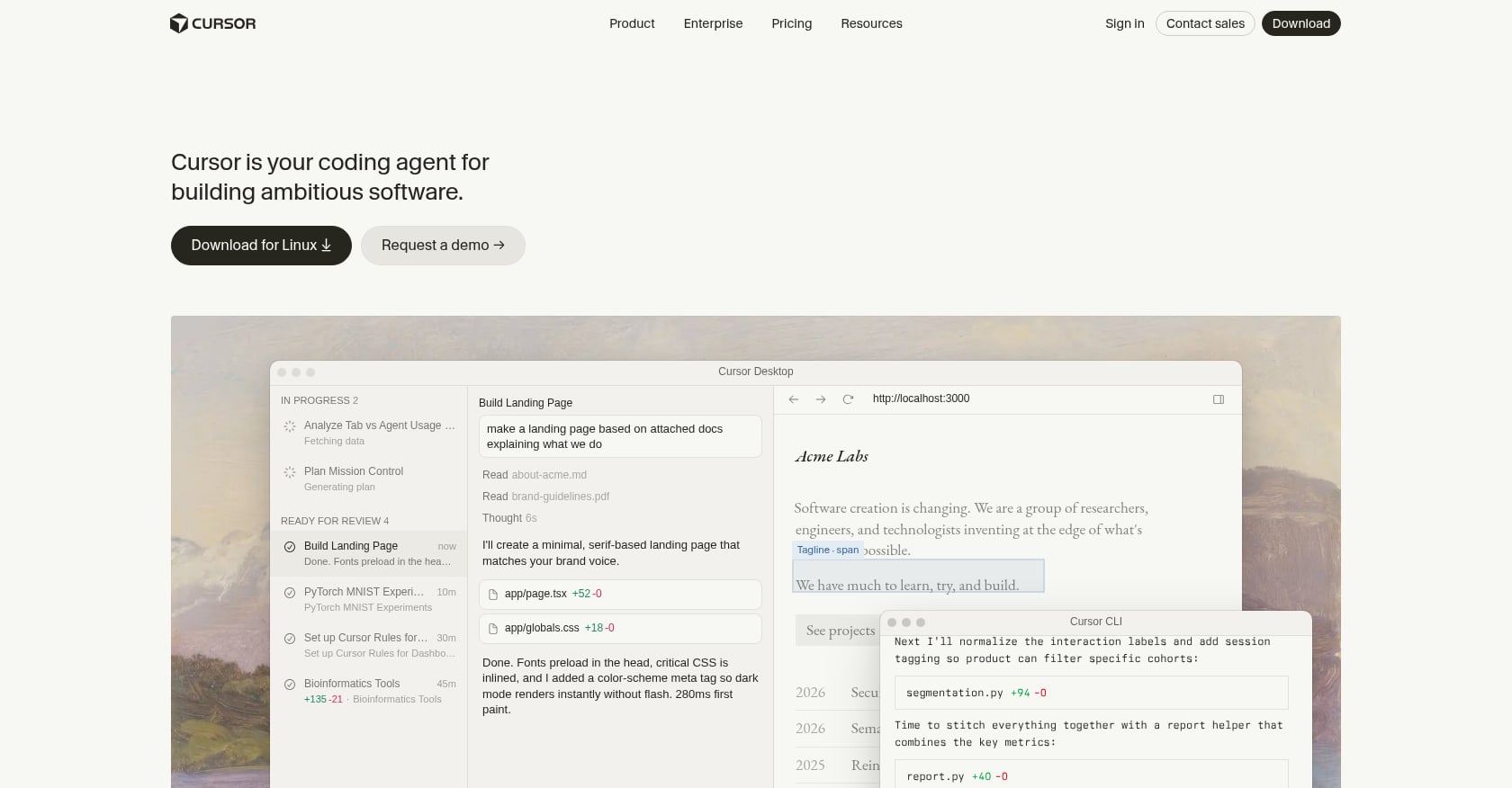
Cursor is fundamentally different from every other tool on this list. It’s not an app builder. It’s an AI-augmented code editor designed for developers who want deeper control over their code. Including it here matters because some people searching for Rork alternatives are developers who tried Rork, got frustrated by the lack of control, and want to go back to writing code, just faster.
Pricing: ~$20/mo for the Pro plan
Key features:
AI code completion, generation, and refactoring inside a full IDE
Works with any language or framework (Swift, React Native, Flutter, whatever you choose)
Full control over architecture, dependencies, and every line of code
Trade-offs:
Requires real coding knowledge. This is a developer tool, period.
No app generation, no publishing workflow, no visual design
You’re responsible for every aspect of the build process
For a deeper look at how this approach compares, see x1 vs. Cursor.
Who should pick Cursor: Experienced developers who want AI to speed up their existing workflow, not replace it.
8. Claude Code
Best for: Terminal-savvy technical founders who want maximum flexibility
Claude Code is Anthropic’s terminal-based AI coding tool. It can sync with GitHub, supporting version control and clearer code ownership than many closed builders. It has a steeper learning curve than chat-first tools, but it can be extremely effective for refining complex logic and working through architectural decisions.
Pricing: ~$20/mo (via Anthropic API usage)
Key features:
Terminal-native interface for AI-assisted development
GitHub integration for version control
Can work with any programming language or framework
Strongest reasoning capabilities among AI coding tools
Trade-offs:
No GUI whatsoever. You’re working in a terminal.
No integrated publishing, no design tools, no app generation
Requires deep technical knowledge to use effectively
API-based pricing can be unpredictable for long sessions
Who should pick Claude Code: Technical founders who want an AI thinking partner for complex code problems, not a push-button app builder.
How to Choose the Right Rork Alternative
The decision comes down to what you’re actually building and how technical you are.
Are you building for iOS only? Go with x1. It’s the only tool on this list that produces native Swift/Xcode projects with a guided workflow covering everything from planning to App Store submission. The studio approach directly solves Rork’s context-loss problem, and you get native output at every pricing tier, not just the most expensive one.
Do you need both web and mobile? CatDoes gives you React Native Expo plus web output with Supabase backend included. Rocket.new is stronger if your primary product is a web app with mobile as secondary.
Do you want visual, drag-and-drop control? FlutterFlow if you’re willing to invest the learning time and want exportable code. Adalo if you want simplicity and flat pricing, and you’re okay with not owning the code.
Are you a developer who just wants AI help? Cursor for IDE-based assistance. Claude Code for terminal-based reasoning and GitHub-native workflows.
Just want to prototype cheaply? Rork’s free tier (35 credits/month) or Adalo’s free plan (500 records) let you validate ideas before committing money.
One thing worth noting: industry analysts project the no-code market will reach $264 billion by 2032, and Gartner estimates that 75% of new applications in 2026 will be built using low-code or no-code tools. These tools are not going away. The question is which one fits your specific situation.
The average mobile app costs between $40,000 and $400,000+ to develop traditionally. AI-powered app builders deliver comparable functionality for $300 to $1,000 annually. Even the most expensive tool on this list is a fraction of hiring a development team.
For a comprehensive breakdown of what to evaluate before committing, the AI app studio buyer’s guide walks through every factor.
Final Ranking: Best Rork Alternatives in 2026
Rank | Tool | Best For | Main Advantage |
|---|---|---|---|
1 | x1 | Native iOS apps | Swift/Xcode production workflow |
2 | CatDoes | Mobile + web apps | Backend included |
3 | FlutterFlow | Code ownership | Exportable Flutter apps |
4 | SaaS builders | Full-stack generation | |
5 | Adalo | Beginners | Simple predictable pricing |
6 | Cursor | Developers | AI coding workflow |
7 | Claude Code | Technical founders | Maximum flexibility |
8 | VibeCode | Experimental builders | Transparent AI pricing |
The Bottom Line
Rork is good at what it was built for: generating a working mobile prototype in an afternoon. Practitioners on Reddit consistently praise that initial speed. But the platform’s credit unpredictability, context loss during iteration, and publishing friction push serious builders toward alternatives.
If your goal is shipping a real native iOS app to the App Store, not just generating a demo, x1’s structured studio workflow fills the exact gaps Rork leaves open. Native Swift output, guided planning, visual design control before code generation, and built-in launch assets make it the strongest option for iOS-committed founders.
Try x1 with ~100 free credits →
To see what real apps built with x1 look like, browse the examples gallery.
FAQ
Is Rork still worth using in 2026?
For quick prototypes and idea validation, yes. Rork’s free tier gives you 35 credits per month, and its speed from prompt to working app is genuinely impressive. But for production apps that need iteration, stable publishing, and App Store readiness, most users outgrow it quickly. ICON POLLS rates Rork Max 3.8 out of 5, which reflects the mixed experience: fast starts, rough finishes.
What’s the cheapest Rork alternative?
Adalo’s Starter plan at $36/month is one of the most affordable paths to publishing a native iOS and Android app without code. VibeCode and CatDoes both offer free tiers. Among AI-first tools, Cursor and Claude Code cost around $20/month but require coding knowledge. The cheapest option depends on whether you need a full app builder or just AI coding assistance.
Why does Swift vs. React Native matter for iOS apps?
React Native is a cross-platform framework that works on both iOS and Android, but it doesn’t have full access to every native iOS API. Native Swift apps can use HealthKit, ARKit, advanced camera frameworks, and other Apple-specific capabilities without workarounds. They also tend to perform better and pass App Review more smoothly. Rork’s standard output is React Native. Its Swift output (Rork Max) costs $200/month. x1 produces native Swift at its $99/month tier.
Can I publish to the App Store with these tools?
It varies significantly. x1 includes built-in App Store screenshot creation, ASO listing drafting, and submission guidance. CatDoes and Adalo support direct publishing on paid plans. Rork supports publishing but users frequently report failures. FlutterFlow supports it on paid plans but requires more manual setup. Cursor and Claude Code are code editors with no publishing workflow at all.
What is context loss and why does it matter?
Context loss happens when an AI app builder forgets your app’s current state after several rounds of changes. Users report that after 3 to 4 iterations on Rork, the AI starts introducing bugs into features that were previously working. This is the “one-shot problem”: the first generation is impressive, but each subsequent edit degrades quality. Tools with structured workflows (like x1’s studio approach) mitigate this by breaking the build into discrete, focused phases.
Do I own the code these tools generate?
x1 gives you a native Swift/Xcode project you can take to any developer. FlutterFlow exports clean Flutter/Dart code. CatDoes and Rork generate code you can access. Adalo does not provide code export, and if you stop paying you lose access entirely. Cursor and Claude Code produce whatever you write, so ownership is inherent. Code ownership should be a top consideration if you plan to scale beyond what the AI builder can handle.
Which Rork alternative is best for non-technical founders?
x1 and Adalo are the strongest options for people with zero coding experience. x1’s studio workflow guides you through planning, design, building, and launching without requiring any code knowledge, while producing native Swift output. Adalo offers familiar drag-and-drop simplicity with flat pricing. FlutterFlow is visual but has a steep learning curve (40 to 100+ hours for non-developers). For more guidance, see this breakdown of the best app builders for non-technical founders.
How much does it really cost to ship an app with an AI builder?
The subscription price is only part of the story. You’ll also need an Apple Developer account ($99/year), and credit-based tools often require multiple months of subscription to finish iterating. A realistic budget for shipping a production app ranges from $300 to $1,000 in the first year across most tools on this list. The app cost calculator guide breaks down hidden expenses most builders don’t mention upfront.