

TL;DR
Vibecodeapp is a legitimate AI app builder with a 4.7-star App Store rating and a phone-first workflow for turning natural-language prompts into mobile and web apps. It works well for fast prototyping but carries real risks around credit costs, bug-fix loops, and mixed user sentiment on refunds and support. For founders whose actual goal is a native iPhone app with a structured path to the App Store, x1 is the stronger alternative.
Quick Verdict: Is Vibecodeapp Worth It?
Yes, for testing ideas. Not automatically, for shipping real products.
Vibecodeapp has genuine traction. Its App Store listing shows 4.7 out of 5 stars from over 3,300 ratings, and it has a public Product Hunt profile, detailed documentation, and active users. The phone-based workflow is genuinely novel: describe an app in plain English and watch it come together on your screen.
But the Vibecodeapp review picture is not one-sided. On Trustpilot, the product holds 2.7 out of 5 from 4 reviews, with 75% rated one star. Practitioners on Reddit report hitting walls around 70% completion, burning credits on bug fixes, and struggling with paywalls and authentication. The gap between a working demo and a shippable product is where most complaints live.
Try Vibecodeapp if you want a quick, prompt-based mobile or web prototype and accept the credit model.
Be cautious if you need predictable costs, complex authentication, working in-app purchases, or secure production operations.
Consider x1 instead if your goal is a native iPhone app with a planned workflow from idea to App Store launch, built in Swift and Xcode.
Try x1 with free credits to compare the experience before committing to any paid plan.
At-a-Glance Comparison
| Tool | Best for | Starting price | Code export | App Store path | Key tradeoff |
|---|---|---|---|---|---|
| x1 | Native iPhone apps with structured launch workflow | $99/mo ($66/mo yearly) | Native Swift/Xcode | Screenshots, listing, submission built in | iOS-only; fewer public case studies |
| Vibecodeapp | Fast phone/browser prototypes and MVPs | Free ($2.50 credits); Plus $20/mo | Pro/Max only | Included on Plus and above | Credit burn, support/refund complaints |
| Rork | Cross-platform mobile with Android and paid SwiftUI | Free; Pro from $20/mo | GitHub export on paid plans | Built-in publishing | Native iOS requires Max ($200/mo) |
| Cursor | Developers extending or polishing exported code | Free; Individual $20/mo | User controls repo | None built in | Requires coding skill |
| Claude Code | Technical builders wanting a CLI coding agent | $20/mo (Claude Pro) | User controls repo | None built in | Requires setup and tooling discipline |
| FlutterFlow | Visual Flutter building with drag-and-drop | Free + paid tiers | Paid plans | One-click deployment on paid plans | Visual logic still requires engineering thinking |
| Replit | Full-stack web/AI prototyping | Core $20/mo | User controls project | Not specialized for mobile | Agent costs can spike unexpectedly |
1. Vibecodeapp Is Legitimate, but Public Reviews Are Split
The first question behind most Vibecodeapp review searches is blunt: is it real? Yes. Vibecodeapp has an official iOS App Store listing, public documentation, a Product Hunt profile with 538 followers, and a working product you can download right now.
The complication is the gap between platforms. App Store reviewers are overwhelmingly positive. One user described building a mobile payments starter app in about 20 minutes, getting it to TestFlight, and recommending it for learning and prototypes.
Trustpilot tells a different story. The profile is unclaimed, the company has not sent review invitations, and three of four reviews are one star. Complaints mention source-code access locked behind paid tiers, refund frustration, paywall and user-account issues, and deployment billing confusion.
Reddit sits in the middle. An iOS engineer with eight years of experience tested major vibe-coding builders and ranked Vibecodeapp first for mobile. But even that endorsement came with caveats: the free tier is limited, the credit model adds up, and users still need to validate and test carefully because the product is new.
The bottom line: legit product, genuinely split reputation.
2. Pricing Looks Simple Until You Factor In Credits, Deployments, and Refunds
Vibecodeapp uses a credit-based pricing model where $1 in credits equals $1 in AI usage from providers like Anthropic and OpenAI. Credits roll over and never expire. That sounds fair on paper.
The plans:
- Free: $0. Includes $2.50 in one-time credits. No database, no authentication, no App Store submission, no code download, no SSH, no priority support.
- Plus: $20/month ($200/year). Includes $20 in monthly credits, image/sound generation, database/auth, App Store submission, and human support.
- Pro: $50/month ($500/year). Includes $55 in monthly credits plus code download, SSH to Cursor, and priority support.
- Max: $200/month ($2,000/year). Includes $220 in monthly credits, 24/7 priority support with a stated one-minute response time, and one live coding session.
Approximate usage costs from Vibecodeapp’s docs:
- Generate a new app: $0.50 to $2.00
- Iterate on a feature: $0.10 to $0.50
- Generate an image: about $0.05
- AI chat response: $0.01 to $0.05
What most Vibecodeapp reviews overlook:
Deployment costs add up. Plus includes one deployment, Pro three, Max five. Extra deployments cost $20/month each. If payment fails, the docs say there is a seven-day grace period before deployments go offline.
The refund policy is strict. Subscription fees are generally non-refundable with no prorated refunds. Credit purchases and auto-reload charges are generally non-refundable once credits are added or used. Auto-reload charges your card when balance falls below 500 credits ($5.00).
For a deeper breakdown of how credit models work across AI app builders, read about credits and hidden costs.
Real cost checklist before you start:
- How many prompt iterations will your app need?
- Do you need database and authentication? (Plus or higher)
- Do you need source-code download? (Pro or higher)
- How many deployments will you run?
- Is auto-reload turned on?
- What happens when the AI introduces a bug and you burn credits fixing it?
3. What Vibecodeapp Does Well
Vibecodeapp’s strongest pitch is its phone-first, natural-language workflow. Describe what you want, and the app builds it on your screen. That is not marketing fiction. Users confirm it works.
The feature set is broader than most people expect from a mobile-first builder:
- Build from prompts on iOS or browser
- Built-in backend via Vibecode Cloud (databases, authentication, storage)
- AI and API integrations including GPT, Gemini, image generation, maps, and weather
- “Pinch to Build” customization for styling, haptics, and advanced features
- App Store submission on Plus, Pro, and Max
- Source-code download and SSH to Cursor on Pro and Max
Product Hunt commenters praise the speed of going from idea to prototype, the built-in image and icon generation, and the ability to submit directly to the App Store from a phone. One App Store reviewer said they got a working app deployed to TestFlight in roughly 20 minutes.
For quick experiments, personal utilities, content apps, and AI-powered prototypes, this Vibecodeapp review finds the product genuinely useful. The question is what happens after that initial build.
4. The Biggest Weakness Is the Last 30%
Every positive Vibecodeapp review mentions speed. Few mention what happens when you try to finish the app.
A practitioner on Reddit described reaching about 70% of their vision before stalling on a single app-logic error. They continued burning credits trying to solve it and eventually asked whether they could move the project to Cursor or another tool. That pattern, a fast start followed by an expensive debugging loop, appears in multiple user reports.
Trustpilot complaints reinforce this. One reviewer spent $200 and said the MVP looked good, but paywalls and user accounts did not work properly. Support was slow. No refund was issued.
The core issue is not unique to Vibecodeapp. It applies to all AI app builders. A non-technical Claude Code user on Reddit argued that building an app with AI is not a one-day job: the initial build may be fast, but production readiness requires fixing, improving, testing, integrations, reviews, monitoring, and feedback cycles. A commenter added that coding may be only 10 to 20 percent of the total effort.
This is the gap that matters most in any Vibecodeapp review. Understanding why one-shot generation breaks is critical before choosing any AI builder.
5. Demo Speed Is Not Production Readiness
YouTube videos show Vibecodeapp creating apps in under 30 minutes. That is real. But “screens render” is not the same as “ready for the App Store.”
Here is a maturity ladder most reviews skip entirely:
- Toy demo: Screens render, buttons respond.
- Prototype: Main flow works with test data.
- MVP: Real authentication, data, and API paths work for testers.
- Store candidate: Permissions, metadata, screenshots, privacy policy, and crash checks complete.
- Production app: Monitoring, backups, versioning, secure secrets, and analytics in place.
- Maintainable product: Code can be extended by the founder, a contractor, or a future team.
Most AI-generated apps stall between levels 2 and 3. A Reddit user reviewing a vibe-coded chat app found exposed API keys in a public JavaScript bundle, wide-open Firebase rules, and weak admin access controls. The author concluded that vibe-coded apps should be treated like untrusted contractor code until reviewed.
A separate Reddit thread about Vibecodeapp and App Store Review noted that rejections often come from metadata issues (age rating, support URL, privacy policy) rather than code quality. If you are heading toward the App Store, use an App Store launch checklist before submitting.
Security checklist before launching any AI-built app:
- Are API keys stored server-side, not in client bundles?
- Are database rules locked to authenticated users?
- Is authentication enforced on the backend, not just the front end?
- Are admin routes protected?
- Are payment webhooks verified?
- Does the privacy policy match actual data collection?
6. Vibecodeapp vs x1: Fast Builder vs Native iOS App Studio
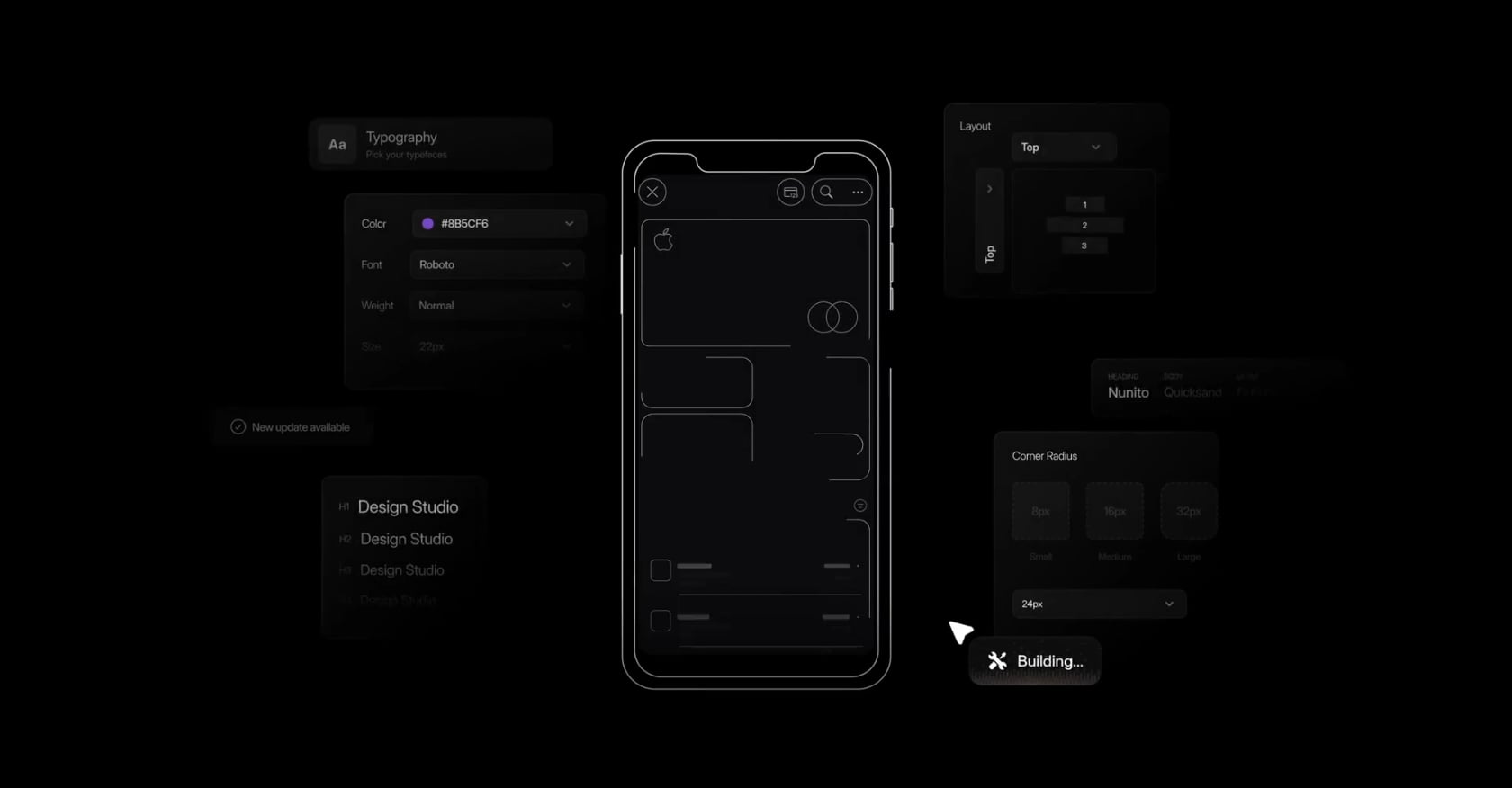
This is the most common comparison for readers of a Vibecodeapp review who want a real iPhone app, not just a prototype.
Vibecodeapp is stronger when you want broad mobile and web experimentation, phone-based creation, and a fast path to a working demo.
x1 is stronger when the goal is a native iPhone app with a structured path from idea to App Store. x1 uses a five-stage workflow (Plan, Design, Build, Launch, Iteration) where each stage is its own focused studio. Plan maps screens, features, and flows. Design handles icon, colors, fonts, and layouts. Build generates the native Swift and Xcode project. Launch creates App Store screenshots, listing, and submission. Iteration supports post-build polish.
The key difference: x1 outputs native Swift and Xcode code for iPhone. That distinction matters for App Store polish, performance, and long-term maintainability.
x1 pricing starts at $99/month for the Builder tier ($66/month billed yearly), with Pro at $199/month and Max at $299/month. About 100 free credits are available to try the product or build one feature. x1 is early-stage and has fewer public third-party reviews than older tools, but its positioning is clear: structured iOS-first launch over quick cross-platform demos.
Read the full x1 vs Vibecodeapp comparison for a detailed side-by-side breakdown.
Choose Vibecodeapp if you want speed and broad experimentation across mobile and web.
Choose x1 if you want a guided native iPhone app workflow with planning, design, build, and App Store launch assets in one place. Compare x1 pricing to see which tier fits.
7. Vibecodeapp vs Rork
Rork is the other major AI mobile builder that surfaces in Vibecodeapp review searches.
The biggest structural difference: Rork splits its output by plan. Rork Pro starts at $20/month and targets Android Kotlin, Expo/React Native, and web. Rork Max starts at $200/month and adds native SwiftUI for iPhone, iPad, Apple Watch, and Vision Pro. Vibecodeapp does not split output by plan tier in the same way, instead gating features like code download and App Store submission.
Both offer code export on paid plans. Both include App Store publishing. Both use credit-based pricing.
Where they diverge:
- Vibecodeapp has a built-in backend (database, auth, storage) through Vibecode Cloud. Rork integrates with Supabase and Firebase.
- Rork Pro is cheaper for Android-first or cross-platform projects.
- Vibecodeapp’s phone-based workflow is more distinctive. Rork is primarily browser-based.
- Rork’s FAQ states support cannot fix individual code issues, recommending model switching or re-implementing from a previous version.
Product Hunt reviews for Rork praise UI quality and speed but mention bugs, crashes, and app-store deployment friction. Vibecodeapp’s Product Hunt presence is smaller but positive.
For a deeper look, see the Rork vs Vibecodeapp comparison.
8. Vibecodeapp vs Cursor and Claude Code

Cursor and Claude Code are not app builders. They are AI-powered coding tools. The comparison still matters because many Vibecodeapp users eventually need one of them.
Cursor is an AI code editor. It excels at multi-file edits, context-aware suggestions, debugging, and refactoring. Product Hunt reviewers (5.0 from 912 reviews) praise the workflow but complain about subscription costs after credits run out, context loss in long sessions, and occasional instability. Pricing: free Hobby tier, $20/month Individual, $40/user/month Teams.
Claude Code is a CLI coding agent included in all paid Claude plans ($20/month Pro, $100/month Max 5x, $200/month Max 20x). It shares usage limits with Claude web and desktop. A Reddit beginner guide says Claude Code can help deploy a real app in under an hour when given explicit instructions, but warns there are many ways to get stuck without a clear process.
The practical split:
- Vibecodeapp is more beginner-friendly for “make me an app.”
- Cursor and Claude Code are better as second-stage tools after exporting code, or for technical founders who want full control from the start.
- A practitioner on Reddit described AI-built work as “quicksand” unless committed and documented, warning that agents can damage existing code if tasks are too broad. The advice: keep changes small, commit often, restart context when needed.
If you lack coding experience but want a native iOS app rather than a code editor, neither Cursor nor Claude Code is the right starting point. A guided AI app studio removes that gap.
9. Vibecodeapp vs FlutterFlow and Replit
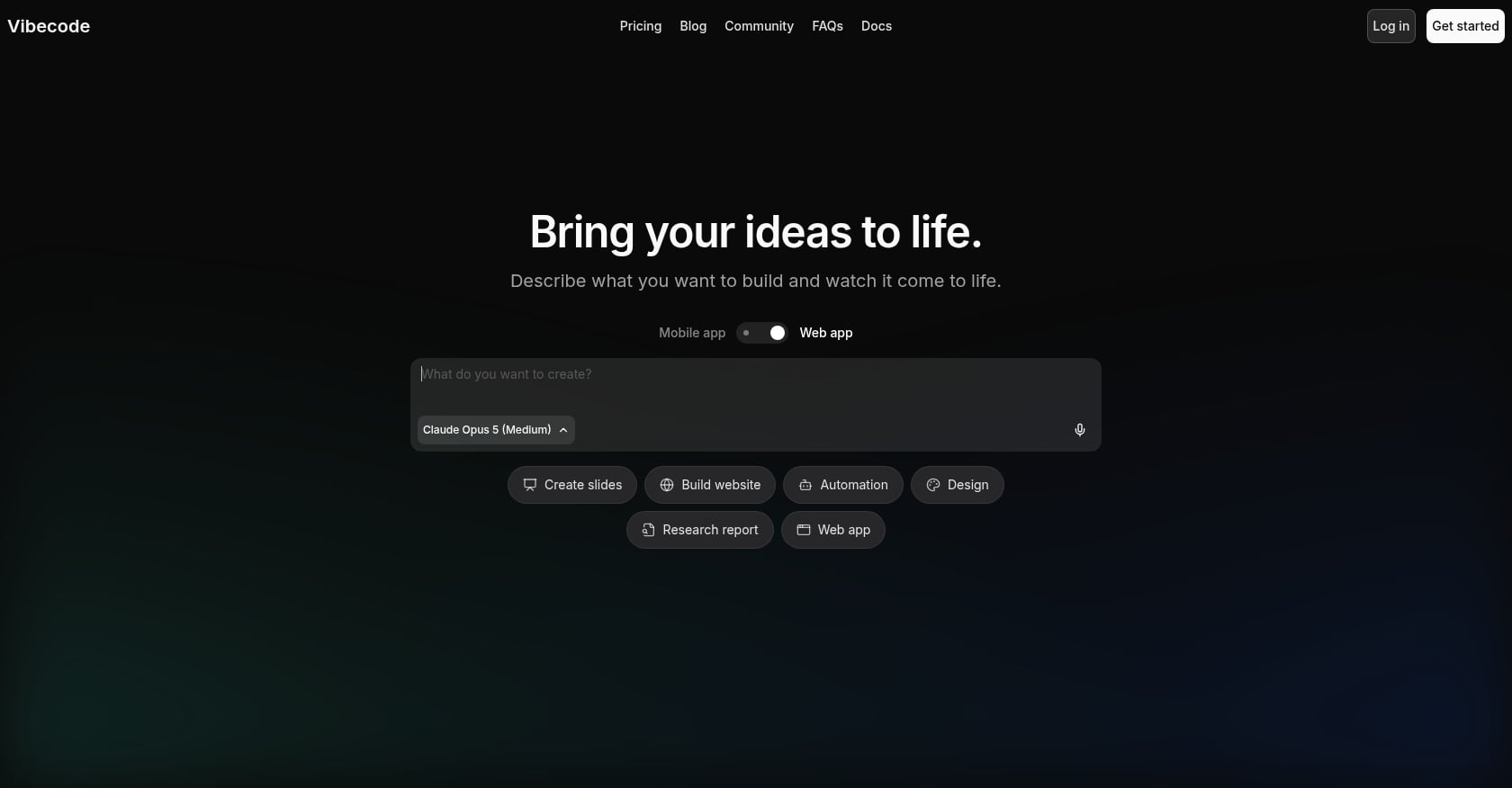
FlutterFlow is a visual Flutter builder with drag-and-drop UI, push notifications, payments, ads, code download, and one-click Apple/Google Store deployment on paid plans. It is not a prompt-only tool. Users design logic visually, which still requires engineering thinking.
Reddit users say FlutterFlow shines for speed to MVP but hits limits for scalable production systems. Client-side logic for things like pricing, booking, and payment status can break data integrity if not backed by server-side enforcement. G2 reviewers (29 reviews) praise rapid development while noting slow performance, learning curve, and data management issues.
Replit is a cloud IDE with an AI Agent, deployment, and collaboration features. Core is $20/month, Pro starts at $100/month. Replit added Economy, Power, and Turbo Agent modes, with Turbo costing up to six times more.
A student on Reddit reported spending $85 in two days on a simple MVP that was still under 50% complete. Spending caps were off by default, and effort-based pricing billed retries and drift. App Store reviews for Replit mention paying for changes caused by agent mistakes and frustration when fixes create new errors.
Choose Vibecodeapp over FlutterFlow if you prefer prompts over visual logic building. Choose FlutterFlow if you want more granular control and are willing to learn the platform. Choose Replit only for web and full-stack experiments, not native iOS launch projects. For more mobile builder context, see vibe coding apps compared.
Which Tool Should You Choose?
The right tool depends on the outcome you actually need, not just the fastest demo.
- Choose x1 if your goal is a native iPhone app with a structured plan, design, build, and App Store launch workflow in Swift and Xcode.
- Choose Vibecodeapp if you want to experiment fast from phone or browser, accept credit-based costs, and treat the output as a prototype or MVP.
- Choose Rork if you want AI mobile generation with Android/Expo options on Pro and paid SwiftUI on Max.
- Choose Cursor or Claude Code if you can write code (or hire someone who can) and want an AI assistant rather than a guided builder.
- Choose FlutterFlow if you prefer visual Flutter building and want more design control than prompt-only tools offer.
- Choose Replit for full-stack web prototyping, not as the first pick for native App Store launches.
Frequently Asked Questions
Is Vibecodeapp legit?
Yes. It has an App Store listing with 4.7 out of 5 stars from over 3,300 ratings, public documentation, and a Product Hunt profile. But public sentiment is mixed. Trustpilot reviews are mostly negative (2.7 out of 5 from 4 reviews), and Reddit users report issues with credits, debugging loops, and refunds.
Does Vibecodeapp have a free plan?
Yes. The Free plan includes $2.50 in one-time credits and access to premium AI models. It excludes image/sound generation, database, authentication, App Store submission, code download, SSH, and priority support. That makes it more of a trial than a usable free tier.
Can Vibecodeapp submit apps to the App Store?
App Store submission is included on Plus, Pro, and Max plans but not on Free. Users have reported that App Store Review rejections sometimes come from metadata issues (age rating, support URL, privacy policy) rather than code problems. An App Store metadata guide can help avoid those.
Can I export Vibecodeapp source code?
Source-code download is available on Pro ($50/month) and Max ($200/month) only. Before upgrading for export, check whether the generated architecture is maintainable. Open it in Xcode, VS Code, or Android Studio and verify that a contractor could understand the structure.
What is the biggest risk with Vibecodeapp?
Getting stuck after a promising start. Multiple users report hitting a wall around 70% completion where logic bugs, authentication issues, or paywall problems consume credits without resolution. The refund policy is strict, so budget for the possibility that debugging costs more than the initial build.
Is Vibecodeapp better than x1?
It depends on the outcome. Vibecodeapp is better for fast mobile and web experimentation from phone or browser. x1 is the stronger fit when the goal is a native iPhone app with a structured plan, design, build, and App Store launch workflow. x1 outputs native Swift and Xcode code and focuses exclusively on iOS.
What is the best Vibecodeapp alternative for native iOS apps?
For a structured native iOS launch, x1 is the most direct alternative. Rork Max (from $200/month) is another option for SwiftUI output on Apple platforms. Both are stronger choices than Vibecodeapp when native iPhone polish is the priority.
Is AI app building safe for production use?
Not automatically. A Reddit security review of a vibe-coded app found exposed API keys, open database rules, and weak access controls in a functional-looking chat app. Any AI-generated app should be treated as contractor code: useful but not production-safe until someone reviews it for security, authentication enforcement, and secret management.
Final Recommendation
This Vibecodeapp review comes down to a simple distinction. Vibecodeapp is a capable, fast, and genuinely interesting AI app builder. For playing with ideas, sketching MVPs, and testing concepts from your phone, it delivers on its promise. The App Store ratings are strong, the workflow is creative, and the built-in backend features are more complete than many alternatives.
But the distance between a working demo and a launched, secure, maintainable app is where its weaknesses show. Credit costs, debugging loops, refund limitations, and last-mile App Store friction are real, documented problems.
If your goal is a native iPhone app, not another throwaway AI demo, x1 offers a more structured path. Plan your screens, design your brand, build in Swift and Xcode, generate App Store assets, and submit, all inside one workflow.
Start building with x1’s app studio and see what a structured approach changes.