

TL;DR
Most AI app builders produce web apps, not native mobile apps. That distinction matters more than anything else when choosing a tool. If you need the App Store, your options narrow fast. This guide sorts nine beginner-friendly builders into three categories based on what you’re actually building: native iOS apps, cross-platform mobile apps, and web apps. x1 is the top pick for beginners who want a real iPhone app on the App Store. Lovable is the best starting point for web-based MVPs.
What is an AI App Builder?
An AI app builder is a no-code or low-code platform that uses artificial intelligence to generate software applications from plain-English prompts. Instead of manually writing code, users describe what they want, and the tool creates the app’s interface, logic, and backend automatically. Most AI app builders today fall into two categories: web app builders (which run in browsers) and native app builders (which compile apps for iOS and Android app stores).
Key takeaway: If you need the App Store, you must choose a native-capable AI app builder. Most popular tools only create web apps, not installable mobile apps.
The One Question to Answer Before You Pick a Tool
According to Gartner, roughly 75% of new applications will be built using low-code technologies by 2026. The AI app market is projected to grow from $7.24 billion this year to nearly $136 billion by 2035. If you’ve been thinking about building an app without coding, you’re not early anymore. You’re right on time.
But here’s where most beginners go wrong: they pick a tool before answering the most important question.
Do your users need to find you in the App Store?
This single question cuts the entire AI app builder market in half. Most popular tools, including Lovable, Bolt.new, Base44, and Replit, generate web apps. They run in a browser, look fine on phones, but cannot be submitted to Apple’s App Store or Google Play. A native mobile app is compiled code that runs directly on a phone. It can send push notifications, access the camera and GPS, work offline, and sit on someone’s home screen after downloading it from an app store.
If you confuse these two categories, you’ll spend weeks building in the wrong tool. Practitioners on Reddit describe this pain regularly. One user in r/SideProject wrote: “Bolt got me to a demo in 20 minutes. It took me two more weeks to add auth and a real database.” Fast to demo, slow to production, and the demo was a web app that couldn’t reach the App Store at all.
This guide organizes every tool by what it actually outputs. No more guessing. For a deeper look at how different types of AI app builders work under the hood, this breakdown of builder types is worth reading.
AI App Builder Decision Table (2026)
Goal | Best Tool Type | Example Tools |
|---|---|---|
Build App Store iOS app | Native iOS builder | x1 |
Build Android + iOS app | Cross-platform builder | FlutterFlow, Adalo |
Build SaaS / MVP fast | Web app builder | Lovable, Bolt.new |
Learn while building | Code + AI hybrid | Replit |
Budget internal tools | Lightweight web builder | Base44 |
Complex enterprise apps | Advanced no-code platform | Bubble |
At-a-Glance Comparison Table
Tool | Starting Price | Free Tier | Output Type | App Store? | Best For | Code Ownership |
|---|---|---|---|---|---|---|
x1 | $66/mo (yearly) | ~100 free credits | Native iOS (Swift) | Yes (iOS) | iOS App Store apps | Yes, native Swift/Xcode |
Lovable | $25/mo | Yes (limited) | Web app (React) | No | Web MVPs and SaaS | Yes, exportable |
Bolt.new | $25/mo | Yes (1M tokens) | Web app (React) | No | Fast prototypes | Yes, GitHub sync |
Adalo | $36/mo | Yes (200 records) | Web + Native iOS/Android | Yes | Cross-platform no-code | No export |
Base44 | $16/mo | Yes (credits) | Web app | No | Budget web apps | Yes, exportable |
Replit | $20/mo | Yes (limited) | Web app | No | Learning while building | Yes, full code access |
FlutterFlow | $39/mo | Yes (2 projects) | Native iOS/Android/Web | Yes | Cross-platform with code export | Yes, Flutter export |
Thunkable | $59/mo (Builder) | Yes (3 projects) | Native iOS/Android | Yes | Students and educators | No export |
Bubble | $32/mo | Yes | Web + Mobile | Yes (recent) | Complex web apps | No export |
What Makes an AI App Builder “Beginner-Friendly”?
Not every AI tool that generates code is actually usable by a beginner. The “for beginners” qualifier signals a specific set of needs that go beyond raw generation power. Here’s what separates a genuinely beginner-friendly AI app builder from one that just markets itself that way:
Guided workflows over blank prompts. A blank text box that says “describe your app” is intimidating. The best tools for beginners break the process into stages: plan first, design second, build third. This prevents the blank-canvas paralysis that kills momentum.
Plain-language input. You shouldn’t need to know what “React components” or “state management” means. The tool should translate your words into technical decisions.
Built-in deployment. If the tool generates code but then says “export to GitHub and figure it out,” that’s not beginner-friendly. Deployment should happen inside the tool.
Predictable pricing. Credit-based models sound cheap until the AI makes mistakes and you pay for every correction attempt. Beginners need to know what they’ll spend before they start. The most common complaint across Reddit threads about AI builders is unexpected credit burnthrough.
Architecture decisions handled early. Authentication, database structure, payment integrations: these need to be decided before building, not discovered halfway through. A good beginner tool surfaces these choices in the planning stage.
If you’re starting from scratch with just an idea, turning an app idea into a real app is a useful first step before choosing any tool.
Native App vs Web App (This Is the Most Important Distinction)
Most beginners fail with AI app builders because they confuse web apps with native mobile apps.
Native App
Installed from App Store or Google Play
Works offline
Can access GPS, camera, push notifications
Built with Swift (iOS) or Kotlin/Flutter
Web App
Runs in a browser (Safari/Chrome)
No App Store listing
Limited device access
Faster and cheaper to build
Important insight: A web app can look like a mobile app, but it is not a native app and cannot be submitted to Apple’s App Store.
What Can You Build With AI App Builders?
AI app builders are commonly used for:
Startup MVPs (validate ideas fast)
SaaS products (subscription web apps)
Mobile productivity apps
Marketplace apps
Internal business tools
Learning and prototyping apps
Key takeaway: Most beginners are not building “apps for fun”—they are building validation tools for startups or side businesses.
Category 1: Best for Native iOS Apps
1. x1
Best for: Non-technical founders who want a real native iPhone app on the App Store.
x1 is an AI app studio built exclusively for native iOS apps. Where most AI app builders for beginners generate web apps or cross-platform code, x1 outputs production-ready Swift and Xcode projects. This is the same language and toolchain that professional iOS developers use. The result is an app that performs like one built by a human team, not a web page wrapped in a mobile shell.
What makes it different for beginners is the five-stage workflow. Instead of dumping you into a single prompt window, x1 breaks the process into focused studios:
Plan: Answer questions and x1 maps your screens, features, and flow. It surfaces architecture decisions (authentication, data models, subscriptions) so you don’t hit surprises later.
Design: A visual canvas for shaping your brand, screens, and details before any code is generated. You set the icon, colors, fonts, layouts, buttons, and copy.
Build: x1 generates the actual iPhone app, working through each screen and feature in order. You can test and fix before moving forward.
Launch: Create App Store screenshots, write your listing, and submit for review, all inside the same tool.
Iterate: Refine and polish after launch.
This stepwise approach directly addresses the “vibe debugging” problem that practitioners on Reddit warn about. When something breaks in an AI-generated app, debugging code you didn’t write is disorienting. Developers in coding forums have started calling this “vibe debugging,” and it’s harder than debugging your own work. x1’s structured stages keep each piece of the app coherent so you’re not untangling a monolithic blob of generated code.
Pricing: Builder plan at $99/month ($66/month billed yearly), Pro at $199/month ($133/month yearly), Max at $299/month ($200/month yearly). Around 100 free credits are available to try the product. YC-backed (F24 batch).
See x1 pricing plans for a full tier comparison.
Tradeoffs to know:
iOS only. No Android output today. If you need both platforms, look at Adalo or FlutterFlow.
Higher starting price than web-only builders. You’re paying for native output and an end-to-end workflow, not just code generation.
Early-stage product with fewer public case studies than established platforms.
No full free tier, though the free credits let you explore before committing.
Who should pick this: If your users expect to find your app in the Apple App Store, and you want to own the actual Swift source code rather than renting access to a platform, x1 is the most direct path for a beginner. The guided workflow replaces the tool-stacking that web builders require (where people typically start in Lovable, export to Cursor, then wrestle with deployment separately).
See how x1 works through each stage, from idea to App Store submission.
Category 2: Best for Cross-Platform Mobile Apps
1. Adalo
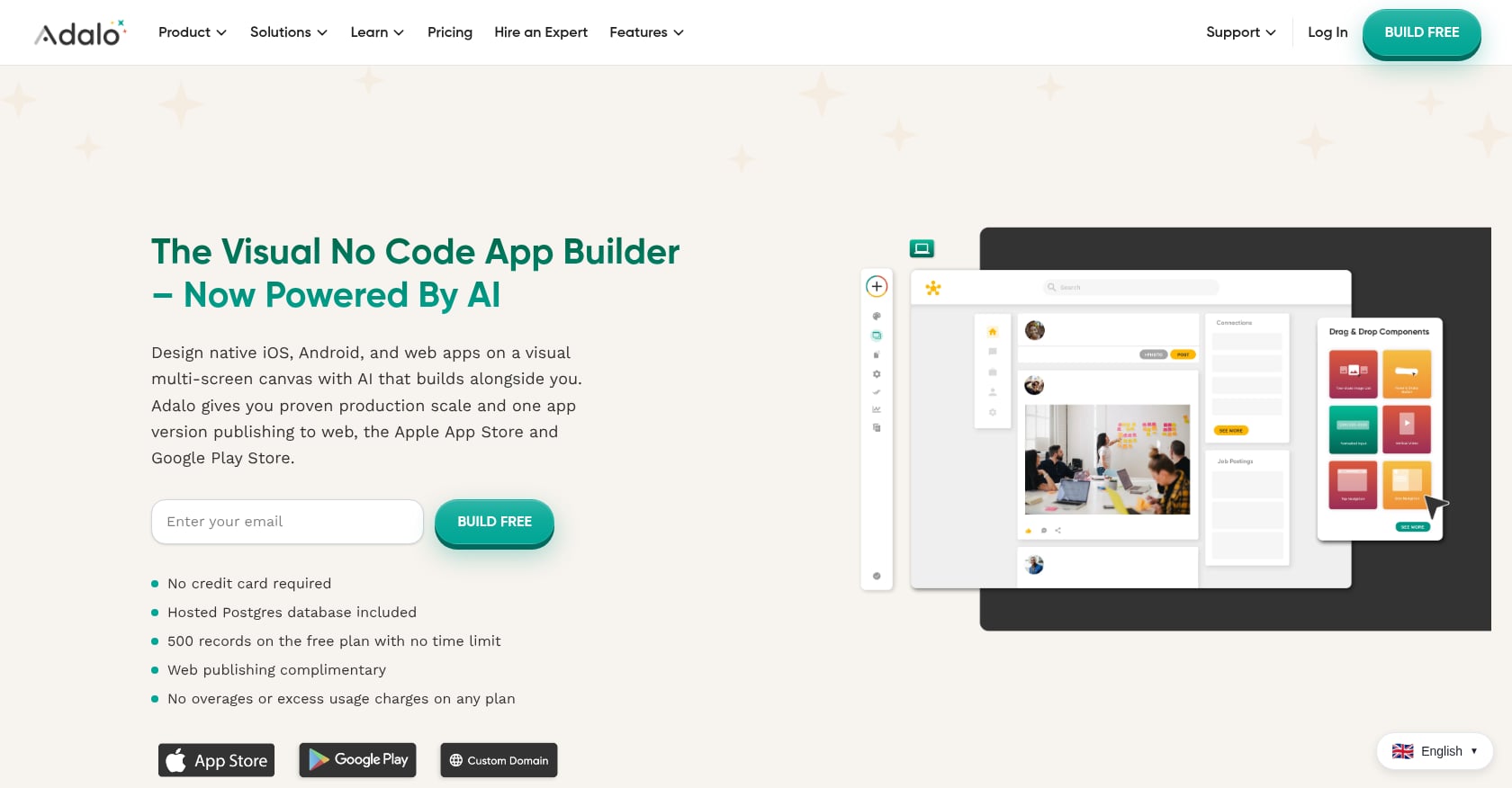
Best for: Beginners who want a visual drag-and-drop builder that outputs to iOS, Android, and web from a single project.
Adalo combines AI-powered generation with a traditional visual canvas. You design screens by dragging components, connecting them to a built-in database, and publishing to multiple platforms. Its AI assistant, Ada, helps generate screens and logic from plain English prompts, and it’s included in all plans with no token charges.
Visual multi-screen canvas that feels like designing slides, not writing code
Built-in database (no external setup required)
Publishes to App Store, Google Play, and web from one project
AI assistant included at no extra cost across all tiers
Pricing: Free plan available for building and testing (200-record limit). App store publishing starts at $36/month.
Tradeoffs:
No code export. If you stop paying, you lose access to your app entirely. This is full vendor lock-in.
Record limits on lower tiers can force upgrades quickly.
Support is email-only with a 48-hour turnaround, even on the Business plan. No live chat, no phone support.
Practitioners note that Adalo is especially approachable for beginners who want to understand how an app works rather than relying entirely on AI automation. The visual canvas makes the relationship between screens, data, and logic visible in a way that prompt-only tools don’t.
2. FlutterFlow
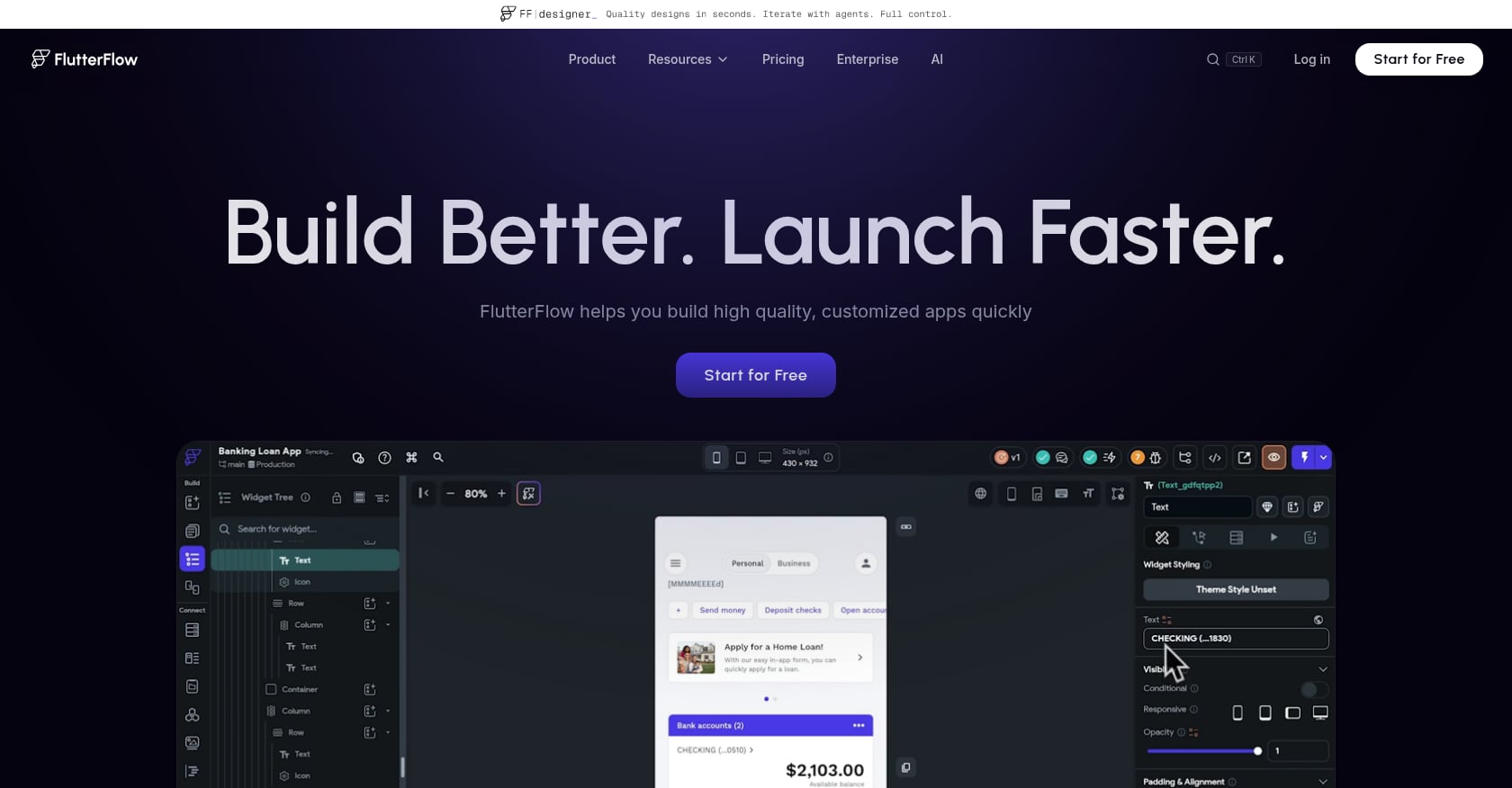
Best for: Semi-technical beginners or designer-developer pairs who want cross-platform native apps with full code export.
FlutterFlow sits between visual development and traditional coding. It generates native mobile, web, and desktop apps using Google’s Flutter framework, and the key differentiator is that you own the exported source code. If you outgrow the platform, you can take your code and keep building in a standard development environment.
Visual builder with drag-and-drop components
Outputs native iOS, Android, web, and desktop apps
Full Flutter source code export (you own everything)
AI features for generating UI and logic from prompts
Pricing: Free tier for prototyping (2 projects). Basic plan starts at $39/month. Growth plan starts at $80/month per seat.
Tradeoffs:
Steeper learning curve than Adalo or Thunkable, especially for apps with complex logic.
No database included. You’ll need Firebase or Supabase, which adds cost and configuration.
Per-seat pricing adds up for teams.
The visual builder can feel restrictive for highly custom designs.
FlutterFlow is the right choice if you plan to eventually hand your project to a professional developer. The code export means your work isn’t wasted. But if you’re a true beginner with zero technical background, the learning curve is noticeably steeper than other tools in this category.
3. Thunkable
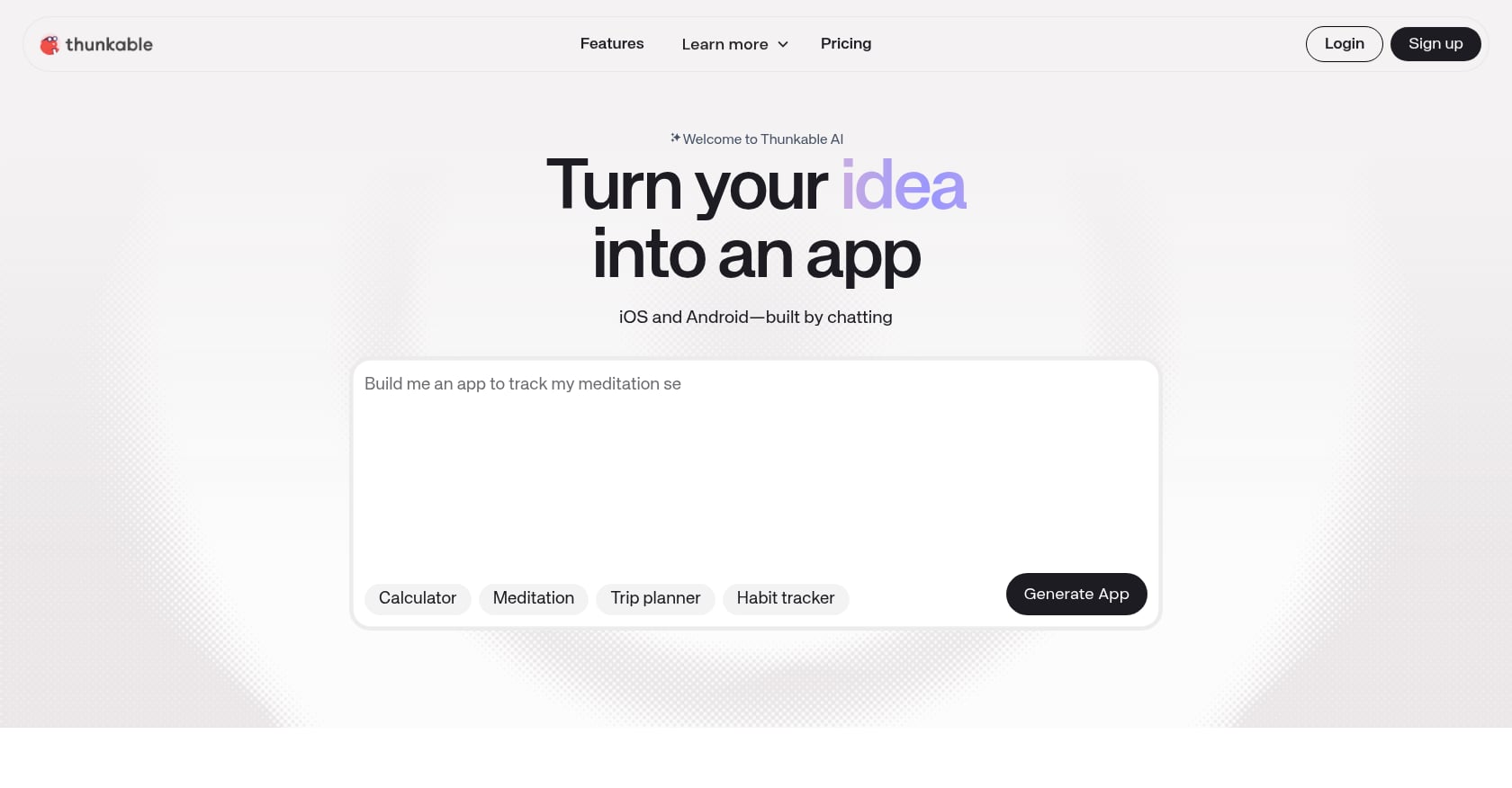
Best for: Students, educators, and makers building simple functional apps as learning projects.
Thunkable uses a block-based logic system (similar to Scratch) that makes it genuinely accessible for people who have never touched code. Its AI Builder generates full apps from simple prompts, and you can refine them using the visual block editor.
Block-based logic that’s intuitive for complete beginners
AI Builder generates apps from plain-language prompts
Publishes to both iOS and Android app stores
Strong educational community and resources
Pricing: Free version for up to 3 public projects. Builder plan at $59/month. Advanced at $189/month.
Tradeoffs:
No code export, so you’re locked into the platform.
The moment you need App Store publishing, your effective minimum cost jumps to the Builder plan ($449 to $708 per year).
Block-based logic hits a ceiling for complex projects. If your app needs sophisticated data handling or integrations, you’ll outgrow Thunkable.
One notable success story: a non-technical founder reportedly saved over $65,000 in development costs and launched a sleep app on the App Store using Thunkable alone. But this is the exception for simple, focused apps.
Category 3: Best for Web Apps and SaaS
If you don’t need the App Store, web app builders offer lower prices, faster prototyping, and simpler deployment. Just know what you’re getting: a browser-based app, not something your users download from Apple or Google.
1. Lovable
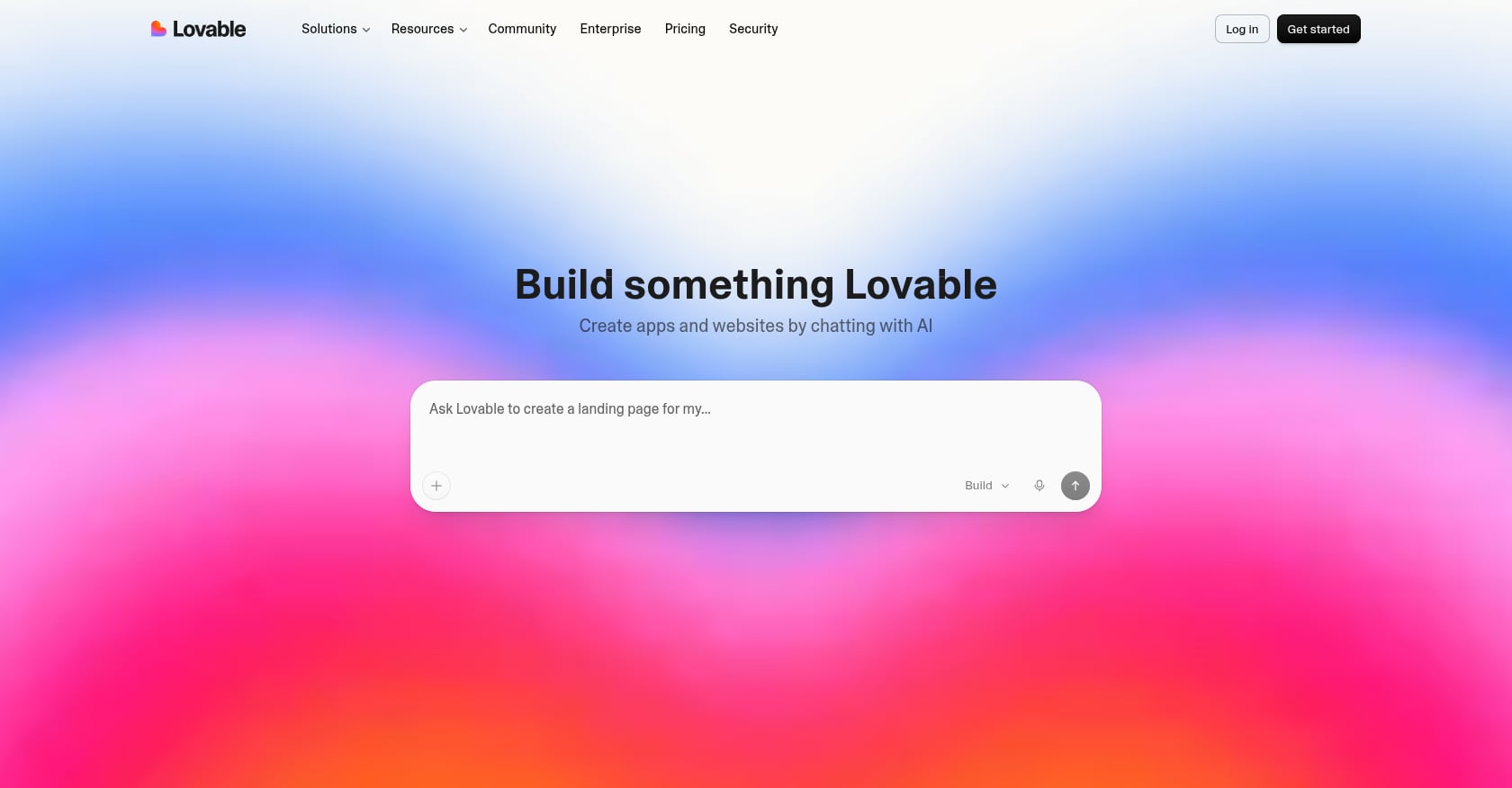
Best for: Non-technical founders building polished web MVPs and SaaS products.
Lovable is the most recommended AI app builder for beginners across Reddit, and for good reason. You describe your product in plain English and Lovable generates a full React and Tailwind frontend with Supabase handling the database and authentication. The output looks polished from the start, which matters when you’re showing your MVP to potential users or investors.
Generates complete web apps from natural language descriptions
Supabase integration handles database and auth out of the box
Polished visual output without manual design work
Code is exportable
Pricing: Free plan to get started. Pro at $25/month. Business at $50/month.
Tradeoffs:
Web-only. No native mobile output whatsoever.
The credit model gets expensive when changes pile up. Many users report that 100 credits per month are insufficient for complex projects. Remember: when the AI makes a mistake, you’re paying for the correction attempts too.
The common “graduation” path practitioners describe is starting in Lovable for fast UI scaffolding, then exporting to Cursor or Claude Code for complex backend logic. This multi-tool workflow works, but it’s not seamless.
For a direct comparison between Lovable’s web approach and native iOS building, this side-by-side breakdown covers the practical differences.
2. Bolt.new
Best for: Rapid web prototyping, hackathons, and quick validation sprints.
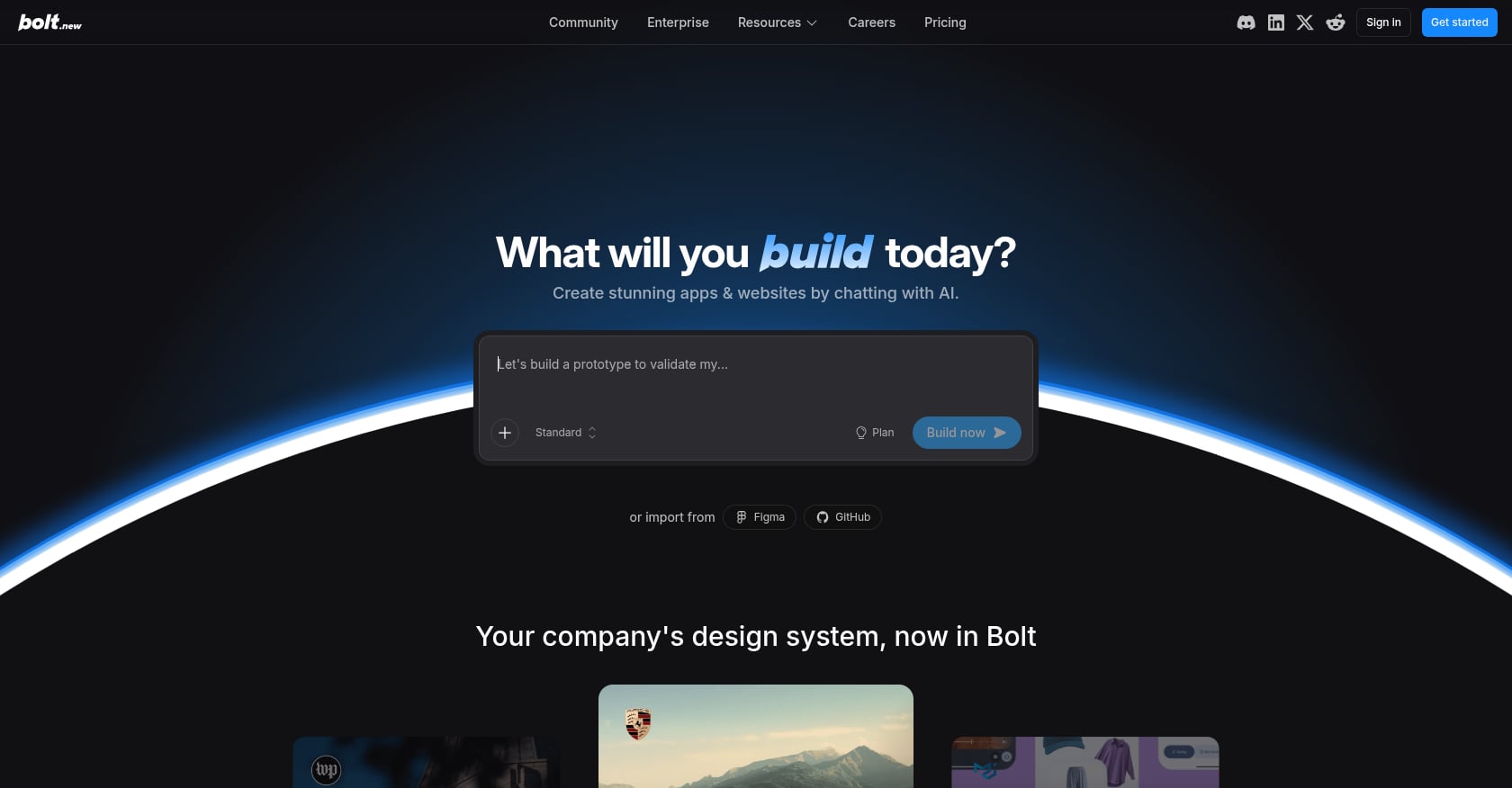
Bolt.new is one of the fastest AI app builders available. You describe an app, and Bolt generates, runs, and deploys it directly in your browser. For getting from zero to something running, it’s hard to beat.
A user in r/vibecoding put it plainly: “Bolt.new is still the fastest from zero to something running. For quick validations and prototypes you plan to throw away after user feedback, it is hard to beat at $20/month.”
Generates, runs, and deploys in the browser instantly
Supports React, Node.js, and PostgreSQL
GitHub sync for code access
Extremely fast for first prototypes
Pricing: Free plan with 1 million tokens per month (300,000 daily cap). Pro at $25/month with 10 million tokens. Higher tiers up to $200/month.
Tradeoffs:
Token consumption is the pain point. Complex apps eat through credits fast, and the AI can lose context on longer conversations, forcing you to restart.
Web-only. No native mobile output.
Best treated as a prototyping tool, not a production platform. Practitioners consistently describe Bolt as “fast to demo, slow to production.”
For more detail on how Bolt compares to native iOS workflows, there’s a dedicated comparison here.
3. Base44
Best for: Absolute beginners on a budget who need a simple web app or internal tool.
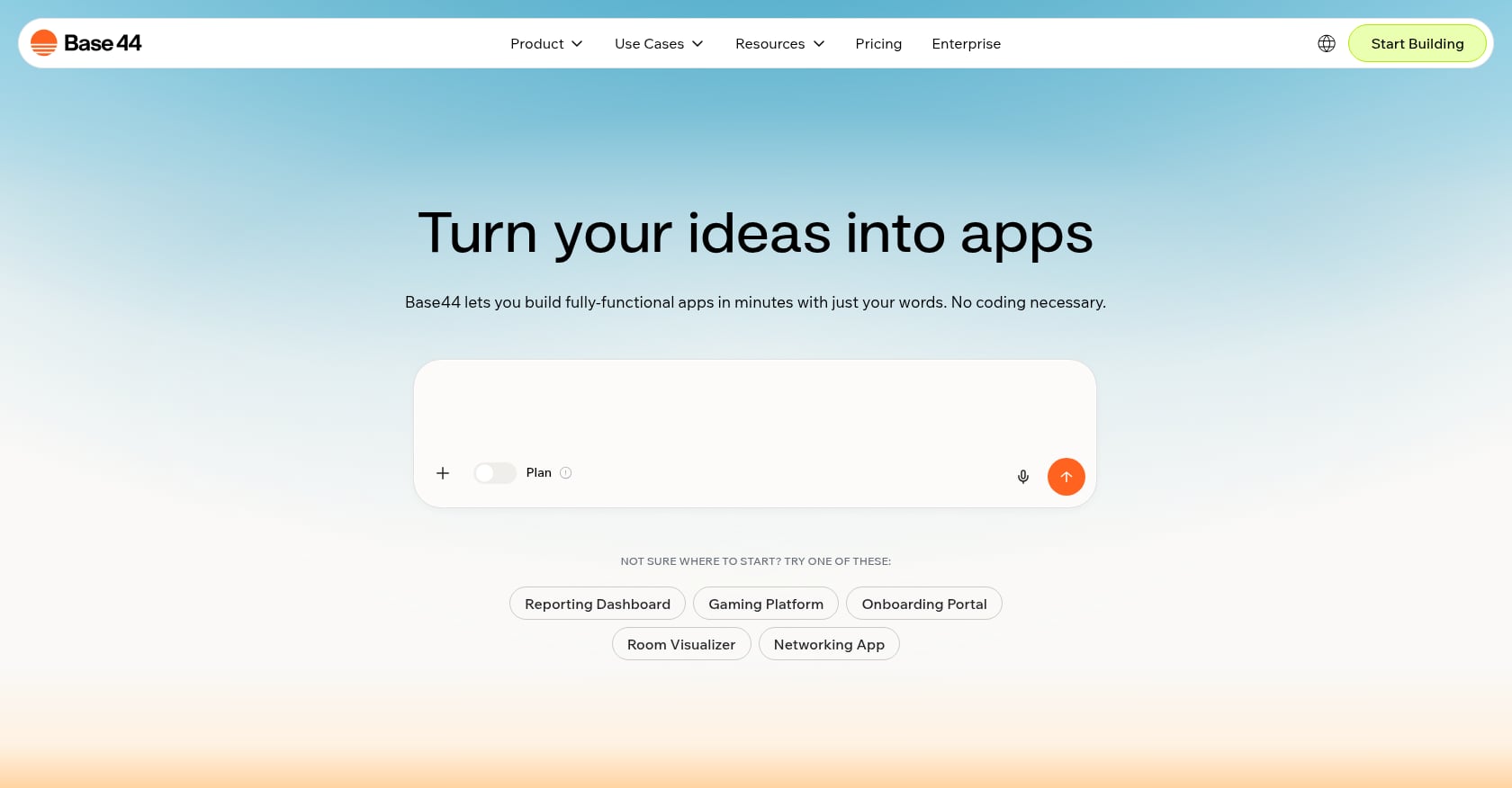
Base44 is the cheapest entry point on this list. You describe your idea, the AI generates code, structure, design, and logic, and you can refine using a drag-and-drop editor. It was recently acquired by Wix, which adds some stability but also uncertainty about future product direction.
Tech.co called it “the best AI app builder for beginning vibe coders,” and the praise is deserved for simple projects.
AI generates full apps from text descriptions
Drag-and-drop editor for visual refinement
Free tier with no credit card required
Lowest paid starting price among the tools listed here
Pricing: Free tier with monthly credits. Paid plans start at $16/month.
Tradeoffs:
Web-only. No native mobile output.
Less advanced AI capabilities than pricier tools. Complex logic and integrations will push you toward other options.
The Wix acquisition could shift the product in directions that don’t serve independent builders.
4. Replit
Best for: Curious beginners who want to understand how apps work under the hood while building.
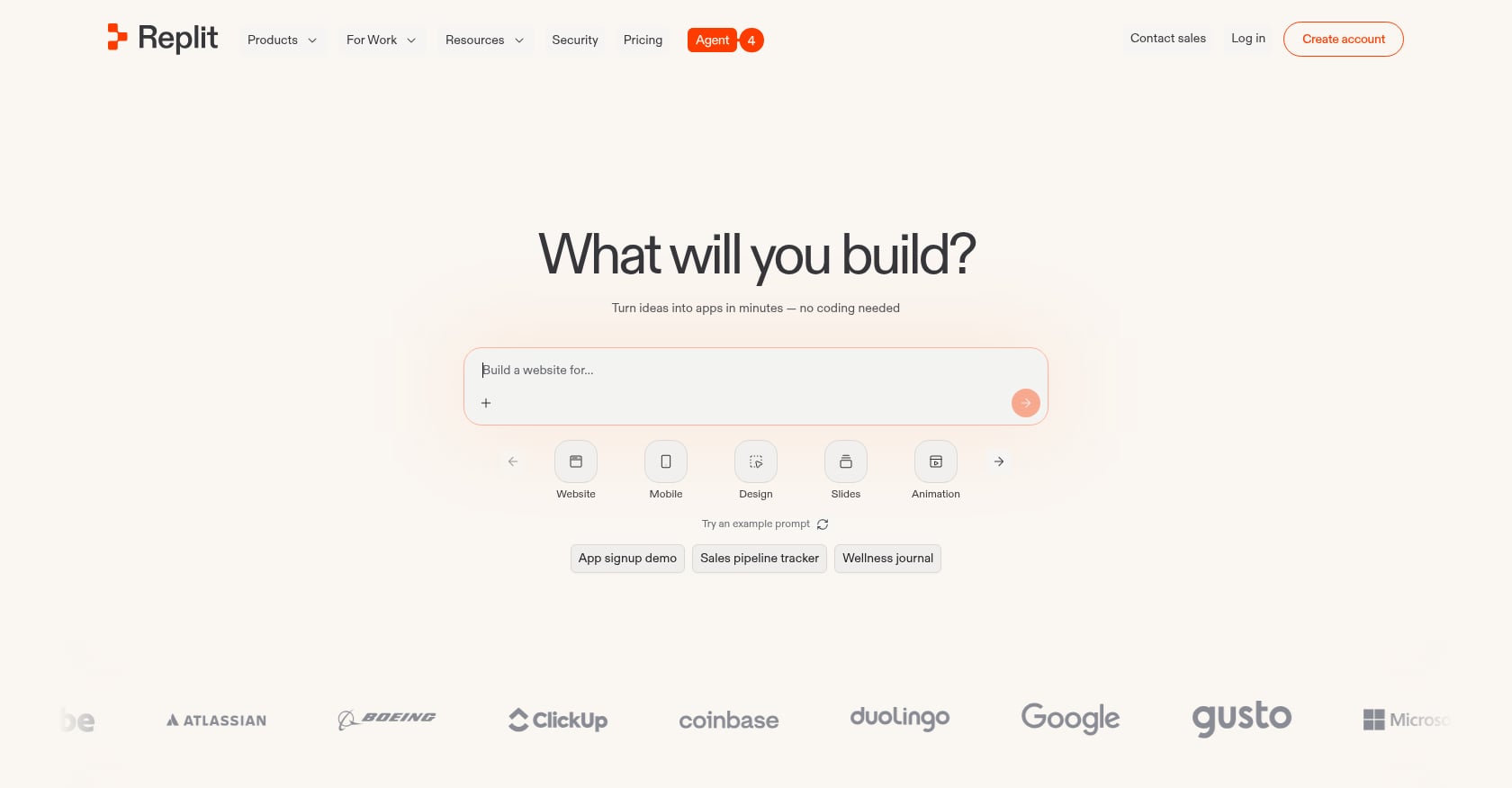
Replit is an AI-assisted development environment that sits between no-code platforms and traditional coding. Its AI agent can generate full web apps from prompts, but the IDE-style interface means you can see and edit the code directly. This makes it uniquely educational.
AI agent generates web apps from natural language
Full code visibility and editability
Strong community and educational resources
Cloud-based development environment (nothing to install)
Pricing: Core plan at $20/month. Active builders report spending $50 to $150 per month once agent usage scales up.
Tradeoffs:
The coding IDE aesthetic can intimidate true non-coders. If you’ve never seen a code editor, Replit’s interface may feel overwhelming compared to visual builders.
Pricing is unpredictable due to effort-based credits. What starts at $20 can grow quickly.
A common complaint on Reddit: generated apps work great for demos but fall apart at scale. One thread described a Replit Agent app that handled 10 concurrent users perfectly but crashed with 100.
Primarily web apps. Not designed for native mobile output.
A detailed comparison between Replit and native iOS building is available if you’re weighing the two approaches.
5. Bubble
Best for: Founders building complex, database-heavy web applications like marketplaces or multi-feature SaaS products.
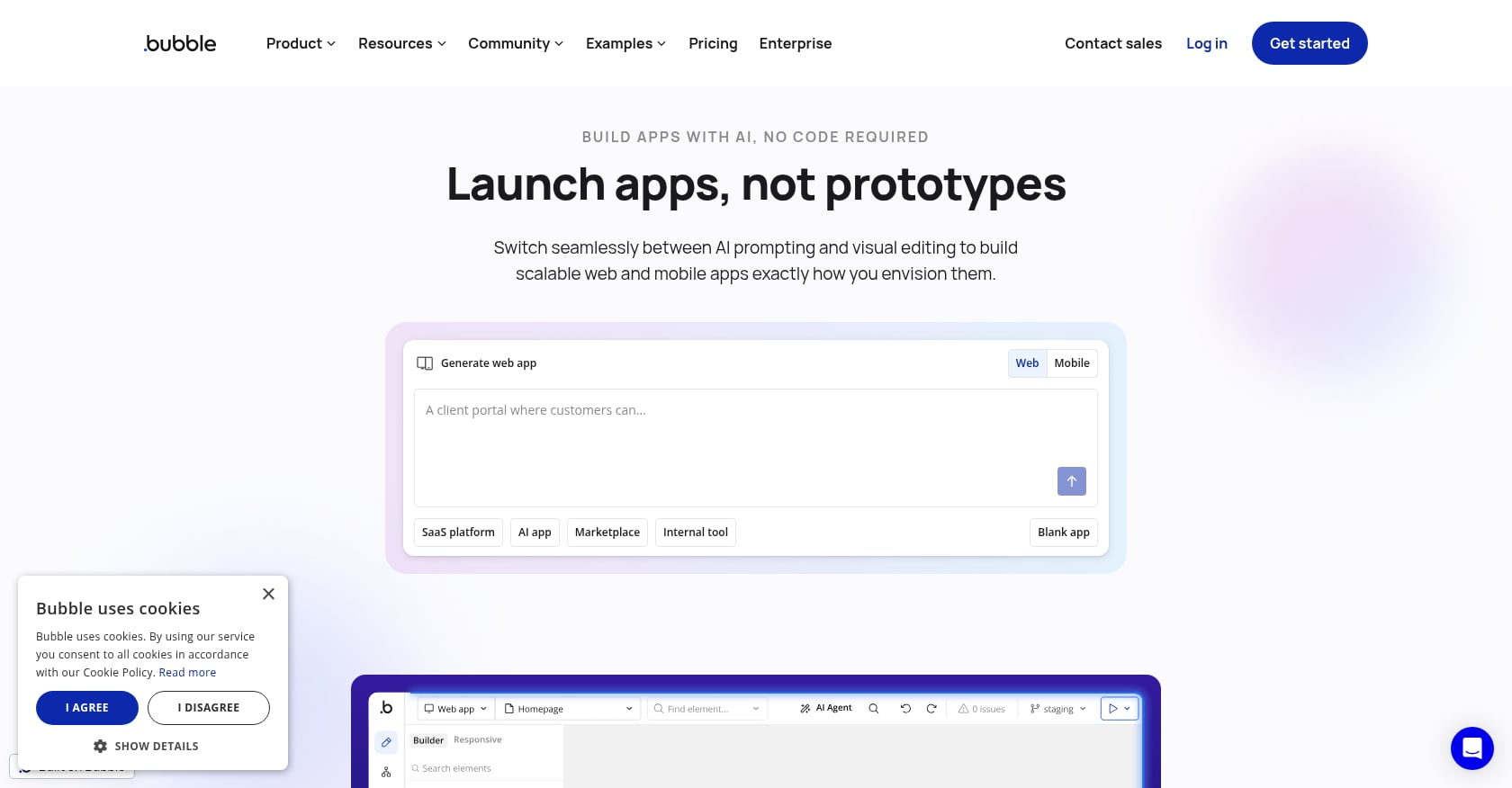
Bubble is the most powerful no-code platform on this list, but it’s also the steepest learning curve. It uses a visual programming model for building web apps with advanced logic, database connections, plugins, and integrations. One forum user captured the tradeoff well: “AI coding still requires coding. If you are not committed to becoming good at coding, then don’t bother with these tools. Bubble is miles easier to learn.”
Visual programming model for complex logic
Built-in database with advanced querying
Massive plugin ecosystem
Recently added mobile app publishing
Pricing: Free plan for building. Starter Web at $32/month. Web and Mobile at $69/month.
Tradeoffs:
The learning curve is real. Plan for hours of tutorials before you’re productive.
No code export. You’re building on Bubble’s infrastructure permanently.
Hosting costs increase with traffic and app complexity. Usage-based “workload units” create unpredictable bills at scale.
Mobile support is new and less mature than dedicated mobile builders.
AI App Builder Comparison Summary (Quick Decision View)
If you're still unsure, here’s the simplest breakdown:
Want App Store iOS app → x1
Want drag-and-drop mobile apps → Adalo
Want full code control → FlutterFlow or Replit
Want fastest MVP → Bolt.new
Want polished SaaS UI → Lovable
Want cheapest entry → Base44
Want enterprise logic apps → Bubble
Key takeaway: The “best AI app builder” depends entirely on output format, not popularity.
Common Beginner Mistakes to Avoid
These mistakes come up repeatedly in forums, Reddit threads, and practitioner YouTube walkthroughs. Avoiding them will save you weeks of frustration.
Choosing a web builder when you need the App Store. This is the most expensive mistake because you only discover it after building. A responsive web app is not the same as a native app. If your users expect push notifications, offline access, or to find you by searching the App Store, a web builder won’t get you there.
Ignoring credit and token costs during iteration. Every AI builder makes mistakes. You will prompt, review, correct, and re-prompt dozens of times. On credit-based platforms, those correction cycles add up fast. One Reddit user estimated their Lovable project cost 3x the monthly plan because of iteration cycles. Ask yourself: what does this tool cost when the AI gets it wrong?
Skipping architecture decisions upfront. Authentication, database structure, payment handling, push notifications: these aren’t features you bolt on later. They shape the entire app structure. Tools that force you to think about these during the planning stage (before you generate any code) save you from expensive rewrites later.
Treating a demo as production-ready. AI-generated apps can look impressive in minutes. That doesn’t mean they’re ready for real users. An October 2025 security scan of roughly 5,600 vibe-coded apps found over 2,000 high-impact vulnerabilities, 400+ exposed secrets, and 175 instances of exposed personal data. Building fast is good. Shipping without review is dangerous.
Not checking App Store compliance before building. Apple has specific requirements around paywalls, permissions, privacy policies, and metadata. If your AI builder doesn’t account for these, you’ll face rejection after investing weeks of work. For building a mobile app without coding, understanding platform requirements early is essential.
How to Choose: A Simple Decision Framework
The Reddit consensus on AI app builders has shifted from “just use Bolt.new for everything” to a clearer specialization: pick the right builder for your project type rather than defaulting to the most popular name. Here’s the decision path:
Do you need the App Store?
No → You’re building a web app. Pick Lovable for polished MVPs, Bolt.new for fast prototypes, Base44 for the lowest budget, Replit if you want to learn coding, or Bubble for complex projects.
Yes → Continue below.
Do you need iOS only, or both iOS and Android?
iOS only → x1 gives you native Swift/Xcode output with a guided workflow that covers everything from planning to App Store submission.
Both platforms → Adalo for the easiest drag-and-drop experience (but no code export), FlutterFlow for code ownership (but steeper learning curve), or Thunkable for educational projects.
What’s your budget?
Under $20/month: Base44 or free tiers
$25 to $50/month: Lovable, Bolt.new, or Adalo
$50 to $100/month: x1 (yearly pricing), FlutterFlow, or Thunkable Builder
$100+/month: x1 monthly, FlutterFlow Growth, or Bubble for complex projects
For a more detailed breakdown of this decision, the AI app studio buyer’s guide covers pricing, output types, and tradeoffs in depth.
FAQ
Can a beginner really build an app with AI?
Yes, but set realistic expectations. AI app builders handle the code generation, which removes the biggest barrier. What they don’t handle is decision-making: what your app should do, who it’s for, how it makes money. The building is the easy part. Planning and iterating based on user feedback still require your judgment. Gartner predicts that by 2026, 80% of low-code users will be non-IT professionals, so you’re not alone.
Are AI-built apps good enough for the App Store?
It depends entirely on the tool. Web app builders (Lovable, Bolt, Base44) cannot produce App Store submissions at all. Cross-platform tools like Adalo and FlutterFlow can, though quality varies. x1 generates native Swift/Xcode projects specifically designed for App Store submission, including screenshots and ASO metadata. You can see real apps built with x1 to judge the output quality.
What’s the cheapest way to start?
Free tiers exist on most platforms. Base44 has the lowest paid plan at $16/month. But “cheapest to start” and “cheapest to launch” are different things. App Store publishing on Adalo requires $36/month minimum. Apple charges $99/year for a developer account regardless of which tool you use. The honest answer: real launching costs money, but you can explore and prototype for free on most platforms.
Web app vs. native app: which should I pick?
If your users will find you through a web search or a direct link, a web app is simpler and cheaper. If your users expect to download something from the App Store, need push notifications, or will use your app offline, you need native. About 90% of mobile time is spent in native apps, so the App Store matters more than most beginners realize.
What is “vibe debugging” and why should I care?
Vibe debugging is a term from developer communities describing the challenge of fixing AI-generated code you didn’t write. When the AI produces something that mostly works but has a subtle bug, understanding what went wrong is harder because you didn’t make the original decisions. Tools with structured, stepwise workflows reduce this problem by keeping each piece of the app contained and understandable.
Do I own the code these tools generate?
It varies significantly. x1, Lovable, Bolt.new, Base44, Replit, and FlutterFlow all let you export or access your code. Adalo, Thunkable, and Bubble do not. If code ownership matters to you (and it should, for long-term flexibility), check the export policy before you start building.
How do I know if my app idea is worth building?
Start by talking to potential users, not by building. The fastest way to waste money on an AI app builder is to build something nobody wants. Validate with conversations, landing pages, or waitlists first. Then use your chosen builder to create an MVP that tests your core assumption. The guide to turning an idea into a real app walks through this process step by step.
The AI app builder market in 2026 is large enough that no single tool fits every project. The right choice depends on what you’re building, where your users will find it, and how much control you want over the final product. For beginners building native iOS apps, x1’s guided workflow from idea to App Store removes the guesswork that makes other approaches frustrating.
Explore x1’s AI app studio to see if it fits your project.