
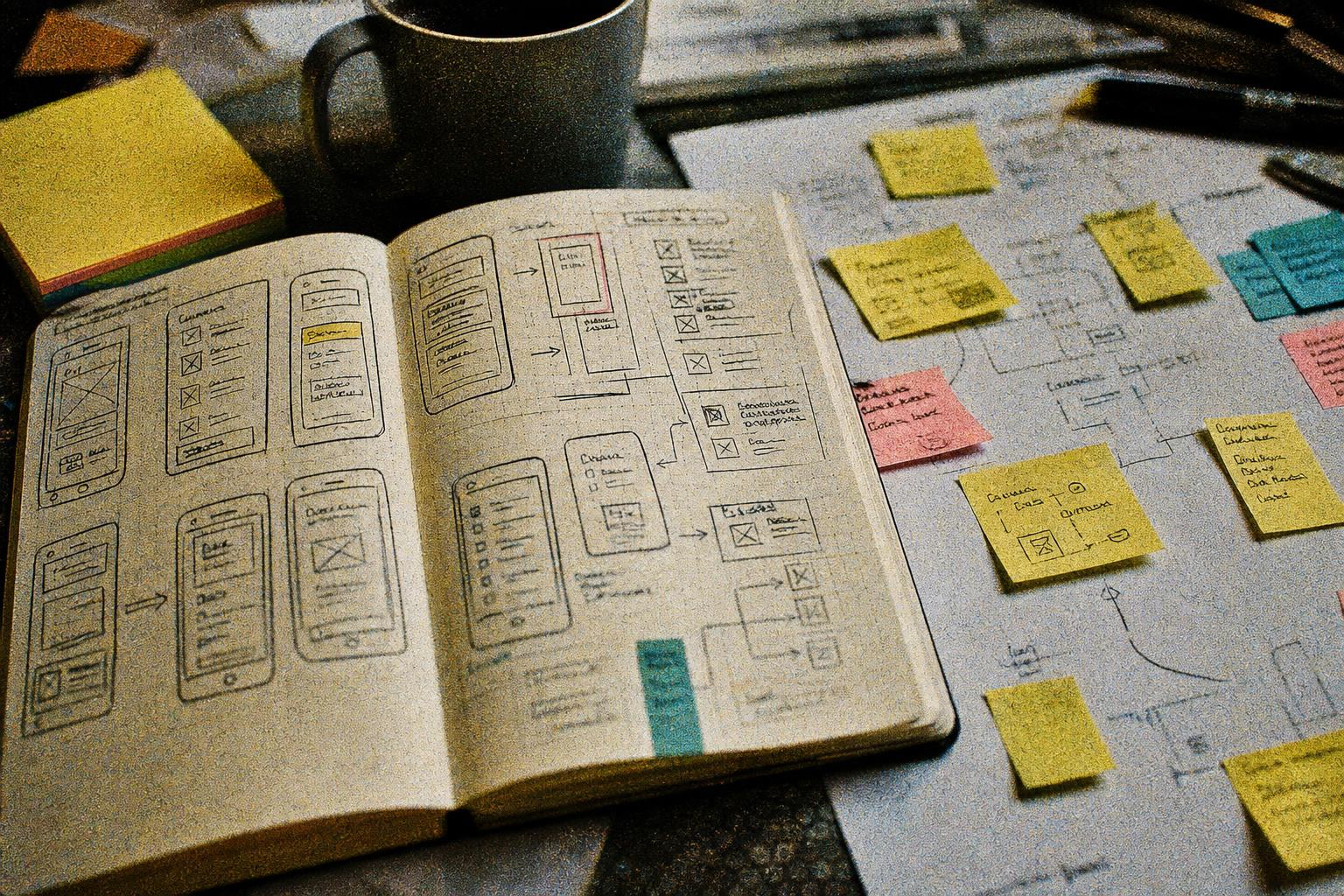
TL;DR
Most apps fail because founders build before they plan. An app idea worksheet is any structured framework that forces you to answer critical questions (problem, audience, features, monetization, competition) before writing code or spending money. This guide covers 10 distinct worksheets, from a 5-minute sanity check to a full business model canvas, so you can pick the right planning depth for wherever you are in the journey.
Quick Answer: What Is the Best App Idea Worksheet?
The best app idea worksheet depends on how far your idea has progressed. For a quick sanity check, use a 7-question idea stress test. For business planning, use a Lean Canvas. For demand validation, use an app idea validation checklist. For MVP scope, use a feature prioritization matrix. If you want to move directly from planning into app creation, an AI-guided planning tool such as x1 can combine several of these steps into one workflow.
For most first-time founders, the simplest path is:
7-Question Stress Test → Lean Canvas → Validation Checklist → Feature Prioritization → Pre-Build Checklist.
You do not need to complete all 10 worksheets. Choose the smallest set that answers the questions you still cannot answer confidently.
Free App Idea Worksheet: Fill This Out Before You Build
Use this one-page worksheet to turn a rough app idea into a clearer build brief. You do not need technical knowledge to complete it.
1. App Idea
What is your app?
Write the idea in one sentence:
My app helps ____________________ do ____________________ without ____________________.
2. Problem
What specific problem does the app solve?
What is frustrating users today?
How often does the problem happen?
What does the problem cost users in time, money, or effort?
What do users currently do instead?
3. Target User
Who is the first person this app is for?
Primary user:
Situation when they need the app:
Main goal:
Biggest frustration:
Current workaround:
Avoid answering “everyone.” A useful MVP usually starts with one clearly defined user group.
4. Core User Action
What is the one thing users must be able to accomplish?
A user opens the app → ____________________ → ____________________ → gets ____________________.
If you cannot describe this workflow clearly, the idea probably needs more definition before development begins.
5. MVP Features
List every feature you are considering, then classify each one:
Feature | Must Have | Should Have | Could Have | Later |
|---|---|---|---|---|
Your MVP should contain only the features required to solve the core problem.
6. Competition
What do users use today?
Competitor or alternative #1:
What users like:
What users dislike:
What opportunity you see:
Competitor or alternative #2:
What users like:
What users dislike:
What opportunity you see:
7. Differentiation
Why would someone choose your app instead?
Complete this sentence:
Unlike ____________________, my app ____________________ for ____________________.
8. Monetization
How could the app make money?
Subscription
One-time purchase
Freemium
In-app purchases
Advertising
Business-to-business licensing
Other: ____________________
What would users pay for?
9. Biggest Risk
What assumption could make the entire idea fail?
I am assuming that ____________________.
How could you test this assumption before building?
I could test it by ____________________.
10. Definition of Done
What must be true for version one to be considered complete?
Version one is done when a user can:
11. What Version One Will NOT Include
Write down the features you are deliberately excluding:
12. Build Decision
After completing the worksheet:
Problem clearly defined? Yes / No
Specific user identified? Yes / No
Core workflow understood? Yes / No
Evidence of demand? Yes / No
MVP scope defined? Yes / No
Biggest risk identified? Yes / No
If several answers are “No,” do more validation before building.
Why Use an App Idea Worksheet Before Building?
An app idea worksheet helps you answer the questions that are easiest to ignore when you are excited about an idea: Who is the app for? What problem does it solve? What will users actually do inside it? Which features belong in version one? How will the app make money? And what assumption could cause the idea to fail?
The goal is not to create a perfect business plan before writing code. The goal is to reduce uncertainty.
A useful app planning process should give you five things:
A clearly defined target user
A specific problem worth solving
A simple core user workflow
A deliberately limited MVP feature set
A way to test your riskiest assumption before investing heavily
That is why the best approach is usually not one giant worksheet. It is a short sequence of focused frameworks, with each one answering a different question.
Why You Need an App Idea Worksheet Before You Write a Single Line of Code
Ninety percent of startups fail at some point in their lifecycle, and according to CB Insights, the number one reason is misreading market demand. For apps specifically, the numbers are even more brutal: 63% of tech startups fail within five years, well above the 49.4% all-industry rate. iOS apps average just 25.4% day-one retention, dropping to 5.3% by day 30.
Building the wrong thing is expensive. A basic app costs around $60,000 to develop traditionally. A complex cross-platform build can clear $200,000. That is a lot of money to bet on a hunch.
An app idea worksheet exists to prevent exactly this. It is not a business plan. It is not a pitch deck. It is a structured set of questions and frameworks that force clarity before commitment. Think of it as a series of filters: each worksheet catches a different category of blind spot, from “who actually wants this?” to “how does this make money?” to “what does version one not include?”
The worksheets below are organized by stage. Some take five minutes. Others take a few hours. Most founders need two or three of them, not all ten.
Try x1 free with starter credits to see how guided planning connects directly to building a real app.
What Should an App Idea Worksheet Include?
A good app idea worksheet should cover more than the app's features. At minimum, it should help you define the problem, user, solution, MVP scope, competition, monetization, and biggest risks.
Worksheet element | Question it should answer |
|---|---|
Problem | What specific problem does the app solve? |
Target user | Who experiences this problem? |
User workflow | What does the user actually do in the app? |
Value proposition | Why would someone choose this app? |
MVP features | What must be included in version one? |
Non-MVP features | What should wait until later? |
Competition | What alternatives already exist? |
Differentiation | Why is this app meaningfully different? |
Monetization | How could the app generate revenue? |
Validation | What evidence would prove people want it? |
Risks | What assumption could invalidate the idea? |
Technical requirements | What needs to exist for the app to work? |
A worksheet does not need to contain every category. A five-minute idea test should stay lightweight, while a build-ready planning worksheet should cover substantially more detail.
At-a-Glance Comparison Table
Worksheet | Best For | Main Question | Time | Best Stage |
|---|---|---|---|---|
7-Question Stress Test | Raw ideas | Is this idea clear enough to explore? | 5–10 min | Idea |
Lean Canvas | Business model | Could this become a viable business? | 20–30 min | Idea |
Validation Checklist | Demand testing | Do people actually want this? | 1–3 hrs+ | Validation |
User Persona | Audience definition | Who exactly am I building for? | 30–60 min | Validation |
Feature Prioritization Matrix | MVP scope | What belongs in version one? | 30–45 min | Planning |
Monetization Worksheet | Revenue strategy | How could this app make money? | 20–30 min | Planning |
Competitor Worksheet | Market research | What gap can I realistically exploit? | 1–2 hrs | Validation |
AI-Guided Planning Flow | Build-ready specification | How do I turn the idea into a build plan? | 15–30 min | Planning |
Business Model Canvas | Business model depth | How does the entire business fit together? | 1–3 hrs | Business planning |
Pre-Build Checklist | Technical readiness | Am I ready to build and launch? | 30–60 min | Pre-build |
App Idea Template vs. Checklist vs. Framework: What's the Difference?
These terms are often used interchangeably, but they serve different purposes.
Format | What it does | Example |
|---|---|---|
Template | Gives you a structure to fill in | App Idea Worksheet |
Checklist | Helps you verify that tasks or requirements are complete | App Validation Checklist |
Framework | Gives you a method for thinking through a problem | Lean Canvas |
Matrix | Helps you compare or prioritize options | Impact/Effort Matrix |
Interactive planner | Guides you through decisions dynamically | AI-guided planning flow |
If you are searching for an app idea template, start with a fill-in worksheet. If you are trying to decide whether an idea is worth building, use a validation checklist. If you are defining the business model, use Lean Canvas or Business Model Canvas. If you already know what you want to build, use an MVP prioritization or pre-build checklist.
How We Evaluated These App Idea Worksheets
The worksheets and planning frameworks in this guide were evaluated against five criteria:
Criterion | What we looked for |
|---|---|
Clarity | Does the framework help define the app idea clearly? |
Coverage | Does it address the questions founders actually need to answer? |
Actionability | Does it produce a decision or next step? |
Stage fit | Is it appropriate for ideation, validation, planning, or pre-build? |
Build relevance | Does the output help determine what should actually be built? |
No single worksheet is best for every founder. The rankings are therefore based on use case rather than a universal score.
1. The 7-Question Idea Stress Test
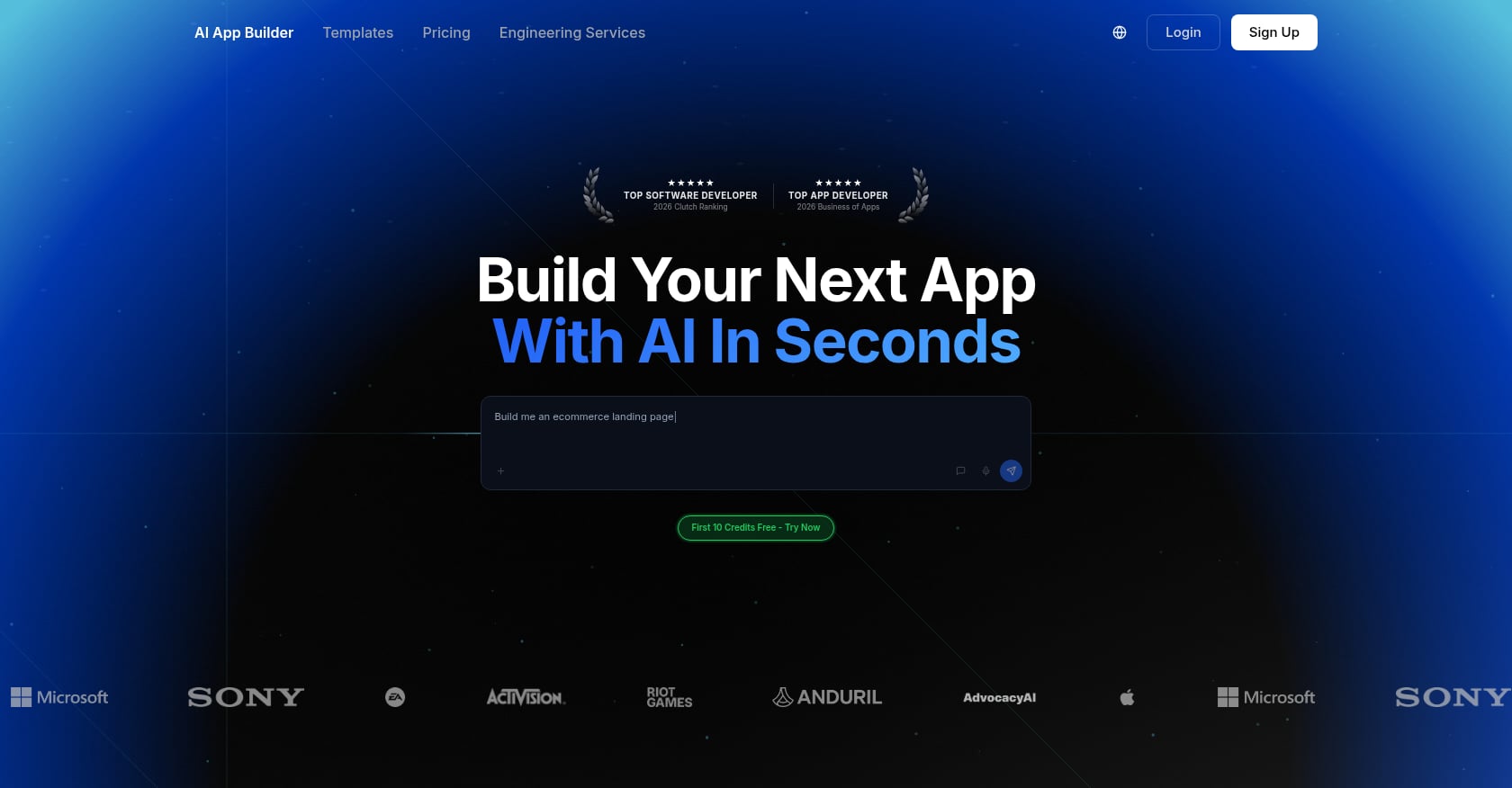
Best for: Anyone with a raw idea who needs a five-minute sanity check before going deeper.
This app idea worksheet is the fastest on the list. It comes from a practical framework published by Marcus Kim on the AI App Builder Blog, where he argues that before you ask any tool to generate code, your idea should pass seven simple questions:
Can I name one specific person this app helps?
Can I explain the pain without naming the app?
Can I describe one complete version-one workflow?
Can I say what v1 does not include?
Can I name the core data objects?
What is the riskiest assumption?
What does “done” look like for version one?
Kim puts it bluntly: “If you cannot answer those questions, do not code yet. The app idea may still be good. It is just not shaped enough.”
Why question four matters most. The question about what v1 excludes is the single most important filter for new founders. Practitioners on the DEV Community regularly cite scope creep as the reason projects stall. One 20-year veteran shared a cautionary example: a team spent eight months building a “perfect” project management tool, only to discover users wanted something completely different. They scrapped 70% of the code.
Limitations:
Does not cover monetization, competition, or technical feasibility
Purely qualitative, so there is no scoring mechanism to compare multiple ideas
Works best as a starting filter, not a complete planning document
When to use it: Before opening any other worksheet. If your idea cannot survive these seven questions, the other nine frameworks on this list will not save it.
2. Lean Canvas (Ash Maurya’s One-Page Framework)
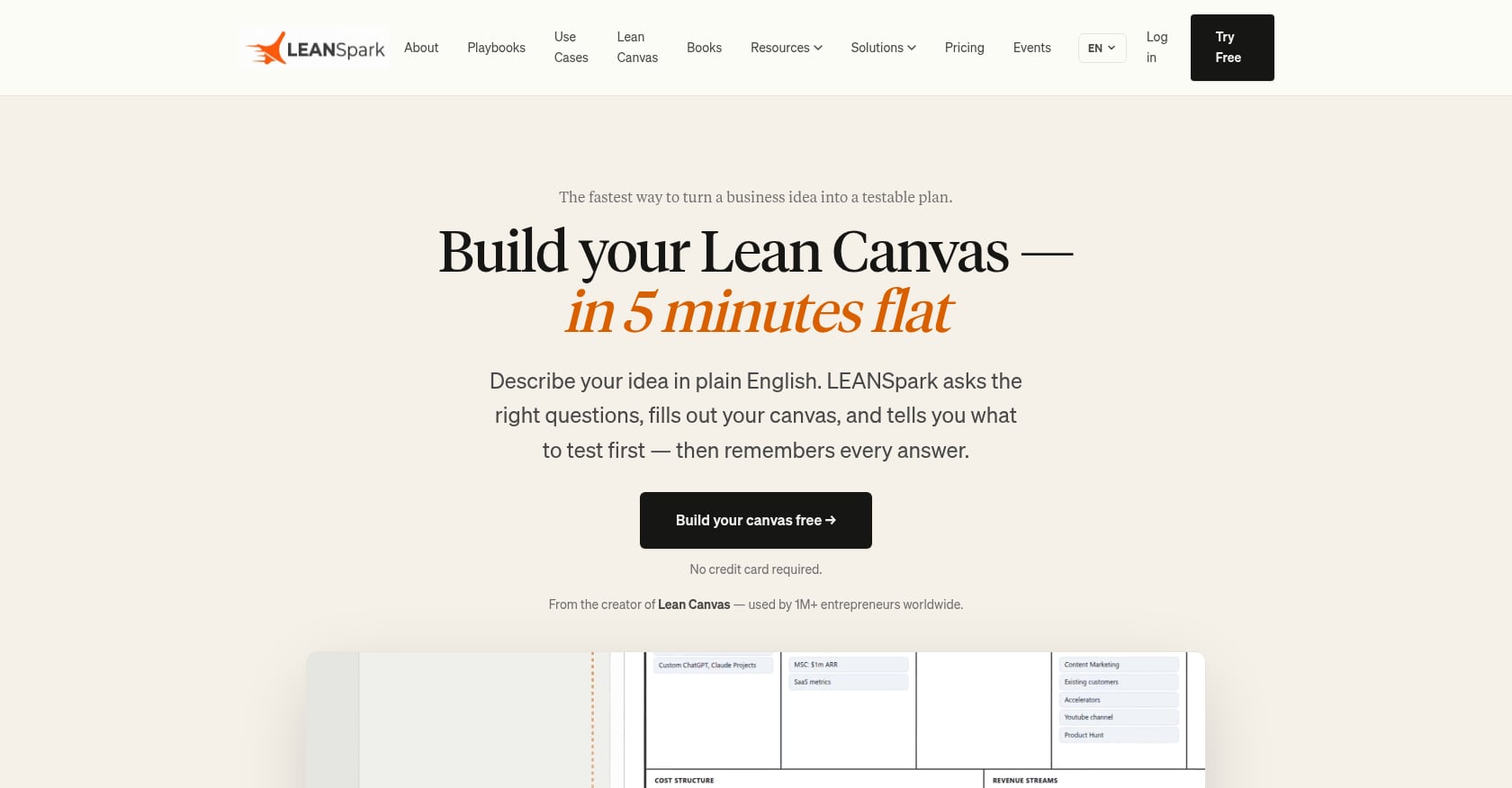
Best for: Solo founders who need a one-page business snapshot of their app idea.
The Lean Canvas is probably the most widely recognized app idea worksheet in the startup world. Inspired by Ash Maurya’s adaptation of the Business Model Canvas, it compresses your entire business model into nine boxes on a single page. The framework focuses on problems, solutions, competitive advantages, and key metrics, making it easier for entrepreneurs to get a clear and precise picture of their business idea.
The nine sections:
Problem (top 3 problems your users face)
Customer Segments (who specifically has these problems)
Unique Value Proposition (single clear message about why you are different)
Solution (top 3 features that address the problems)
Channels (how you reach customers)
Revenue Streams (how the app makes money)
Cost Structure (fixed and variable costs)
Key Metrics (the numbers that tell you if it is working)
Unfair Advantage (what cannot be easily copied)
Available formats: Free templates exist for Notion, Figma, Google Docs, Word, and printable PDF from multiple sources including Leanstack, Miro, and Canvizer.
Limitations:
Great for business model thinking but does not get into screens, user flows, or technical architecture
The “Unfair Advantage” box is notoriously hard to fill honestly at the idea stage
Static document that does not translate directly into a build spec
Real-world perspective: Practitioners on Indie Hackers frequently recommend the Lean Canvas as the first “serious” planning step after a basic stress test. But many note that filling it out alone in a room is less valuable than doing it after even five customer conversations.
3. App Idea Validation Checklist

Best for: Founders deciding go or no-go before investing weeks of effort and real money.
Validation checklists move beyond planning on paper and into gathering real evidence. The core premise: your opinion about whether people want your app does not count. What counts is observable behavior, like signups, pre-orders, or repeated expressions of pain in communities.
Key tasks a good validation checklist covers:
Market size research (is the addressable audience large enough?)
Competitor download and usage (install the top 5, use them for a week)
Review mining (read 1-star and 5-star reviews of competitor apps)
Landing page test (can you get signups with just a description?)
Community listening (Reddit, forums, Facebook groups)
Pre-order or waitlist collection
Several free versions exist. FiveDotTwelve offers a free checklist covering market research, competitor analysis, target audience definition, and idea testing. The Founder Reports team on Indie Hackers created a five-step validation checklist available as both a Notion template and printable PDF.
A practitioner on Indie Hackers explained the philosophy well: “The validation is a byproduct of the process, and the idea can be considered validated if we can repeatedly find people expressing the same pain. This is how I got the idea for an app I bootstrapped to $58k MRR.”
Another community member highlighted a less obvious use case: “It’s about comparing multiple business ideas against the checklist and seeing which ones score higher to help decide what to work on.”
Limitations:
Takes the most time of any worksheet on this list (hours, not minutes)
Can become procrastination disguised as preparation if you obsess over perfect data
Requires talking to real people, which many founders resist
When to use it: After the Lean Canvas, before committing budget. This is the worksheet that saves you from building an app nobody downloads.
4. User Persona Worksheet
Best for: Founders who answer “everyone” when asked who their app is for.
A user persona is a semi-fictional character representing your ideal user. It forces you to visualize needs, motivations, and behaviors so that design decisions and feature priorities flow from a real understanding rather than guesswork. User persona templates are particularly effective for startups looking to achieve product-market fit.
Sections in a solid user persona worksheet:
Demographics (age, location, occupation, income range)
Goals (what they are trying to accomplish)
Frustrations (what currently makes this hard)
Current workarounds (how they solve the problem today without your app)
Tech comfort level (iPhone power user or barely opens Settings?)
Spending habits on apps (do they pay for subscriptions?)
Free persona templates are available from Miro, Mural, HubSpot, and Visme. Most are drag-and-drop with pre-built sections you fill in.
Limitations:
Easy to turn into creative fiction rather than research-backed profiles
One persona is rarely enough; most apps need two or three
Does not address business model, features, or technical concerns
Practical tip: Fill out the persona worksheet after your validation checklist, not before. Use real quotes and behaviors from the people you talked to during validation. A persona built on imagination is worse than no persona at all.
For a deeper look at how user understanding connects to feature decisions, the app feature prioritization template guide walks through practical frameworks.
5. Feature Prioritization Matrix (MoSCoW or Impact/Effort)
Best for: Founders drowning in feature ideas who need to ruthlessly scope an MVP.
This app idea worksheet is where ambition meets reality. The most common framework is MoSCoW: Must-have, Should-have, Could-have, Won’t-have. An alternative is the Impact/Effort matrix, where you plot each feature on a 2x2 grid to find high-impact, low-effort wins.
How to use MoSCoW for app planning:
Must-have: Features without which the app literally does not work. If your app is a habit tracker, the ability to log a habit is must-have. Push notification reminders are not.
Should-have: Important but not launch-blocking. Social sharing, custom themes, advanced analytics.
Could-have: Nice to have if time and budget allow. Integrations, gamification, widgets.
Won’t-have (for now): Features you explicitly defer to version two or later. Write them down so you stop thinking about them.
The key question to keep returning to: What is the one thing your user needs to do to solve the problem?
A DEV Community practitioner captured it well: apps fail “because they try to do too much or lack a clear purpose. If you don’t know exactly what problem your app solves or who it’s for, every decision, from design to features, becomes a guessing game.”
Limitations:
Requires honest self-assessment about what is truly essential vs. what you just want to build
Team disagreements on prioritization can stall the process
Does not address how features connect to screens and user flows
Format: Spreadsheets work fine. Notion databases with a priority column work. Even sticky notes on a wall work. The tool matters less than the discipline of saying “no” to most features in v1.
MVP App Idea Worksheet: Define What to Build First
An MVP app worksheet turns a broad app concept into the smallest version that can test the core value proposition. The goal is not to make the app as small as possible. The goal is to include everything required for one user to complete the core job successfully.
Use these questions:
Who is the first user?
What problem are they trying to solve?
What is the single core action?
What must happen before that action?
What must happen after it?
Which features are absolutely required?
Which features can be manual behind the scenes?
Which features can wait until version two?
What evidence will tell you the MVP is working?
What will you deliberately refuse to build?
A useful MVP definition should describe a complete user outcome, not simply a list of five or ten features.
For example:
“A habit tracker MVP lets a user create a habit, log completion, and see their progress.”
That is more useful than:
“Version one includes accounts, notifications, social profiles, leaderboards, analytics, themes, widgets, and AI recommendations.”
6. Monetization Model Worksheet
Best for: Founders who have not decided how the app makes money, or who are defaulting to “I’ll figure it out later.”
Later is too late. Pricing decisions deserve attention early because they are central to product strategy. Your monetization model affects onboarding flow, paywall design, App Store compliance, and the entire user experience. A dedicated monetization guide covers compliance and benchmarks in detail.
The five main models to evaluate:
Subscriptions: Most predictable revenue. Top-grossing apps in 2026 favor this model, with typical pricing between $4.99 and $19.99 per month.
In-app purchases: One-time unlocks or consumables. Works well for games and utility apps.
Advertising: Low friction to implement but requires massive scale to generate meaningful revenue.
Freemium: Free core experience with premium upgrades. With a 2-5% conversion rate, freemium only works with volume.
Paid apps: One-time purchase. Declining in popularity but still viable for niche tools.
Key insight: The top-grossing apps in 2026 stack two or three monetization models, not one. Subscriptions generate the most predictable revenue and the highest valuation multiples (4-8x compared to ad revenue).
Worksheet structure:
Which model(s) fit your user’s expectations?
What do competitor apps charge? (Pull from App Store listings)
What does your free tier include vs. paid?
At what point in the user journey does the paywall appear?
What are the App Store compliance requirements for your chosen model?
For more on paywall placement and conversion benchmarks, the mobile app paywall guide breaks down types and real-world performance data.
Limitations:
Hard to finalize without validation data on willingness to pay
Subscription fatigue is real; users are increasingly resistant to yet another monthly charge
Requires revisiting after launch based on actual conversion data
For a realistic picture of what building and launching actually costs, check the app cost calculator with real estimates and hidden costs.
7. Competitor Analysis Worksheet
Best for: Founders entering a space with existing apps who need to find a genuine gap.
This worksheet turns competitive research from a vague anxiety (“there are already apps that do this”) into structured intelligence you can act on.
Sections to fill out for each of your top 5-10 competitors:
App name, App Store rating, number of reviews
Core features (what does it actually do?)
Pricing model and price points
5-star review themes (what do users love?)
1-star review themes (what do users hate?)
Screenshots and onboarding flow analysis
Last update date (is it actively maintained?)
The method that matters most: Download competing apps and use them. Read their 1-star reviews obsessively. The gap between what users complain about and what competitors refuse to fix is where your opportunity lives.
One important caveat practitioners raise often: if the market is completely empty, that is not necessarily a good sign. It might mean others tried and failed, or that the demand simply is not there. An empty competitive field requires even more validation, not less.
Limitations:
Time-consuming if done properly (you should actually use competitor apps for a week)
Can lead to feature-copying rather than genuine differentiation
App Store reviews are biased toward extremes, so the silent majority’s needs remain invisible
Format: A simple spreadsheet with competitors as rows and analysis categories as columns. Google Sheets works perfectly.
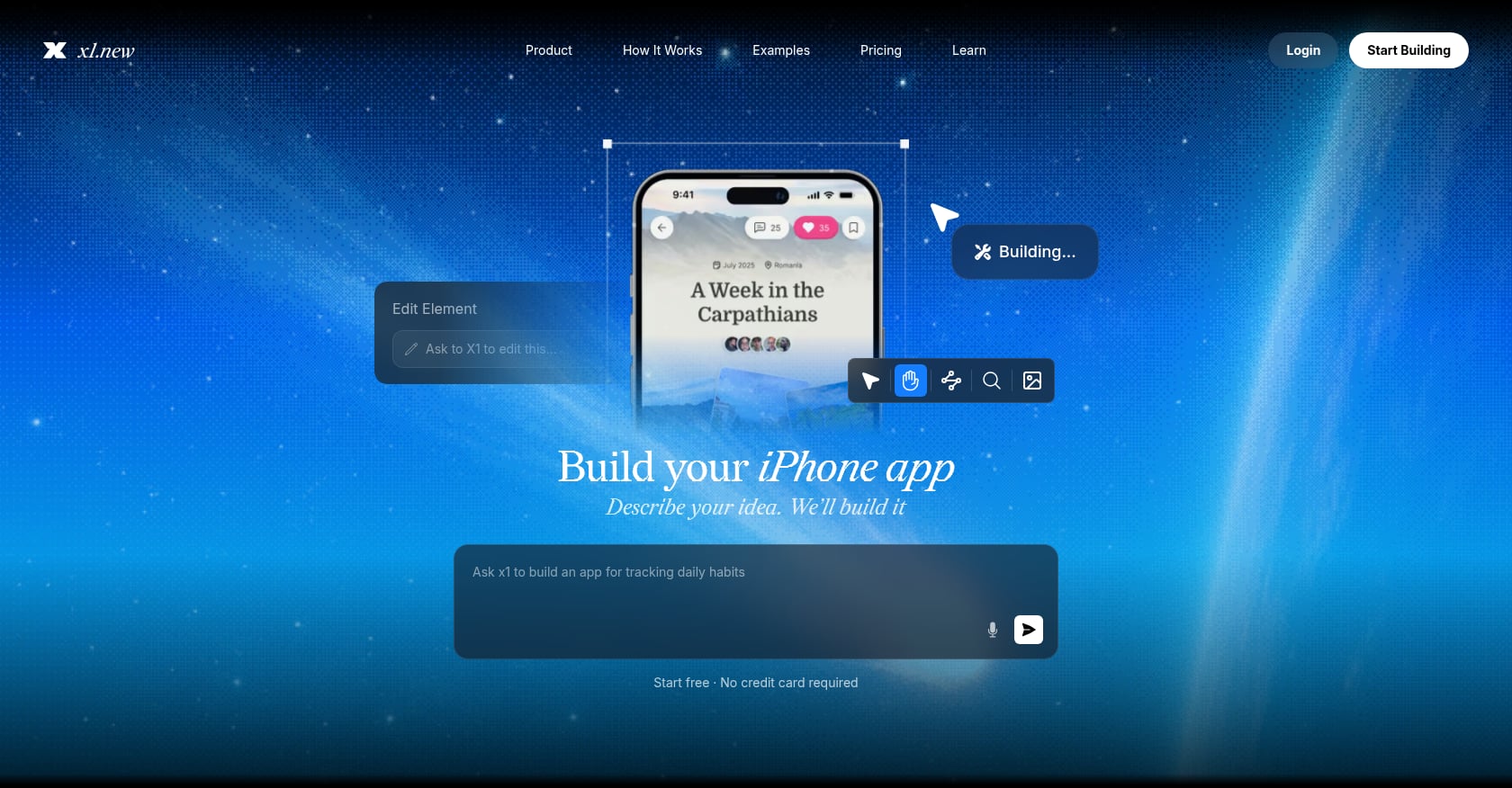
8. AI-Guided App Planning Flow (x1 Plan Studio)
Best for: Non-technical founders who want planning that flows directly into building, without a handoff gap.
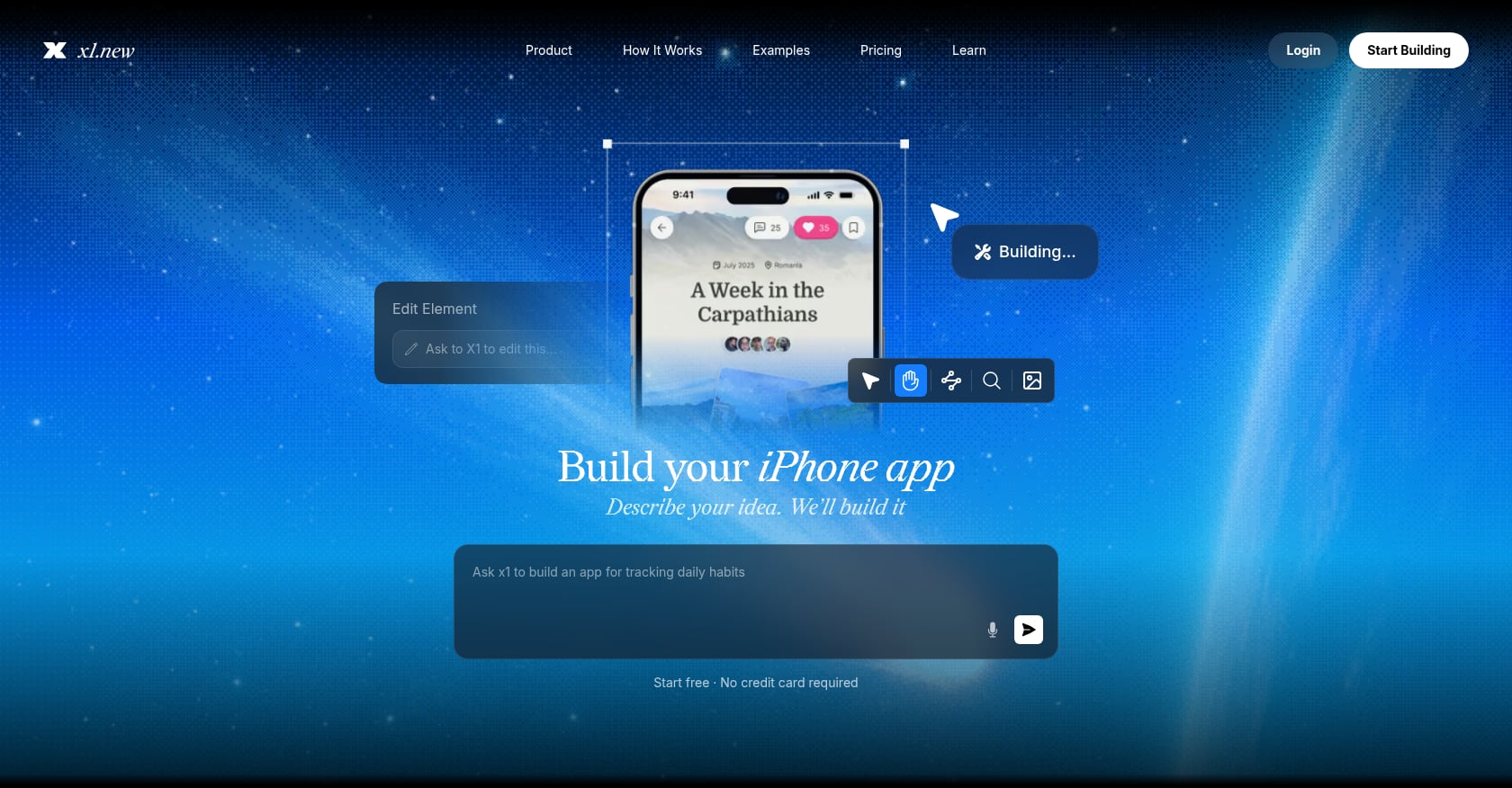
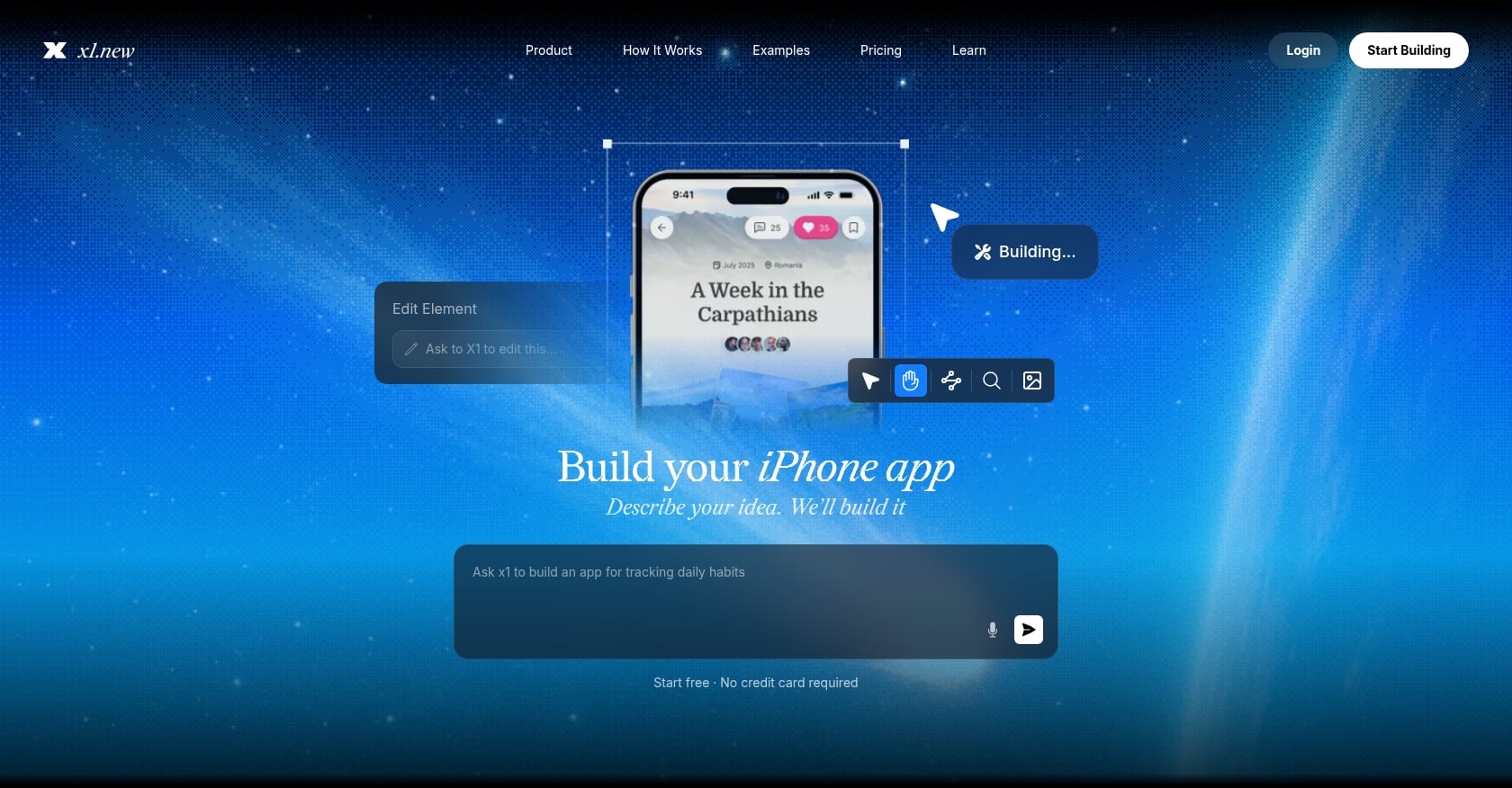
This is where the app idea worksheet concept evolves from static document to interactive tool. x1’s Plan studio works differently from a PDF or Notion template. You describe your idea in plain English, and the system maps out your screens, features, and flow. From there, you choose how the app works: taps, saves, payments, return states, all in a guided sequence.
What makes this different from a traditional worksheet:
The planning output is not a document you hand to a developer. It becomes the build spec itself.
Screen mapping happens visually, from sign-up through the main feature
Architecture decisions (auth, data, subscriptions) are made during planning, not discovered during coding
The same tool handles design, build, and App Store submission
This addresses a real gap. A practitioner on the DEV Community put it clearly: “The launch itself matters less than you think. What matters is what you do in the weeks after. The checklist just makes sure you’re not starting from zero when the feedback starts rolling in.” When planning connects directly to building, iteration is faster because there is no translation layer where intent gets lost.
See how x1 works from idea through App Store submission.
Pricing: x1 offers free credits to try the planning flow. Paid plans start at $99/month for the Builder tier, with Pro ($199/mo) and Max ($299/mo) tiers for increased build capacity and faster iteration.
Limitations:
iOS only. If you need Android or cross-platform, this is not the right tool today.
Requires a paid plan for full builds beyond the initial free credits
Newer product with fewer public case studies than established platforms
When to use it: After you have passed the 7-question stress test and have at least a rough Lean Canvas filled out. The planning flow works best when you already know the problem and the user, even if you are not sure about screens and features yet.
For more context on how AI-guided planning compares to coding-agent approaches, the article on why one-shot app generation breaks down explains the architectural tradeoffs.
9. Full Business Model Canvas
Best for: Founders seeking investor conversations or building a comprehensive business case before committing significant resources.
The Business Model Canvas, originally developed by Alexander Osterwalder, is the most thorough single-page app idea worksheet on this list. It transforms a traditional business plan into a one-page diagram, helping you keep focus on the main idea while covering all the dimensions investors and partners care about.
The nine blocks:
Value Propositions: What value do you deliver to the customer?
Customer Segments: Who are the most important customers?
Channels: How do you reach your customer segments?
Customer Relationships: What type of relationship does each segment expect?
Revenue Streams: What are customers willing to pay for?
Key Resources: What assets does the business model require?
Key Activities: What must you do well to make the model work?
Key Partners: Who are key partners and suppliers?
Cost Structure: What are the biggest costs inherent in the model?
It forces you to answer simple yet tricky questions like “Who are your audience?”, “How will you attract them?”, and “What are your revenue sources?”
Available from: Figma, Confluence, Milanote, Miro, and Strategyzer (the original creators), all offering free templates.
Limitations:
More comprehensive but significantly slower than lightweight worksheets
Better for established ideas than napkin-stage concepts
Can feel redundant if you already completed a Lean Canvas (many sections overlap)
Does not address technical architecture or specific app screens
When to use it: When you need to present your app idea to investors, co-founders, or advisors who expect business-plan-level thinking in a digestible format.
10. Pre-Build Architecture and Launch Checklist
Best for: Founders who have validated their idea and scoped their MVP, and now need to make sure they are technically ready to build and ship.
This is the final app idea worksheet before the build begins, and it covers the gap between “app works on my phone” and “app is live in the store.” This is where most indie apps die quietly.
What this checklist covers:
Authentication method (email, Apple Sign-In, social login)
Data storage approach (local, cloud, hybrid)
Third-party APIs needed (payments, maps, notifications)
Push notification setup and permissions
Analytics integration (what events to track from day one)
Apple Developer Account (enrolled and active)
Provisioning profiles and certificates
Privacy policy and data collection disclosures
App Store screenshots and metadata preparation
App Review compliance check
The iOS App Store review checklist covers quality assurance specifics in more detail, and the App Store metadata guide addresses the rules and limits you will encounter during submission.
Limitations:
Assumes you have already validated the idea, defined the user, and scoped features
Technical items may be unfamiliar to non-technical founders
Platform-specific (iOS and Android have different requirements)
Practitioner insight from the DEV Community: “I’ve launched a few products at this point, and I’ve made enough mistakes to know what actually matters versus what’s just procrastination disguised as preparation.” The pre-build checklist is not about perfection. It is about making sure the basics are covered so that the first round of user feedback can flow in without technical blockers.
Which App Idea Worksheet Should You Use?
Choose based on the question you need to answer, not the number of templates you can complete.
If you're asking... | Start with... |
|---|---|
“Is this app idea clear enough?” | 7-Question Stress Test |
“Who exactly is this app for?” | User Persona Worksheet |
“Could this become a business?” | Lean Canvas |
“Do people actually want it?” | Validation Checklist |
“Who already solves this problem?” | Competitor Analysis |
“Which features should I build first?” | Feature Prioritization Matrix |
“How will the app make money?” | Monetization Worksheet |
“How do I turn the idea into a build specification?” | AI-Guided Planning Flow |
“How does the entire business model fit together?” | Business Model Canvas |
“Am I technically ready to build and launch?” | Pre-Build Checklist |
The simplest path for most founders
If you are starting from a blank page, you do not need all ten.
Use:
1. Stress Test → 2. Lean Canvas → 3. Validation → 4. MVP Prioritization → 5. Pre-Build Checklist
Add the competitor and monetization worksheets when those questions are still unclear. Use the Business Model Canvas when you need a more comprehensive business overview.
How to Choose the Right Worksheets for Your Stage
You do not need all ten. Here is a practical sequence:
Napkin stage (you have a vague idea): Start with the 7-Question Stress Test (#1). If the idea survives, fill out a Lean Canvas (#2). Time investment: under an hour.
Validation stage (you think people want this): Complete the Validation Checklist (#3) and User Persona Worksheet (#4). These require talking to real humans and doing actual research. Time investment: a few days of part-time effort.
Spec stage (you are ready to define what gets built): Use the Feature Prioritization Matrix (#5), Monetization Worksheet (#6), and Competitor Analysis (#7). Or use an AI-guided planning flow (#8) that rolls these into a single interactive process. Time investment: a few hours to a full day.
Build stage (you are about to write code or generate the app): The Pre-Build Checklist (#10) ensures nothing critical is missing. The Full Business Model Canvas (#9) is optional unless you need to present to investors.
The app launch checklist template provides a complementary framework for everything that happens after the build is complete.
What Should You Leave Out of an App Idea Worksheet?
A common mistake is turning an idea worksheet into a 30-page product requirements document.
At the idea stage, avoid spending excessive time on:
Detailed database schemas
Final UI designs
Pixel-perfect screen specifications
Complete API documentation
Every possible edge case
A year-long feature roadmap
Detailed financial projections based on guesses
Technical decisions that depend on validation you have not completed
The worksheet should create enough clarity to make the next decision. It does not need to answer every question about the finished product.
A useful rule is:
Plan enough to reduce uncertainty, but not so much that planning replaces validation or building.
The Static Worksheet Trap (and How to Avoid It)
Here is the honest problem with traditional app idea worksheets: they are planning artifacts that do not connect to building. You fill out a beautiful Lean Canvas, export it as a PDF, and then… open a completely different tool (or hire a developer) to start building. The translation from plan to product is where intent gets mangled.
This is not an argument against worksheets. The thinking they force is irreplaceable. But the most effective approach combines structured planning with a tool that turns those answers into something buildable. Whether that is a detailed brief for a developer, a prototype in Figma, or an interactive planning flow like x1’s Plan studio, the goal is the same: minimize the distance between “I know what this app should do” and “this app exists.”
As one practitioner on the DEV Community noted: “Building the full product before talking to users” is the classic mistake. But the second most common mistake is planning endlessly without ever shipping. The right number of worksheets is the smallest number that gives you enough confidence to start building.
Explore x1’s pricing and plans to see how planning connects to building and launching.
Final Takeaway: Don't Complete All 10 Worksheets
The best app idea worksheet is the one that answers the question you currently cannot answer.
If you have only a rough idea, start with the 7-question stress test. If the idea is clear, use a Lean Canvas to define the business. Validate the problem with real potential users before spending heavily on development. Then use feature prioritization to define the MVP and a pre-build checklist to prepare for development and launch.
For most founders, three to five focused planning exercises are more useful than completing ten templates just for the sake of planning.
The goal of an app idea worksheet is not a perfect document. It is enough clarity and evidence to make a better decision about what to build next.
Frequently Asked Questions
What is an app idea worksheet?
An app idea worksheet is any structured framework, whether a PDF, spreadsheet, Notion template, or interactive tool, that walks you through critical questions about your app before you build. It typically covers problem definition, target audience, core features, monetization, and competitive positioning. The purpose is to catch blind spots and force clarity before you spend time or money.
How many app idea worksheets do I actually need?
Most founders benefit from two or three, not all ten. A quick stress test plus a Lean Canvas gets you started. Add a validation checklist and feature prioritization matrix before committing budget. Using every worksheet on this list is overkill for most projects and can become procrastination.
Can I use an app idea worksheet if I am not technical?
Absolutely. Most worksheets on this list require zero technical knowledge. The 7-Question Stress Test, Lean Canvas, User Persona, and Monetization worksheets are all about business thinking and user understanding. The Pre-Build Architecture Checklist (#10) is the only one that touches technical specifics, and even that can be handled by an AI-guided tool like x1’s Plan studio.
Is a Lean Canvas the same as a Business Model Canvas?
No. The Lean Canvas (created by Ash Maurya) is a startup-adapted version of Osterwalder’s Business Model Canvas. It replaces blocks like Key Partners and Key Resources with Problem, Solution, Key Metrics, and Unfair Advantage. The Lean Canvas is generally better for early-stage app ideas. The full Business Model Canvas is better for investor presentations and established concepts.
What is the biggest mistake founders make when planning an app?
Building before validating. The statistics are consistent: the number one reason apps fail is building something nobody wants. A close second is trying to include too many features in version one. The Feature Prioritization Matrix exists specifically to prevent this. An MVP is the smallest possible product that solves one problem for one type of user.
Are free app idea worksheet templates good enough?
For most founders, yes. Free Lean Canvas templates from Miro or Notion, free persona templates from HubSpot, and free validation checklists from Indie Hackers and Founder Reports are all solid. The main limitation of free templates is that they are static documents. If you want planning that directly connects to building, an interactive tool adds meaningful value.
How long should the entire planning process take?
It depends on your stage and ambition, but a reasonable timeline for a solo founder going from raw idea to build-ready spec is one to two weeks of part-time effort. If planning takes longer than that, you are probably over-researching. If it takes less than a day, you are probably under-planning.
Should I validate my app idea on Reddit or social media before building?
Community listening is one of the most underrated validation methods. Searching Reddit, Indie Hackers, and niche forums for people describing the exact pain your app solves provides real evidence of demand. As one indie hacker shared: the idea can be considered validated if you can repeatedly find people expressing the same pain. Posting about your idea and tracking responses adds another layer of signal, though you should weigh actions (signups, upvotes) more heavily than words (“great idea!”).