

TL;DR
A mobile app paywall is the screen inside an app that asks users to pay, usually by starting a subscription, before they can access premium features or content. The four main types are hard, soft, freemium, and metered paywalls. In 2026, hard paywalls convert at roughly 5x the rate of freemium models, Apple is cracking down on toggle-style trial paywalls, and the Epic v. Apple ruling now lets US developers link to external payment systems. Getting paywall strategy right on Day 0 is one of the highest-leverage decisions in app monetization.
Quick Answer: Which Mobile App Paywall Should You Use?
A hard paywall is usually the best choice for apps that deliver immediate value, such as dating, fitness, productivity, and specialized AI tools. Freemium models work better for habit-forming apps, while metered paywalls are ideal for content and AI generation apps. In 2026, hard paywalls generate 5x higher conversion rates and 8x higher revenue per install than freemium models.
Which Paywall Model Should You Choose?
If your app... | Use this paywall |
|---|---|
Solves an urgent problem | Hard |
Builds daily habits | Freemium |
Produces AI outputs | Metered |
Requires user education | Soft |
Delivers immediate value | Hard |
Monetizes content | Metered |
Sells premium features | Freemium |
Rule of Thumb
If users understand your value proposition within 30 seconds, use a hard paywall.
If users need several sessions to recognize value, use a soft, freemium, or metered model.
What Is a Mobile App Paywall?
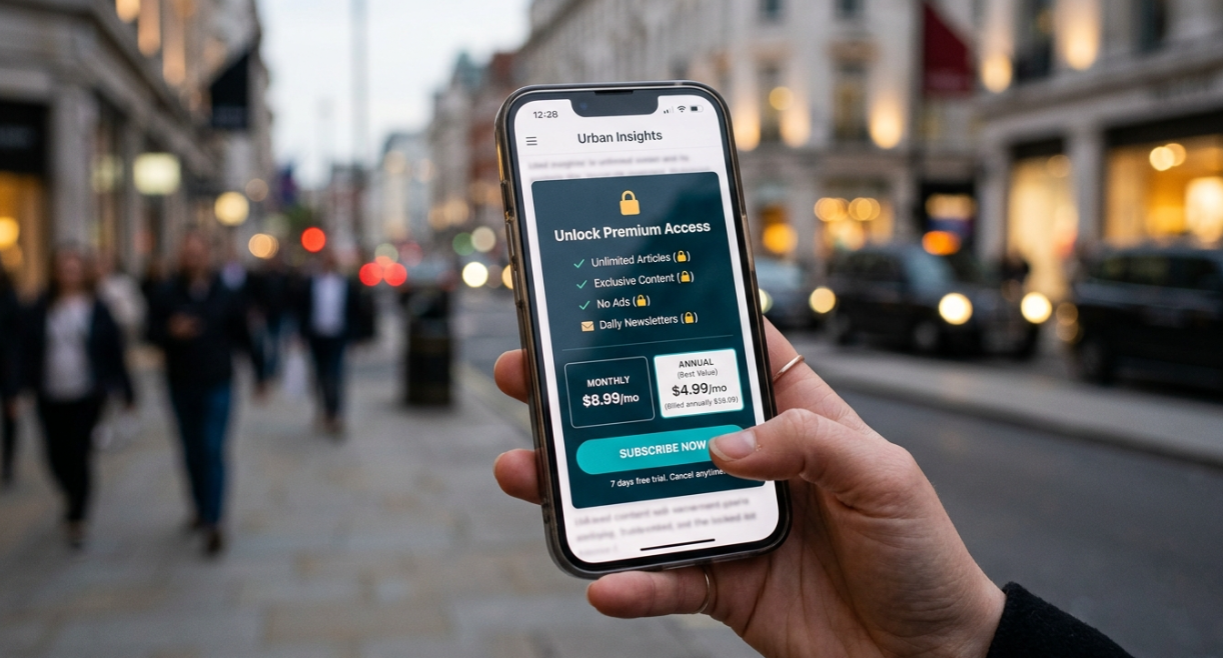
A mobile app paywall is a screen inside a mobile app that blocks access to some or all of the app’s value until the user pays. That payment usually takes the form of a subscription processed through StoreKit on iOS or Google Play Billing on Android.
This is different from a pricing page on a website. A pricing page sells a SaaS product or service to someone browsing the web. A mobile app paywall sells an in-app purchase to someone who already has the app open on their phone. The user has already downloaded your app, already launched it, and is now deciding whether to pay. That context matters because it changes everything about the design, the copy, and the conversion psychology.
For anyone planning to build an app with AI, the paywall isn’t something to bolt on at the end. It’s a core architectural decision that shapes onboarding flow, data models, entitlements, and the entire user experience.
U.S. mobile in-app consumer spending is projected to hit $52.1 billion in 2026. Users are willing to pay inside apps. But the revenue is brutally concentrated: the top 1% of apps capture 92.2% of all in-app purchase revenue. The paywall is where that money either flows in or doesn’t.
Types of Mobile App Paywalls
There are four common paywall models, and choosing the right one is arguably the single most important monetization decision you’ll make.
Hard Paywall
The app locks meaningful functionality until the user pays. There’s no free tier, no extended preview, and no trial unless you explicitly add one. Users see a subscription screen shortly after downloading.
Hard paywalls work best when the app delivers clear, immediate value and the user arrived with strong intent (think productivity tools, dating apps, or fitness programs with a specific promise).
Soft Paywall
Users can access part of the app before hitting the paywall. They might browse content, use basic features, or experience the core loop once before being asked to subscribe. The goal is to let users build enough interest that paying feels like a natural next step rather than a gate.
Freemium (Feature-Gated)
Core features are free. Premium features, advanced content, or extended usage require a subscription. Users build a habit with the free version and upgrade when they hit the ceiling. This is the dominant model for apps where the free tier serves as a long-term acquisition funnel.
Metered Paywall
Users get a fixed number of free uses (3 articles, 5 AI generations, 10 translations) before the paywall appears. This model is popular with content apps and AI-powered tools because it lets users experience real value before paying.
Quick Comparison
Type | Access Model | Best For | Conversion Profile |
|---|---|---|---|
Hard | Locked until payment | High-intent categories (dating, specialized tools) | Highest conversion, highest RPI |
Soft | Partial access, then gated | Apps needing a “taste” to sell value | Moderate conversion, lower friction |
Freemium | Core free, premium paid | Habit-forming apps with clear upgrade path | Low conversion, high volume |
Metered | Fixed free uses, then gated | Content and AI tools | Varies by category and limit |
How a Mobile App Paywall Works
The majority of modern paywalls follow five steps, whether you build the flow yourself or use a third-party tool.
1. Trigger. The app detects a moment when the user wants premium value. That might be tapping a locked feature, hitting a usage limit, or finishing onboarding. The trigger is the “when” of your paywall strategy.
2. Render. The app displays the paywall screen with the offer, pricing, social proof, and a call-to-action button. Design patterns range from simple single-screen modals to long-form scrollable paywalls with testimonials and feature comparisons.
3. Purchase. The user taps the CTA. On iOS, StoreKit 2 handles the purchase flow. On Android, Google Play Billing takes over. For digital goods, both Apple and Google require payments to go through their billing systems (with a new exception for external links on iOS, covered below).
4. Verify. The app confirms the purchase was legitimate. On iOS, StoreKit 2 provides server-side receipt validation. This step prevents fraud and ensures the user actually paid.
5. Unlock. The app grants access to the paid content or features. This means updating the user’s entitlements, refreshing the UI, and storing the purchase state so it persists across sessions.
Practitioners on Reddit’s r/iOSProgramming frequently point out that the purchase call itself is rarely the hard part. The hard part is everything around it: deciding what the user owns, showing the right paywall state, handling restore purchases, listening for subscription updates, surviving TestFlight, and understanding why users do or don’t convert.
If you’re building a subscription app, these decisions need to be made during the planning phase, not improvised during coding. x1’s Plan studio is specifically designed for this, helping you map screens and monetization before any code gets generated.
When Should You Show a Mobile App Paywall?
The timing of a paywall often has a bigger impact than the design itself.
Common paywall placements include:
Placement | Best for |
|---|---|
Immediately after onboarding | Subscription apps |
After the first successful action | Productivity apps |
After a usage limit | AI apps |
After reading content | News apps |
After feature discovery | SaaS apps |
Three High-Converting Trigger Points
Value realization
The user successfully completes an important action.
Usage exhaustion
The user reaches a usage limit.
Emotional investment
The user has already invested time, created content, or built a profile.
Key Paywall Metrics and 2026 Benchmarks
Four metrics define whether a mobile app paywall is working.
Trial Start Rate
The percentage of users who begin a free trial after seeing the paywall. According to Adapty’s State of In-App Subscriptions 2026, the benchmark range is 3.7% to 8.9% of downloads, depending on how aggressively you surface the paywall on first launch.
Trial-to-Paid Conversion
The percentage of trial starters who become paying subscribers. The 2026 benchmark sits between 38% and 54% for standard 7-day or 14-day trials. This is where trial length, pricing, and the in-trial experience make their mark.
Revenue Per Install (RPI)
How much revenue each install generates, regardless of whether that user paid. This is the metric that settles the hard vs. freemium debate.
RevenueCat’s State of Subscription Apps 2026 found that hard paywall apps generate $3.09 in RPI at Day 60, compared to just $0.38 for freemium apps. That’s an 8x difference.
Annualized ARPU
Average revenue per user on an annual basis. This factors in churn, plan mix, and pricing to give the clearest picture of long-term monetization health.
The Hard Paywall Advantage
The same RevenueCat report shows hard paywalls have a median Day-35 trial-to-paid conversion rate of 10.7%, compared to 2.1% for freemium apps, roughly a 5x gap. And the retention difference? Negligible. Hard paywall apps retain 27% of yearly subscribers after one year, while freemium apps retain 28%.
Hard paywalls also produce 21% higher lifetime value than soft paywalls, according to Adapty’s 2026 data.
One important caveat: category-specific benchmarks matter far more than “all apps” averages. Dating apps convert at 5.2% without trials because the value proposition is immediately felt. News apps sit at 1.9% because free alternatives are everywhere. Benchmarking against the wrong category will mislead you.
Mobile App Paywall Examples
Category | Common paywall |
|---|---|
Dating | Hard |
Fitness | Hard |
News | Metered |
Language learning | Freemium |
AI chat | Metered |
Meditation | Soft |
Productivity | Hard |
Note-taking | Freemium |
Why Categories Matter
A paywall that succeeds in one category can fail in another.
Dating apps monetize urgency.
Language-learning apps monetize habit formation.
News apps monetize access to exclusive content.
Benchmark your conversion rates against competitors in your own category instead of using industry-wide averages.
Diagnostic Threshold
If your install-to-paid conversion rate is below 1.5%, you almost certainly have a paywall problem (or an onboarding dropout issue upstream of the paywall). Either way, the paywall screen is the place to start diagnosing.
2026 Mobile App Paywall Benchmarks
Metric | 2026 benchmark |
|---|---|
Trial start rate | 3.7%–8.9% |
Trial-to-paid conversion | 38%–54% |
Hard paywall conversion | 10.7% |
Freemium conversion | 2.1% |
Hard paywall RPI | $3.09 |
Freemium RPI | $0.38 |
Install-to-paid warning threshold | 1.5% |
Apple App Store Paywall Compliance
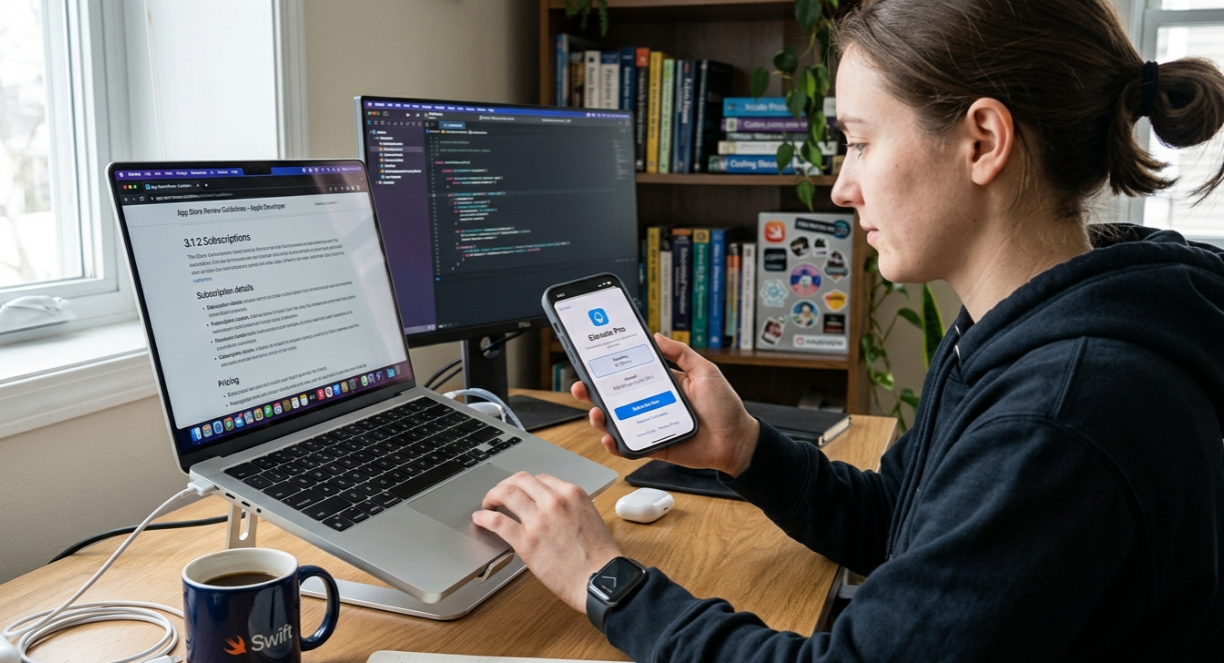
This is where indie builders get burned. Paywall-related App Store rejections are one of the most common reasons first-time apps get stuck in review, and Apple’s feedback is often vague enough to be maddening.
Guideline 3.1.2 Essentials
Apple’s Guideline 3.1.2 governs subscription presentation. The requirements are specific:
Every subscription tier must show the actual billing amount and billing term in large, readable text (at least 16pt).
Auto-renewing subscriptions require Terms of Use and Privacy Policy links in the app UI itself, not just on your website or App Store page.
A restore purchases button must appear on any paywall.
The paywall must have a clear exit option. Users cannot be forced to subscribe to leave the screen.
That last point trips people up constantly. A developer on the Apple Developer Forums shared that their app was rejected because Apple said it “attempts to manipulate customers into making unwanted in-app purchases.” The community diagnosed the issue: there was no exit button. The developer was forcing users to buy just to try the app.
Another common rejection pattern: listing the app as “Try Free” in the subtitle but hitting users with a hard paywall immediately after launch. Apple calls this a monetization transparency violation.
For a full walkthrough of what Apple checks, see this iOS App Store review checklist. Getting these details right before submission saves days of back-and-forth with App Review.
The Toggle Paywall Ban (January 2026)
In mid-January 2026, Apple started mass-rejecting apps that used toggle paywalls, where users flip a switch to add or remove a free trial from their subscription. There was no announcement, no updated documentation, no grace period. Apple cited Guideline 3.1.2, arguing these designs confuse users about pricing, trials, and auto-renewal terms.
The enforcement is iOS-only, so toggle paywalls still work on Android and web. But for anyone building an iOS app, the toggle pattern is dead.
How to Avoid Rejection
The simplest protection is making paywall decisions during the planning phase, not after you’ve already coded the screens. When monetization architecture is handled upfront (what’s free, what’s paid, how trials work, where the paywall appears), compliance issues surface early instead of during App Review. If you need to brush up on App Store metadata rules, the details there directly affect how your paywall pricing must align with your listing.
What Changed in 2026
The mobile app paywall space has shifted significantly this year. Five trends are reshaping how builders think about monetization.
External Payment Links (Post-Epic v. Apple)
Following the Epic vs. Apple ruling in May 2025, US apps can now include links to external payment systems. Developers are no longer forced to use Apple’s In-App Purchase exclusively for digital goods. This means retaining an extra 15 to 30% of revenue that would otherwise go to Apple’s commission.
The practical impact on paywall design is significant. Some apps now present a choice between in-app purchase and an external checkout, though the UX complexity of this approach is still being worked out across the ecosystem.
Animated Paywalls
Motion design has become a genuine conversion lever. Animated paywalls produce 2.9x higher conversion rates than static designs, according to Adapty’s data. Think subtle transitions, animated feature previews, and micro-interactions on the CTA button rather than full-screen video.
AI-Generated Paywalls
Instead of spending weeks iterating on paywall designs, product teams can now generate multiple variants in seconds. AI tools create copy, layout variations, and even full paywall screens that teams then test and refine. This is part of a broader shift toward vibe coding for mobile apps, where AI handles the heavy lifting while builders focus on strategy.
Personalized and Adaptive Paywalls
Static, one-size-fits-all paywalls are falling behind. Leading apps in 2026 serve different paywall experiences based on user segments, behavior patterns, and predicted intent. A user who engaged deeply during onboarding might see a shorter, more direct paywall. A user who barely explored might see a longer, education-heavy version.
How to A/B Test a Mobile App Paywall
Test only one variable at a time.
Element | Test |
|---|---|
Price | Monthly vs. annual |
Trial | 7 days vs. 14 days |
Timing | First launch vs. second session |
Copy | Benefit-focused vs. feature-focused |
CTA | Button wording |
Social proof | Testimonials vs. no testimonials |
Prioritize Testing in This Order
Pricing
Trial length
Paywall timing
Offer structure
Design
Never start with button colors.
Pricing changes usually have a much larger impact on conversion.
Retention Over Acquisition
The subscription economy in 2026 is shifting focus from acquiring new subscribers to keeping existing ones. Winners are building retention loops (usage streaks, personalized content, progressive unlocks) rather than constantly optimizing top-of-funnel conversion alone.
Paywall Strategy Tips for Indie Builders
Onboarding IS the Paywall Funnel
Most users who don’t convert during onboarding never come back to the paywall. The decision happens once, on Day 0, and then it’s done. At Mojo, onboarding accounts for roughly 50% of all trial starts. The practical implication: the five screens before the paywall determine whether it converts, not the paywall design itself.
Pricing Beats Design
Practitioners consistently report that pricing and plan structure changes have 2 to 5x more impact on conversion than visual design changes alone. Test your price point and plan options before you A/B test button colors.
One indie developer behind the VibeLing app shared a telling experiment: they replaced an explicit “Continue for free” button with a small X in the corner. Trial starts doubled from 2.5% to 5%. That’s a meaningful lift from a single UX decision, but the bigger point is that structural choices (what’s free, what’s paid, how easy it is to skip) drive outcomes more than polish.
Hard Paywalls Are Underrated
The data is clear: hard paywalls produce 5x higher conversion and 8x higher revenue per install with virtually identical yearly retention. If your app delivers immediate, obvious value, don’t be afraid to gate it. The instinct to “let users try everything free first” often costs more revenue than it generates.
Start Simple
Launch with one subscription plan. A single weekly or monthly option is enough to validate demand. You can add annual plans, family plans, and tiered pricing after you have real conversion data to optimize against.
Architecture Matters More Than You Think
Paywall logic touches authentication, entitlements, purchase verification, state management, and UI rendering. When this is hacked together after the fact, bugs multiply. That’s why one-shot generation breaks complex features like subscription paywalls. The fix is making monetization a first-class architectural decision, not an afterthought.
For non-technical founders building their first subscription app, getting this foundation right from the start is worth more than any paywall optimization trick.
Third-Party Tools vs. Native
The main paywall tools developers use include RevenueCat (subscription management SDK with paywall templates), Adapty (paywall builder with A/B testing and AI generation), and Superwall (remote paywall configuration). StoreKit 2 is Apple’s native framework, free but requiring more manual work around entitlements, restore, and analytics.
For most indie apps, a third-party tool reduces implementation time. But the upstream decisions (what to charge, when to show the paywall, what’s free vs. paid) still need to happen before you write a line of code or pick a tool.
If you’re ready to make those decisions and start building, try x1 with free credits to see how the Plan studio handles monetization architecture from the beginning.
Mobile App Paywall vs. Freemium
Factor | Paywall | Freemium |
|---|---|---|
Monetization speed | Faster | Slower |
User acquisition | Lower | Higher |
Conversion | Higher | Lower |
Retention | Similar | Similar |
Revenue per install | Higher | Lower |
Key Takeaway
Freemium isn't automatically the safer option.
If your app delivers immediate value, a hard paywall often produces significantly higher revenue.
Mobile App Paywall Checklist
Before launching your app, verify that your paywall includes:
Clear pricing
Billing frequency
A visible close button
A restore purchases button
Terms of Use
A Privacy Policy link
Subscription length
Trial disclosure
Receipt validation
Entitlement management
Analytics tracking
Event tracking
Conversion tracking
FAQ
What is the difference between a hard paywall and a soft paywall in a mobile app?
A hard paywall locks the app’s meaningful functionality until the user pays. There is no free usage beyond the paywall screen. A soft paywall lets users access part of the app (some content, basic features) before asking them to subscribe. Hard paywalls convert at roughly 5x the rate of freemium models but require strong user intent to work.
Do mobile app paywalls have to use Apple’s In-App Purchase system?
For digital goods and subscriptions on iOS, Apple still requires In-App Purchase in most cases. However, following the Epic v. Apple ruling in May 2025, US apps can now include links to external payment systems. This lets developers retain 15 to 30% more revenue, though the UX for external checkout is still evolving.
What is a good conversion rate for a mobile app paywall?
It depends on the model and category. For hard paywalls, the median Day-35 trial-to-paid conversion is 10.7%. For freemium apps, it’s 2.1%. Download-to-trial-start rates typically range from 3.7% to 8.9%. If your install-to-paid rate is below 1.5%, your paywall likely needs work.
Why did Apple ban toggle paywalls in 2026?
In January 2026, Apple began rejecting apps using toggle-style paywalls (where users flip a switch to add or remove a free trial) under Guideline 3.1.2. Apple’s position is that these designs confuse users about pricing, trial terms, and auto-renewal. The ban applies only to iOS.
What elements does Apple require on a paywall screen?
Apple requires clear pricing with the billing amount and term in readable text (16pt minimum), Terms of Use and Privacy Policy links within the app UI, a restore purchases button, and a visible way to dismiss the paywall without purchasing. Missing any of these is a common rejection trigger.
Should I show my paywall during onboarding?
For most subscription apps, yes. Data from RevenueCat shows that onboarding accounts for around 50% of all trial starts. Most users who skip the paywall during onboarding never return to it. The onboarding flow and the paywall should be designed as a single conversion funnel.
Is a metered paywall better than a freemium paywall?
It depends on your app’s value delivery. Metered paywalls (giving users 3 to 5 free uses before gating) work well for content and AI tools because they let users experience real value before paying. Freemium paywalls work better for habit-forming apps where free usage builds long-term engagement. Test both if possible, but prioritize the model that matches how your users experience value.
What is the biggest mistake indie developers make with mobile app paywalls?
Treating the paywall as a standalone screen instead of part of the full onboarding funnel. The five screens before the paywall matter more than the paywall design itself. The second biggest mistake is over-investing in visual design changes when pricing and plan structure have 2 to 5x more impact on conversion.