


TL;DR
Every major AI app builder offers free credits, but the numbers are misleading because “credits” mean completely different things across platforms. Bolt.new gives 1M free tokens per month (enough for a few small web apps), Taskade offers 3,000 AI credits, and most build-credit platforms cap you at 25 to 50 monthly credits. For native iOS apps, x1 is the only builder offering roughly 100 free credits toward a real App Store submission. Budget $20 to $30 per month if you plan to ship anything beyond a prototype.
If you're looking for the AI app builder with the best free credits in 2026, the answer depends on what you're building.
- Bolt.new offers the largest free allowance with 1 million monthly tokens for web apps.
- Taskade provides the highest numerical allocation with 3,000 AI credits.
- x1 is currently the only AI app builder offering free credits specifically for native iOS apps that generate Swift and Xcode projects.
- Google AI Studio remains the only major platform offering unlimited basic experimentation without traditional credit limits.
Most builders use different credit systems, so compare what each credit actually lets you build instead of comparing the numbers alone.
AI App Builder Free Credits at a Glance
Goal | Best Choice |
|---|---|
Most free usage | |
Highest credit number | Taskade |
Native iPhone apps | x1 |
Best UI generation | Lovable |
Business apps | Zite |
Designers | Figma Make |
Spreadsheet apps | Softr |
Full coding IDE | Replit |
Completely free experimentation | Google AI Studio |
Why Free Credit Numbers Lie to You
Free credits sound generous until they vanish mid-build. That’s not a bug. It’s how every AI app builder’s business model works.
Here’s the problem nobody warns you about: a “credit” on one platform is not the same as a “credit” on another. Bolt.new measures in tokens (think characters of code processed). Lovable uses build credits (roughly one generation per credit). Replit charges based on effort (the complexity of what you ask for). Taskade counts AI operations. Comparing 1,000,000 Bolt tokens to 30 Lovable credits is like comparing kilometers to pounds.
As one r/SideProject thread put it bluntly: “Every AI app builder free tier is designed to show you what the tool can do, not to let you build anything real for free.” That framing is honest and worth keeping in mind as you read through every platform below.
The real question isn’t “who gives the most free credits?” It’s “what can I actually ship for $0?” This guide answers that question for 13 platforms, organized by what they produce: native iOS apps, web apps, business tools, and design prototypes. For background on how these builder types differ, that context helps when evaluating credit value.
Ready to test free credits for a native iOS app? Explore x1’s pricing and free tier.
Quick-Reference Comparison Table
Platform | Free Credits | Unit Type | CC Required? | Output Type | Paid From | Best For |
|---|---|---|---|---|---|---|
x1 | ~100 credits | Build credits | No | Native iOS (Swift/Xcode) | $99/mo | App Store launch |
Bolt.new | 1M tokens/mo | Tokens | No | Web apps | $20/mo | Fast web prototyping |
Lovable | 30/mo (5/day) | Build credits | No | Web apps (React) | $25/mo | UI-polished MVPs |
Taskade | 3,000/mo | AI credits | No | Web apps + agents | $6/mo | Agent-powered tools |
RationalGo | 2,000 welcome | Build credits | No | Web apps (Next.js) | TBD | Generous first build |
Zite | 50/mo | AI credits | No | Business web apps | $15/mo | Unlimited users free |
Replit | Limited daily | Effort-based | No | Web + mobile | $17/mo | Developer IDE |
Blink | 30/mo (5/day) | Build credits | No | Web + mobile apps | TBD | Lovable alternative |
Base44 | 25 msg + 100 integration/mo | Mixed credits | No | Web apps | $16/mo | Speed and simplicity |
Softr | 5/mo | AI credits | No | Business apps | $16/mo | Airtable/Sheets apps |
Figma Make | 500/mo | AI credits | No | Prototypes | $16/seat/mo | Designers |
v0 by Vercel | $5/mo equivalent | Dollar credits | No | React components | $30/mo | Clean code generation |
Google AI Studio | Unlimited (basic) | N/A | No | AI web apps | Free (for now) | Zero-cost experiments |
What “Free Credits” Actually Mean
Before evaluating any platform, you need to understand the four credit models in use today:
Build credits (used by Lovable, Blink, x1, RationalGo): One credit typically equals one generation or one prompt-to-output cycle. You write a prompt, the system builds or modifies your app, and one credit is consumed. These are the most predictable, but the scope of what counts as “one build” varies.
Tokens (used by Bolt.new): Tokens measure the volume of text processed, both your prompt and the AI’s response plus all the project context the system reads. A typical vibe coding session burns 10,000 to 50,000 tokens per prompt, and complex multi-file edits can exceed 100,000 tokens. Most token consumption comes from the builder reading and syncing project files, so larger projects eat tokens faster per message.
AI credits (used by Taskade, Zite, Figma Make, Softr): A general-purpose counter for AI operations. What counts as “one AI credit” is platform-specific and often opaque.
Effort-based pricing (used by Replit): The cost scales with the complexity of your request. A simple file edit costs less than a multi-step architectural change. This is the hardest model to predict.
The consistent pattern across all of them: almost none of the platforms tell you what a credit actually produces before you sign up. The vague language is intentional.
Who Should Use This Guide?
This comparison is designed for:
founders validating startup ideas
indie hackers
no-code builders
developers comparing AI coding assistants
designers turning mockups into prototypes
businesses evaluating internal app builders
If you're specifically looking for native mobile apps, pay close attention to which builders generate Swift or Kotlin instead of web applications.
The Platform Breakdown
1. x1
Best for: Founders who want to ship a native iPhone app to the App Store, not a web wrapper or cross-platform hybrid.
Free credits: Roughly 100 build credits, no credit card required.
What those credits buy: Enough to explore the Plan and Design studios and build out one feature. x1 uses a five-stage workflow (Plan, Design, Build, Launch, Iterate) where each studio focuses on a specific phase. The Plan studio maps screens and features. Design lets you set branding, layouts, and flows visually. Build generates real Swift code for Xcode. Launch handles App Store screenshots, ASO metadata, and submission.
Key features:
Native Swift and Xcode output, not React Native or Flutter
Built-in App Store screenshot creation and listing drafts
Guided workflow that sequences architecture decisions before code generation
YC F24 backed, San Francisco based
Paid tiers: Builder at $99/month, Pro at $199/month, Max at $299/month. Yearly billing saves roughly 33%. For a detailed breakdown, see the x1 pricing guide.
Tradeoffs:
iOS only. No Android, no web apps. This is a focused tool for a focused use case.
Higher entry price than web-only builders, reflecting the native iOS pipeline.
Smaller community than Bolt or Lovable given the narrower scope.
Why it matters: Every other platform on this list produces web apps. If your goal is an iPhone app in the App Store, free credits on Bolt or Lovable are irrelevant because they don’t output what you need. x1 is the only AI builder offering free credits for native App Store apps. You can see examples of apps built with the platform to judge output quality.
2. Bolt.new
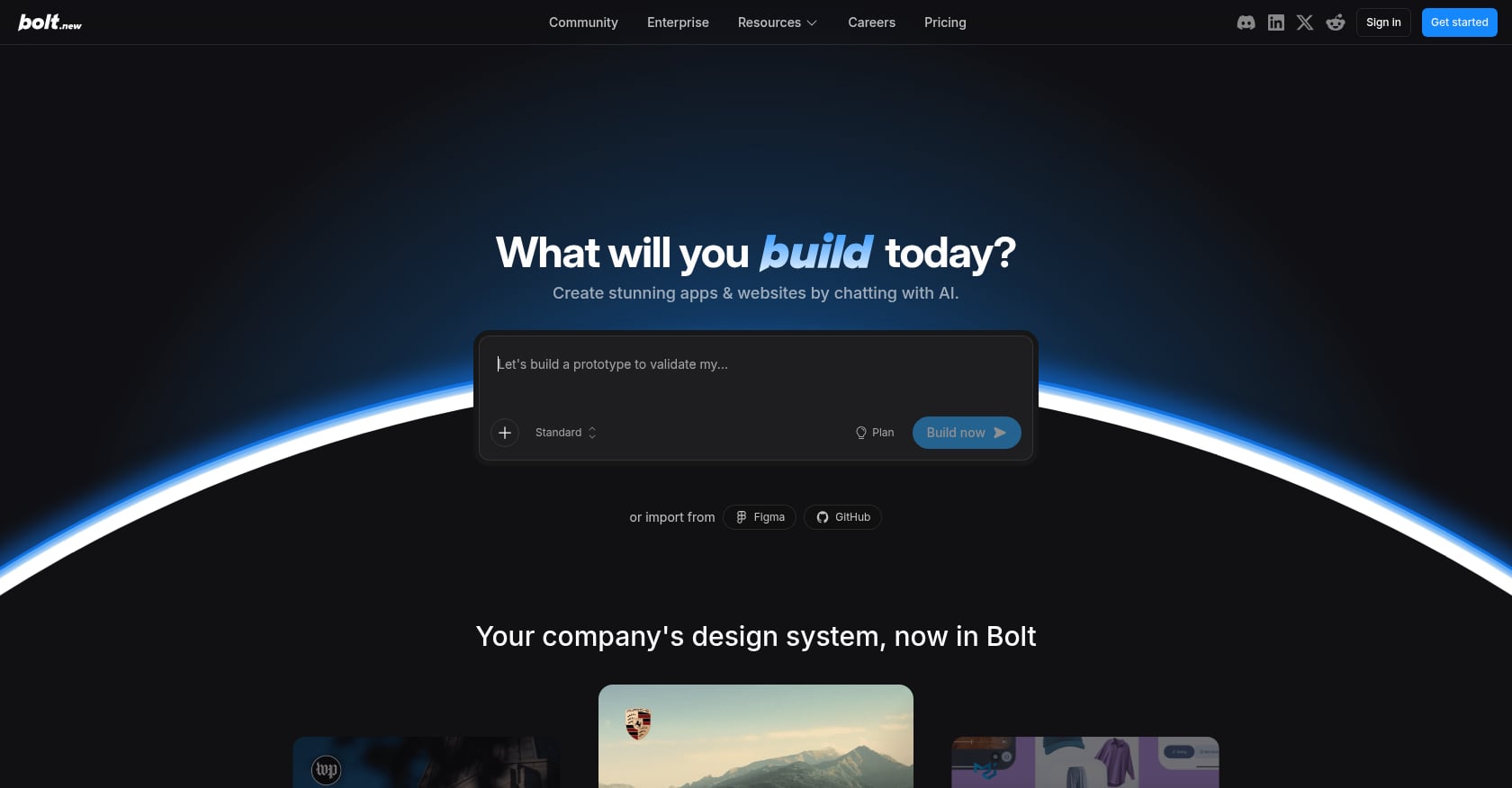
Best for: Fastest path to a deployed web prototype. Most generous free token allowance in the market.
Free credits: 1 million tokens per month, capped at 300,000 per day. No credit card required.
What those tokens buy: Enough for 2 to 5 small web apps or one mid-size MVP per month, making it the most generous public free tier among major vibe coding tools in 2026.
Key features:
Full-stack web apps in React, Vue, or Next.js
Deploys directly to Netlify or Vercel
Fast generation speed for simple projects
Paid tiers: Pro at $20/month for 10M tokens. Teams at $50/seat/month for 30M tokens.
Tradeoffs:
Token limits cutting off mid-project is the number one complaint on Reddit. Variations of “Bolt ran out of tokens halfway through my app” appear across dozens of threads.
Free plan displays Bolt branding on published sites, and tokens don’t roll over.
Token consumption depends heavily on prompt length, context size, and revision cycles, making it difficult to predict costs.
Larger projects use more tokens per message because Bolt reads and syncs all project files with each interaction.
Community perspective: Practitioners on Reddit note that most token usage comes not from your prompts but from Bolt reading your codebase. A project that starts cheap can become expensive fast as it grows.
3. Lovable
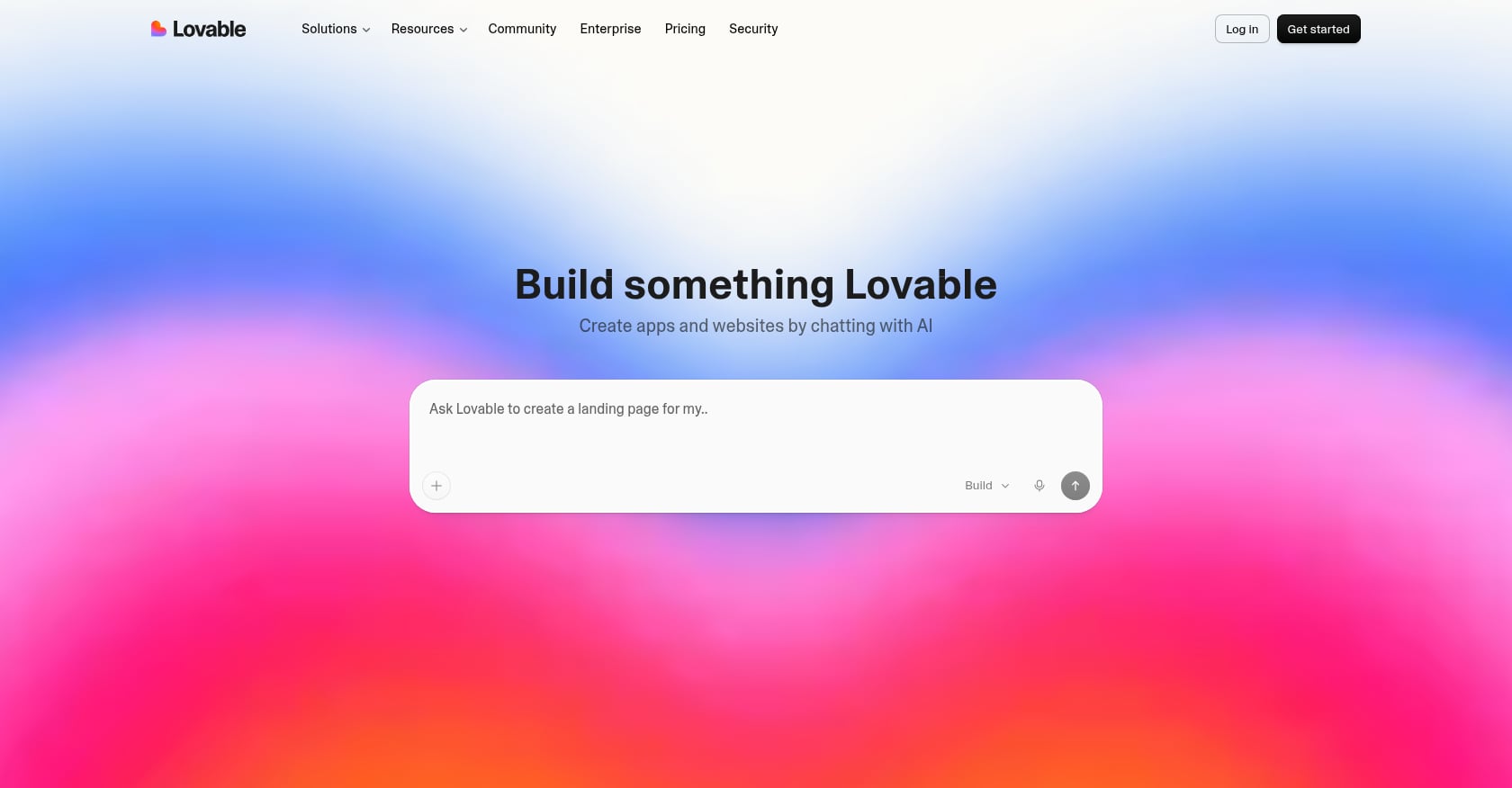
Best for: UI-first MVPs where visual polish matters on the first pass.
Free credits: 5 build credits per day, up to 30 per month, plus 20 Cloud credits. No credit card required.
What those credits buy: Decision-making, not delivery. The honest use case for the free plan is evaluating whether Lovable’s output quality fits your project.
Key features:
React web apps with Supabase backend integration
Strong default UI quality compared to competitors
Large and active community
Paid tiers: Pro starts at $25/month for 100 monthly credits.
Tradeoffs:
The “Lovable 6-day wall” is real: if you use all 5 daily credits each day, you hit the 30-credit monthly cap after six days with no further free credits until the next month. Multiple Reddit threads in the Lovable community confirm this friction.
The credit model penalizes iteration. Each revision costs a credit, so experimentation gets expensive.
Security has been a concern. Lovable experienced its third major security event in thirteen months during April 2026.
Community perspective: The community pattern by 2026 is to use Lovable for the first 70 to 80 percent of a project (prototyping is fast), export to GitHub, and finish in Cursor. For a direct comparison with native iOS building, see x1 vs. Lovable.
4. Taskade Genesis
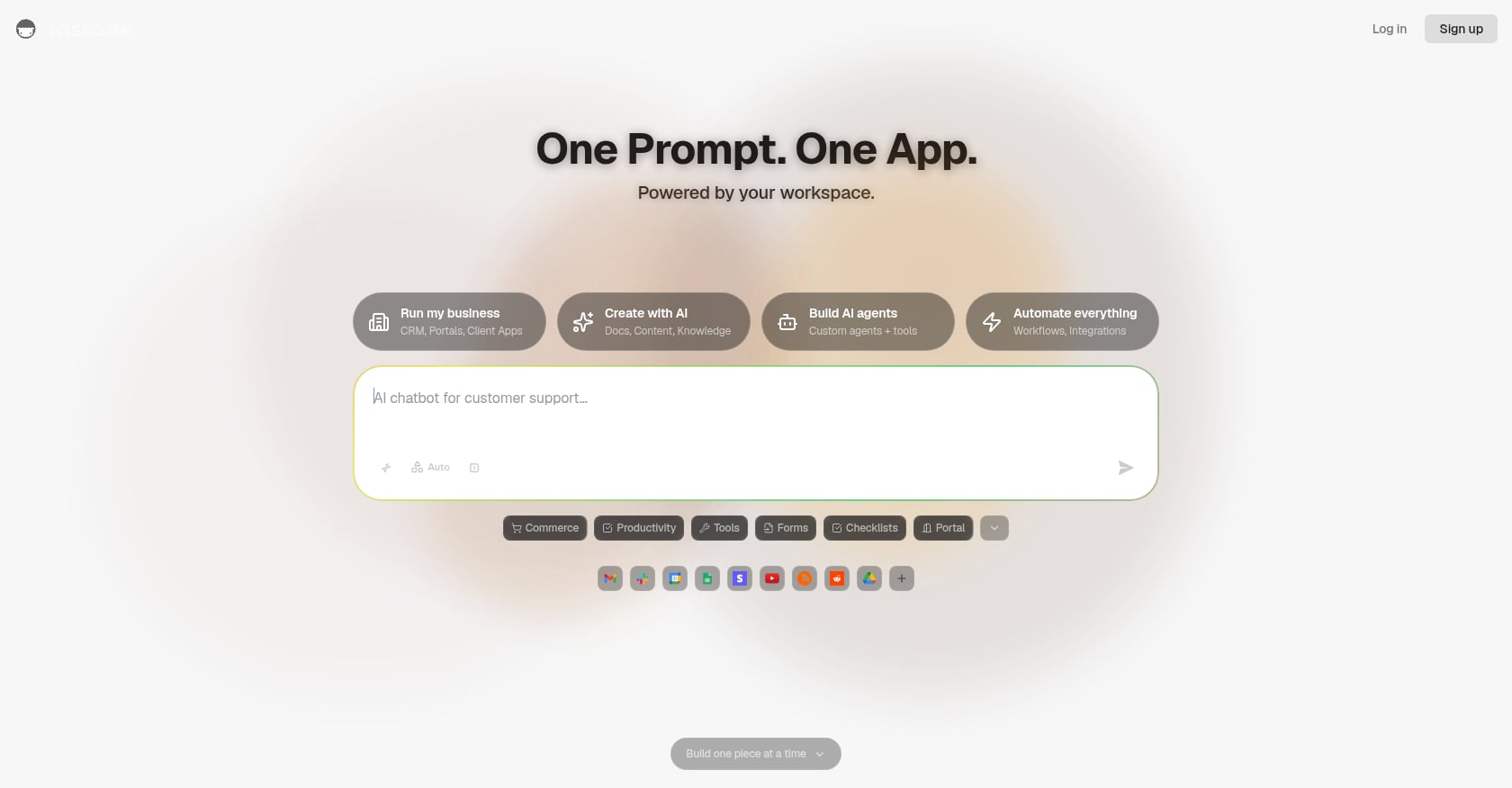
Best for: Highest headline free credit number among hosted builders. Good for productivity tools and agent-powered workflows.
Free credits: 3,000 AI credits, 3 deployable apps, 1 AI agent with 34 built-in tools, and 3 automations. No credit card required.
What those credits buy: Enough for meaningful exploration of agent-powered app building, though 3,000 AI credits covers fewer “builds” than the number implies (AI operations consume credits at varying rates).
Key features:
AI agent creation alongside app building
Shareable web apps
Automation workflows built into the platform
Paid tiers: Starter at just $6/month (annual billing) for unlimited apps, making it the cheapest paid entry point on this list.
Tradeoffs:
Live hosting starts at the Pro tier, not Starter.
Oriented toward internal tools and productivity apps rather than consumer-facing products.
The 3,000 credit number sounds massive but is measured differently than build credits on other platforms.
5. RationalGo
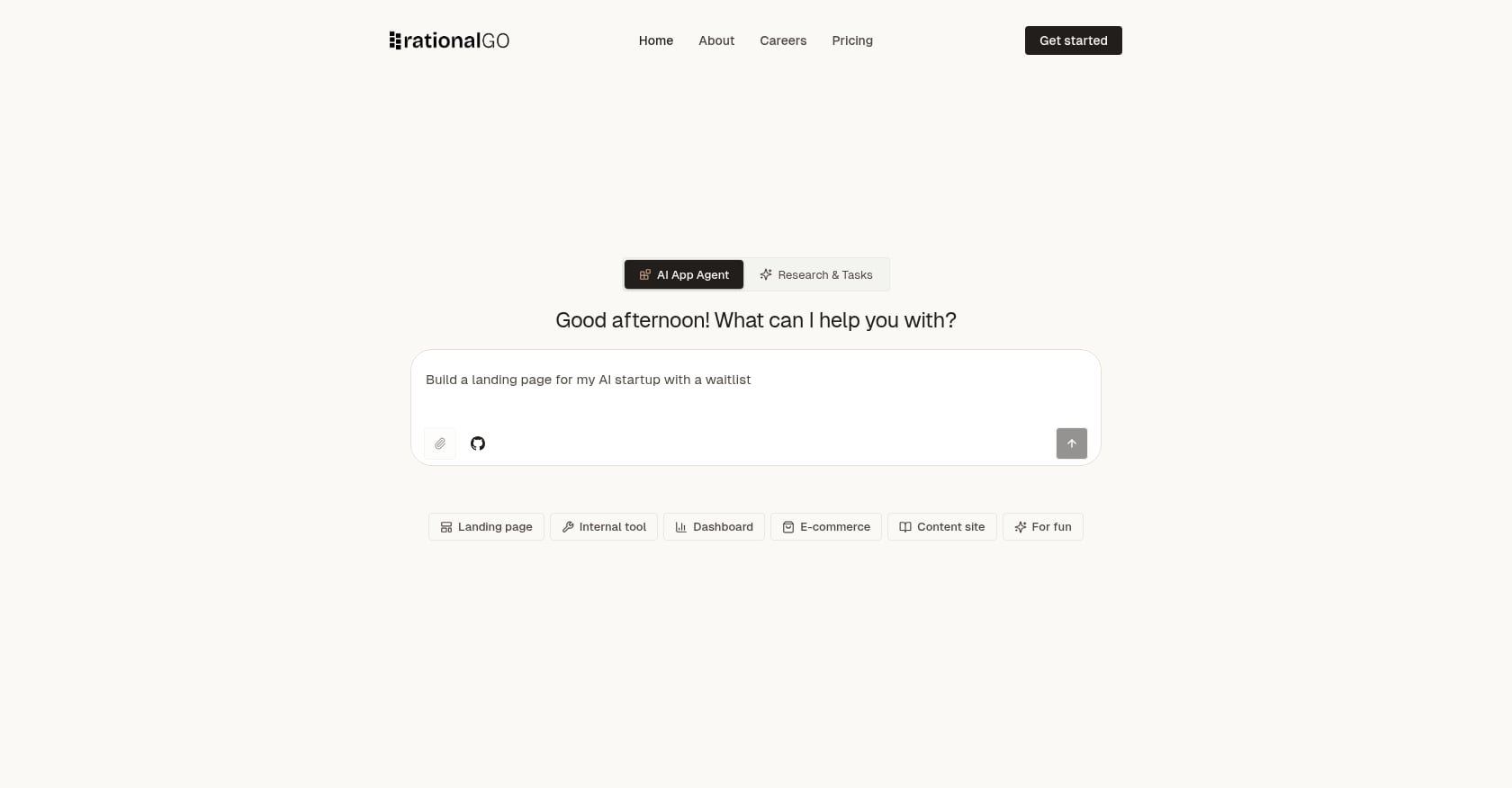
Best for: Web app prototypes with a generous initial credit allowance and no credit card.
Free credits: 2,000 welcome credits, 3 published apps, built-in database and auth, custom subdomains. Credits refresh at 400 per day.
What those credits buy: Enough for a serious first build. The 2,000 welcome credits are front-loaded, which means you can build aggressively in the first week.
Key features:
Production-quality Next.js 15 code with TypeScript, React 18, and Tailwind CSS
Built-in authentication and database
Custom subdomains on the free tier
Paid tiers: Pricing not fully public at time of writing.
Tradeoffs:
Newer platform with less community validation than Bolt or Lovable.
Real-world burn rate at scale is untested. The 400/day refresh looks generous but may not sustain complex projects.
Limited third-party reviews and case studies.
6. Zite
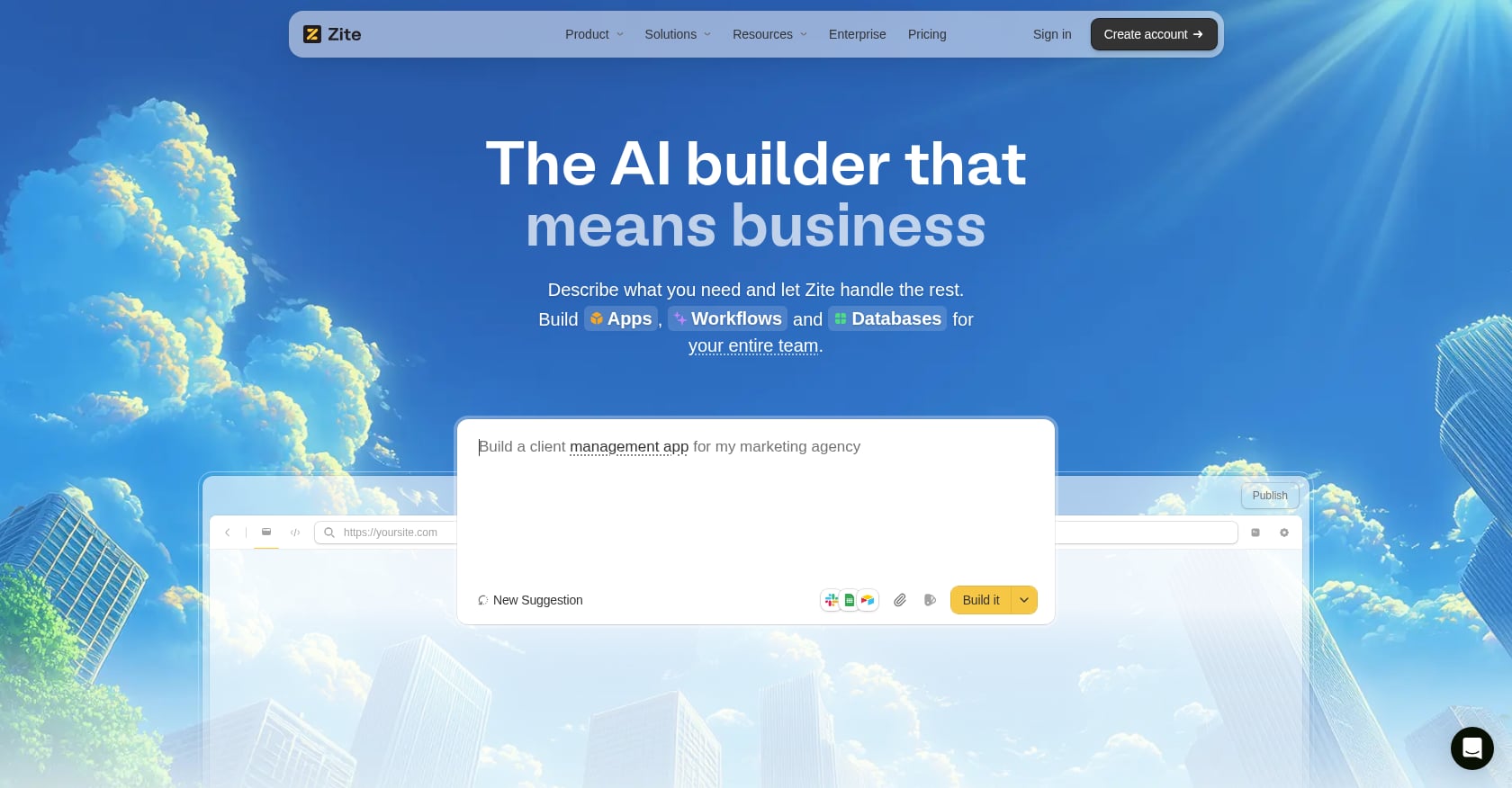
Best for: Business apps with the strongest credit-based free tier in the Lovable-style cohort.
Free credits: 50 AI credits and 1,000 workflow runs per month. Every plan, including Free, supports unlimited users and apps.
What those credits buy: More room than Lovable (50 vs. 30 monthly credits) with the added benefit of unlimited collaborators, which matters for team evaluation.
Key features:
Business web apps, dashboards, and internal tools
Unlimited users on all plans, including free
1,000 workflow runs per month on free tier
Paid tiers: Pro at $15/month with 100 credits.
Tradeoffs:
Apps stay on the Zite platform rather than exporting as portable code. This is a meaningful lock-in concern.
Oriented toward business software, not consumer products.
Smaller ecosystem than competitors.
7. Replit
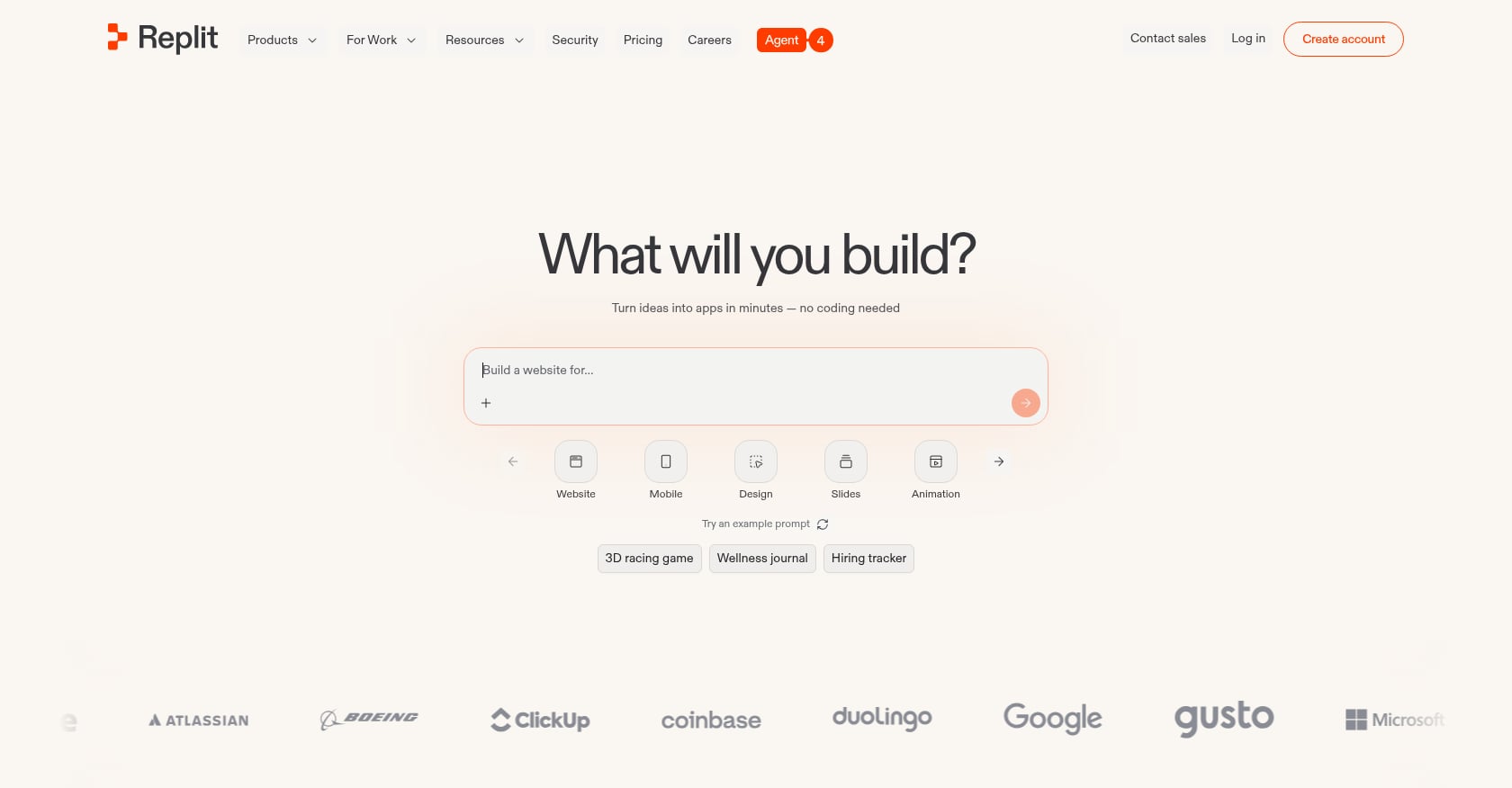
Best for: Developers who want a full IDE environment, not just a prompt-to-app tool.
Free credits: The Starter plan is free and includes daily Agent credits, a built-in database for full-stack apps, and publishing up to 1 project.
What those credits buy: A taste of the platform, but with significant restrictions. The Starter plan gives 10 development apps, but every project is public (no private repos), with no persistent deployments and limited database access.
Key features:
Browser-based IDE with full development environment
Supports web and mobile app development
AI Agent for code generation and debugging
Paid tiers: Core at $17/month billed annually.
Tradeoffs:
Effort-based pricing makes costs unpredictable. The cost scales with request complexity.
Reddit reports of overcharging are concerning. One widely-discussed thread describes a user’s $20 Core plan being charged $350 in a single day.
Free credits vanish fast on anything beyond simple edits.
Community perspective: The unpredictable pricing has made Replit a harder sell for budget-conscious builders. For a deeper comparison, see x1 vs. Replit.
8. Blink
Best for: A Lovable alternative with identical free-tier mechanics but a different product feel.
Free credits: 5 daily refresh credits, capped at 30 per month. No credit card required.
What those credits buy: Mechanically identical to Lovable: both give 5 build-style credits per day capped at 30 monthly. The choice comes down to output quality and UX preference.
Key features:
Full-stack web and mobile apps
Hosting, database, and auth included
Similar generation quality to Lovable
Paid tiers: Not fully public at time of writing.
Tradeoffs:
Smaller community than Lovable, meaning fewer tutorials and troubleshooting resources.
Lovable refreshes credits at midnight UTC; Blink refreshes at midnight PT. Minor, but relevant if you’re building across time zones.
Same 6-day exhaustion problem as Lovable.
9. Base44
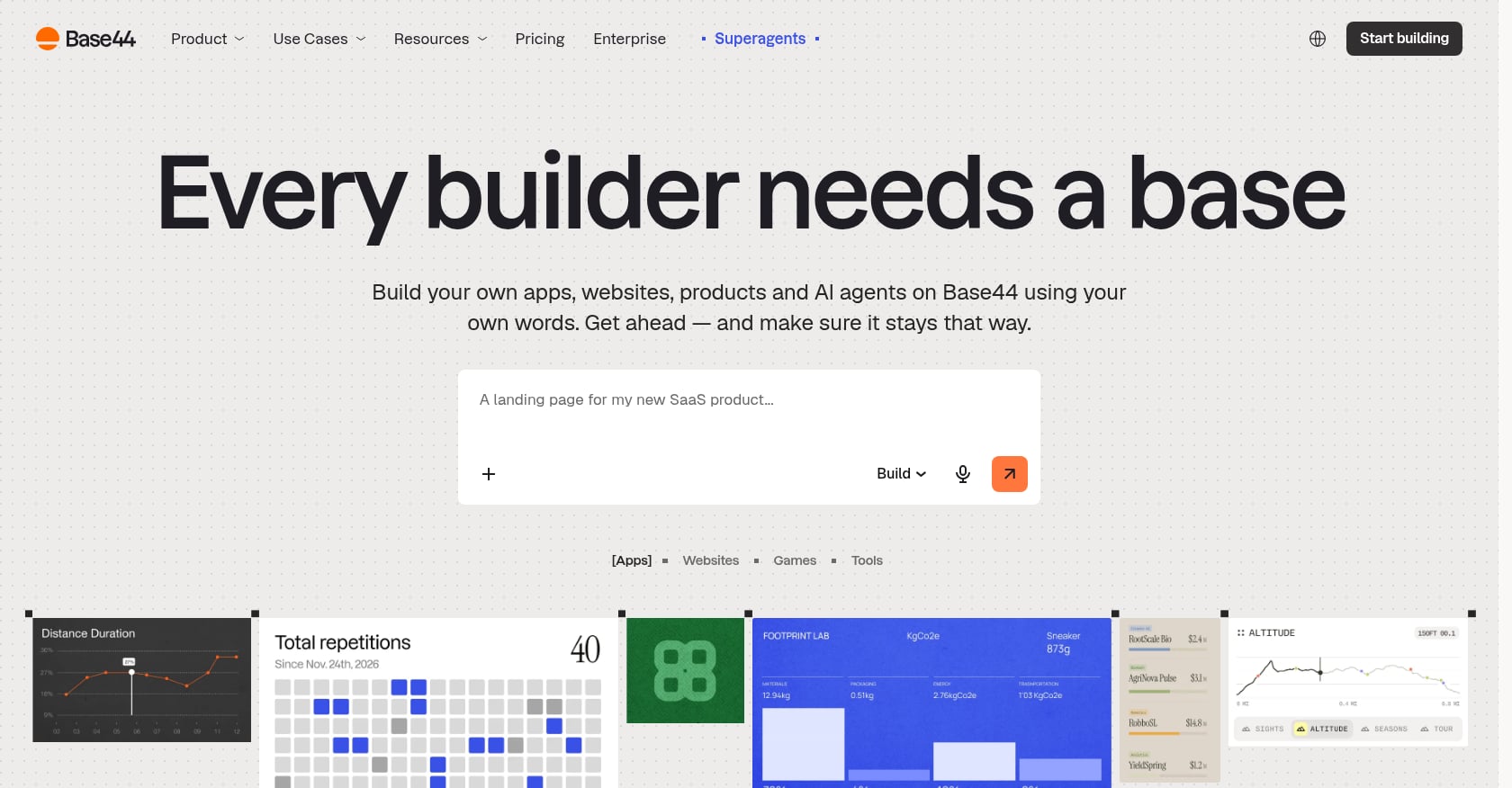
Best for: Speed and simplicity. Designed for anyone who wants to go from idea to working app as quickly as possible.
Free credits: 25 message credits and 100 integration credits per month. No credit card required.
What those credits buy: A quick test drive. 25 message credits is enough for initial exploration but you’ll hit limitations fast if building anything substantial.
Key features:
Full-stack web apps with database, auth, and hosting
Recently acquired by Wix for $80 million, signaling platform stability
Simple, minimal UI
Paid tiers: Plans start at $16/month billed annually.
Tradeoffs:
The lowest free credit count among build-credit platforms (25 message credits).
Wix acquisition could mean tighter integration with Wix’s ecosystem, or it could mean the standalone product evolves in unexpected directions.
Limited customization compared to code-first platforms.
10. Softr
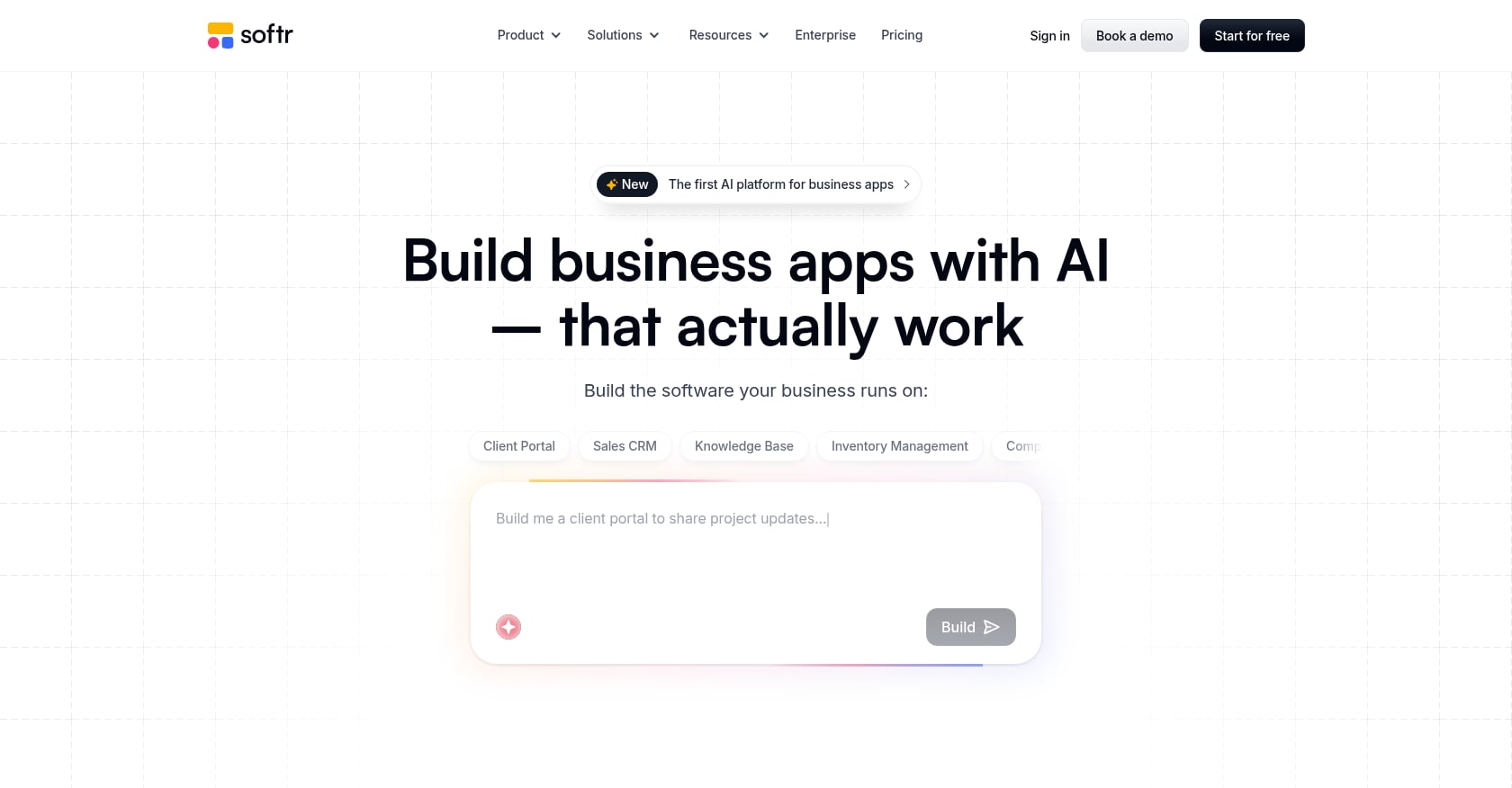
Best for: Building apps on existing Airtable or Google Sheets data with a custom domain on the free plan.
Free credits: Only 5 AI credits per month. Visual editing stays unlimited and free.
What those credits buy: Almost nothing in AI-assisted building. But the unlimited visual editing means you can build functional apps without touching AI credits at all, as long as you’re comfortable with manual configuration.
Key features:
Custom domains on the Free plan (most AI app builders paywall this)
Connects directly to Airtable and Google Sheets as data sources
Business apps, portals, and internal tools
Paid tiers: Starter at $16/month with 100 message credits.
Tradeoffs:
5 AI credits per month is barely enough to test the AI features.
Designed for business apps, not consumer products.
Limited to what Softr’s visual editor supports, unless you burn AI credits.
11. Figma Make
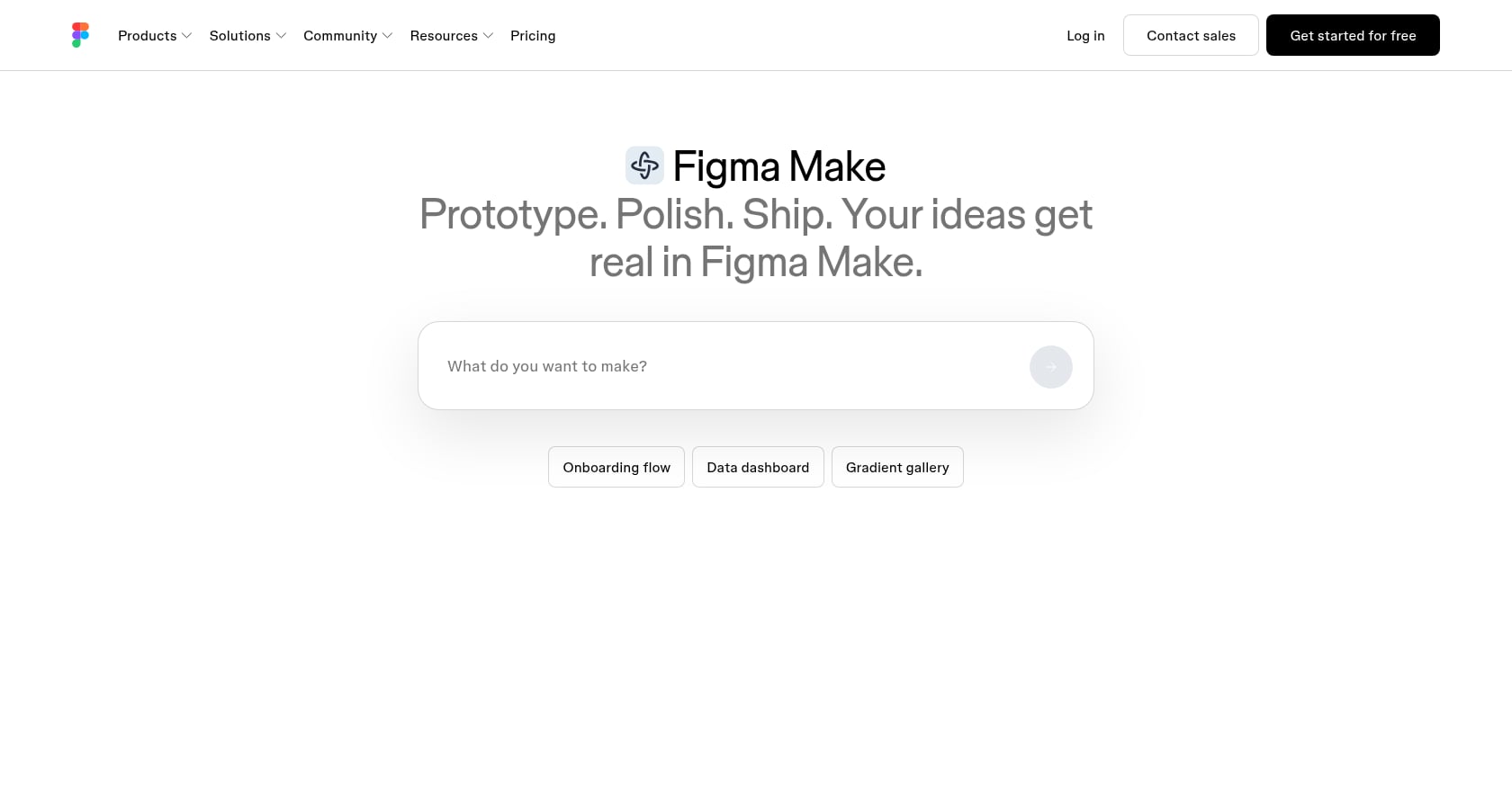
Best for: Designers already working in Figma who want to turn designs into functional prototypes.
Free credits: 150 AI credits per day and up to 500 per month on the Starter plan.
What those credits buy: Generous for prototyping within Figma’s ecosystem. 500 monthly credits supports real design-to-prototype workflows.
Key features:
Native Figma integration
Design-to-prototype pipeline
Familiar environment for design teams
Paid tiers: Professional at $16/seat/month billed annually, which adds 3,000 AI credits per month.
Tradeoffs:
Best for prototypes and MVPs, not production-scale apps.
Limited backend capabilities. You’ll need another tool for databases, auth, and server logic.
Locked into Figma’s ecosystem.
12. v0 by Vercel
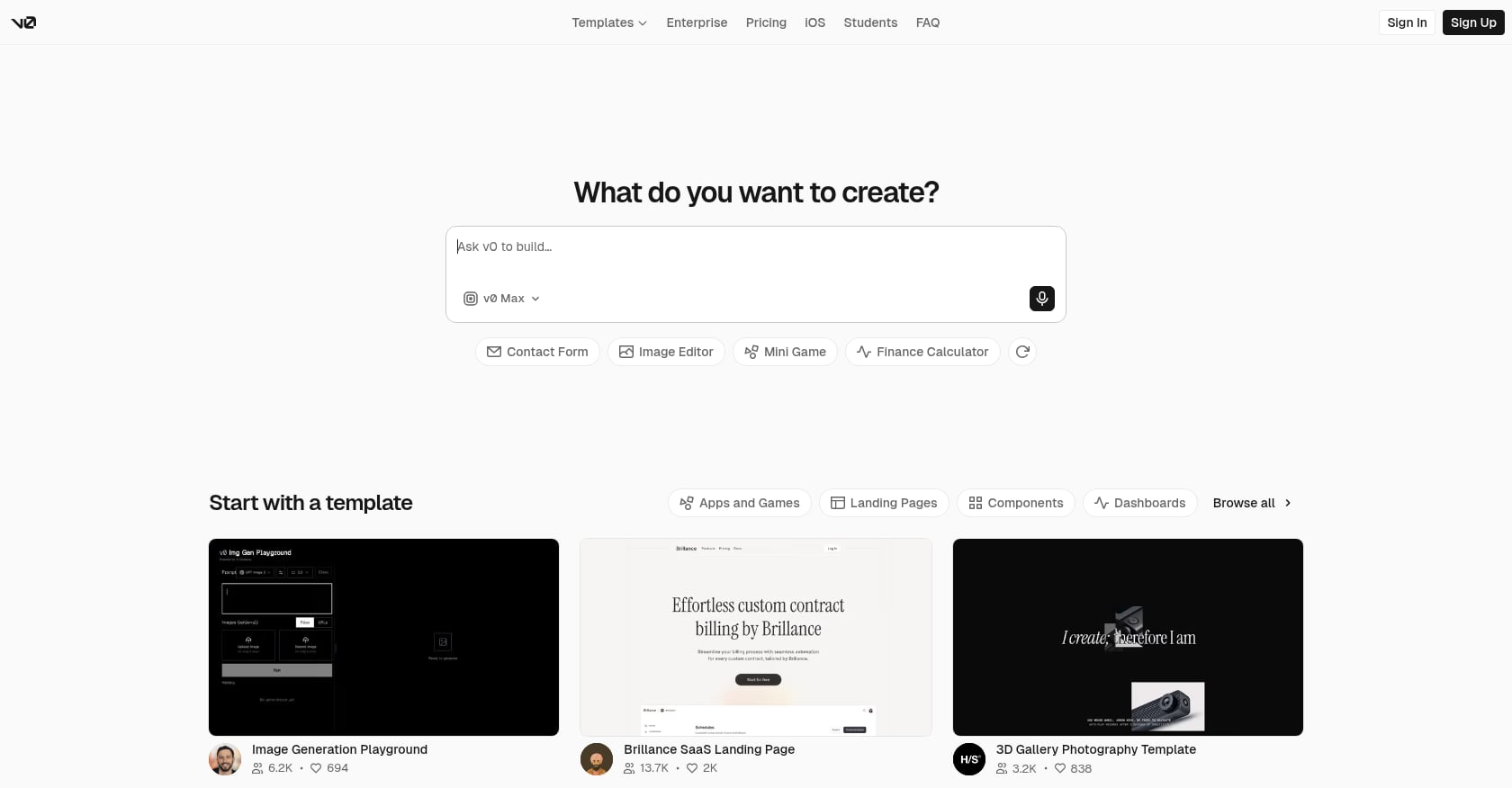
Best for: Developers who want clean React/Next.js code generation with direct Vercel deployment.
Free credits: $5 in monthly credits with a daily message limit of 7.
What those credits buy: Hard to say precisely. Dollar-denominated credits make it difficult to predict actual output because costs vary by prompt complexity.
Key features:
High-quality React and Next.js component generation
Direct integration with Vercel’s deployment infrastructure
Clean, production-ready code output
Paid tiers: Team at $30/month per user including $30 in monthly credits.
Tradeoffs:
Dollar-based credit system is the least transparent model on this list.
7 daily messages is restrictive for iterative building.
Oriented toward developers, not no-code builders.
13. Google AI Studio

Best for: Experimentation with zero cost anxiety. The only platform on this list that’s genuinely free for basic usage.
Free credits: The platform is completely free for testing and basic usage. No credit card needed, no hidden fees for core functionality.
What those credits buy: Unlimited basic experimentation with Gemini-powered app building. This is the only tool where you won’t hit a paywall during casual use.
Key features:
Google infrastructure and Gemini AI models
No credit card, no credit limits for basic usage
Web app output
Paid tiers: Currently free. Google may introduce paid tiers for advanced features or higher usage limits in the future.
Tradeoffs:
Newer builder with less mature tooling than established competitors.
Output quality and capabilities are still evolving.
Risk of future pricing changes, since Google hasn’t committed to keeping it free permanently.
The iOS Gap Nobody Talks About
Every platform in entries 2 through 13 produces web apps. React, Next.js, Vue, Svelte. They deploy to Netlify, Vercel, or their own hosting. Some claim “mobile” output, but that means responsive web apps or cross-platform frameworks, not native iOS code.
If your goal is an iPhone app in the App Store, free credits on these platforms buy you nothing toward that goal. You’d still need to rebuild in Swift, hire a developer, or use a cross-platform wrapper that sacrifices performance and App Store compliance.
This is where x1 occupies a category of one. Its roughly 100 free credits produce native Swift code in an Xcode project. The Plan and Design studios let you map screens, set branding, and configure flows before a single line of code is generated. The Build studio then creates the actual app. The Launch studio handles screenshots, metadata, and submission. To understand the full pipeline, see how x1 goes from idea to App Store.
The Reddit consensus has shifted from “just use Bolt.new for everything” to picking the right builder for your project type. For web projects, the options are abundant. For native iOS, there’s one option with AI app builder free credits, and that’s x1.
Want to see the native iOS workflow firsthand? Try x1’s product studios.
Which Type of AI App Builder Do You Need?
Not every AI app builder creates the same kind of software.
Builder Type | Typical Output |
|---|---|
Native app builders | Swift, Kotlin, Xcode projects |
Web app builders | React, Vue, Next.js |
Internal tool builders | Dashboards, CRMs |
Design builders | Interactive prototypes |
Coding IDEs | Source code and repositories |
Choosing the wrong builder often wastes your free credits because you'll need to rebuild your project elsewhere.
Common Mistakes That Waste Free Credits
Many first-time builders lose their free credits quickly because they:
change project direction halfway through
repeatedly regenerate the same screen
use vague prompts
test too many design variations
ask the AI to debug instead of fixing code manually
forget that larger projects consume more context
Planning before prompting usually saves more credits than choosing a larger free tier.
How to Make Free Credits Count: 5 Practical Tips
Most people burn through free AI app builder credits in a single afternoon. Here’s how to stretch them.
1. Write specific prompts. Vague instructions like “make it look better” force the AI into guessing, which means more revision cycles and more credits burned. Specify exactly what you want: “Change the header background to #1a1a2e and increase the font size of the CTA button to 18px.” Practitioners report that 63% of developers spend more time debugging AI-generated code than writing it themselves. Precise prompts reduce that overhead.
2. Plan before you build. Decide on your screen count, navigation flow, data model, and authentication approach before spending a single credit. Platforms like x1 build this planning phase directly into their workflow, which prevents expensive mid-build pivots.
3. Use visual editing where available. Softr’s visual editor is unlimited and free. Figma Make gives 500 monthly AI credits but unlimited manual design. Several platforms separate AI-assisted generation from manual editing. Do everything you can manually first.
4. Don’t burn credits on debugging. If the AI generates broken code, export the project and fix issues locally instead of spending credits on iterative “fix this error” prompts. This is especially true on token-based platforms like Bolt, where each debugging cycle consumes context tokens.
5. Test two or three platforms, then commit to one. Use free credits across multiple tools to evaluate workflow fit, output quality, and credit burn rate. Then invest your paid budget in the winner. Spreading paid subscriptions across platforms is how indie hackers end up spending $70/month before writing any business logic.
How Long Do Free Credits Usually Last?
The actual lifespan of free credits depends more on project complexity than the advertised number.
Project Type | Typical Credit Usage |
|---|---|
Landing page | Low |
Portfolio website | Low |
CRUD web app | Medium |
SaaS MVP | High |
AI chatbot | High |
Marketplace | Very High |
Native mobile app | Very High |
A simple landing page may fit comfortably within a free plan, while an authenticated SaaS application with databases and integrations often exceeds monthly limits within a few development sessions.
What Happens After Free Credits Run Out
The real monthly cost of AI app building extends well beyond the subscription price. One r/indiehackers thread calculated: Claude Pro $20/month + Cursor Pro $20/month + Vercel Pro $20/month + database hosting $10/month = $70/month before writing any business logic.
Here’s what paid tiers actually cost across the spectrum:
Lightest entry: Taskade Starter at $6/month. Unlocks unlimited apps but not live hosting.
Mid-range: Zite Pro at $15/month, Softr and Base44 at $16/month, Replit Core at $17/month, Bolt Pro at $20/month, Lovable Pro at $25/month.
Premium (native iOS): x1 Builder at $99/month, Pro at $199/month, Max at $299/month. The higher price reflects the native iOS pipeline, App Store tooling, and the fact that you’re getting production-ready Swift output rather than a web app.
No hosted AI app builder offers unlimited everything for free. The free tier on every platform is an evaluation tool. If you’re serious about shipping, budget $20 to $30 per month for web apps, or $99 and up for native iOS. For non-technical founders evaluating options, this cost framing is essential to avoid scope creep on tools.
AI App Builder Adoption in 2026
The rapid growth of AI-assisted software development explains why nearly every builder now offers a free credit model.
Some of the biggest trends include:
AI coding assistants are now used throughout the software development lifecycle rather than only for code generation.
Most commercial builders have shifted from unlimited free plans to credit-based pricing.
Credit systems increasingly measure compute usage instead of simple prompt counts.
Builders are becoming specialized for web apps, native mobile apps, business software, or design workflows instead of trying to serve every use case.
Verdict: Which Free Credits Are Worth Your Time
For web apps: Bolt.new’s 1M monthly tokens gives you the most room to experiment. Lovable produces the most polished UI on first pass. Zite offers the most credits (50/month) among build-credit platforms and includes unlimited users.
For native iOS apps: x1 is the only option. Its roughly 100 free credits let you explore the full Plan and Design workflow and test whether the platform fits your project before committing to a paid tier.
For pure experimentation: Google AI Studio is genuinely free with no credit anxiety. Taskade’s 3,000 credits offer the biggest headline number for agent-powered workflows.
For designers: Figma Make at 500 monthly credits integrates directly into existing design workflows.
The smartest approach: use free credits on two or three platforms to test workflow fit, then commit paid to one. The AI app builder market in 2026 is deep enough that there’s a right tool for every project type. The mistake is choosing based on credit count alone. MIT Technology Review named generative coding a 2026 breakthrough technology, and the ecosystem reflects that maturity. Pick based on what you’re building and where you’re shipping.
Building a native iPhone app? Start with x1’s free credits and see what the studios produce before you spend a dollar.
Key Takeaways
Free credits are not standardized across AI app builders.
Larger credit numbers do not necessarily mean more usable output.
Native iOS builders and web app builders should be evaluated separately.
Most serious projects eventually require a paid subscription.
Planning your app before prompting significantly reduces credit consumption.
FAQ
How many free credits do AI app builders typically give?
It varies wildly by platform and credit type. Build-credit platforms range from 5 per month (Softr) to 100 at signup (x1). Token-based platforms like Bolt.new offer up to 1 million tokens per month. Taskade gives 3,000 AI credits. The numbers aren’t directly comparable because each platform defines “credit” differently. Focus on what a credit produces (screens, features, revisions) rather than the raw number.
Can I build a complete app with free AI app builder credits?
For most platforms, no. Free tiers are designed for evaluation, not production. As one Reddit community member noted, free tiers show you what the tool can do, not let you build anything real for free. You might complete a very simple landing page or single-feature prototype, but anything with authentication, a database, or multiple screens will typically exceed free allowances.
Which AI app builder has the most generous free tier?
By raw numbers, Bolt.new’s 1 million free tokens per month is the largest allowance. By credit count, Taskade’s 3,000 AI credits leads. By practical output for business apps, Zite’s 50 monthly credits with unlimited users offers the best ratio. For native iOS apps, x1’s roughly 100 credits is the only option in the category. “Most generous” depends entirely on what you’re building.
Do I need a credit card to sign up for free AI app builder credits?
No. Every platform listed in this guide offers free credits without requiring a credit card at signup. This is standard across the industry in 2026. Be cautious, though, about platforms that ask for payment information for “upgraded” free trials, as those often auto-convert to paid plans.
What’s the difference between tokens, build credits, and AI credits?
Tokens measure text volume processed (your prompts plus AI responses plus codebase context). Build credits count discrete generation events (one prompt, one output). AI credits are a general-purpose counter for various AI operations. Effort-based pricing (used by Replit) scales cost with request complexity. Token-based systems are hardest to predict because larger projects consume more tokens per interaction.
Can I build an iOS app with free credits from web-based AI app builders?
No. Platforms like Bolt, Lovable, and Replit produce web applications using React, Next.js, or similar frameworks. They do not generate native Swift code or Xcode projects. If you want a native iPhone app in the App Store, x1 is currently the only AI builder offering free credits toward that output. Using web builder credits for an iOS goal wastes those credits entirely.
What hidden costs should I expect beyond free credits?
Beyond the platform subscription, common costs include: hosting ($10 to $20/month on Vercel or similar), database services ($10+/month), API costs for third-party integrations, domain registration ($10 to $15/year), and for iOS apps, Apple’s $99/year Developer Program fee. One community calculation put the total stack cost at $70/month before any business logic was written.
Should I use multiple AI app builders or pick one?
Use free credits on two or three platforms to test workflow fit, output quality, and credit efficiency. Then commit your paid budget to one. Spreading paid subscriptions across multiple tools is the fastest way to overspend without shipping. The 2026 community consensus is clear: pick the right builder for your project type rather than trying to make one tool do everything.