


TL;DR
The best Rork alternative depends on what you want to ship. For a native iPhone app built in Swift and Xcode with a guided path to the App Store, x1 is the strongest pick. For cross-platform mobile apps, CatDoes (React Native) and FlutterFlow (Flutter) cover the iOS-plus-Android lane. Technical founders who want full code ownership should look at Claude Code, Cursor, or OpenAI Codex. Lovable and Bolt are solid choices only when the “app” is really a web product.
Quick Answer: What Is the Best Rork Alternative?
The best Rork alternative depends on the type of app you want to build.
For a native iPhone app built with Swift and Xcode, x1 is the strongest alternative because it focuses specifically on the complete iOS workflow from planning to App Store launch.
For cross-platform mobile apps, CatDoes and FlutterFlow are stronger choices because they support React Native and Flutter workflows.
For developers who want complete code ownership, Claude Code, Cursor, and OpenAI Codex provide more control but require technical skills.
For web-based SaaS products, Lovable, Bolt.new, and Replit are better fits than mobile-first builders.
The key decision is not which AI tool has the best model. It is whether you need native iOS, cross-platform mobile, web, or developer-controlled code.
Why People Search for a Rork Alternative
Rork made prompt-to-mobile real. Describe your idea in plain English and Rork generates a working app you can preview on your phone. For quick MVPs and weekend experiments, the pitch delivers.
But the people typing “Rork alternative” into Google are not asking what Rork is. They already know. They have hit a wall: credit burn from debugging loops, confusion about pricing tiers, uncertainty about whether the output is production-ready, or friction getting from “working preview” to “live on the App Store.”
Rork itself has evolved into two distinct products. According to Rork’s FAQ, Rork Pro builds cross-platform apps using React Native and Expo, while Rork Max builds native SwiftUI apps compiled in Xcode. Paid plans range from $25 to over $200 per month, with code export and GitHub sync available on paid tiers. The FAQ also lists Supabase and Firebase integrations, RevenueCat payments, App Store publishing support, and version restore.
That is a wide surface area. It creates a real question: which alternative matches the specific thing you are trying to build?
The answer starts with output type, not AI hype.
x1’s AI app studio takes a different approach: native iOS apps only, built through structured stages from idea to App Store submission.
Quick Comparison: Best Rork Alternatives at a Glance
Tool | Best for | Output type | Starting price | Free tier? | Key tradeoff |
|---|---|---|---|---|---|
x1 | Native iPhone apps, idea to App Store | Swift + Xcode (native iOS) | $99/mo ($66/mo yearly) | ~100 free credits | iOS-only today |
CatDoes | React Native mobile + backend | React Native / Expo | ~$20/mo | 25 one-time credits | Sparse independent reviews |
FlutterFlow | Visual cross-platform control | Flutter / Dart | $39/mo | Free plan | Learning curve for production apps |
Claude Code | Technical founders, full code ownership | Terminal coding agent | $20/mo (Claude Pro) | No free coding at scale | Not no-code; you own all architecture |
Cursor | Developers wanting an AI IDE | VS Code-style editor | Paid tiers vary | Free tier | IDE only, not an app builder |
OpenAI Codex | Teams on ChatGPT already | Coding agent (CLI, IDE, web) | $20/mo (ChatGPT Plus) | Limited free access | Not a guided launch workflow |
Replit | General-purpose browser IDE | Web, backend, scripts | ~$20/mo annually | Free plan | Usage-based costs surprise users |
Lovable | Full-stack web apps, SaaS MVPs | React web app | ~$20-25/mo | Free plan | Not a native mobile builder |
Bolt.new | Quick web prototypes | Full-stack web app | $25/mo | Free plan (token-limited) | Not native mobile; token burn |
First, Decide What Kind of App You Need
Before comparing any Rork alternative, answer one question: what are you actually building?
The AI app builder category is messy because tools producing completely different outputs get compared as if they solve the same problem. A web app builder and a native iOS studio are not interchangeable.
Native Swift iOS App
Apple-native code in Swift or SwiftUI, compiled in Xcode, submitted through App Store Connect. The app uses Apple’s native UI components, follows iOS design patterns, and passes App Review as a real iPhone application. Best fit when the product is an iPhone app first and iOS polish matters more than cross-platform coverage on day one.
React Native or Flutter Cross-Platform App
React Native (with Expo) compiles JavaScript/TypeScript into mobile apps using native components. Flutter compiles Dart into native binaries for iOS, Android, and web. Both get you to multiple platforms from one codebase, but deep iOS-specific features sometimes require custom native work.
Web App or PWA
React, Next.js, or similar frameworks running in a browser. Can be wrapped to look like a mobile app, but Apple’s App Store Review Guidelines require minimum functionality beyond a repackaged website. Best fit for SaaS products, dashboards, and internal tools.
AI Coding Agent
Claude Code, Cursor, and OpenAI Codex generate and edit code within a developer’s existing workflow. They accelerate coding but do not replace product planning, visual design, App Store metadata, or submission.
For a broader look at how these categories perform in practice, see this mobile vibe-coding comparison.
What Rork Does Well, and Why Builders Still Switch
Rork deserves credit. It brought prompt-to-mobile into the mainstream, and its dual-product approach covers more ground than most competitors.
Where Rork is strong:
Fast MVP generation from natural language descriptions
Cross-platform output (iOS, Android, web) on Pro
Native SwiftUI output on Max
GitHub sync and code export on paid plans
Integrations with Supabase, Firebase, and RevenueCat
Version restore and Figma reference imports
Why people still look for alternatives:
Pricing confusion is a recurring theme. Rork’s plan names have shifted over time (from Junior/Middle/Senior to Free/Pro/Max), and the jump to Max at $200+ per month is steep for indie builders.
Practitioners on Reddit report specific frustrations. One user in r/reactnative described canceling after a few days because requests failed, credits were lost, and projects became inaccessible after the subscription ended. (Rork’s founder responded in that thread, so this is a disputed account rather than universal experience.) A separate r/AItoolsCatalog discussion acknowledged Rork’s usefulness for simple apps while criticizing bugs, preview crashes, deployment difficulty, and support responsiveness.
The pattern is consistent: first demo speed is impressive, but the path from demo to production-ready app is where friction builds. Credit-based billing amplifies this because every failed prompt, debugging loop, and visual tweak costs money. Understanding how these credit costs compound during iteration is worth studying before committing to any tool.
How We Evaluated These Rork Alternatives
Not every AI app builder solves the same problem. This comparison evaluates tools based on the factors that matter when moving from an idea to a real product:
Evaluation Factor | Why It Matters |
|---|---|
Output type | Native iOS, cross-platform, or web determines what you can ship |
Code ownership | Determines whether you can maintain or migrate your app later |
App Store readiness | Separates prototypes from production apps |
Development workflow | Shows whether the tool guides users or only generates code |
Pricing model | Credit systems can make iteration costs unpredictable |
Technical requirements | Determines whether non-developers can succeed |
Long-term scalability | Important after the first prototype is built |
A good Rork alternative should not only generate code. It should match your technical ability, product goals, and launch requirements.
The 9 Best Rork Alternatives in 2026
1. x1

Best for: Non-technical founders shipping a native iPhone app from idea to App Store.
x1 is the strongest Rork alternative for anyone whose goal is a real native iOS app, not a cross-platform demo or a web wrapper. Where Rork offers a powerful but broad prompt-based workflow across React Native and SwiftUI, x1 narrows the focus to native iPhone apps built in Swift and Xcode, then wraps a structured studio around the entire journey.
Pricing:
Builder: $99/month, or $66/month billed yearly
Pro: $199/month, or $133/month billed yearly
Max: $299/month, or $200/month billed yearly
Quarterly billing saves roughly 16%; yearly saves roughly 33%
About 100 free credits to try the product or build one feature
Compare x1 plans to see what each tier includes.
Key features:
Describe your idea in plain English and x1 maps out screens, features, and flows
Five-stage studio workflow: Plan, Design, Build, Launch, Iteration
Plan stage covers screen mapping, taps, saves, payments, and return states
Design stage handles icon, colors, fonts, layouts, spacing, and copy before code generation
Build stage generates the native iPhone app screen by screen
Launch stage creates App Store screenshots, writes listing copy, and prepares review submission
Real native iOS output in Swift and Xcode
Ownership-first positioning: you get a real app, not a locked-in demo
Tradeoffs:
iOS-only today, so no Android or web output
Younger product with fewer public case studies than established platforms
Higher monthly starting price than general-purpose tools
Paid orientation, though free credits let you evaluate before committing
How it compares to Rork: Rork Max also outputs SwiftUI and starts at $200+ per month. x1’s annual Max plan lands at the same $200 per month, but its Builder tier starts much lower at $66 per month annually. The bigger difference is structural. Rork uses a chat-based interface. x1 uses purpose-built studios for each stage of the process, from product planning through App Store submission, which keeps the build coherent across many iterations.
Why it wins the top spot: The gap most AI app builders leave open is everything after “your app is generated.” x1 fills that gap with structured planning before generation and launch preparation after it.
2. CatDoes
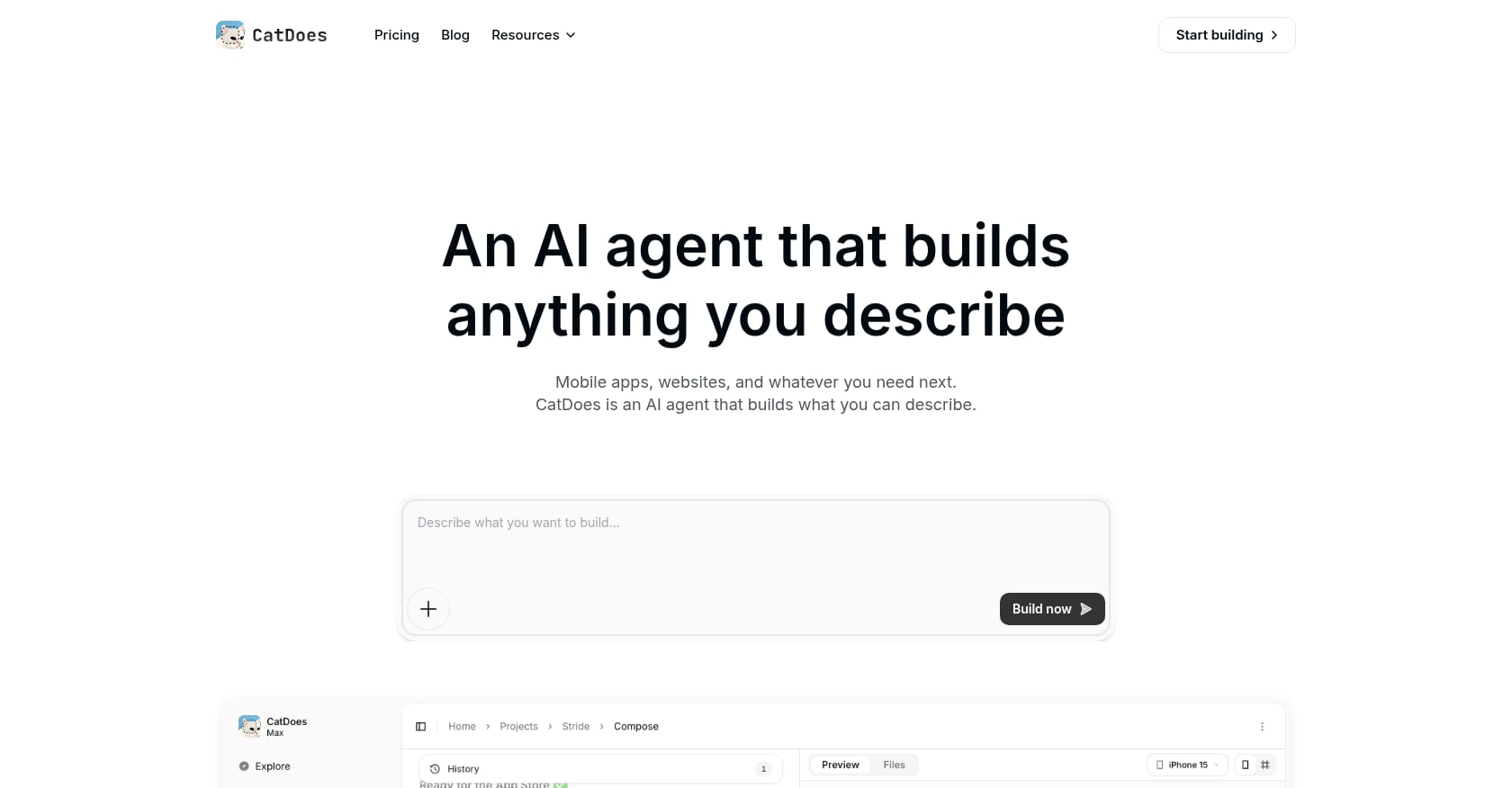
Best for: Builders who want a Rork-style prompt-to-mobile experience with React Native and a built-in backend.
CatDoes positions itself as a direct alternative to Rork in the React Native lane. It generates mobile apps for iOS and Android plus web, and includes CatDoes Cloud for backend services.
Pricing:
Free tier with 25 one-time credits
Core plan reportedly starts at $20/month with 50 credits
Higher tiers go up to $399/month for 2,000 credits
One-time credit bundles at roughly $0.30 per credit
Key features:
React Native / Expo mobile and web output
Built-in backend with database, auth, storage, and edge functions
Checkpoint system for version management
GitHub sync and code export on higher plans
URL import from existing sites
Tradeoffs:
Independent user reviews are sparse; most feature claims come from CatDoes’ own marketing
React Native output is not the same as native Swift/Xcode
No visual editor according to its own comparison table
Credit-based pricing means costs scale with iteration
CatDoes is worth evaluating if you want to stay in the React Native lane but need a tighter built-in backend than Rork Pro offers. Verify claims independently before committing, since most available information comes from the company itself.
3. FlutterFlow
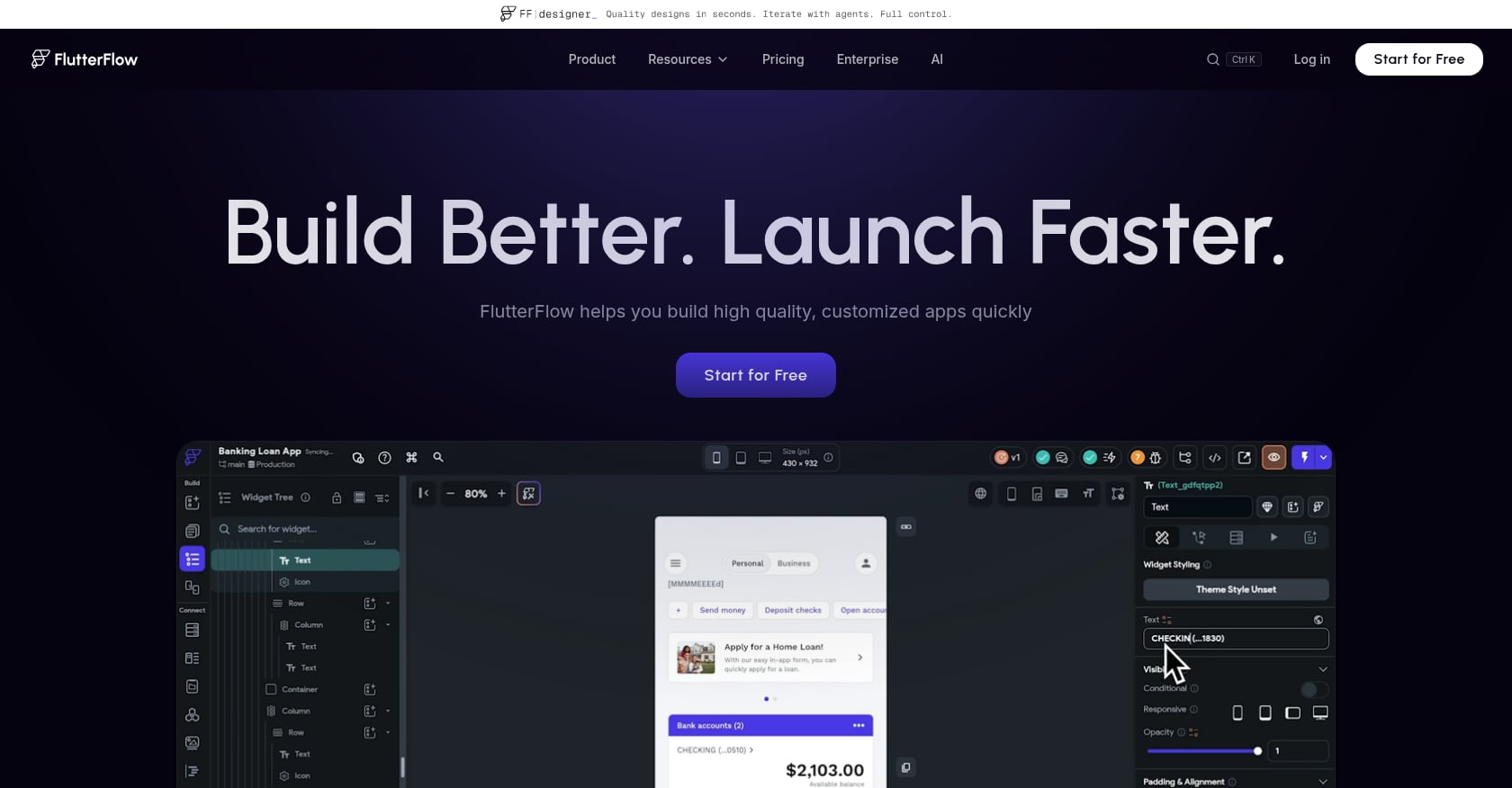
Best for: Builders who want visual drag-and-drop control over a cross-platform Flutter app.
FlutterFlow is not a prompt-only builder. It is a visual development platform for Flutter apps that gives you hands-on control over screens, widgets, Firebase integrations, and app logic. That makes it a meaningful Rork alternative for people who want more control than a chat interface provides.
Pricing:
Free plan available
Basic: $39/month
Growth: $80/month for the first seat
Business: $150/month for the first seat
Annual billing saves about 25%
Key features:
Visual drag-and-drop builder for Flutter/Dart apps
Firebase integration built in
Custom code support for advanced logic
Source-code export on paid tiers
Real-time collaboration on higher plans
Tradeoffs:
Steeper learning curve than prompt-first tools
Production apps frequently need custom Dart code beyond what the visual builder generates
Not native Swift/Xcode output
State management and complex API flows require technical understanding
User perspective: A practitioner on Reddit with production FlutterFlow experience wrote that FlutterFlow gets you far, but production apps “almost always need custom logic for complex flows.” Capterra reviewers praise code export and Firebase integration but consistently note the learning curve is steeper than simpler no-code tools.
FlutterFlow is the right Rork alternative if you want visual control and cross-platform Flutter output. It is the wrong choice if you want the guided, prompt-first simplicity that brought you to Rork in the first place.
4. Claude Code
Best for: Technical founders who want an AI coding agent with full repository ownership.
Claude Code is not a no-code app builder. It is a terminal-based coding agent from Anthropic that works inside your existing development workflow: editing files, running commands, and reasoning across large codebases. It belongs on this list because technical users searching for Rork alternatives often want more control, not less.
Pricing:
Claude Pro: $20/month (or $17/month with annual billing)
Claude Pro includes Claude Code access
Max tiers provide 5x or 20x Pro usage per five-hour session
Usage is shared across Claude chat and Claude Code
Key features:
Terminal-first coding in your own repository
Works with Git, command-line tools, IDEs, and MCP servers
Strong multi-file refactoring and codebase reasoning
Good for bug fixes, tests, feature implementation, and large refactors
You keep your existing architecture and toolchain
Tradeoffs:
Not for non-technical users
No product planning, design studio, or visual interface
App Store setup (signing, screenshots, metadata, privacy policy) is entirely on you
Usage limits are shared with chat, so heavy coding sessions can hit caps
User perspective: One developer on Reddit reported building a full iOS app over four months with Claude Code, reaching roughly 220,000 lines of code with real users beginning to test. That is serious production work, but it required the skills and patience of an experienced engineer.
Claude Code is the best Rork alternative if you are comfortable being the engineering team. It is not a substitute if what you wanted from Rork was guidance and structure around the build.
5. Cursor
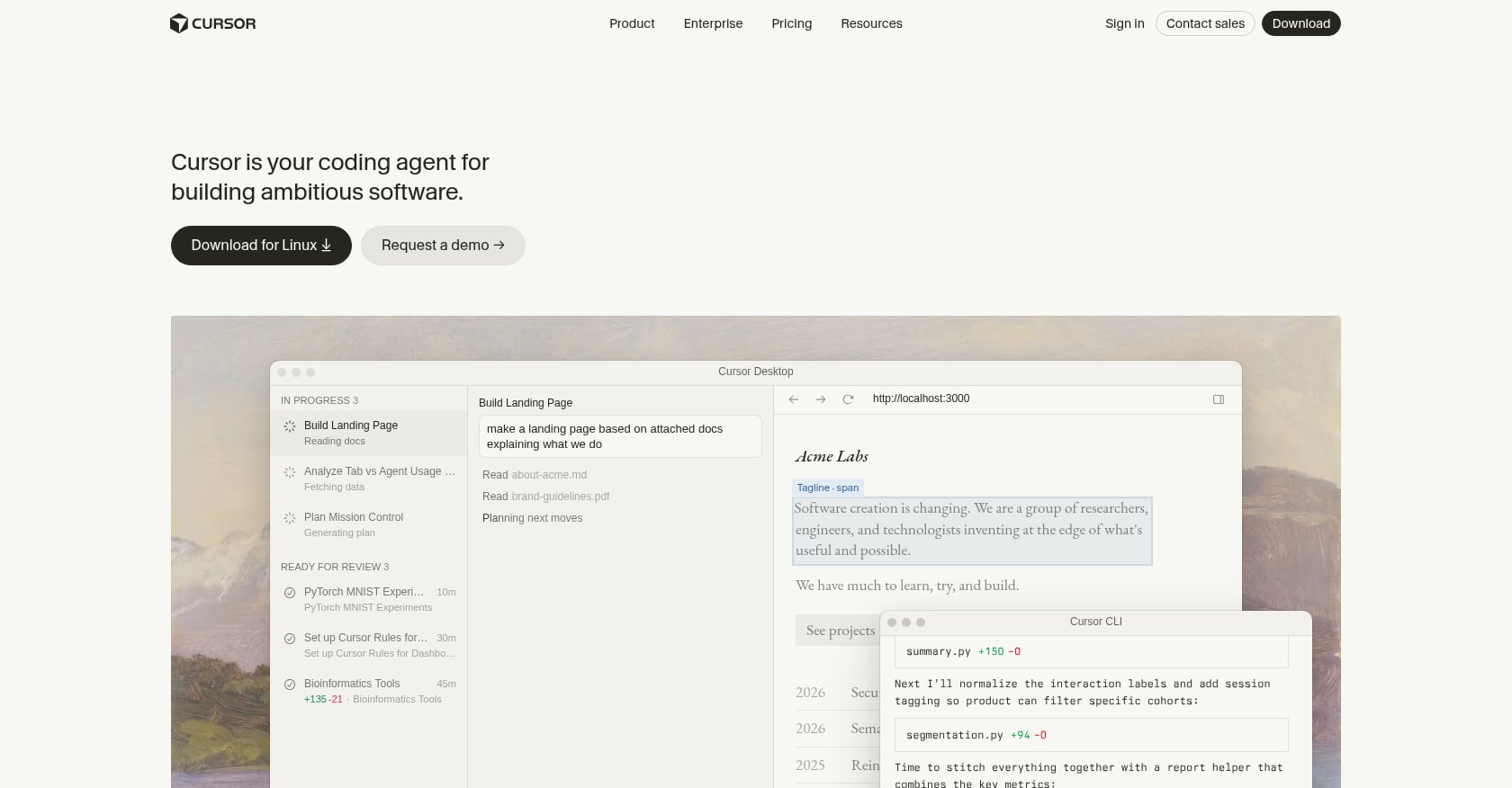
Best for: Developers who want AI assistance inside a familiar VS Code-style IDE.
Cursor is an AI-native code editor. It helps developers write, edit, and refactor code faster with AI-powered suggestions, multi-file editing, and agent workflows. Think of it as a smarter IDE, not a replacement for an app builder.
Pricing:
Free tier available
Paid tiers (Pro, Pro+, Ultra) with increasing usage allowances
Pricing has changed frequently; check current plans before committing
Key features:
Codebase-aware AI editing and suggestions
Multi-file refactoring and agent-driven changes
Privacy mode to prevent code training
Works with existing projects and repositories
Useful after exporting code from another builder
Tradeoffs:
Not a no-code tool or guided app studio
Does not generate App Store assets, listings, or submission workflows
Heavy agent usage can become expensive or hit usage limits
Requires developer knowledge to use effectively
User perspective: Reddit threads on Cursor show a clear split. Some developers call it strong value for daily coding. Others report frustration with agent pricing, usage cliffs, and costs rising as they rely on it more heavily.
Cursor is a Rork alternative only in the sense that a skilled developer can use it to build what Rork generates automatically. The tradeoff is total control versus total responsibility. For a deeper look at what separates an AI app studio vs code editor, that comparison is worth reading.
6. OpenAI Codex
Best for: Teams already standardized on ChatGPT and OpenAI’s ecosystem.
OpenAI Codex is a coding agent for writing, reviewing, and shipping code. It integrates into ChatGPT’s desktop app, CLI, IDE extensions, and cloud workflows. For teams already paying for ChatGPT, Codex is included without a separate subscription.
Pricing:
Included across ChatGPT plans with usage limits that vary by tier
ChatGPT Plus: $20/month
ChatGPT Pro: $200/month
ChatGPT Team: $25/user/month billed annually
Codex usage draws from the same agentic credit pool as other ChatGPT features
Key features:
Code writing, review, and shipping agent
Available through CLI, IDE extension, desktop app, and web
Enterprise controls with role-based access
Integrated into existing OpenAI workspace
Tradeoffs:
Not a guided app builder or launch workflow
No App Store submission, screenshot generation, or metadata tools
Usage varies by codebase size, task complexity, and model
Token-based credit model can make costs unpredictable for heavy coding sessions
Codex is a reasonable Rork alternative for engineering teams that want AI coding acceleration within the OpenAI ecosystem. It is not designed for non-technical founders who want a structured path from app idea to App Store.
7. Replit
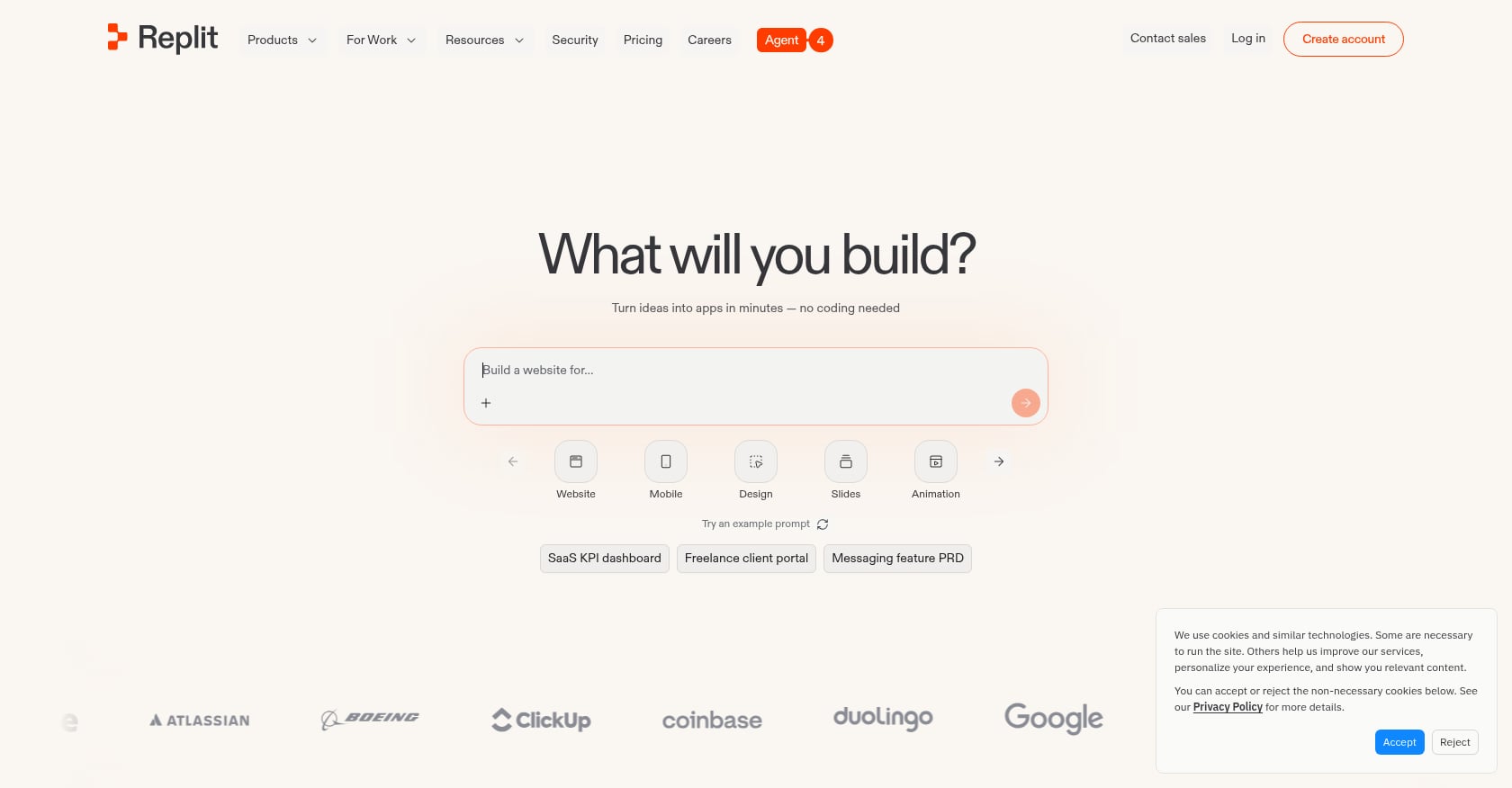
Best for: General-purpose browser-based development with AI agents.
Replit is a broad development environment that runs entirely in the browser. It covers web apps, backends, scripts, and general programming with AI agent assistance, hosting, and database options. Its breadth is useful for many things, but that same breadth means it is not specialized for native mobile app launches.
Pricing:
Free plan available
Core: approximately $20/month billed annually, $25/month billed monthly
Replit Agent uses effort-based pricing that scales with request complexity
Key features:
Browser-based IDE with collaboration
AI agent for code generation and editing
Built-in hosting and database options
Supports many languages and frameworks
Tradeoffs:
Mobile build and release paths are less specialized than dedicated app builders
Usage-based agent costs can surprise users beyond the base subscription
Not a native iOS studio
The agent’s effort-based pricing makes monthly spend hard to predict
User perspective: Reddit threads frequently surface pricing anxiety around Replit. Users report unexpected charges beyond their Core subscription and confusion about what is included versus what costs extra. One common complaint is that “included credits” and “pay-as-you-go agent usage” are not clearly distinguished in the billing experience.
Replit is a Rork alternative only for users who want a general-purpose development environment. It does not compete with focused mobile builders on the App Store launch path.
8. Lovable
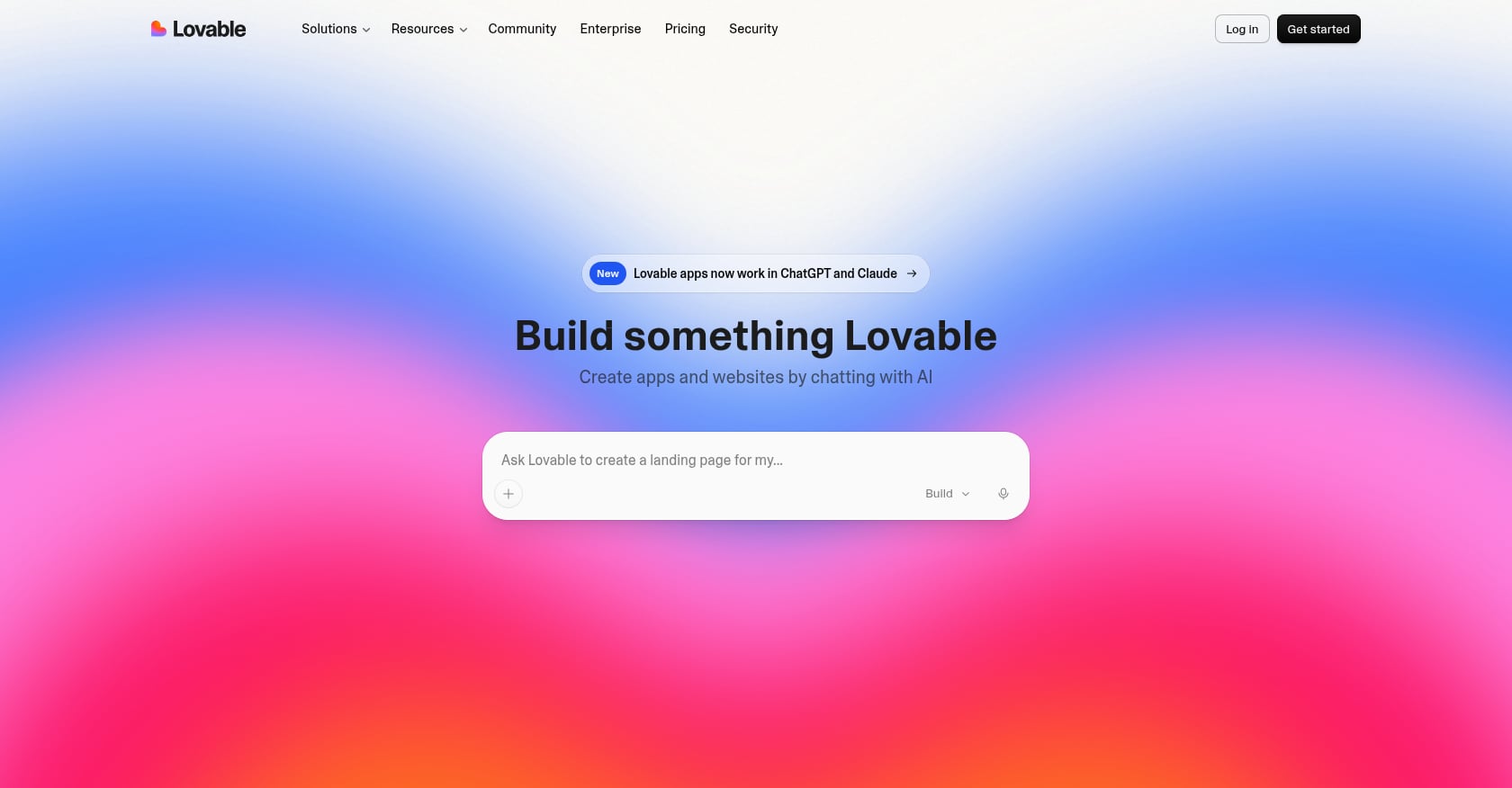
Best for: Founders who need a full-stack web app or SaaS MVP, not a native mobile app.
Lovable is a strong tool for web applications. It generates React/TypeScript web apps with Supabase integrations, GitHub sync, and deployment workflows. It belongs in this article because many people comparing Rork alternatives are comparing all AI builders. But the distinction matters: Lovable builds web apps, not native mobile apps.
Pricing:
Free plan available
Paid plans generally start in the $20-25/month range
Higher tiers can reach $100/month depending on the plan
Key features:
Prompt-to-full-stack web applications
React/TypeScript output
Supabase integration for auth and database
GitHub sync and deployment
Beginner-friendly interface for web projects
Tradeoffs:
Not a native iOS app builder
Credit usage complaints are common on review platforms
Repetitive errors and debugging loops consume credits
Scaling and production complexity increase as projects grow
User perspective: G2 reviewers praise Lovable for quick web app creation but consistently flag unclear credit usage and wasted credits during debugging. Reddit users report successful launches with paying users, alongside concerns about credit transparency once projects move beyond simple MVPs.
Lovable is not a bad tool. It is the wrong tool if a native App Store app is the goal. For a detailed breakdown of when web-first tools make sense versus when they do not, see iOS vs web app builders.
9. Bolt.new
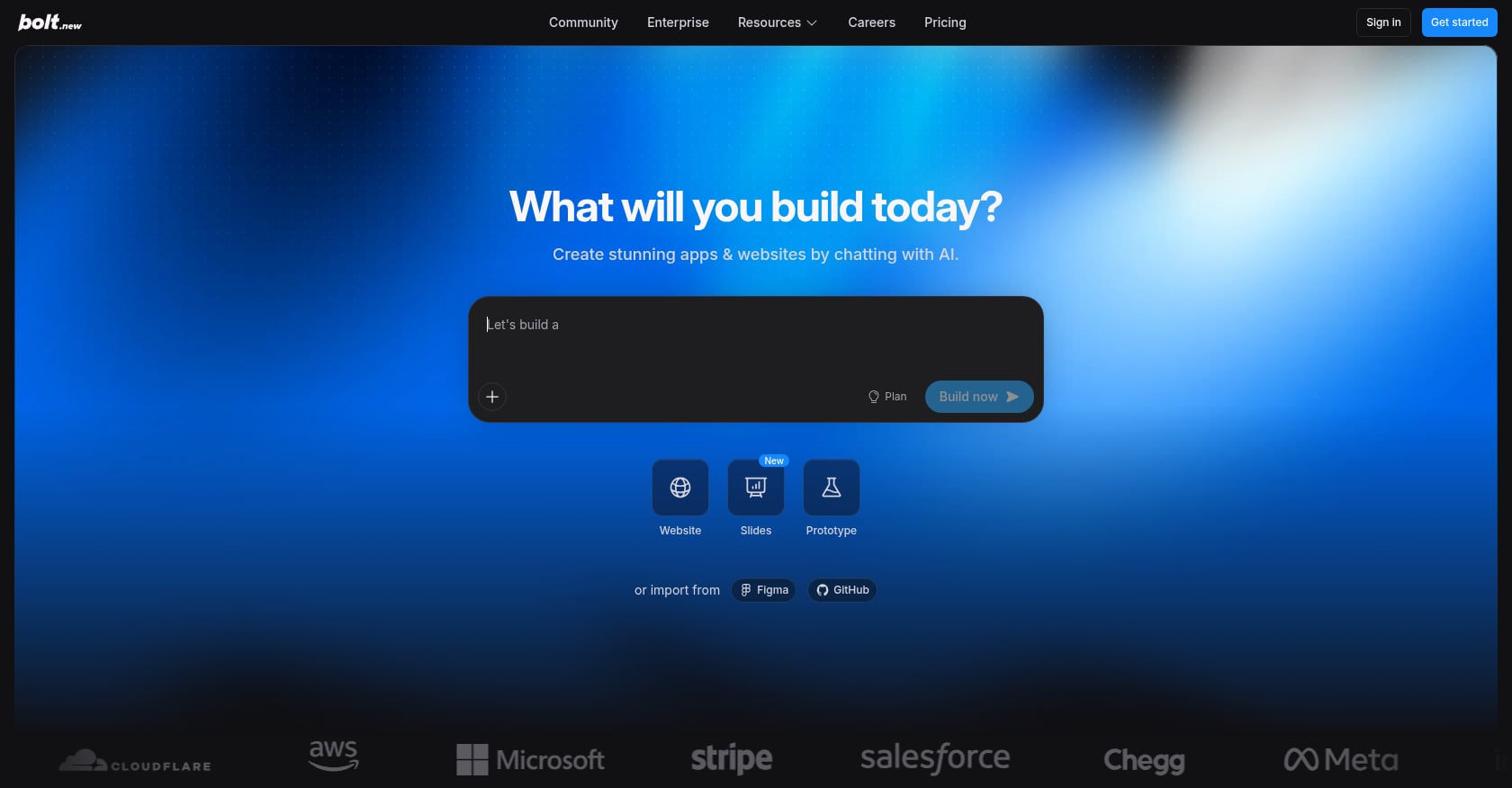
Best for: Quick full-stack web prototypes with code visibility.
Bolt.new lets you prompt, run, edit, and deploy web applications directly in the browser. It supports frameworks like React, Next.js, Vue, and Svelte. Like Lovable, it is a web-first tool that should not be confused with a native mobile builder.
Pricing:
Free plan with 300,000 daily tokens and 1 million monthly tokens
Pro: $25/month
Paid tokens roll over for one additional month
Key features:
Browser-based full-stack web app building
Framework flexibility across React, Next.js, Vue, and Svelte
Code visibility and editing during generation
Fast scaffolding for prototypes and proof-of-concepts
Tradeoffs:
Not a native mobile app builder
No App Store submission workflow
G2 reviews average 3.1 out of 5, with complaints about stability and support
Token burn during debugging loops is a frequent user concern
Context drift across longer conversations
User perspective: Trustpilot and Reddit threads describe a familiar pattern: Bolt is fast for the first version, but subsequent changes consume tokens rapidly while bugs remain unresolved. Support responsiveness has been a consistent complaint across multiple platforms.
Bolt works for web prototypes. It does not work for native iPhone apps. For more on this distinction, see native iOS vs web builders.
How to Choose the Right Rork Alternative
Use this decision tree:
Do you need a native iPhone app?
Yes: x1 is the strongest fit. Rork Max is the alternative if you want to stay within Rork’s ecosystem.
Do you need iOS and Android from one codebase?
Yes: CatDoes (React Native), FlutterFlow (Flutter), or Rork Pro.
Are you building a SaaS, dashboard, or web tool?
Yes: Lovable, Bolt, or Replit. Stop comparing mobile builders.
Are you technical and want to own the repo?
Yes: Claude Code, Cursor, or OpenAI Codex. Accept that architecture, testing, and App Store setup are your responsibility.
Do you want the launch workflow handled, not just code generation?
Yes: x1’s structured studios cover planning, design, build, and launch in one place. Most other tools stop at code output.
See how x1 works across all five stages.
The real decision is not which tool has the best AI model. It is which tool produces the output you need and helps you get it live.
Native iOS App Builders vs Cross-Platform Builders
Choosing between native iOS and cross-platform development is the biggest decision when replacing Rork.
Category | Native iOS | Cross-platform |
|---|---|---|
Main languages | Swift / SwiftUI | React Native / Flutter |
Platforms | Apple devices only | iOS + Android |
Performance | Maximum iOS optimization | Usually very strong |
Apple feature access | Best | Sometimes requires native code |
Development speed | Faster for iOS-only products | Faster for multiple platforms |
Best for | iPhone-first startups | Apps needing wider reach |
Choose native iOS when:
The product depends heavily on Apple features
UI polish matters
You want the best iPhone experience
Choose cross-platform when:
Android support matters immediately
You need one codebase
Speed matters more than platform-specific optimization
The App Store Last Mile Most AI Builders Skip
The first demo is not the finish line. Getting an AI-generated app onto the App Store requires work that most builders leave to you:
Apple Developer Program membership: $99/year, required for any App Store submission.
Accurate metadata: App name, subtitle, description, keywords, and category must follow Apple’s content rules.
Screenshots: Apple requires screenshots showing the app in use, not just splash screens. Different device sizes need different screenshot sets.
Privacy policy URL: Mandatory for every submission. Must be hosted and accessible.
In-app purchases: If your app has subscriptions or payments, Apple requires specific display names, descriptions, and transaction handling through StoreKit.
Minimum functionality: Apple rejects apps that are repackaged websites or lack sufficient native functionality.
TestFlight testing: Expected before submission, especially for apps with backend features.
Review notes: Some apps need explanations for reviewers, demo accounts, or documentation about specific features.
Most AI app builders generate code. Few generate the App Store listing, screenshots, and submission flow. That last mile is where many AI-built apps stall. x1 addresses this directly with its Launch studio. For a complete walkthrough of what to prepare, see this App Store launch checklist.
Which Rork Alternative Is Cheapest?
The cheapest subscription does not always produce the cheapest app.
A $20/month AI coding tool may require developer time, while a more expensive guided builder may reduce design, debugging, and launch work.
Goal | Cheapest Option | Tradeoff |
|---|---|---|
Cheapest AI builder trial | Lovable / Bolt / Replit | Web-focused |
Cheapest native iOS path | x1 Builder yearly plan | iOS only |
Cheapest developer workflow | Claude Code / Cursor | Requires coding skills |
Cheapest cross-platform builder | CatDoes / FlutterFlow | More setup required |
The real cost is not only the monthly subscription. It is the cost of reaching a finished, published application.
Final Recommendation
The best Rork alternative is the tool whose output matches the product you want to ship.
If your goal is a native iPhone app, x1 is the most focused option. It does not try to be everything. It builds native iOS apps in Swift and Xcode, wraps a structured workflow around the entire journey from idea to App Store, and includes the launch assets that other tools leave out. The tradeoff (iOS-only today) is also its strength: focus produces coherence.
If you need iOS and Android from one codebase, Rork Pro, CatDoes, or FlutterFlow are better fits depending on how much visual control you want. If you are technical and want full repo control, Claude Code or Cursor give you that at the cost of owning every decision yourself. If your “app” is really a web product, Lovable or Bolt will serve you better than any mobile-first builder.
Do not compare a native iOS studio to a web app builder as if they solve the same job. Choose by output type first, launch readiness second, and maintainability after twenty changes third.
Try the x1 app builder to see how structured studios compare to prompt-only generation.
FAQ
What is the best Rork alternative for native iOS apps?
x1 is the top recommendation for native iOS. It outputs Swift and Xcode projects and includes a guided workflow from idea through App Store submission. Rork Max also produces SwiftUI output but starts at $200+ per month and uses a chat-based interface rather than structured studios.
Is Rork React Native or Swift?
Both. Rork Pro uses React Native and Expo for cross-platform apps (iOS, Android, web). Rork Max uses SwiftUI and Xcode for native Apple platform apps. The two modes serve different use cases and sit on different pricing tiers.
What is the cheapest Rork alternative?
Lovable, Bolt, and Replit have lower entry prices (around $20-25 per month), but none are native mobile builders. For native iOS specifically, x1 starts at $99 per month ($66 per month billed yearly) with about 100 free credits to evaluate the product first.
Does Rork export code?
Yes. According to Rork’s FAQ, paid plans support GitHub sync and code export. Code portability is an important consideration when evaluating any alternative, since it affects long-term ownership and the ability to switch tools later.
Is Lovable a good Rork alternative for mobile apps?
Only if your “mobile app” is actually a web app. Lovable builds React/TypeScript web applications with Supabase backends. It is not a native mobile builder and should not be treated as a direct Rork replacement for App Store apps.
Should I use Claude Code instead of Rork?
If you are a developer comfortable with terminal-based workflows, architecture decisions, and App Store setup, Claude Code is powerful. If you are non-technical and want guided product decisions from idea to published app, Claude Code will not replace what Rork or x1 provides.
Which Rork alternative works for both iOS and Android?
CatDoes (React Native) and FlutterFlow (Flutter) both produce cross-platform output from a single codebase. Rork Pro also outputs cross-platform React Native apps. The tradeoff versus native iOS tools is that deep platform-specific polish may require additional native work.
What do I need besides an AI app builder to publish on the App Store?
An Apple Developer Program membership ($99/year), accurate metadata, screenshots showing the app in use, a hosted privacy policy URL, proper in-app purchase configuration if applicable, and enough native functionality to pass Apple’s minimum review standards. Google Play Console registration is a one-time $25 fee if you also want Android distribution.