

The x1 app is an AI app studio at x1.new that turns plain-English ideas into production-ready native iPhone apps built with Swift and Xcode. It walks users through five modular studios (Plan, Design, Build, Launch, Iterate) to get a real app into the App Store, not a web wrapper or throwaway demo. x1 is YC-backed (Fall 2024 batch) and built for indie founders, non-technical creators, and small teams who want to ship native iOS apps without learning Xcode from scratch.
Direct Answer: What Is the x1 App in 2026?
x1 is an AI app builder that turns plain-English ideas into native iOS apps built with Swift and Xcode. Unlike web-based AI builders, it produces real App Store–ready code and guides users through planning, design, building, and launch using a structured studio workflow.
What Is the x1 App?
The x1 app refers to the AI app studio found at x1.new. It takes an idea you describe in plain English and produces a native iPhone app ready for the Apple App Store. The output is real Swift and Xcode code, not a web app disguised as a mobile one.
Founded by Manil Lakabi (ex-Scale AI, Meta FRL) and backed by Y Combinator’s Fall 2024 batch, x1 is based in San Francisco. The product’s tagline, “Ship your App. For Real,” captures its core promise: closing the gap between an AI-generated prototype and something Apple will actually approve and users will actually want to use.
Unlike most AI app builders that hand you a single prompt window and wish you luck, x1 breaks the process into five purpose-built studios. Each stage has a specific job, and together they form a guided path from concept to live App Store listing.
x1 App at a Glance (2026 Summary)
Feature | Details |
|---|---|
Product Type | AI-native iOS app builder |
Output | Swift + Xcode native apps |
Workflow | Plan → Design → Build → Launch → Iterate |
Target Users | Indie founders, non-technical creators |
Platform | iOS only |
App Store Support | Yes (includes submission tools) |
Pricing | Starts at $99/month |
Key Strength | Produces real native apps (not web wrappers) |
Try the x1 app studio to see how the workflow feels firsthand.
Is the x1 App Worth It in 2026?
x1 is worth it if your goal is to ship a real iOS app quickly without learning Swift or hiring a developer. It is especially useful for indie founders validating app ideas or building MVPs.
However, it may not be ideal if you:
Want full manual control over every line of code from day one
Need Android and iOS simultaneously
Prefer open-ended development environments like Xcode from scratch
Overall, x1 sits between no-code tools and professional iOS development, prioritizing speed-to-launch over deep engineering flexibility.
Not to Be Confused With: Other “X1” Products
The term “x1 app” is shared by several unrelated products. If you arrived here looking for one of these, here’s a quick guide:
Product | What It Is | Website |
|---|---|---|
x1 (x1.new) | AI app studio for building native iPhone apps with Swift/Xcode | x1.new |
X1 Card by Robinhood | A fintech credit card app marketed as “the smartest credit card ever made” | x1.co |
BlockDAG X1 | A phone-based cryptocurrency mining app for BDAG holdings | blockdag.network |
Comcast Xfinity X1 | A cable TV platform with voice remote for discovering content and streaming services | xfinity.com |
X1 Discovery | Enterprise eDiscovery software for legal, compliance, and investigation use cases | x1.com |
The rest of this article focuses on the x1 app at x1.new, the AI-powered iOS app studio.
How the x1 App Works: The Five Studios
Most AI app builders follow a “type a prompt, get an app” pattern. The x1 app takes a different approach by splitting the process into five modular studios, each handling a distinct phase. This structure exists because building a real app involves decisions that a single prompt can’t capture.
Plan
You answer a series of questions about your idea. x1 then maps out your screens, features, and user flow, from signup through the main functionality. It also helps you decide how the app works: taps, saves, payments, return states. Think of it as the architectural blueprint before any code gets written.
Design
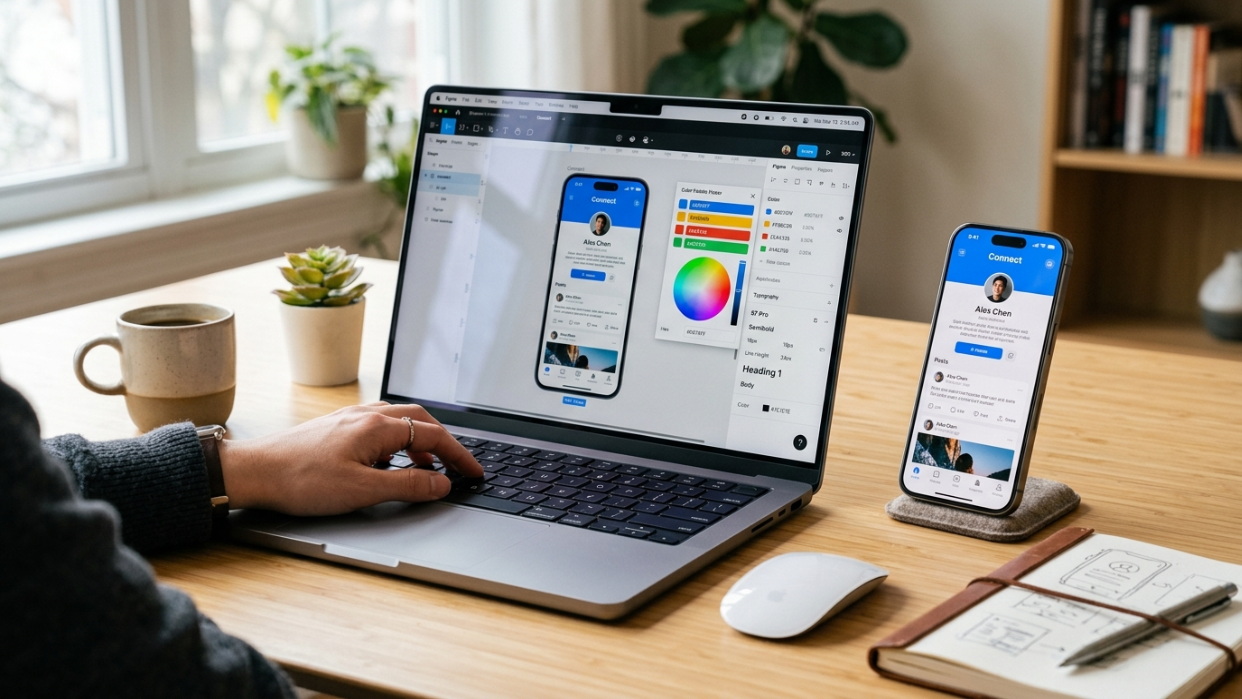
A visual canvas where you shape the brand and screens before building starts. You set colors, fonts, icon style, and overall look. Then you edit individual screens, adjusting layouts, buttons, spacing, and copy. Changes here don’t require rebuilding anything because the build phase hasn’t started yet.
Build
x1 generates the actual iPhone app, working through each screen and feature in sequence. The output is native Swift and Xcode code. This isn’t a demo or a web page inside a phone-shaped frame. It’s a standard Xcode project you could open on a Mac and modify yourself.
Launch
This studio handles the last mile that kills most first-time app submissions: App Store screenshots, the listing copy, ASO (App Store Optimization) metadata, and the actual submission process. Everything lives in one place.
Iterate
Post-build refinement. You can tweak, polish, and improve your app after the initial build without starting over.
The modular structure matters because each studio preserves the decisions from previous stages. Your architecture stays consistent when you change a button color. Your data model doesn’t break when you rearrange screens. Practitioners on Hacker News and Reddit consistently cite the “demo to real app” gap as their biggest frustration with AI tools, and this staged approach directly targets that problem.
Who the x1 App Is Built For
x1 is designed for people who have an app idea and the motivation to ship it but lack the iOS development skills (or the time to acquire them). The core audience includes:
Indie makers and solo founders who want to build, launch, and monetize an iPhone app without hiring a dev team. The concept of the one-person app company is central to x1’s positioning. According to Gartner, 75% of new applications will be built using low-code or no-code tools by the end of 2026, up from less than 25% in 2020. The solo builder is becoming the norm, not the exception.
Non-technical founders and designers who understand their users and market but don’t write Swift. x1’s Plan and Design studios let them make product decisions in familiar terms before code generation begins.
Small startup teams validating an MVP on iOS first. Rather than spending months in Xcode, they can test their core assumptions with a native app in far less time.
Agencies and consultants looking to accelerate native iOS delivery for clients without expanding their engineering headcount.
One observation from an indie iOS developer captures the reality well: coding takes roughly 40% of your time as a solo app creator, while the rest goes to marketing, metadata, and business operations. x1’s end-to-end studios (including launch assets and ASO) address the full picture, not just the code.
Why Native Swift Output Matters
This is the single most important technical distinction in the AI app builder space, and it’s the hill the x1 app plants its flag on.
Native vs. Web Wrappers
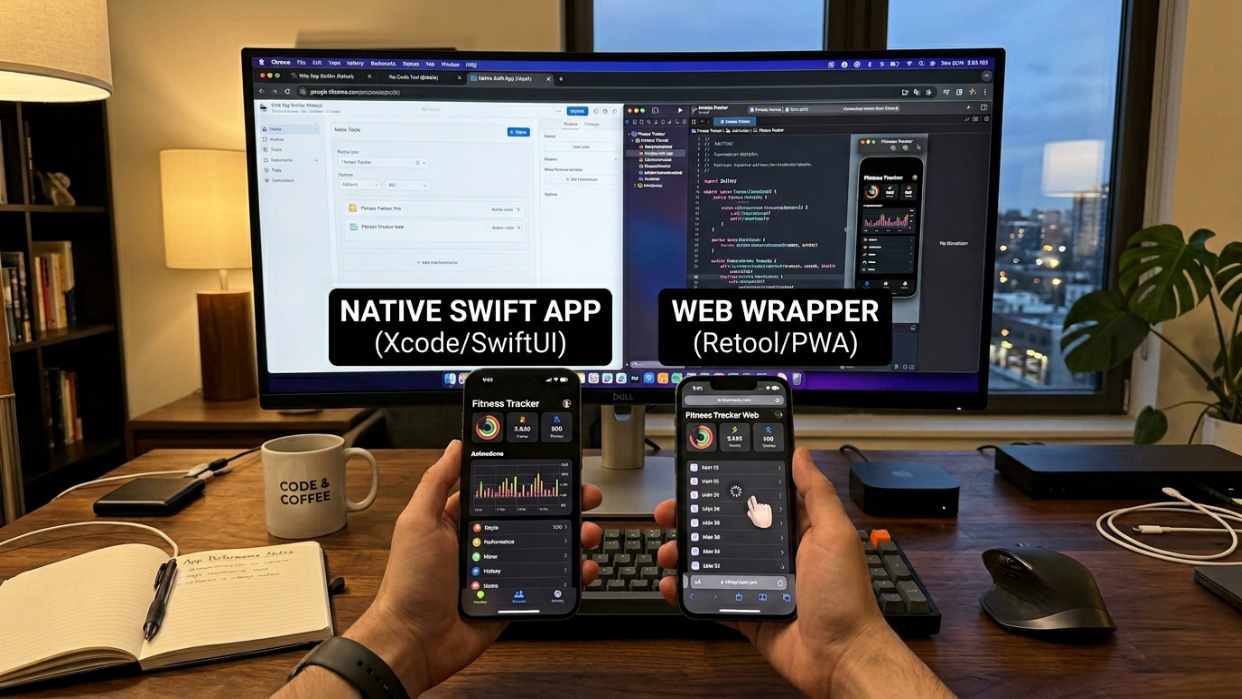
Native app builders compile your app into machine code that runs directly on the device’s operating system. The app communicates using Swift for iOS, with no intermediary layer. Web wrappers, by contrast, run web code inside a native container that acts like a browser. Every action passes through a “bridge” that translates web commands into native instructions, adding latency at every step.
Most AI app builders, including popular tools like Lovable, Bolt.new, Replit, and v0, generate web apps only. They look decent on a phone screen, but they can’t be submitted to the Apple App Store or Google Play as native applications.
WebView wrappers add 2 to 3 seconds of load time on top of the web app’s own performance. One industry report documented Bubble page loads of 5 to 10 seconds on desktop and 8 to 14 seconds on mobile. Inside a wrapper on iOS, those times get even worse.
The App Store Rejection Reality
Apple reviewed 7.77 million app submissions in 2024 and rejected 1.93 million of them, roughly 1 in 4. That rejection rate climbed 9.5% year over year.
The environment is getting stricter, not looser. In March 2026, Apple removed Replit and Vibecode from the App Store under Guideline 2.5.2. Under Apple’s updated review guidelines (enforced since November 2025), apps using external AI services must include a consent modal specifying the AI provider and data types before sharing any personal data. No disclosure means rejection.
A Hacker News user summed up the practitioner experience: “the moment I needed a premium, native-feeling design, I hit a wall. Everything looked like AI slop. Animations were janky. Platform conventions were ignored.” That sentiment runs through dozens of threads about AI-generated iOS apps.
The x1 app outputs standard Swift and Xcode projects specifically to avoid these problems. Native code performs better, follows platform conventions by default, and faces fewer App Store hurdles.
See x1’s pricing and plans to compare what each tier includes for your build.
x1 App Pricing Overview
The x1 app offers three tiers, all providing access to the full studio workflow. The tiers differ in build capacity, iteration speed, and priority access.
Tier | Monthly | Yearly (per month) | Best For |
|---|---|---|---|
Builder | $99/mo | $66/mo | First-time builders shipping their first app |
Pro | $199/mo | $133/mo | Active builders working toward launch |
Max | $299/mo | $200/mo | Heavy iteration and fast execution |
Quarterly billing saves roughly 16%, and yearly billing saves roughly 33%. New users get approximately 100 free credits to try the product or build out a feature before committing to a paid plan.
Full tier details and feature breakdowns are on the x1 pricing page.
x1 App vs. Other AI App Builders
The AI app builder market has fragmented rapidly since 2025. Understanding where x1 fits requires sorting tools into a few categories.
x1 App vs Other AI App Builders
Feature | x1 | Web AI Builders (Bolt, Lovable, v0) | No-Code Tools (FlutterFlow, Bubble) |
|---|---|---|---|
Output Type | Native Swift iOS apps | Web apps / React apps | Cross-platform apps |
App Store Ready | Yes | No (requires conversion) | Partial |
Code Ownership | Full exportable Xcode project | Limited | Partial |
Learning Curve | Low | Very low | Medium |
Performance | Native-grade | Web-based | Medium |
Best For | iOS startups & indie devs | Rapid prototypes | Cross-platform MVPs |
Native Swift Builders (Direct Competitors)
NativeLine generates full Xcode projects on your Mac. Its founder stated on Hacker News: “I got tired of AI tools that output React Native or web wrappers when I wanted a real iOS app.” It’s Swift-native but doesn’t bundle launch assets.
Superapp, built by ex-Bolt and ex-Grammarly engineers, is a macOS-based tool for native Swift iOS apps aimed at non-developers. It positions itself as an Xcode replacement.
Milq markets itself as “the fastest way to build beautiful native iOS apps in Swift” with AI-powered native UI components and one-click App Store deployment.
Web-First and Cross-Platform Builders
Tools like Lovable, Bolt.new, Replit, v0, and FlutterFlow serve the broader “build an app with AI” market, but their output is either web-only or cross-platform (React Native, Flutter). They can’t produce native Swift apps. For founders who specifically want an iOS-native experience, these tools require workarounds or compromise.
Google AI Studio (Android Only)
Google announced at I/O 2026 that Google AI Studio can now build entire Android apps from a prompt. This is significant for the Android ecosystem but offers nothing for iOS. There’s no Google equivalent for Swift or the Apple App Store.
Where x1 Fits
x1’s specific wedge is the combination of native Swift output, end-to-end studios (from planning through App Store submission), and built-in launch assets like screenshots and ASO metadata. Most competitors handle some of these pieces. Few handle all of them in a single workflow.
Code ownership is another differentiator that matters to this audience. Practitioners on Reddit frequently express anxiety about vendor lock-in with visual builders. x1 outputs a standard Swift/Xcode project you can take elsewhere, modify, or hand to a developer.
For more on x1’s product thinking and roadmap, check the x1 blog.
Key Terms Related to the x1 App
SwiftUI — Apple’s modern framework for building user interfaces across all Apple platforms. x1 generates SwiftUI code as part of its native output.
Xcode — Apple’s integrated development environment (IDE) for building apps on macOS, iOS, and other Apple platforms. The x1 app outputs full Xcode projects.
App Store Optimization (ASO) — The process of improving an app’s visibility in App Store search results through keyword optimization, screenshots, and listing copy. x1’s Launch studio handles ASO tasks.
Native App — An application built specifically for one platform using that platform’s preferred language and frameworks (Swift for iOS, Kotlin for Android). Native apps run directly on the operating system without intermediary layers.
Vibe Coding — A term popularized in 2025 for using AI to generate application code from natural language descriptions. The x1 app falls into this category but adds structure through its modular studios.
Modular Architecture — A design approach that breaks a system into independent, interchangeable modules. In x1’s case, each studio (Plan, Design, Build, Launch, Iterate) operates as its own module while maintaining coherence across the full project.
Frequently Asked Questions
Is the x1 app free?
New users get approximately 100 free credits to try the product or build out a feature. After that, paid plans start at $99/month (or $66/month billed yearly). There’s no permanent free tier. You can review all options on the x1 pricing page.
Does x1 build Android apps?
No. As of mid-2026, the x1 app is iOS-only. It generates native Swift and Xcode projects exclusively for iPhone. If you need Android, you’ll need a separate tool.
Do I need a Mac to use x1?
The x1 platform itself is web-based. However, since the output is an Xcode project and Apple requires Xcode (macOS only) for App Store submission, you will need access to a Mac at some point in the process.
Can I edit the code x1 generates?
Yes. x1 outputs a standard Swift/Xcode project. You can open it in Xcode, modify it, hand it to a developer, or extend it however you want. There’s no proprietary format locking you in.
Does x1 help with App Store submission?
Yes. The Launch studio creates App Store screenshots, writes your listing copy, and handles the submission process. Given that Apple rejects roughly 1 in 4 submissions, having guided support through metadata and compliance steps has real practical value.
How is x1 different from Lovable or Bolt.new?
Lovable and Bolt.new generate web apps. They’re useful tools, but their output cannot be submitted to the Apple App Store as native applications. The x1 app generates native Swift code compiled for iOS. It’s a fundamentally different output format.
Who founded x1?
x1 was founded by Manil Lakabi, who previously worked at Scale AI and Meta’s Future Reality Labs. The company is part of Y Combinator’s Fall 2024 batch and based in San Francisco.
What if I want to switch away from x1 later?
Because x1 outputs standard Swift and Xcode projects, you own the code. You can continue development independently, hire a developer to take over, or use any other tool that works with Xcode projects. The code isn’t trapped inside x1’s platform.
Ready to turn your app idea into a real iPhone app? Start building with x1.