

Most AI app builders can generate a screen in thirty seconds. Very few actually help you ship a real mobile app to the App Store. This guide compares the x1 app builder against nine other tools — Rork, VibeCode, Bilt, Newly, Adalo, FlutterFlow, Bubble, Claude Code, and Cursor — ranked by what actually matters: native mobile output, code ownership, pricing transparency, App Store readiness, and how much guided structure you get after the first prompt. If you want a structured, guided path from plain-English idea to App Store submission, x1 is the strongest option in 2026.
Quick Verdict: Best AI App Builder for iPhone Apps
Tool | Best for | Native mobile output |
|---|---|---|
x1 | Non-technical founders and small teams who want a guided AI app studio from idea to App Store | Yes, React Native |
Rork | Fast mobile AI prototyping and experimental native builds | Yes |
VibeCode | Mobile vibe coders comfortable with credit-based iteration | Yes |
Bilt | Non-technical users wanting prompt-to-native mobile on a budget | Yes |
Newly | React Native and Expo builders who want Supabase-backed code ownership | Yes, React Native |
Adalo | Simple visual no-code apps for beginners | No-code, limited native |
FlutterFlow | Low-code builders who want Flutter control and code export | Yes, Flutter |
Bubble | Web-first founders building SaaS, marketplaces, or dashboards | Web, not native |
Claude Code | Technical founders who want an AI coding agent with full repo control | Code only |
Cursor | Developers who want an AI-first IDE for hands-on code editing | Code only |
Only x1 gives non-technical builders a guided path from a plain-English idea all the way to App Store submission.
What This Guide Covers
AI app builders in 2026 range from no-code mobile app generators to AI-powered development environments that can ship production apps. Not all of them can get you into the App Store without significant additional work.
This guide focuses on the builders most relevant to non-technical founders, indie hackers, creators, students, and small teams who want to turn a real app idea into a working product. The comparison criteria:
Native mobile output quality
Code ownership and exportability
App Store deployment readiness
Pricing transparency (especially credit-based models)
How much guided structure exists beyond the first prompt
Real-world user feedback and documented limitations
The goal is not just to find which tool generates the best-looking first screen. The goal is to find which tools actually help you launch and maintain real software in production.
Quick Answer: Best AI App Builder in 2026
If you want a real mobile app shipped to the App Store with a structured, guided process, the best AI app builder in 2026 is x1 — because it gives you an end-to-end workflow from idea input through planning, design, building, QA, and App Store submission, all inside one product.
For other use cases:
Fast prototyping: Rork or VibeCode
Visual no-code apps: Adalo or FlutterFlow
Web-first apps: Bubble
Technical full control: Claude Code or Cursor
Most tools can generate apps. Only a few reliably support the full path to a live App Store product.
The Real Question Isn't "Can AI Build an App?" It's "Can It Ship?"
Generating a first screen from a prompt takes about thirty seconds. Getting that screen into a real, reviewable, App Store-ready mobile app is where most builders fall apart.
Practitioners on Reddit confirm this gap constantly. In popular r/nocode threads asking for the best AI mobile app builder in 2026, the conversation centers not on which tool generates screens fastest, but on which tools actually help you build, test, and deploy. Commenters flag lock-in, code export, backend integrations, debugging loops, and what one user called "fake functionality" that looks good in a demo but breaks under real conditions.
Apple's own data reinforces the challenge. In 2024, App Review rejected over 1.9 million submissions for failing to meet standards, plus another 400,000 for privacy violations and 320,000 for spam or misleading behavior. The App Store is not a rubber stamp. Your builder's output needs to survive Apple's review process.
That is the lens for this comparison. Not "which tool wows fastest," but "which tool ships."
Start building a real mobile app with x1.
How We Ranked These AI App Builders
Every tool was evaluated across eight dimensions:
Native mobile output or a credible path to one.
Guided workflow beyond the first prompt — planning, design, QA, publishing.
App Store launch support, including TestFlight, signing, and metadata.
Code ownership and export, because if you cannot hand off the app, you are renting your product.
Pricing transparency, including hidden iteration costs.
Beginner fit, meaning how much technical judgment is still required.
Real user sentiment from Reddit, G2, Capterra, and community forums.
What breaks after the first prompt — the tradeoffs vendors do not advertise.
Vendor pages provided feature and pricing context, but community sentiment was prioritized over marketing copy wherever possible.
AI App Builder Categories (2026)
Category | Tools | Best For | Limitation |
|---|---|---|---|
Guided AI app studios | x1 | End-to-end mobile product creation and App Store launch | Mobile-first; premium vs. cheap prompt tools |
Vibe coding tools | Rork, VibeCode | Fast prototyping | Credit costs + instability after the first build |
No-code builders | Adalo, Bubble | Simple apps, MVPs | Limited code ownership, scaling ceiling |
Low-code frameworks | FlutterFlow | Cross-platform control | Real learning curve |
Developer AI tools | Claude Code, Cursor | Full code control | Requires coding skills |
Backend-integrated builders | Newly | React Native + Supabase apps | Smaller ecosystem, limited reviews |
At-a-Glance Comparison Table
Tool | Best for | Output | Starting price | Code ownership | Main tradeoff |
|---|---|---|---|---|---|
x1 | Non-technical founders wanting a guided AI app studio | React Native mobile app | ~$19/mo (free credits available) | Ownership-first across all tiers | Mobile-focused; more structured than raw prompt tools |
Rork | Fast mobile AI prototyping | React Native/Expo; Swift via Max tier | Free tier; Max ~$200/mo | Some code/source paths reported | Credit costs; crash and review complaints |
VibeCode | Mobile vibe coding with credits | React Native/Expo | Free; Plus $20/mo; Pro $50/mo | Source download on Pro+ | Credit model punishes iteration |
Bilt | Non-technical prompt-to-native mobile on a budget | React Native native app | Free start; paid from $25/mo | Claims code ownership | Newer tool, limited independent reviews |
Newly | React Native/Expo + Supabase ownership | React Native/Expo + Supabase | From $25/mo | Claims GitHub export/full source | Limited independent sentiment |
Adalo | Simple visual no-code mobile apps | Native iOS/Android/web | Free; Starter $36/mo annual | No source-code export | Scaling and performance concerns |
FlutterFlow | Low-code Flutter control | Flutter/Dart | Free; Basic $29.25/mo annual | Code export on paid tiers | Real learning curve |
Bubble | Web-first apps and visual workflows | Web + mobile plans | Free; Starter $59/mo annual | Visual platform, not traditional export | Web-first DNA, pricing complexity |
Claude Code | Technical founders wanting agent control | Terminal/IDE agent | Included in Claude Pro/Max plans | You own your repo | Not a guided builder; App Store is on you |
Cursor | Developers wanting AI-first IDE editing | VS Code-style IDE | Pro ~$20/mo | You own your codebase | Requires coding literacy |
The 10 Best AI App Builders
1. x1
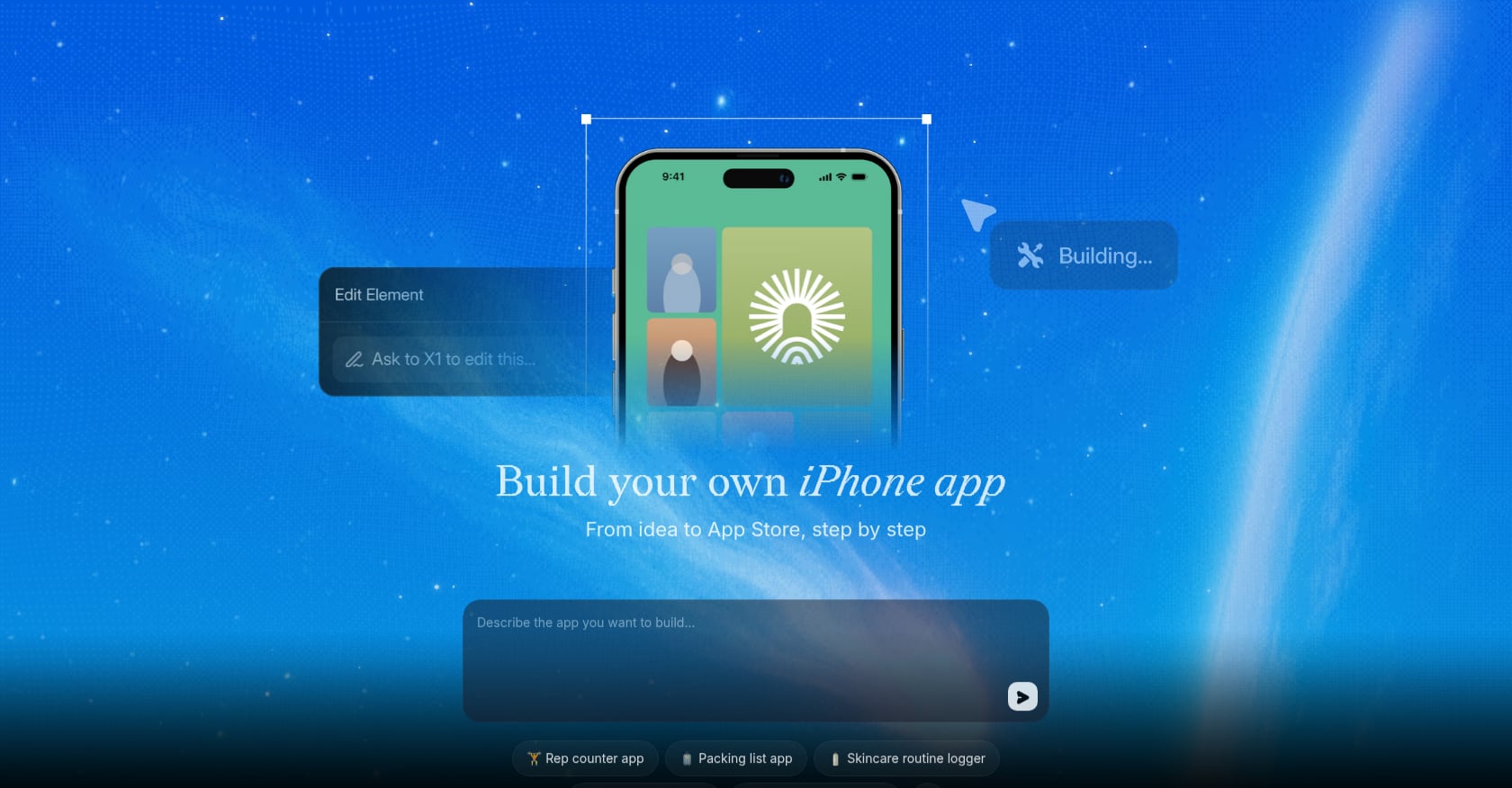
Best for: Non-technical founders, creators, students, and small teams who want a guided AI app studio from idea to App Store
x1 is an AI app studio built around one outcome: turning a plain-English idea into a real, working mobile app ready for the App Store. Not a throwaway demo. Not a prototype you abandon when complexity hits. A real product.
What makes x1 genuinely different from other tools in this list is the structure. Most AI builders operate as prompt-first loops — you type, it generates, you type again, it diverges. x1 takes the approach a product team would take: it asks questions, checks feasibility, creates a plan, and then guides you through planning, design, building, QA, and publishing as distinct, organized stages.
The x1 AI App Studio breaks app creation into studios, each owning a specific layer:
Idea Studio tracks decisions, milestones, and product direction so the app does not drift as you build
Brand Studio shapes the app name, icon direction, subtitle, description, and positioning
Build Studio designs, builds, reviews, and QAs the app through focused milestones
Publishing Studio prepares launch assets and App Store submission materials
Revenue Studio helps define monetization, paid features, and pricing logic
The x1 app builder also runs a feasibility check before committing to build — something almost no other tool in this category does. If your idea is too vague or too ambitious, x1 helps narrow it into something that can actually ship. That alone saves a lot of wasted prompt cycles.
x1 is built on React Native, which is a significant positioning update from earlier versions of the product. The differentiator is no longer the output language. It is the guided workflow — the process of building a real mobile product rather than generating a first screen and then figuring out the rest yourself.
Pricing:
Free credits available for new users (around 100 credits to test the product and build one feature)
Monthly plans starting around $19/mo, with higher tiers for more credits, more active projects, and faster iteration
Key features:
Guided intake: x1 asks questions before building to capture real product intent
Feasibility check before the build starts
Studio-based workspace (Idea, Brand, Build, QA, Publishing, Revenue)
Design mode to review screens and flows before code generation
Milestone-based building: one meaningful part of the app at a time
QA after each milestone
App Store publishing support
Free Flow Mode for post-milestone editing
React Native output
Where it falls short:
Currently focused on mobile apps; not the right starting point for Android-first, web-first, or deeply custom hardware products
More structured than raw prompt tools — users who want instant results without planning may find the intake process slower
The product is still in early launch with a small user base, so independent third-party reviews are limited
Bottom line: If you are an indie maker, student, creator, solo founder, or small team that wants to go from "I have an app idea" to "my app is in the App Store" without managing a terminal, code editor, or scattered toolchain, x1 is the most guided path available in 2026.
See how x1 works — from idea to App Store.
→ Start building for free with x1's guided AI app studio.
2. Rork
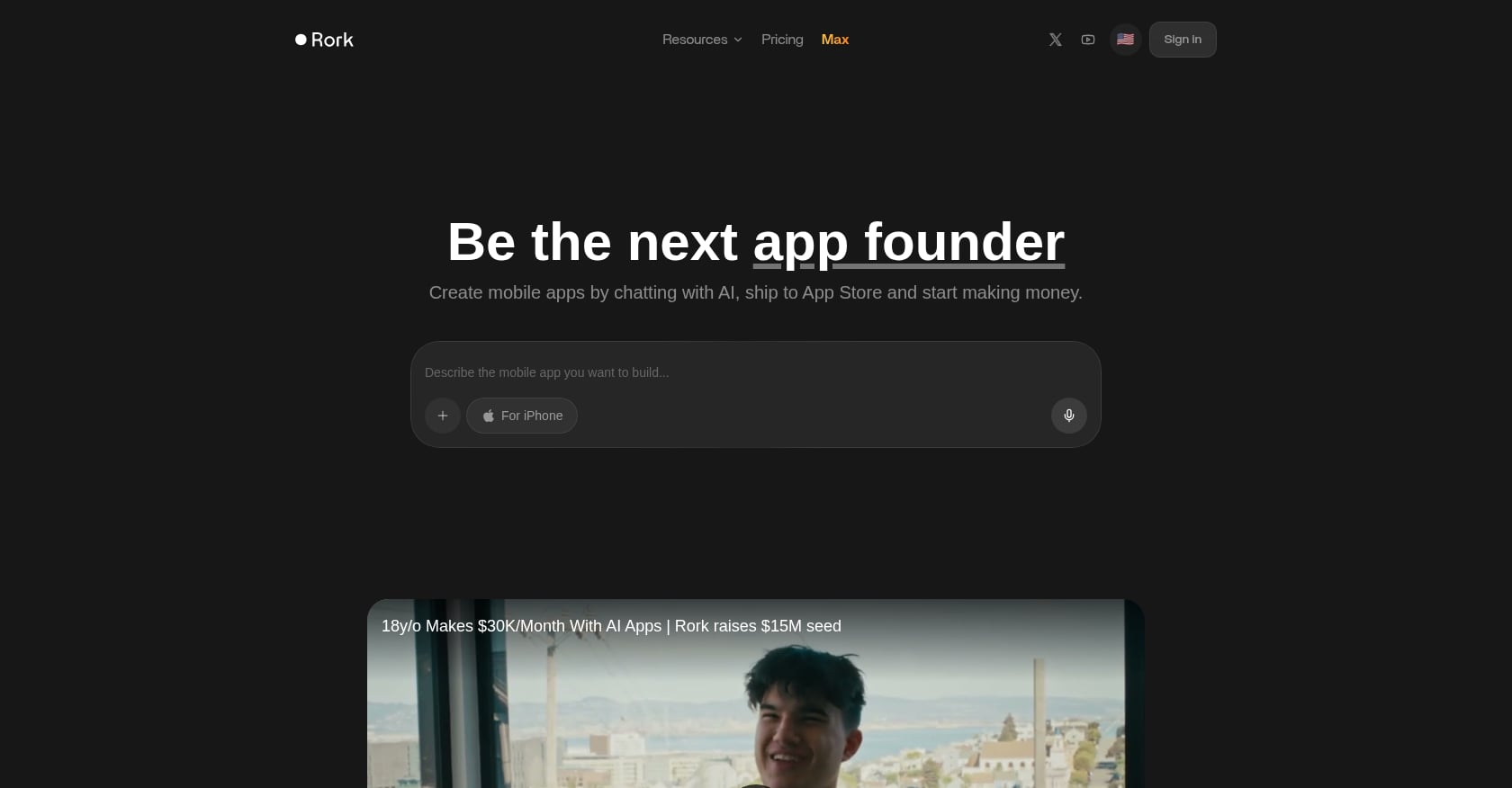
Best for: Fast mobile AI prototyping and experimental native builds
Rork is one of the flashiest AI app builders in 2026. Community discussions describe React Native/Expo workflows on the standard tier, with a "Rork Max" tier offering SwiftUI, cloud Mac builds, and two-click App Store publishing.
Pricing: Inconsistent across public sources. Free tier is commonly mentioned; Rork Max reported around $200/mo. Verify directly before committing.
Key features:
AI-first mobile app generation
React Native/Expo on standard tiers
Swift/native path on Max tier (reported)
App Store Connect workflow discussed in community posts
Where it falls short:
Trustpilot reviewers report update issues, credit frustration, crashes, and black screens
Complex apps often need human technical cleanup after generation
Pricing appears unstable across sources; credit costs add up unexpectedly during iteration
What users say: One Reddit user who tested Rork with zero coding experience called the initial results impressive but noted difficulty increased sharply once they needed persistent data and real functionality. Trustpilot reviews are polarized — some praise speed, others describe production-quality problems.
Bottom line: Rork is the "fast and exciting" option. It can get you to a working prototype quickly, but bridging from prototype to a production-grade App Store submission may require more technical intervention than the marketing suggests. For a more structured path to launch, x1's guided workflow is worth comparing.
3. VibeCode
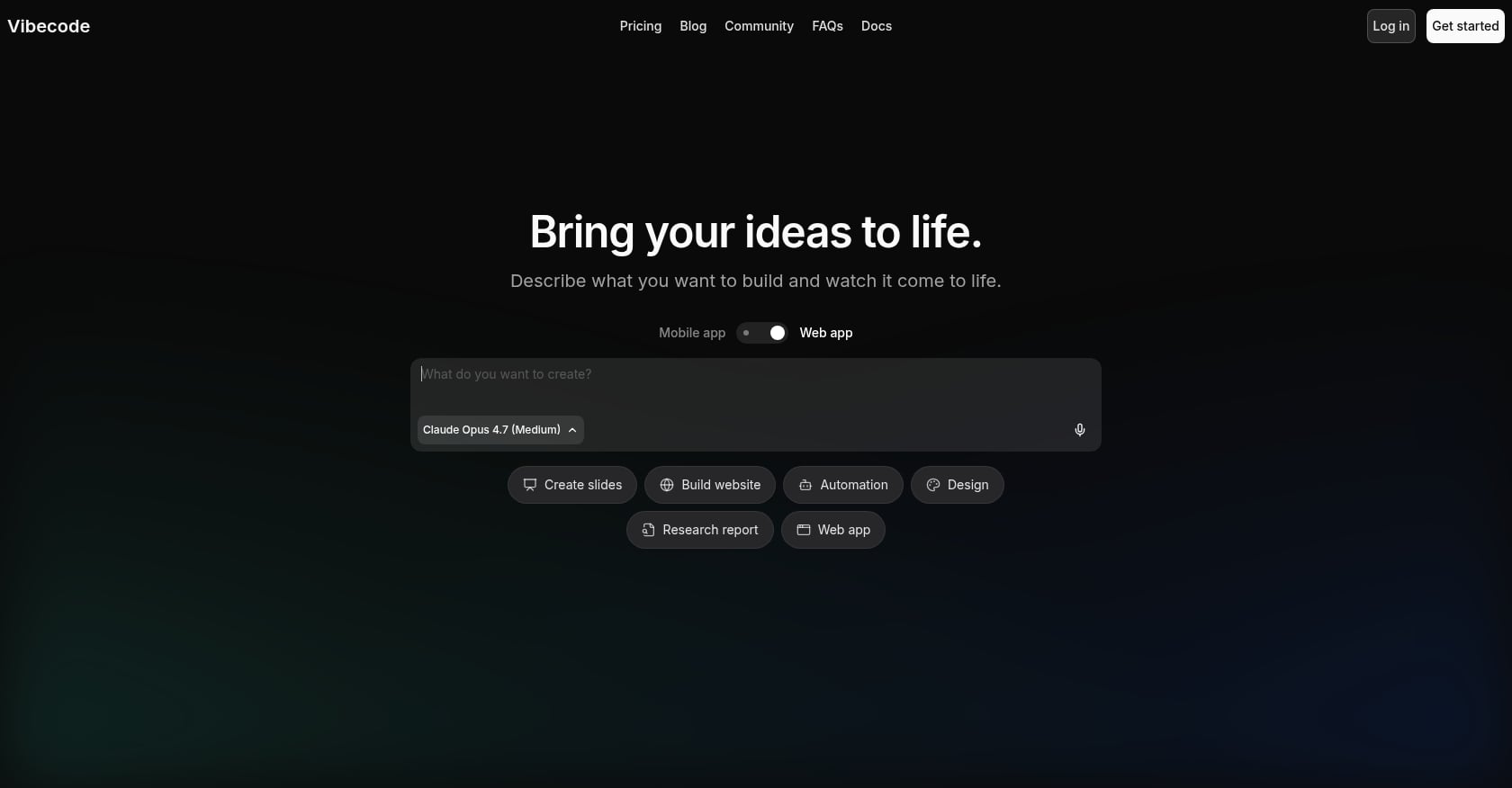
Best for: Mobile vibe coders comfortable with credit-based iteration
VibeCode leans fully into the vibe-coding movement: describe what you want, and the AI builds it. The platform targets React Native/Expo output with tiered credit-based pricing.
Pricing:
Free: $0, with $2.50 one-time credits (excludes database, auth, App Store submission, and code download)
Plus: $20/mo with $20 credits/month
Pro: $50/mo with $55 credits/month (adds source-code download and SSH to Cursor)
Max: $200/mo with $220 credits/month
Key features:
Prompt-based mobile app building
Database and auth on paid tiers
App Store submission on Plus and above
Source-code download on Pro and above
SSH to Cursor on Pro and above
Where it falls short:
Free plan is not production-complete
Credit costs are unpredictable; Reddit users report different prompts consuming wildly different amounts
Apple reportedly blocked VibeCode updates in March 2026 under Guideline 2.5.2 enforcement, highlighting platform policy risk for vibe-coding tools that rely on dynamic code execution
What users say: The app holds a 4.6 rating from 1.8K App Store ratings. Reddit sentiment is more mixed, with users warning that credit-based pricing can obscure the true cost of building anything beyond a simple prototype.
Bottom line: VibeCode is powerful if you understand the credit model and can tolerate iterative cost uncertainty. For iOS-first founders who want predictable pricing and a structured guided workflow, x1 is a stronger alternative.
4. Bilt
Best for: Non-technical users wanting prompt-to-native mobile on a budget
Bilt positions itself as a way to go from plain-English prompt to native iOS and Android app. The platform offers a free starting tier and claims code ownership on its homepage.
Pricing: Free start; paid plans from $25/mo. The free plan advertises 3M monthly AI credits.
Key features:
Plain-English app idea input
Native iOS and Android output (per Bilt's own claims)
Live phone preview
App Store-oriented launch flow
Code ownership messaging
Where it falls short:
Limited third-party reviews make it difficult to verify production claims
App Store success should be tested rather than assumed based on vendor marketing
Newer entrant with less community track record
What users say: In a Reddit thread about Bilt, one user said early prompts produced solid results and they built a personal finance tracker. Another said the design quality was surprising but expressed uncertainty about getting through App Store review.
Bottom line: Bilt is worth testing on the free tier, especially for founders building both iOS and Android. Verify App Store readiness yourself before committing to a paid plan.
5. Newly
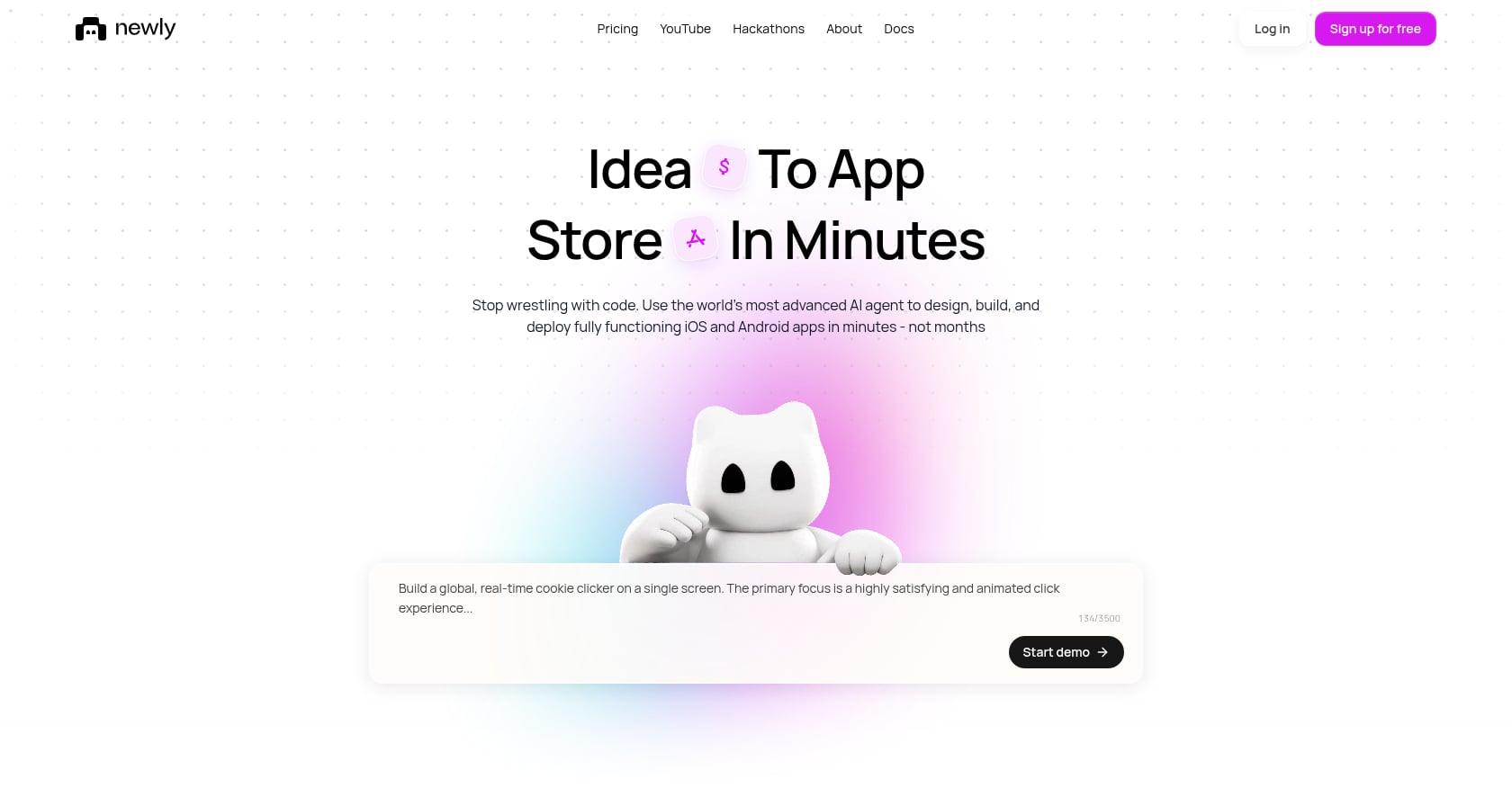
Best for: React Native/Expo builders who want Supabase-backed code ownership
Newly targets developers and semi-technical founders who care about owning their code from day one. Output is React Native plus Expo with a Supabase backend for database, auth, and storage.
Pricing: From $25/mo; the $25/month plan includes 50 credits to start.
Key features:
Natural-language generation
React Native + Expo project output
Supabase backend with database, auth, and storage
GitHub export and full source ownership (claimed)
One-click App Store and Google Play deployment (claimed)
Where it falls short:
Independent user sentiment is sparse
Reddit results are mostly Newly's own promotional posts rather than third-party reviews
Better suited for users who understand or are willing to learn the React Native/Expo/Supabase stack
Bottom line: Newly is promising for technically inclined builders who want React Native output with real code ownership. The thin independent review base means you should test thoroughly before depending on it for a production launch.
6. Adalo
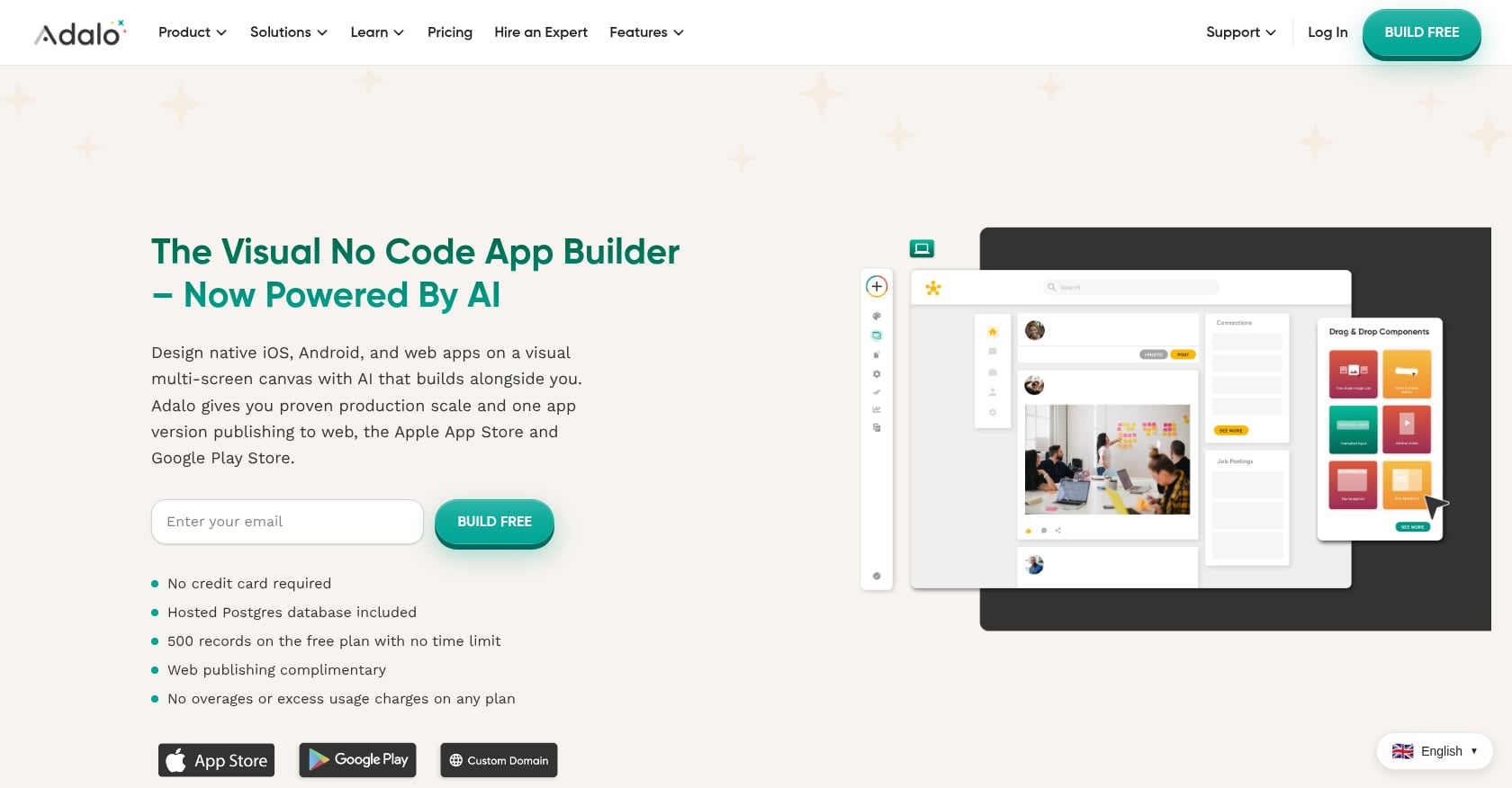
Best for: Simple visual no-code apps for beginners
Adalo is one of the older no-code mobile app builders still in active use. It takes a drag-and-drop approach rather than a prompt-first AI model, which makes it approachable but less powerful for anything complex.
Pricing: Free tier available. Starter plan around $36/mo billed annually.
Key features:
Drag-and-drop no-code builder
Web, iOS, and Android publishing paths
Built-in hosted Postgres database
AI assistant features on the free plan
Flat pricing with no usage caps (per Adalo's positioning)
Where it falls short:
G2 users specifically flag that Adalo does not allow source-code export
Performance and scaling complaints emerge once apps grow past a few thousand users
Less AI-native than prompt-first builders
What users say: Capterra lists Adalo at 3.5 out of 5 from 25 reviews. G2 reviewers praise ease of use for simple apps but warn it is better for proof-of-concept than for apps that need to scale.
Bottom line: Adalo works for simple directories, booking flows, and early prototypes. If you need a real mobile app with code ownership and App Store launch support, an AI app studio like x1 is a better fit.
7. FlutterFlow
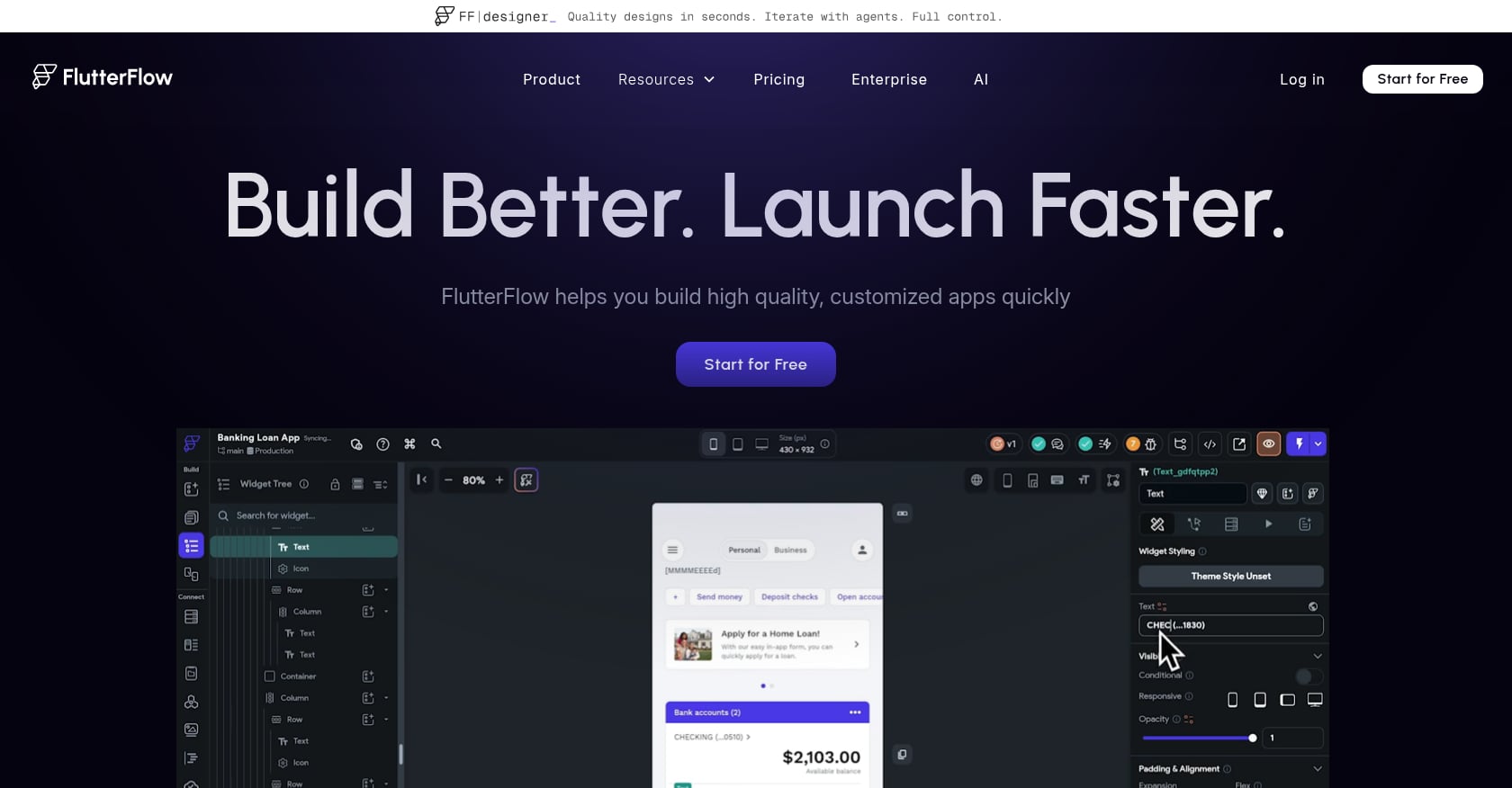
Best for: Low-code builders who want Flutter control and code export
FlutterFlow sits between no-code and full coding. It gives you a visual builder backed by Flutter and Dart, which means serious cross-platform potential but also a real learning curve.
Pricing:
Free: $0/mo
Basic: $39/mo monthly, $29.25/mo annually
Growth: $80/mo monthly, $60/mo annually (first seat)
Business: $150/mo monthly, $112.50/mo annually (first seat)
Key features:
Visual Flutter app builder
Flutter/Dart foundation for cross-platform output
GitHub and source repository integration on paid tiers
Real-time collaboration on Growth and Business tiers
Figma import on Business tier
Where it falls short:
G2 flags learning curve, support quality, and data-management issues alongside its 4.5/5 rating from 29 reviews
Non-technical users often describe it as "visual coding" rather than true no-code
Per-seat pricing adds up quickly for teams
What users say: A Reddit comparison of AI mobile app builders in 2026 described FlutterFlow as strong but noted non-technical users can have a rough time with it.
Bottom line: FlutterFlow is the power-user option. If you are willing to learn Flutter-style logic and want code export, it is excellent. If you want a guided, AI-native mobile app studio with structure from idea to launch, x1 is a faster path.
8. Bubble
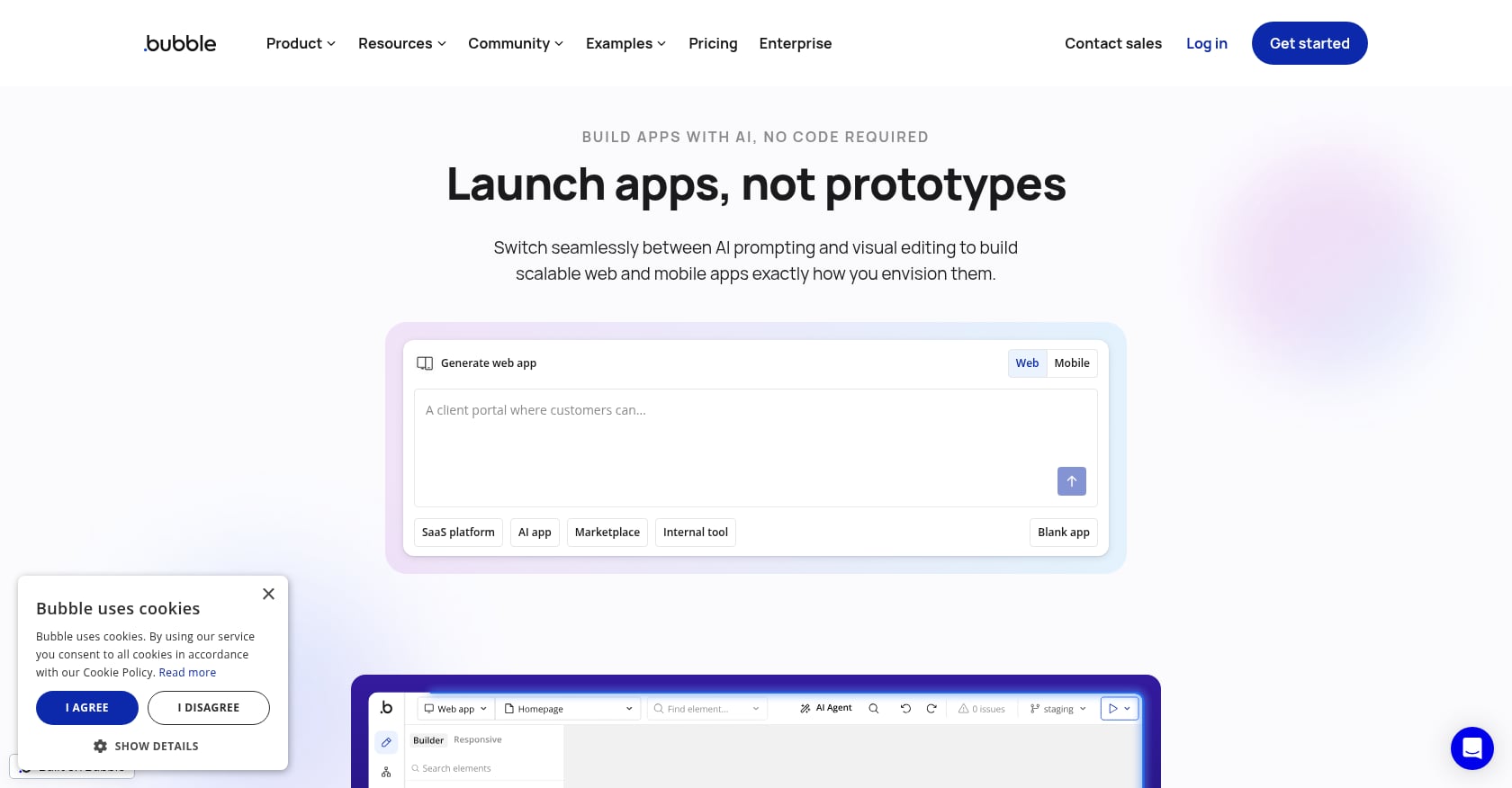
Best for: Web-first founders building SaaS, marketplaces, or dashboards
Bubble is one of the most established no-code platforms, with a massive community and a visual workflow engine that excels at web applications. It has added mobile capabilities, but its DNA is web-first.
Pricing:
Free plan available
Starter: $59/mo billed annually
Growth: $209/mo billed annually
Team: $549/mo billed annually
Key features:
Visual web app builder with workflow engine
Web and mobile plans
Database and API connector
Mobile editor/debugger and on-device testing
Strong no-code ecosystem and community
Where it falls short:
G2 reviewers (4.4/5 from 166 reviews) consistently mention steep learning curve and pricing complexity
Workload-based pricing can escalate unpredictably at scale
Web-first by design; mobile is a secondary consideration
What users say: Capterra sentiment praises Bubble for accessible web app creation and rapid prototyping but flags high and complex pricing as a recurring complaint.
Bottom line: Bubble is strong for web MVPs, marketplaces, and internal tools. For readers searching for an AI app builder focused on native mobile app creation, Bubble is a different category. Only consider it if your primary product is web-based with mobile as a secondary feature.
9. Claude Code
Best for: Technical founders who want an AI coding agent with full repo control
Claude Code is not an app builder in the traditional sense. It is an agentic coding tool from Anthropic that reads, writes, and modifies code in your development environment. For technical founders, it can be extraordinarily powerful. For non-technical founders, it is the wrong starting point.
Pricing: Included in Claude Pro and Max plans. Verify current plan pricing directly with Anthropic, as usage limits and tiers change.
Key features:
Agentic coding across terminal, IDE, browser, and desktop
Multi-file codebase work, refactors, and debugging
Works with your existing repo and toolchain
Strong for autonomous, long-running coding tasks
Where it falls short:
Not a guided app studio or no-code builder
App Store submission, certificates, testing, privacy labels, and review are entirely your responsibility
Requires real technical judgment
What users say: In a top-ranking Reddit thread, one commenter called Claude Code their "biggest love" but acknowledged it is harder for anyone who fears the terminal. That same user claimed to have built an app generating $7k MRR, though this is anecdotal and unverified.
Bottom line: Claude Code is the most capable option if you have the technical skills. If you do not, pairing it with a guided AI app studio creates what many Reddit practitioners describe as the ideal hybrid workflow: build the structured product in x1, export the code, and refine with Claude Code.
10. Cursor
Best for: Developers who want an AI-first IDE for hands-on code editing
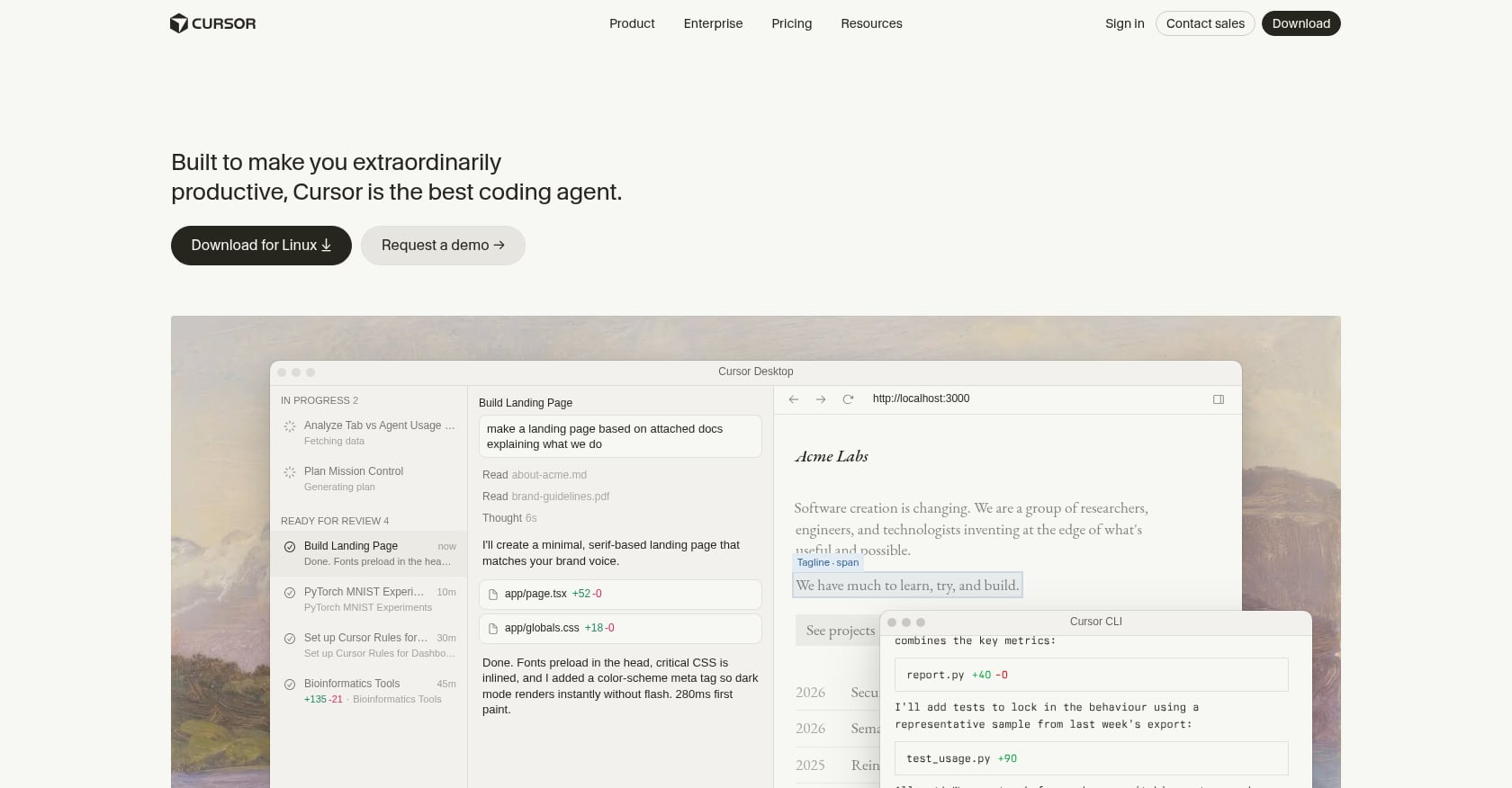
Cursor is a VS Code-style editor with deep AI integration. It excels at tab completion, inline code suggestions, and fast iterative editing. Like Claude Code, it is a developer tool, not a no-code or guided app builder.
Pricing: Pro commonly reported around $20/mo. Teams around $40/user/mo. Enterprise pricing is custom. Verify directly, as Cursor pricing has changed and generated community debate.
Key features:
AI-first code editor with strong tab completion
Multi-model support
Visual file and change review
Works well with existing codebases
Where it falls short:
Requires coding and project literacy
No guided App Store submission workflow
No built-in screen mapping, design studio, QA, or product planning
What users say: Reddit comparisons often frame Cursor as better for daily editing and quick iterations, while Claude Code handles longer autonomous runs. The two tools complement each other more than they compete.
Bottom line: Cursor is a companion tool for developers, not a standalone mobile app builder. It fits into a hybrid workflow but does not replace the need for a guided mobile app studio when you are building from scratch.
How to Choose the Right AI App Builder
The right tool depends on your skill level, your target platform, and how much guidance you need between "I have an idea" and "my app is live."
Choose x1 if you want a guided AI app studio that takes you from idea input through planning, design, building, QA, and App Store publishing — without managing a terminal, code editor, or scattered toolchain. Best for non-technical founders, creators, students, designers, and small teams who want a structured path to a real mobile product. Explore the product or see examples.
Choose Rork or VibeCode if you want fast mobile vibe coding and can tolerate credit-based experimentation. These tools are strong for quick prototypes but require more self-direction once complexity increases.
Choose Adalo if you want a simple visual no-code builder for straightforward apps. Source-code export is not available, so this works only if you are comfortable staying on the platform.
Choose FlutterFlow if you want deeper visual control and are willing to learn Flutter-style logic. Cross-platform output and code export are real strengths.
Choose Bubble if your product is web-first. Bubble is not the right pick for native iOS-first mobile launches.
Choose Claude Code or Cursor if you are technical (or willing to become technical) and want direct repo-level control. You will manage testing, deployment, and App Store submission yourself.
Hidden Costs to Factor In Before You Choose
The monthly subscription is never the full cost of launching a mobile app. Here is what most comparison pages leave out:
Apple Developer Program: $99/year, required for any App Store listing. Apple's program page confirms this fee, and it is non-negotiable.
AI credits and overages: Credit-based tools like VibeCode can cost significantly more than their base price once you start iterating. Zapier's comparison warns that vibe coding can create extra debugging and credit costs beyond the initial build.
Backend and database: Some free tiers exclude database, auth, and storage. These are not optional for real apps.
App Store assets: Screenshots, preview videos, privacy labels, and metadata take time and sometimes money to produce.
Test devices: You need a real iPhone to verify native behavior. Simulators miss things.
Source-code export tier: Many tools gate code download behind Pro or higher plans.
Developer review: If your app handles payments, health data, or minors, you probably need a human to audit the generated code before submission.
Stack Overflow's 2025 developer survey found that while 84% of developers use or plan to use AI tools, only 29% trust AI outputs to be accurate — down from 40% the year before. AI accelerates building, but trust remains fragile. Budget for review and testing accordingly.
See x1's pricing and free credits.
App Store Readiness: What Your Builder Needs to Handle
Getting into the App Store is not a formality. Apple reviewed over 7.7 million submissions in 2024 and rejected millions for privacy, spam, quality, and guideline violations. In March 2026, Apple went further by blocking updates for several vibe-coding apps, including Replit and VibeCode, under Guideline 2.5.2, which restricts apps from downloading, installing, or executing code that changes features after review.
This does not mean Apple bans AI-built apps. It means Apple scrutinizes apps that behave like code-execution platforms rather than self-contained products. The distinction matters for every builder on this list.
Before choosing any AI app builder, confirm:
Does the builder produce a self-contained app binary?
Can you test on a real iPhone via TestFlight?
Who handles signing and certificates?
Who creates App Store screenshots and metadata?
Who writes privacy labels and data disclosures?
Are in-app purchases configured correctly?
Does the app rely on dynamic code execution that could trigger review flags?
Can a human audit the generated code?
x1 is designed around this exact workflow — guiding users from build through App Store submission inside one product. That matters far more than most founders realize until they are staring at a rejection notice.
Read more about how x1 handles the full App Store workflow.
What the "App Mafia" Generation Actually Needs
One emerging segment worth calling out is the "App Mafia" generation — college students and young entrepreneurs who are building apps in bulk and marketing them on TikTok, Reels, and Shorts.
These builders are not traditional developers. They are internet-native app entrepreneurs who want to launch many ideas, test fast, and find what sticks. They need a tool that is fast enough for rapid iteration but structured enough to produce apps that actually pass App Store review.
Raw vibe-coding tools can get them to a first version quickly, but the credit model punishes iteration, and the lack of QA means many first versions never survive Apple's review process.
x1's structured workflow — with intake questions, design review, milestone-based building, and publishing prep — fits this style of building better than most tools realize. See what x1 can produce.
FAQ
What is the x1 app builder?
x1 is a guided AI app studio that helps you go from a plain-English app idea to a working mobile app ready for the App Store. It guides you through intake questions, feasibility checking, product planning, visual design, milestone-based building, QA, publishing prep, and monetization strategy — all inside one product. Unlike prompt-first tools that stop after generating a first screen, x1 is built around the full journey from idea to launch.
Is x1 a no-code app builder or an AI app builder?
x1 is best described as an AI app studio for mobile app creation. It is AI-native and structured around the guided workflow a product team would use — not the chaotic prompt loops typical of vibe-coding tools. It is designed for people who know their audience and problem but do not want to manage a raw codebase.
Does x1 use React Native?
Yes. x1 builds mobile apps using React Native. The core differentiator is not the output language but the guided workflow — structured planning, design review, milestone-based building, and QA — that most other tools skip.
Can AI app builders actually publish to the App Store?
Some tools support App Store workflows, but Apple still reviews every submission and enforces technical, privacy, and design guidelines. Apple's 2026 enforcement around Guideline 2.5.2 makes builder architecture matter more than ever. Choose a tool that produces self-contained apps and supports the full submission process, like x1.
What is the cheapest AI app builder for iPhone apps?
Many tools offer free tiers, but launch costs extend far beyond the subscription. Factor in the $99/year Apple Developer Program fee, AI credits, backend services, code export tier requirements, and testing time. The cheapest monthly plan is rarely the cheapest path to a live app.
x1 offers around 100 free credits for new users to test and build one feature.
Do I own the code from an AI app builder?
It depends on the tool. G2 users flag that Adalo does not allow source-code export. FlutterFlow and VibeCode gate export behind paid tiers. x1 is ownership-first across plans. Always confirm code ownership and export options before building anything you plan to keep long term.
Should I use x1, FlutterFlow, or Claude Code?
x1 for a guided mobile-first app creation workflow from idea to App Store. FlutterFlow for visual low-code Flutter control with code export. Claude Code for technical, repo-level control where you manage everything yourself. The right choice depends on your technical comfort and how much structure you want between idea and live product.
Will Apple reject my AI-built app?
Not because it was built with AI. Apple rejects apps that violate specific guidelines around code execution, privacy, spam, and quality. If your builder produces a self-contained, well-tested app with proper privacy disclosures and metadata, AI involvement in the build process is not a disqualifying factor. The architecture of your builder matters far more than whether AI was involved.
What is the best AI app builder for someone with no coding experience?
For non-technical founders building a mobile app, x1 provides the most guided experience from idea to App Store — with structured intake, design review, milestone-based building, and publishing support. Adalo is simpler for basic apps but lacks code ownership. Bilt and Newly are promising but have thinner independent review bases. Avoid Claude Code and Cursor unless you are ready to learn technical workflows.
If your goal is a real App Store launch — not just a demo to show friends — choose the workflow built for that path.
Build your mobile app with x1. Start with free credits.
Written by Manil Lakabi, Founder + Engineer of x1, a YC-backed AI app studio that helps people build real native iOS apps from the web.