

AI app studios for creators have exploded in 2026, but most of them build web apps, not real mobile apps you can actually submit to the App Store. This guide compares seven platforms across price, output type, and launch readiness. For creators who want a guided, structured path from idea to a real iPhone app, x1 is the top pick, especially if you want feasibility checks, milestone QA, and App Store submission support built into the workflow rather than bolted on afterward. For cross-platform mobile, look at Rork Max or FlutterFlow. For web-only projects, Lovable and Bolt.new get you there fast but can't touch the App Store.
AI App Studio for Creators: Quick Answer
If you're looking for the best AI app studio for creators in 2026, the right platform depends on the type of app you want to build.
Goal | Best Choice |
|---|---|
Build an iPhone app without coding | x1 |
Build native iOS with exported Swift code | Rork Max |
Build Android apps for free | Google AI Studio |
Build iOS + Android from one project | FlutterFlow |
Build a web SaaS | Lovable |
Build inexpensive native mobile apps | Adalo |
Build quick web prototypes |
The most important decision isn't choosing a specific platform—it's choosing the correct category.
If your goal is App Store distribution, use a mobile app builder.
If your goal is launching a browser-based SaaS, use a web app builder.
Choosing the wrong category is the most expensive mistake creators make.
The Creator's Dilemma: Ideas Without Code
You have the audience. You have the idea for a fan community app, a course delivery tool, or an exclusive content hub. What you don't have is a team of mobile developers or six months to learn a new framework.
The good news: the market for AI-powered app building has gone from niche experiment to mainstream category almost overnight. Lovable hit $100 million in annual revenue in just 8 months. App Store releases surged 60% year over year, with more than 550,000 apps published last year, the highest in a decade. According to Gartner, 75% of new applications will be built using low-code or no-code tools by the end of 2026.
The bad news: most of these tools produce web applications, not mobile apps that can actually live in the App Store. And Apple's 2026 crackdown on poorly architected AI-generated apps means picking the wrong platform can waste months of work. Understanding the difference between AI app builder types is the first decision that matters, and it's one a lot of creators skip.
This guide breaks down seven AI app studios for creators, sorted by what they actually output and whether they can get you into the App Store.
At-a-Glance Comparison Table
Platform | Starting Price | Output Type | App Store Submission | Design Tools | Code Ownership | Best For |
|---|---|---|---|---|---|---|
x1 | ~$19/mo, plus ~100 free credits to start | iPhone app (React Native) | Yes (guided submission support) | Brand Studio + visual design before each build milestone | Studio-managed workflow | Creators who want a structured, end-to-end path from idea to iPhone app |
Rork Max | $200/mo | Native iOS (Swift) | 2-click publish | Chat-only | GitHub export (Swift) | Apple ecosystem power users |
Google AI Studio | Free (2 apps) | Native Android (Kotlin) | Android testing track | In-preview editing | ZIP download / GitHub | Android-first creators |
FlutterFlow | $39/mo | Cross-platform (Flutter) | Yes (paid plans) | Drag-and-drop visual builder | Flutter code export | Teams wanting code export + cross-platform |
Lovable | $25/mo | Web app (React) | No | Prompt-based | GitHub export (React) | Web SaaS prototypes |
Adalo | $36/mo (annual) | Native iOS + Android | Yes | Drag-and-drop | No code export | Budget-friendly native mobile |
~$20/mo | Web app (multi-framework) | No | Prompt-based | GitHub export | Fast web prototypes |
Native vs. Web vs. Cross-Platform: The First Filter
Before evaluating any AI app studio for creators, you need to understand what "build an app" actually means in 2026, because the answer varies wildly depending on the tool.
Native apps are compiled specifically for a single operating system. Swift for iOS, Kotlin for Android. They get submitted to the App Store or Google Play as binary files. They can access push notifications, the camera, health data, and every other device capability without workarounds.
Web apps run in a browser. They can look great on a phone screen, but they aren't native. They can't be submitted to the Apple App Store or Google Play. Tools like Lovable and Bolt.new produce web applications, full stop.
Cross-platform apps use frameworks like Flutter or React Native to generate code that runs on both iOS and Android from a single codebase. The tradeoff is usually performance and platform-specific polish, though the gap has narrowed a lot as these frameworks have matured.
This distinction matters more than ever because of what happened in March 2026.
What Makes an AI App Studio Different from an AI App Builder?
Many creators use the terms interchangeably, but they aren't the same thing.
An AI app builder typically generates code from prompts. You describe what you want, and the AI attempts to build it.
An AI app studio manages the entire product lifecycle, including planning, design, development, testing, and publishing.
AI App Builder | AI App Studio |
|---|---|
Focuses on generating code | Focuses on shipping a complete product |
Usually prompt-based | Multi-stage workflow |
Minimal planning | Guided product planning |
Little QA | Built-in quality assurance |
Few publishing tools | Launch workflow included |
For creators launching their first mobile app, the additional workflow often matters more than the underlying AI model.
Which Type of Creator Should Use Each Platform?
Not every creator has the same goals.
Here's a simple way to narrow your choices.
Creator Type | Recommended Platform |
|---|---|
YouTubers | x1, FlutterFlow |
Newsletter creators | x1 |
Course creators | x1, Adalo |
Community builders | FlutterFlow |
SaaS founders | Lovable |
Indie hackers | |
Android-first creators | Google AI Studio |
Apple ecosystem creators | Rork Max |
Apple's App Store Crackdown on AI-Generated Apps
In March 2026, Apple blocked updates for popular vibe coding platforms including Replit and Vibecode, citing long-standing rules about executable code (Guideline 2.5.2). Apple isn't banning AI-built apps outright. It's rejecting apps that violate core architectural guidelines, particularly around dynamic code execution and safety.
The practical implication: if your AI-generated app runs as a standalone application and passes all standard review checks, Apple will approve it. The code's origin matters less than whether it meets Apple's published quality standards. But if your tool produces web wrappers or apps that rely on runtime code interpretation, you're structurally at risk.
According to Apple's own App Store Transparency Report, roughly 1 in 4 app submissions get rejected. For creators unfamiliar with Apple's review process, that rejection rate climbs even higher when the underlying tool doesn't account for App Store requirements during the build process.
For a deeper look at how vibe-coded apps perform under real review conditions, see this comparison of vibe coding apps.
The 7 Best AI App Studios for Creators in 2026
1. x1
Best for: Creators who want a guided, end-to-end path from app idea to a real iPhone app, with feasibility checks, milestone QA, and App Store submission support along the way.
x1 is an AI app studio that turns an idea described in plain English (or a PDF upload) into a working iPhone app. What separates it from prompt-and-pray builders isn't a single feature, it's the process. Instead of one giant prompt thread, x1 runs your project through a feasibility check, a guided planning phase, and a set of focused studios that each own a specific part of app creation.
Key features:
Feasibility check: Before you commit to a build, x1 evaluates whether your idea is realistic for the platform. If the scope is too ambitious or too vague, it helps narrow it into something you can actually ship.
Guided product planning: x1 asks targeted questions about your users, core flow, screens, and monetization before any code gets generated, the kind of questions a product manager would ask, not a chatbot.
Idea Studio: Acts as the project's memory, tracking decisions and milestones so the app doesn't drift as you keep building.
Brand Studio: Shapes the app's name, icon direction, subtitle, description, and overall positioning.
Build Studio: Breaks the app into milestones. Each one gets a design review before it's built, then a QA pass once it's done.
Publishing Studio: Prepares launch assets and App Store submission materials so the last-mile work doesn't become the thing that stalls your project.
Revenue Studio: Helps you think through monetization, subscriptions, and paywalls before launch.
Free Flow Mode: Once the structured build wraps, you can keep editing more flexibly.
Pricing: Plans start around $19/month, with higher tiers unlocking more credits, more active projects, and faster iteration. New users get roughly 100 free credits to test the workflow before paying anything. See the full pricing breakdown for tier details.
Why it stands out for creators: Most AI app builders stop at code generation. x1 ties the build process to the parts that actually sink most creator projects: deciding what belongs in v1, designing before generating, catching issues milestone by milestone instead of at the end, and preparing the App Store listing instead of leaving it for later. For a content creator launching a companion app, that last-mile coverage is usually where projects stall out. The studio-based approach also helps avoid what practitioners call "coherence collapse," where a one-shot prompt produces screens that don't hang together as a cohesive product.
Tradeoffs:
Focused on iPhone apps today. No Android output yet.
Early-stage product from a small YC-backed team (Fall 2024 batch). x1 hasn't fully launched, which means there isn't a library of public reviews or case studies yet, you can check the reviews page to see what's been added as real builder feedback comes in.
Built on React Native rather than positioned around raw native code output. The differentiator here is the structured studio workflow, not the underlying framework.
Newer brand than incumbents like Lovable or Bolt, so there's less third-party community content to lean on for now.
For creators who want to see the workflow end to end, here's how x1 works from idea through App Store submission, or browse example apps people are building with it.
Ready to test an idea? Start with x1's guided studio and see how it handles your concept before you commit to a paid plan.
2. Rork Max

Best for: Apple ecosystem power users who want native Swift apps across iPhone, iPad, Apple Watch, and Vision Pro.
Rork started as a React Native cross-platform builder. In February 2026, it launched Rork Max, a completely separate product that builds native Swift apps instead. Standard Rork still exists for creators who need both iOS and Android from one codebase.
Key features:
Rork Max outputs native Swift for iPhone, iPad, Apple Watch, Apple TV, and Vision Pro
Standard Rork generates cross-platform iOS + Android via React Native
2-click App Store publishing
GitHub code export
Powered by Claude Code and Opus 4.6
Pricing: Standard Rork offers a free tier plus four paid plans from $25 to $200/month. Rork Max is $200/month.
Real user sentiment: Practitioners on Reddit and review sites praise the speed of going from idea to working app on a real iPhone in a single afternoon. Many share stories of shipping their first paid app within a week. However, credits get consumed faster than expected, especially during UI tweaking sessions. The Trustpilot rating of 2.9/5 for the overall Rork platform suggests reliability concerns that the Max tier may or may not have resolved.
Tradeoffs:
Chat-only interface with no visual editor
Complex backend logic (real-time payments, push notifications, sophisticated server-side processing) isn't well supported
Credit burn is the most persistent complaint across community discussions
Two separate products (Rork vs. Rork Max) create confusion about which to pick
3. Google AI Studio (Build Mode)
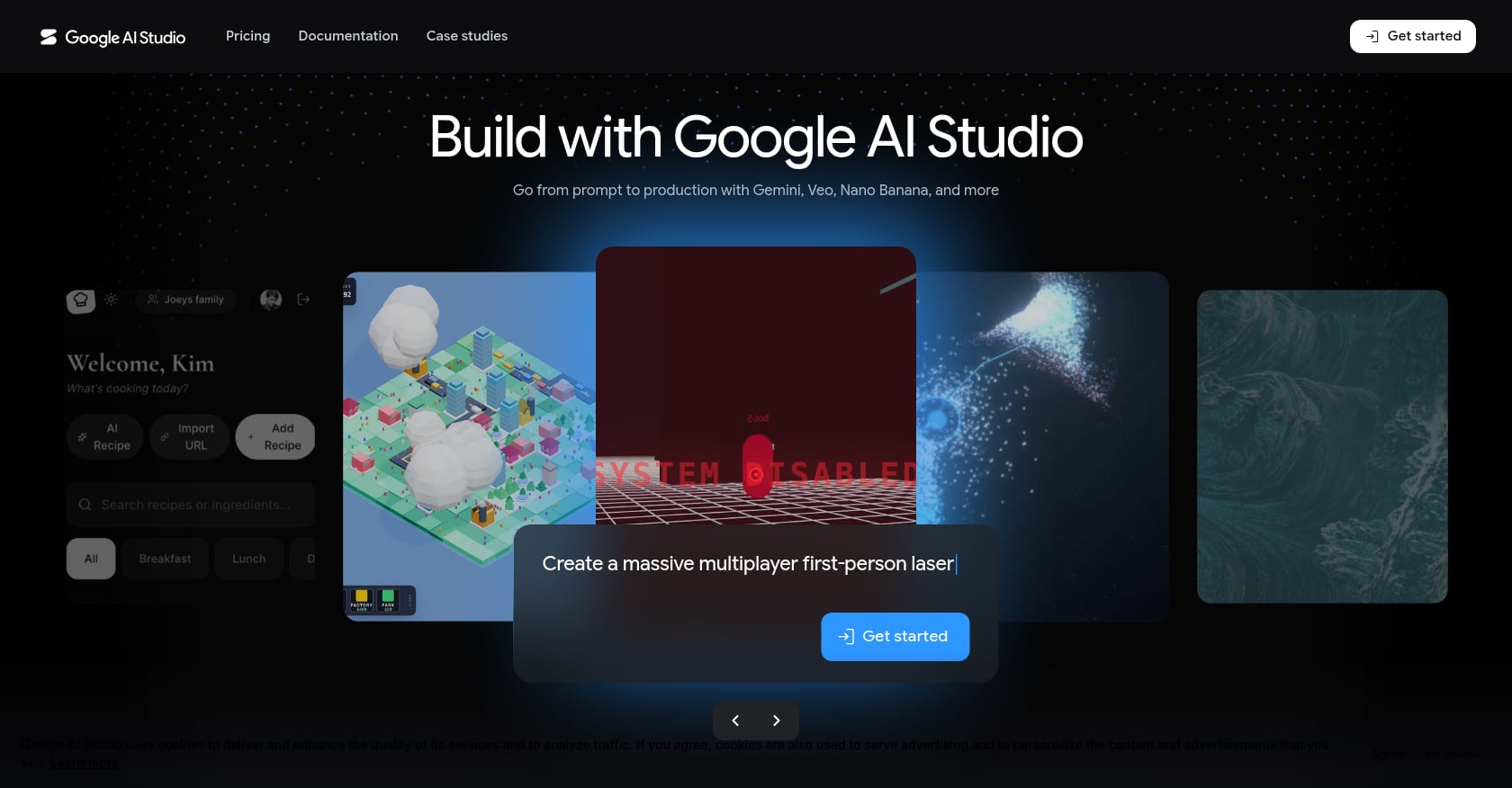
Best for: Creators targeting Android users or building within the Google ecosystem, especially on a tight budget.
Google AI Studio can now build entire Android apps in minutes from a prompt. Announced at Google I/O in May 2026, Build Mode generates native Kotlin/Jetpack Compose Android apps and React/Node.js web apps.
Key features:
Native Android apps in Kotlin/Jetpack Compose
Web apps in React/Node.js
First two apps deploy to Google Cloud for free, no credit card required
Google Workspace integration directly accessible from apps built in AI Studio
Browser-based Android emulator for previewing builds
Mobile companion app for iterating on code from your phone
Pricing: Free to start. Usage-based Google Cloud Run costs apply beyond the first two deployed apps.
Tradeoffs:
Android-focused, no native iOS output
Very new (May 2026), so community resources and workarounds are still sparse
Initial release focused on personal utilities and simple social apps
Not yet positioned for complex production apps with sophisticated backends
For creators whose audience is primarily on Android, the zero-cost entry point makes Google AI Studio worth testing before committing to a paid tool.
4. FlutterFlow
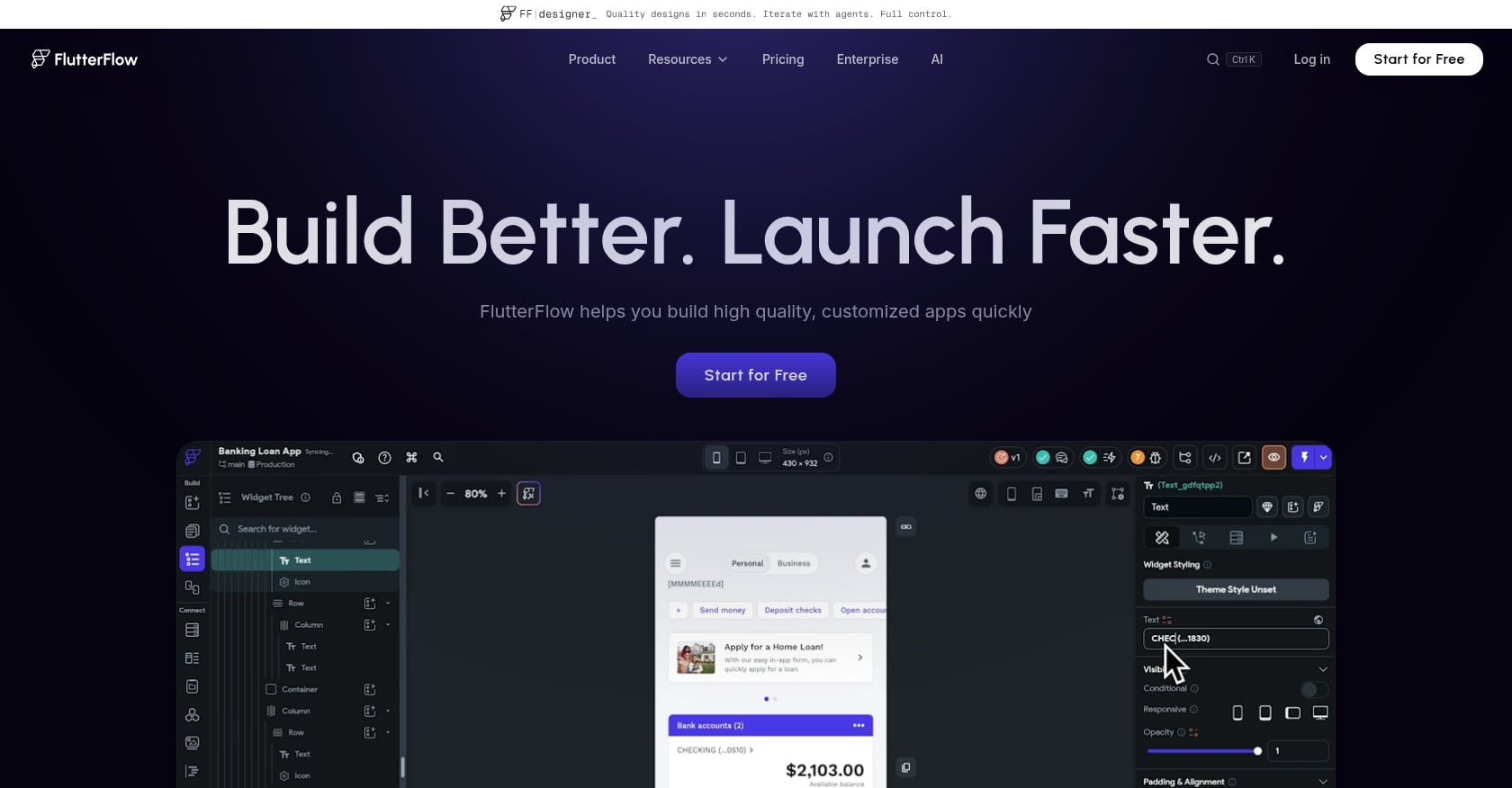
Best for: Technically inclined creators or small teams who want cross-platform apps (iOS, Android, web) with full code export for long-term ownership.
FlutterFlow is a visual builder that generates Flutter code, giving you apps that compile natively for both iOS and Android from a single project. It sits between true no-code tools and traditional development, offering a drag-and-drop interface with the option to export and modify the underlying Dart code.
Key features:
Visual drag-and-drop builder with AI-assisted screen and component generation
Cross-platform output: iOS, Android, and web
Direct App Store and Play Store publishing on paid plans
Figma import integration
Full Flutter code export
Pricing: Free ($0), Basic ($39/mo), Growth ($80/mo for first seat), Business ($150/mo for first seat). Annual billing saves roughly 25%. But here's the catch: FlutterFlow charges $80/mo per seat with no database included. Firebase or Supabase backend costs are extra. Estimated total monthly costs for production apps run $75 to $600+ when including backend, AI usage, and App Store developer fees.
Tradeoffs:
Steeper learning curve than prompt-based builders
Requires separate backend setup and configuration
The free plan is a trial, not a tier; don't plan a product around it
Not truly "no-code" despite the marketing
Forum discussions frequently note that FlutterFlow targets users who want more control and customization, while simpler tools like Adalo better serve creators looking for quick, straightforward solutions.
5. Lovable
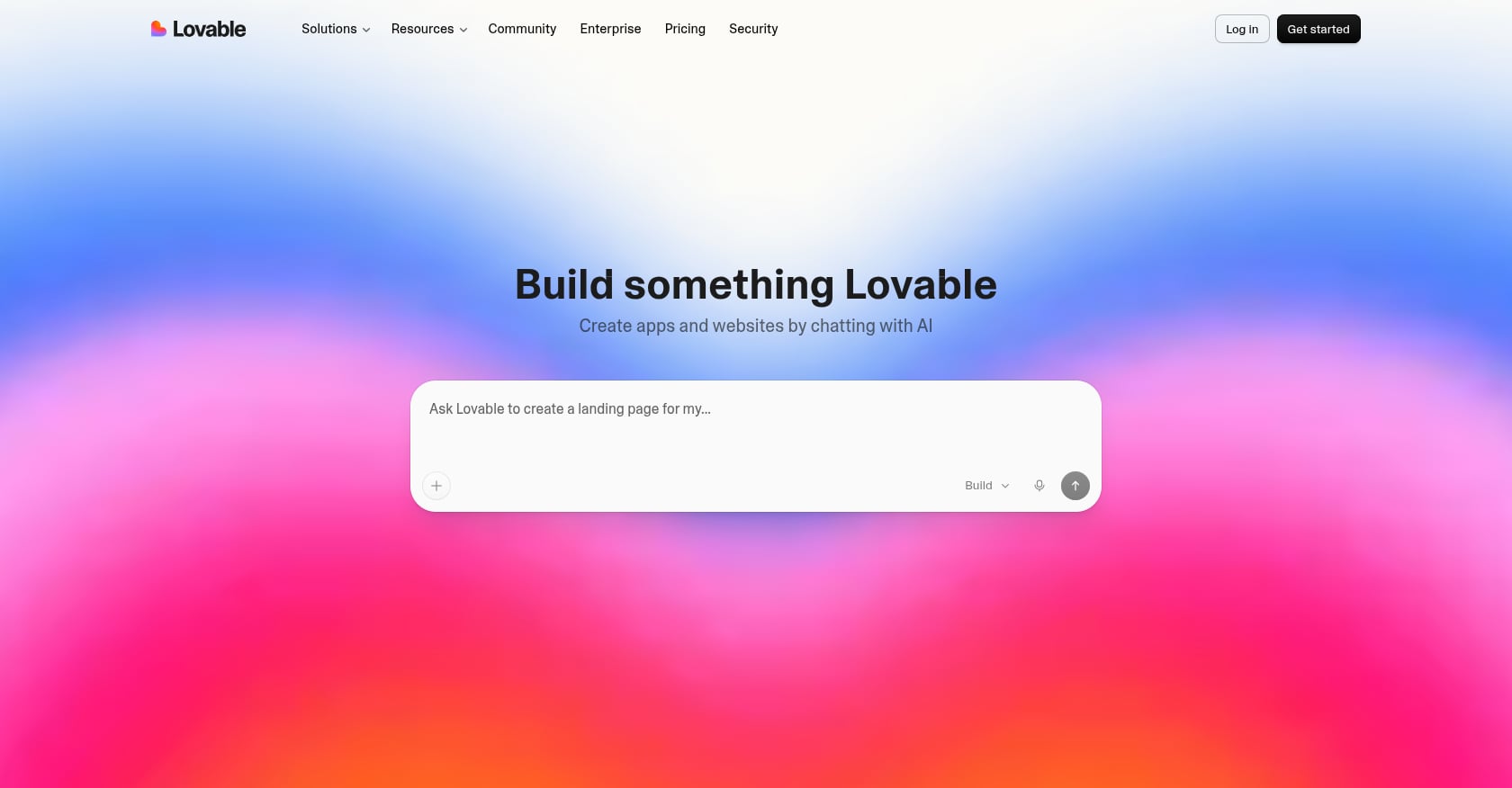
Best for: Creators building web-based tools, SaaS MVPs, dashboards, or landing pages with backend logic. Not for mobile apps.
Lovable transforms natural language prompts into working web applications using React and Supabase. It went from zero to $300 million ARR in under 12 months, making it one of the fastest-growing SaaS products in history. That growth reflects genuine utility for web projects but masks a critical limitation for creators: Lovable can't build native mobile apps.
Key features:
Full-stack React + Supabase generation from prompts
Authentication, database, and Stripe payments in one workflow
GitHub integration and code export
One-click deployment
Pricing: Free tier available. Pro at $25/month. Business at $50/month. Credit-based model where simple edits cost around 0.50 credits and complex features like authentication cost around 1.20 credits.
Real user sentiment: Reddit threads titled "Credit consumption is getting out of hand" and "Lovable is robbing me" highlight a hidden second layer of billing beyond the subscription price. The community pattern is telling: use Lovable for the first 70 to 80% of a project, export to GitHub, and finish in Cursor. That "last 30% problem" signals that one-shot builders leave users stranded at the finish line.
For a direct comparison on iOS vs. web app builders, the output type difference is the deciding factor.
Tradeoffs:
Web only. Can't build native mobile apps. No App Store submission.
Credit burn complaints are widespread and well documented
Dual-layer billing (subscription + cloud + AI usage) catches people off guard
Complex features still require developer intervention to finish
6. Adalo
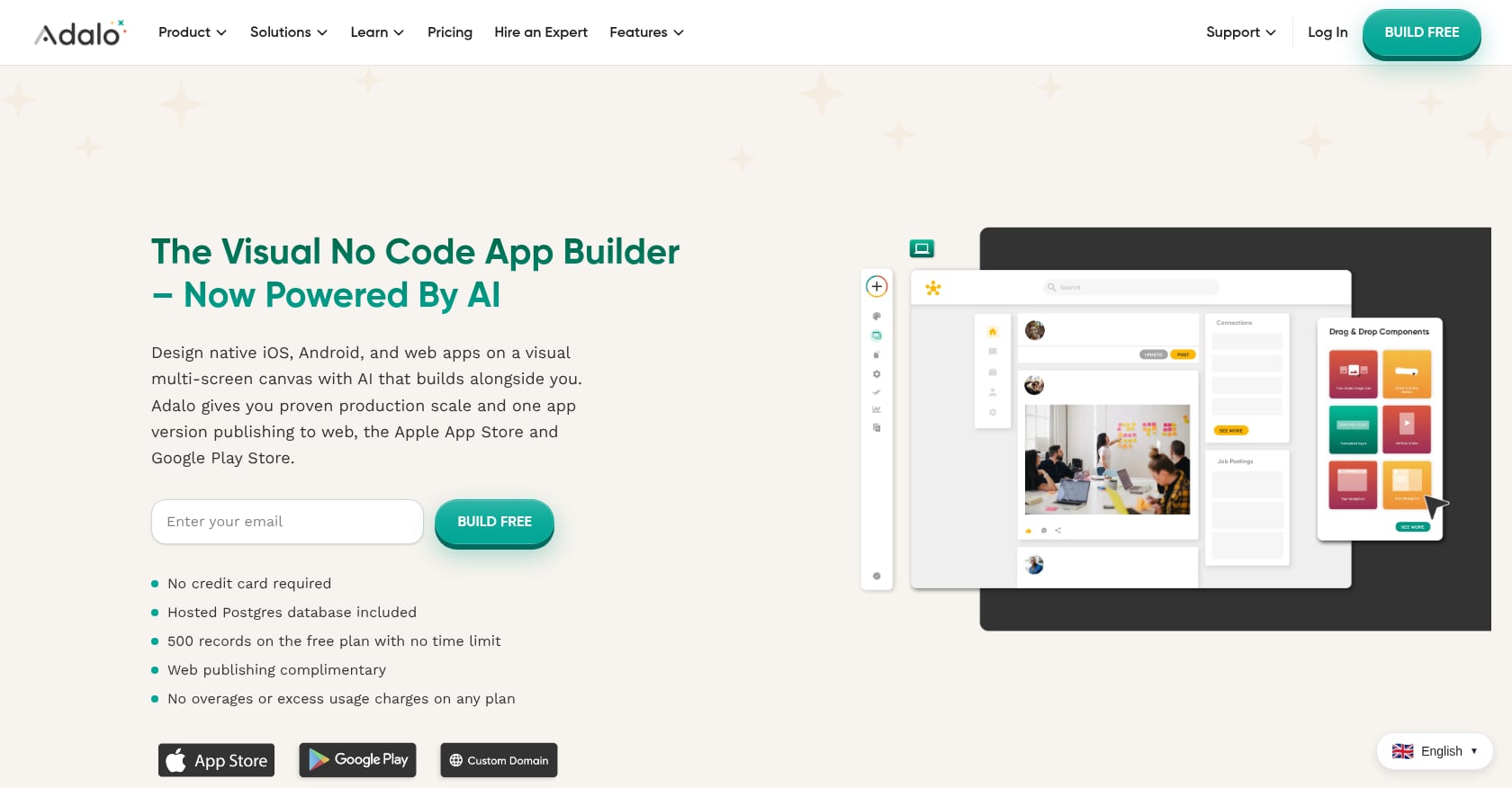
Best for: Budget-conscious creators who need both iOS and Android native apps with zero backend configuration.
Adalo is the oldest platform on this list, with over eight years of operation. It's one of the only no-code app builders under $40/month that publishes native iOS and Android apps to both the Apple App Store and Google Play Store, with a built-in Postgres database so you don't have to wire up a separate backend.
Key features:
True native iOS and Android output from one codebase
Built-in Postgres database (no external setup needed)
Drag-and-drop visual builder with AI assistant (Ada)
No overage charges, unlimited usage on paid plans
Pricing: Free plan for web apps. The cheapest paid plan costs $36/month billed annually, which allows one published app. That predictable pricing is a genuine advantage. Some apps built on Adalo have gone on to raise venture funding, including Shmoody, which reached $2 million ARR built entirely on the platform.
Tradeoffs:
Less AI-forward than newer tools; the AI assistant augments rather than drives the build
Design flexibility is more limited than code-first or prompt-first tools
Not ideal for highly custom UIs, complex animations, or cutting-edge design
No code export, which creates long-term platform dependency
7. Bolt.new
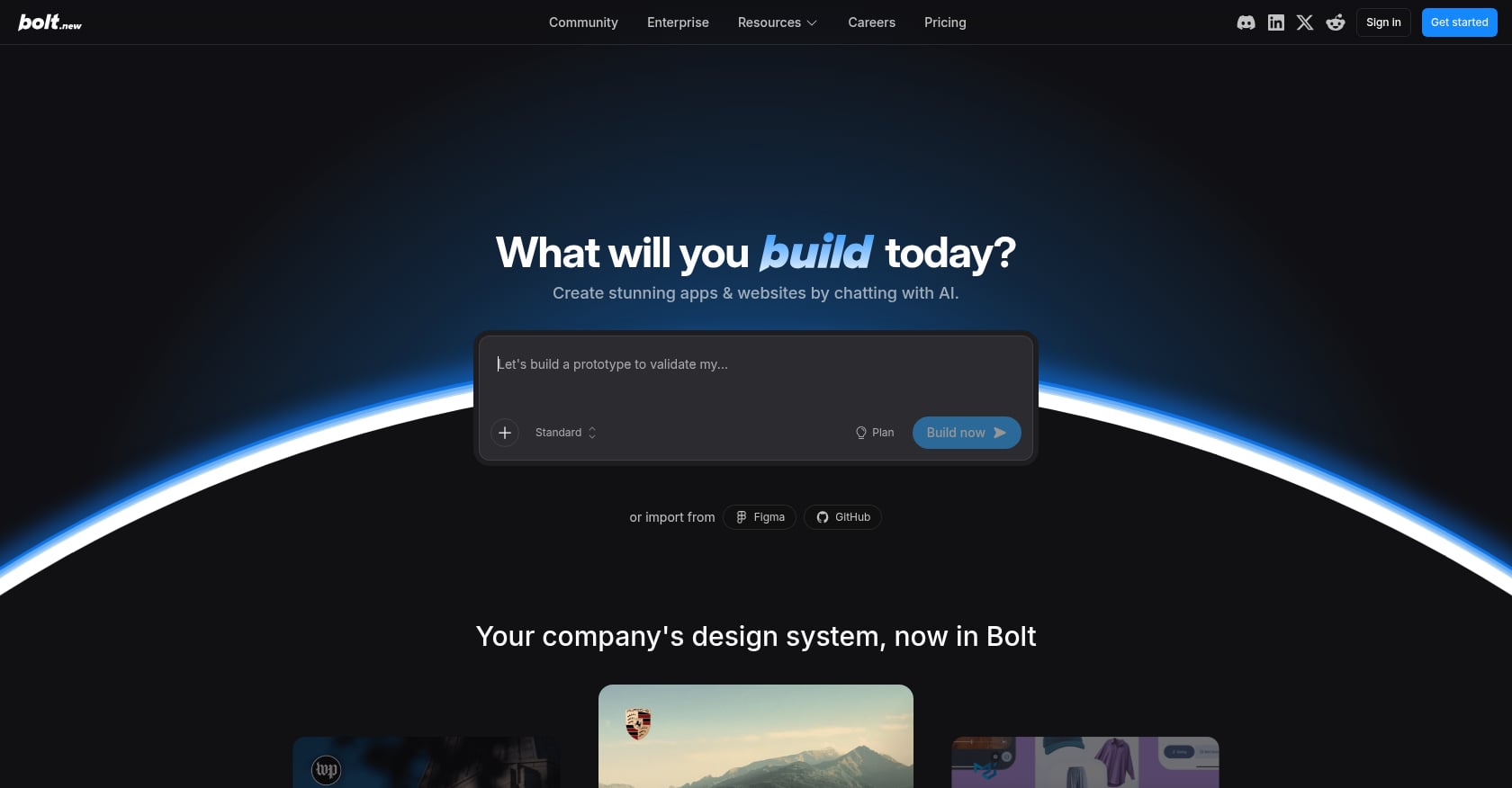
Best for: Quick web prototypes and MVPs where speed matters more than platform distribution.
Bolt.new is an open-source AI coding engine that generates applications across multiple frameworks including React, Vue, Svelte, and Next.js. For web-only projects where you need a working prototype fast, it's among the cheapest and most flexible options.
Key features:
Multi-framework support (React, Vue, Svelte, Next.js)
One-click Netlify deployment
Figma import
Open-source engine
Pricing: Token-based usage. Free tier for small projects. Pro around $20/month.
Real user sentiment: Practitioners on forums consistently flag token consumption as the pain point. Complex apps eat through credits quickly, and the AI can lose context on longer conversations. The consensus: Bolt is best for fast prototypes and MVPs rather than complex production apps.
For creators weighing Bolt against guided mobile-first tools, this comparison of web vs. native builders breaks down the practical differences.
Tradeoffs:
Web only. Apps can't be submitted to the Apple App Store or Google Play.
Token burn on complex projects
AI loses context in longer sessions
No mobile-native capabilities whatsoever
How to Choose the Right AI App Studio for Creators
The decision tree is simpler than it looks once you answer one question: where does your audience live, and how much hand-holding do you actually want?
Want a guided, structured path to a real iPhone app? x1 is built for exactly that, feasibility checks, planning, milestone-based building, QA, and App Store submission support in one workflow, with a free-credit trial to test it before paying.
Want broader Apple device coverage (Watch, TV, Vision Pro)? Rork Max gets you there, but expect a chat-only interface and documented credit-burn issues.
Want both iOS and Android? Standard Rork (React Native) or FlutterFlow. Rork is faster to start. FlutterFlow gives you more control and code export but demands more technical skill.
Want Android only? Google AI Studio's free entry point is hard to beat, though it's still early and limited in scope.
Want a web app? Lovable or Bolt.new. Lovable handles full-stack logic better. Bolt is faster for pure prototyping.
On a tight budget? x1's roughly $19/month entry plan (plus the free credits to test it first), Adalo's flat $36/month with no overage charges, and Google AI Studio's free tier are the most predictable cost structures depending on which platform you're targeting.
For non-technical founders still sorting through these options, the key insight is that choosing the wrong category of tool, not just the wrong tool, is the most expensive mistake.
Which Platform Should You Choose?
If you want... | Choose... |
|---|---|
Fastest prototype | |
Cheapest Android option | Google AI Studio |
Native iPhone app | x1 |
Full code ownership | FlutterFlow |
Cross-platform mobile | FlutterFlow |
Web SaaS | Lovable |
Beginner-friendly native apps | Adalo |
Hidden Costs Most AI App Studio Pricing Pages Don't Mention
Monthly subscription prices rarely tell the full story.
Potential additional costs include:
Expense | Typical Cost |
|---|---|
Apple Developer Program | $99/year |
Google Play Developer | $25 one-time |
AI credits | Variable |
Cloud hosting | $5–200+/month |
Database | Often extra |
Custom domain | ~$10–20/year |
Third-party APIs | Usage-based |
Analytics | Sometimes paid |
Many creators underestimate these recurring expenses when budgeting for their first app.
How We Evaluated These AI App Studios
To compare platforms fairly, we scored each one using the same evaluation criteria.
Evaluation Criteria
Mobile app output
App Store readiness
Ease of use
AI assistance quality
Code ownership
Pricing transparency
Scalability
Design workflow
Community support
Creator friendliness
Our rankings prioritize creators launching their first production app rather than experienced software developers.
What Creators Get Wrong
Mistake #1: Choosing a web builder when you need a native app. This is by far the most common and costly error. Practitioners on Reddit report spending weeks building in a web-app tool only to discover they can't submit to the App Store. The confusion between "looks good on a phone" and "is a real mobile app" persists across every community forum.
Mistake #2: Underestimating credit costs. Across Rork, Lovable, and Bolt, the advertised credit counts don't last as long as expected. UI iteration, the part where you tweak colors, adjust spacing, and rework flows, is the biggest credit drain. One practitioner on a forum described it bluntly: Lovable's 100-credit Pro allotment can last less than one day during intensive building sessions. Several online reviews of Rork in 2026 confirm similar credit consumption patterns.
Mistake #3: Ignoring App Store submission requirements. As one widely-shared community post put it: "Demo-ready is not review-ready." Creators who use prompt-only tools often end up with apps that look great in a walkthrough but fail Apple's review for missing privacy labels, incomplete metadata, or architectural violations. Tools that build the submission step directly into the workflow, like x1's Publishing Studio, eliminate an entire class of rejection reasons before they happen.
Mistake #4: Building without a plan. The "one-shot prompt" approach, where you type a paragraph and hope for a complete app, produces brittle results. Screens don't connect logically. Data models conflict. Authentication flows break. A structured, studio-based approach where you check feasibility and plan screens and features before generating code produces dramatically better outcomes.
Start Building
The AI app studio category is young, fast-moving, and finally reaching the point where a creator with zero coding experience can ship a real app to real users. The market statistics back this up: 80% of low-code users will come from outside formal IT departments by 2026, according to Gartner.
But the tool you pick determines whether you end up with a functioning App Store product or an impressive demo that goes nowhere. For creators focused on iPhone apps, x1's guided studio workflow, from the feasibility check through planning, design, milestone QA, and App Store submission prep, addresses the full journey that other tools leave half-finished.
Explore x1's examples to see the kinds of apps creators are building with it, or check the pricing page to find the right plan and see what the free credits cover.
FAQ
Can I really build an app without coding using an AI app studio?
Yes, but "build an app" means different things depending on the tool. Web app builders like Lovable and Bolt.new produce browser-based applications from natural language prompts. Mobile-focused builders like x1 and Rork Max generate apps that compile and run on iPhones, with the App Store as the eventual destination. Both require zero coding, but the output and distribution possibilities are fundamentally different.
Will Apple reject my AI-generated app?
Not automatically. Apple evaluates apps against its published guidelines regardless of how the code was written. However, in March 2026 Apple blocked updates for apps that relied on dynamic code execution, which affects certain AI coding platforms. Apps built as standalone applications pass review at rates comparable to hand-coded apps, assuming they meet all standard quality and metadata requirements.
What's the real monthly cost of using these platforms?
Sticker prices are misleading. A $25/month Lovable subscription doesn't include cloud hosting or credit top-ups for intensive sessions. FlutterFlow's $80/month plan excludes database costs. Adalo's $36/month is among the most predictable because it includes the database and has no overage charges. x1 starts around $19/month with roughly 100 free credits to try the workflow first, plans scale up from there for more credits and active projects. Always factor in the Apple Developer Program fee of $99/year if you plan to publish to the App Store.
What's the difference between a web app and a native app?
A web app runs in a browser (Safari, Chrome) and can't be listed in the Apple App Store or Google Play Store. A native or mobile-compiled app is built for a specific operating system, installed on the device, and can access push notifications, camera, sensors, and other hardware features. If your goal is to be in the App Store, you need a tool built around that path.
Which AI app studio is best for content creators specifically?
Most platforms target developers or startup founders. For content creators who need brand-forward design, a companion app for their audience, and help with App Store listing assets, x1 is the most purpose-built option. Its Brand Studio and Publishing Studio were designed for people who think in terms of audience and positioning, not code and APIs. Worth noting: x1 is still early-stage and pre-launch, so check the reviews page for the most current builder feedback as it's added.
Can I switch platforms later if I pick the wrong one?
It depends on code export. Rork Max, FlutterFlow, Lovable, and Bolt.new all offer some form of code export (Swift, Flutter, or React), which means you can take your code to a developer for continued work. Adalo doesn't offer code export, creating stronger lock-in. x1's workflow is studio-managed rather than export-first, so check current options directly if that's a priority for you. Even with export, switching platforms mid-project is painful. Choosing the right category (mobile vs. web vs. cross-platform) from the start saves the most time and money.
How long does it take to go from idea to published app?
With prompt-based tools, you can have a working prototype in hours. But "working prototype" and "App Store approved" are very different milestones. Practitioners report that the build phase typically takes one to three days, while preparing for App Store submission (screenshots, metadata, privacy labels, testing) adds another one to two weeks. Tools with integrated launch workflows, including feasibility checks and built-in publishing prep, compress that timeline significantly.
Do AI app studios own the code they generate?
It depends on the platform. Some provide full code export, while others keep projects inside their ecosystem. If long-term ownership matters, verify export options before starting your project.
Can AI app studios connect to existing APIs?
Most modern platforms support third-party APIs either natively or through custom integrations. This allows creators to connect payment processors, CRMs, analytics, email platforms, and AI services.
Are AI-generated apps allowed in the App Store?
Yes. Apple reviews the quality, security, and compliance of an app rather than whether AI generated the code. Apps that meet App Store Review Guidelines can still be approved.
Which AI app studio is easiest for beginners?
For complete beginners, platforms with guided workflows generally reduce the learning curve more than prompt-only builders because they break development into manageable stages.